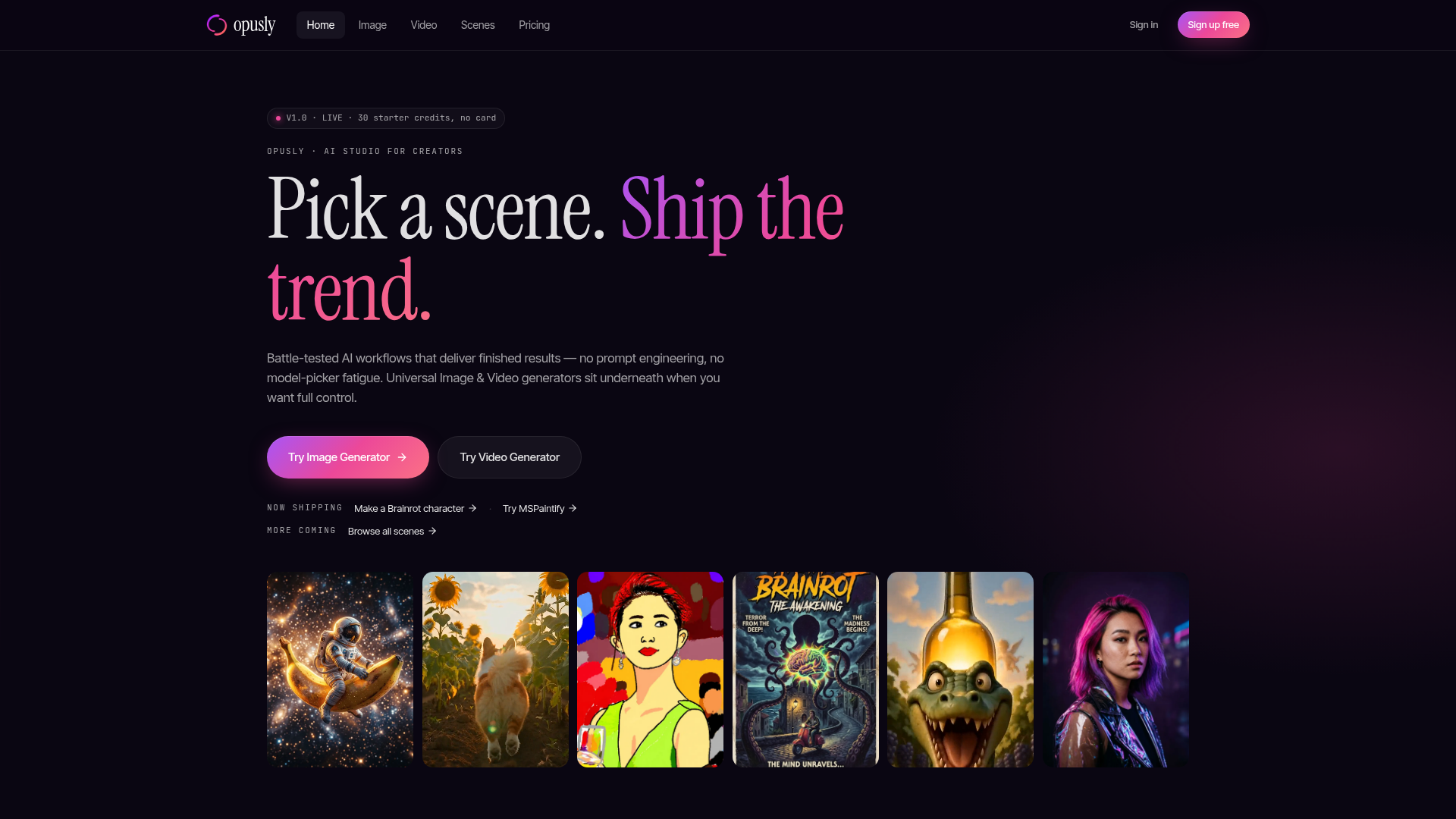
What is Opusly?
Opusly is an AI Studio designed specifically for creators. It provides battle-tested AI workflows and universal generators that enable users to produce finished, trendy content—like images, videos, and viral characters—without needing expertise in prompt engineering or model selection. The platform is built to cut decision costs to zero, allowing creators to focus on shipping results.
What is the main feature of Opusly?
- Curated Workflows ("Scenes")
- Pre-built prompt templates and simplified UIs for specific trends (e.g., "Italian Brainrot" characters, "MSPaintify" image effects) deliver finished results in just a few clicks.
- Universal AI Generators
- Full-control tools for Image Generation (text-to-image and image-to-image) and Video Generation (text-to-video and image-to-video with native audio) sit underneath the scenes.
- Intelligent Model Selection
- The platform automatically chooses the best-performing AI model for each use case (e.g., Nano Banana 2 for images, Seedance 2.0 for video), so users don't have to compare or choose.
- Creator-Centric Ownership
- Users own everything they create. Pro and Studio plans include commercial rights, and sharing to galleries or social media is always opt-in, with privacy as the default.
- Flexible, Subscription-Free Access
- Start with 30 free credits, then top up with one-time credit packs (Image Pack or Video Pack) without needing a recurring subscription.
How to use Opusly?
Using Opusly is a straightforward three-click process centered on a single credit wallet:
- Pick a Scene or Tool: Choose a curated workflow (Scene) for a specific trend or open a universal tool (Image/Video Generator) for full creative control.
- Provide Minimal Input: For a scene, select a few options. For a tool, enter a text prompt or upload a reference image. The right AI model spins up automatically.
- Download & Share: Receive your output as a PNG or MP4 with native audio, pre-sized for platforms like X, TikTok, and Reels. Credits are spent from your wallet at a rate of approximately 1 credit = $0.05.
Can I generate images and videos using Opusly?
Absolutely. Opusly excels at both AI image and video generation:
- AI Image Generator
- Utilizes models like Nano Banana 2 for text-to-image and GPT-Image-2 for image-to-image edits.
- AI Video Generator
- Powered by Seedance 2.0, it creates videos up to 15 seconds from text or images, with the unique ability to generate voice, lip-sync, and music natively in one pass. Dialogue wrapped in quotes automatically matches mouth movement.
How many curated "Scenes" are available on Opusly?
Opusly launches with battle-tested scenes like ### "Italian Brainrot" for creating viral characters and ### "MSPaintify" for cursed image redraws, with more continually being added. Users can browse all available scenes to find the perfect workflow for the trend they want to ship.
How can I maximize my use of Opusly's AI services?
To get the most from Opusly:
- Start with Free Credits
- Use your 30 welcome credits to test drive the image generators and explore scenes.
- Leverage Scenes for Trends
- For quick, high-quality results aligned with current trends, use the pre-built scenes to skip prompt engineering entirely.
- Use Tools for Control
- When you need specific, custom outputs, switch to the universal Image or Video Generator for full prompt control.
- Choose the Right Plan
- If you heavily rely on AI generation, subscribe to Pro or Studio for higher resolutions, video access, commercial rights, and more monthly credits.
Will my information be used for your training data?
User privacy and ownership are paramount. Your data and creations will not be used to train Opusly's or any third-party AI models. Every image, video, and character you generate belongs to you.
What is the price of Opusly?
Opusly operates on a transparent credit system (1 credit ≈ $0.05) with tiered plans:
- Free
- $0. Includes 30 one-time starter credits for image generation at 1K resolution.
- Pro ($34.99/month)
- The most popular plan. Includes 700 credits monthly for 2K images, up to 720p/15s video, and commercial rights.
- Studio ($89.99/month)
- For cinema-grade output. Includes 1800 credits monthly for 4K images, 1080p/15s video, and commercial rights.
- Credit Packs
- Subscription-free option. Top up with a ### $4.99 Image Pack or ### $14.99 Video Pack, which have a 90-day shelf life.
Helpful tips for using Opusly
- Explore Scenes First
- If you're new to AI generation or want trendy results fast, start with a curated Scene. It handles all the complex prompting for you.
- Understand Credit Value
- One credit is worth about $0.05. Factor this in when planning your projects, especially for video generation which consumes more credits.
- Use Native Audio
- When creating videos with dialogue, wrap the speech in quotes (
"like this") to leverage the automatic, synchronized lip-sync feature. - Opt-In to Share
- Your work is private by default. Use the "Share to X" buttons or opt-in to the community gallery if you want exposure or feedback.
Frequently Asked Questions
Is Opusly really free to start?
Yes. You can sign up for free and immediately receive 30 starter credits without a credit card. This lets you test image generation. For continued use or video features, you can upgrade to a paid plan or purchase a one-time credit pack.
How does the credit system work?
All generation tasks—across every scene, tool, and model—draw from a single credit wallet. You spend credits as you create, with a transparent approximate value of $0.05 per credit.
Can I use the output commercially?
Yes, commercial rights are included with both the Pro and Studio subscription plans. You own what you create and can use it for commercial purposes.
Which models do you use?
Opusly uses top-performing models selected for specific tasks: primarily ### Nano Banana 2 for text-to-image, ### GPT-Image-2 for image-to-image edits, and ### Seedance 2.0 for video generation with native audio.
Do credits expire?
The 30 free starter credits are for one-time use. Purchased credits in the ### Pro and ### Studio monthly plans refresh every month. Credits from one-time ### Image or ### Video Packs expire after 90 days.
Scene
Pick a scene, ship the trend. Curated AI workflows on top of best-in-class image and video models. No prompt engineering, one credit wallet. Free + 30 cr.
 Cloudflare
 HTTP/3
 Next.js
 Node.js
 React
React Webpack
Free AI anime and manga generator. Turn text into anime episodes, manga, comics, webtoons and comic shorts in any art style — no drawing or animation skills needed.
Translate image text across 70+ languages with our advanced AI Image Translator to help you better expand your products globally to various countries
Advertised Here
Reach thousands of visitors daily. Get your spot now!
Tools similar to Scene
Create AI images and video from a prompt — text-to-image, AI video, face swap, and an AI image editor in one creative studio. Free starter credits to try.
Turn text and reference images into AI videos and images with ZNIX. Compare available models, check credit costs, and download results from one creative workspace.
Create AI videos, images, music, UGC scenes and product shots. Get free daily credits for images, videos and music. Explore Everygen AI models, Viewmax and MCP resources.
Create videos with the EveryGen AI video generator. Plan and edit in the EveryGen AI video studio, with images, audio, music and MCP.
Create AI videos, images, and audio with Seedance, Kling, Veo, GPT Image, and practical creative tools. See exact costs upfront; failed runs cost no credits.
Make finished videos, ads and designs with an AI designer, a cast of AI characters and 100+ top image, video and music models. 300 free credits a month.
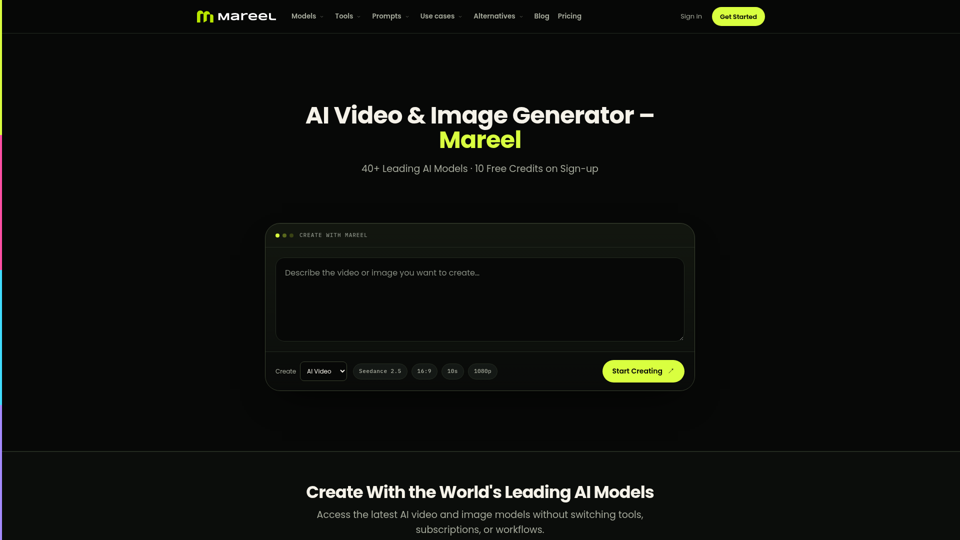
Create AI videos and images with 40+ leading AI models in one workspace. Compare models, choose a subscription, and manage generation credits in one place.