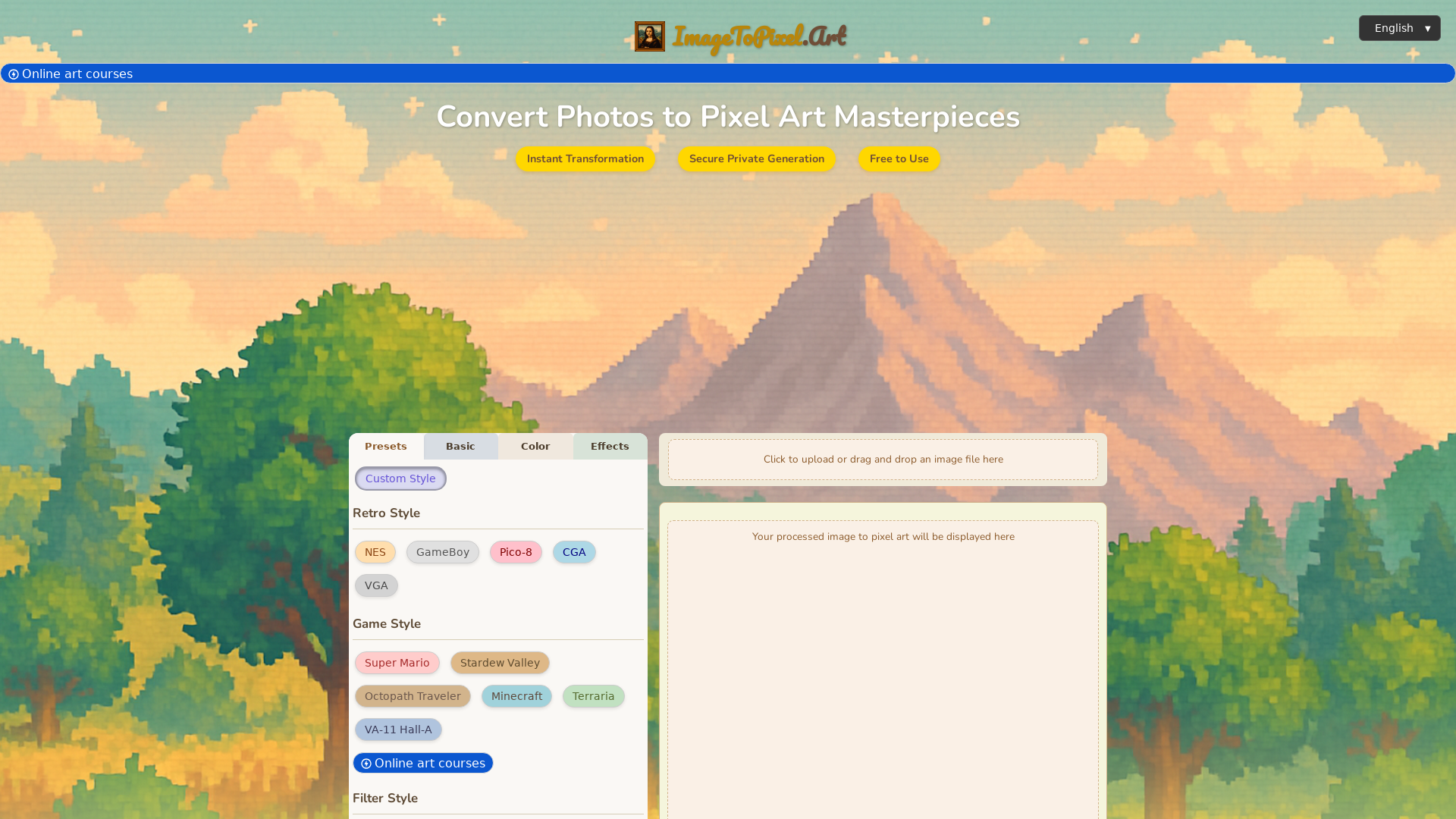
What is ImageToPixel.Art?
ImageToPixel.Art is a free online tool designed for transforming any image into captivating pixel art. By simply uploading your photos or graphics, you can utilize various controls and presets to create unique and customized pixelated renditions, turning ordinary pictures into extraordinary digital art.
What are the main features of ImageToPixel.Art?
- Instant Transformation
- Convert images to pixel art in seconds, maintaining high quality.
- Unlimited Creativity
- Freely express your artistic vision by transforming any image into pixel art.
- Multiple Styles
- Choose from diverse pixel art styles, including retro gaming aesthetics or modern interpretations.
- Easy to Use
- The user-friendly interface allows even non-designers to create stunning pixel art effortlessly.
- Completely Free
- Utilize all features without any hidden costs or registration requirements.
- Easy Download
- Save your creations in high-quality PNG format for sharing or printing.
How to use ImageToPixel.Art?
Using ImageToPixel.Art is a simple three-step process:
- Upload: Drag and drop or select your image file (JPG, PNG) to begin.
- Customize: Explore various presets, adjust pixel sizes, colors, and effects to achieve your desired look.
- Download: Once satisfied with your pixel art masterpiece, click download to receive your image in high quality.
Price
ImageToPixel.Art is completely free to use, offering all core features without any subscription or hidden fees. Enjoy transforming your images into pixel art without any financial commitments!
Helpful Tips
- Utilize presets
- Explore the available presets for different styles to jump-start your pixel art creation.
- Experiment with settings
- Test various pixel sizes and color palettes to find what best fits your artistic vision.
- Check real-time previews
- Make adjustments as you go and see changes instantly to ensure your design meets your expectations.
- Share your work
- After downloading your pixel art, share it on social media to showcase your creativity!
Frequently Asked Questions
What exactly is ImageToPixel.Art?
ImageToPixel.Art is an online tool that allows you to convert images into pixel art easily. You can customize the pixelation settings to achieve various artistic styles.
How do I turn a picture into pixel art using this tool?
Upload your image and adjust the settings for pixel size, colors, and styles. The tool provides real-time previews of your changes for quick adjustments.
Is this image to pixel art converter free to use?
Yes, the tool is completely free with no hidden fees or registration required.
What kind of images can I convert to pixel art?
You can convert common formats such as JPG and PNG, making it versatile for photos, illustrations, and more.
What’s the best way to achieve a retro game aesthetic?
Use presets geared toward retro styles like NES or GameBoy, or manually adjust the pixel size and color palettes to replicate classic aesthetics.
Can I use this tool for social media graphics?
Certainly! Create unique pixel avatars or posts that stand out on your social media profiles.
Is transparency supported in pixel art images?
Yes, you can manage transparency through the alpha threshold setting.
Are there advanced options for fine-tuning my pixel art?
Absolutely! The tool includes advanced features such as various dithering algorithms and post-processing effects for optimal pixel art conversion.
What makes ImageToPixel.Art a prominent choice for pixel art conversions?
The tool is user-friendly, offers extensive customization options, provides real-time previews, and is entirely free, making it ideal for both beginners and seasoned artists.
ImageToPixel.Art
Effortlessly convert image to pixel art with ImageToPixel.Art, your free online picture to pixel art converter. Transform photos, customize styles, and download stunning pixel art masterpieces in seconds. Ideal for all your image to pixel needs.
 Cloudflare
 Google AdSense
 Google Analytics
 HTTP/3
Free AI anime and manga generator. Turn text into anime episodes, manga, comics, webtoons and comic shorts in any art style — no drawing or animation skills needed.
Translate image text across 70+ languages with our advanced AI Image Translator to help you better expand your products globally to various countries
Advertised Here
Reach thousands of visitors daily. Get your spot now!
Tools similar to ImageToPixel.Art
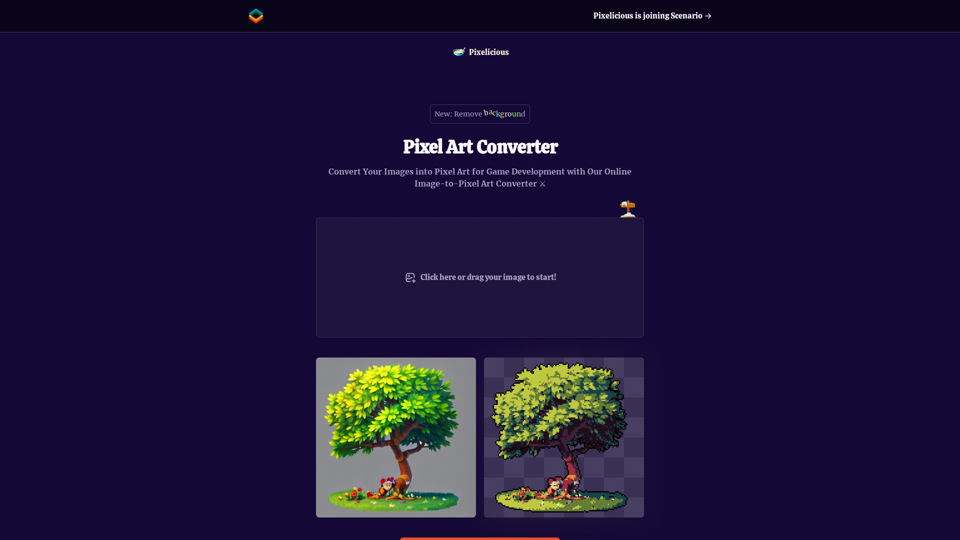
Quickly and easily convert your images into pixel art with our online image to pixel art converter. Simply upload your image and choose your pixelation level to transform your photo into a retro-style pixel art masterpiece.
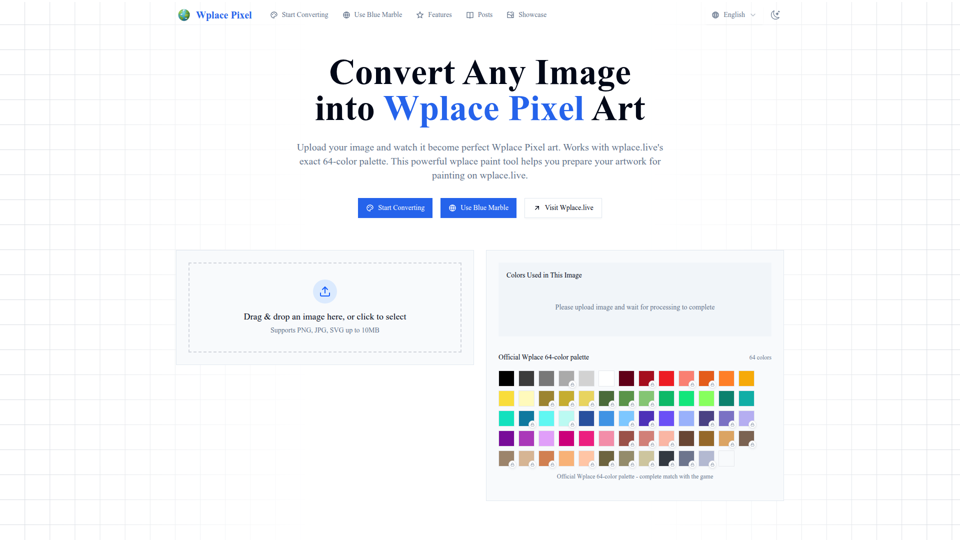
Convert any image into perfect wplace.live pixel art. Uses color palette with grid info and cost estimates. Free pixel art converter & painting preparation tool.
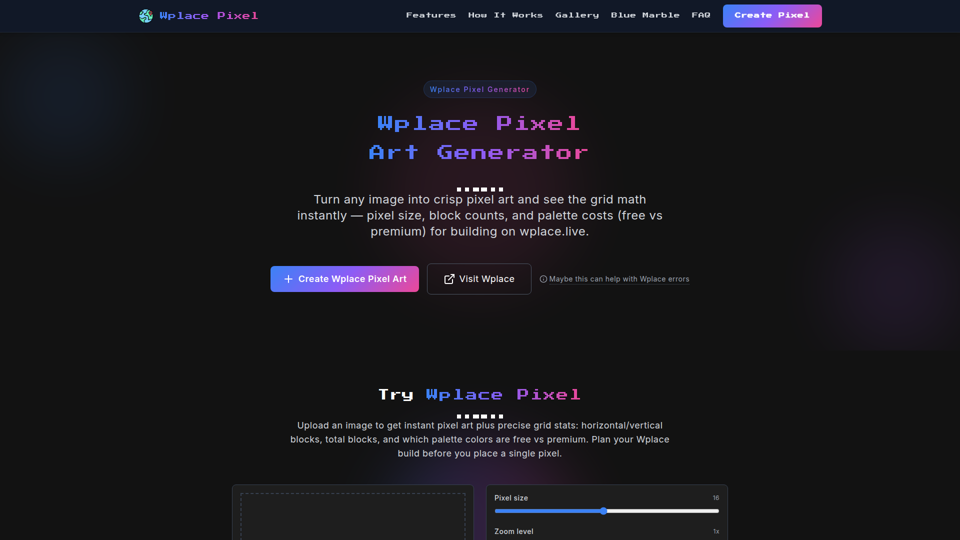
Transform any image into Wplace pixel art with wplace pixel converter. Create perfect Wplace pixel designs for the collaborative world map.
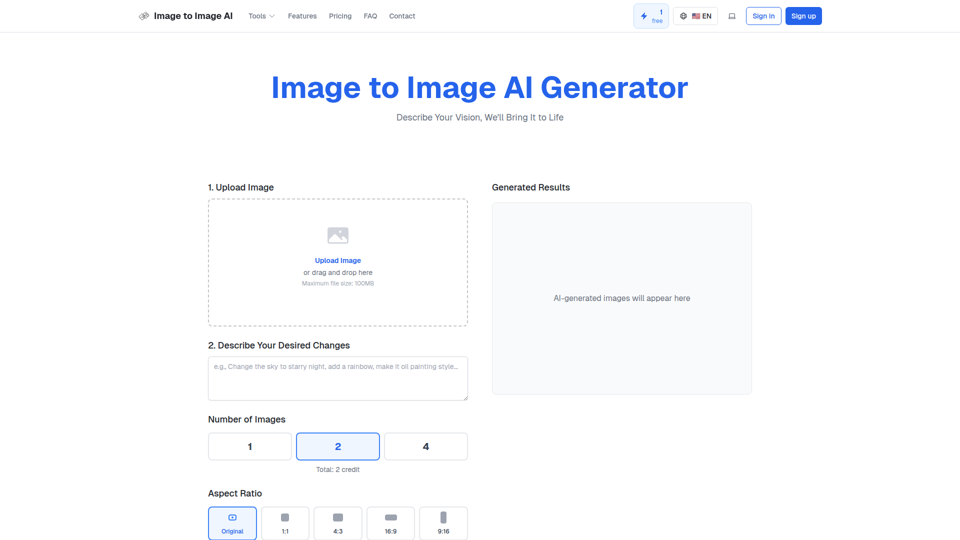
Convert image to image with AI. Transform, edit and generate images using our free image to image AI converter. Best AI image to image generator.
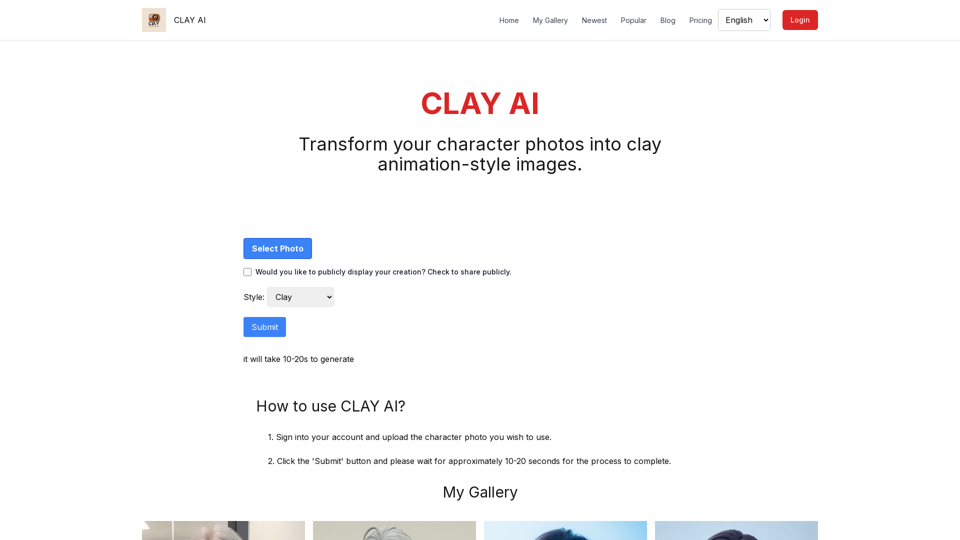
Easily convert your photos into unique clay, 3D, emoji,video game, and pixel filters with Clay AI. Perfect for creating personalized avatars. Share directly on social media
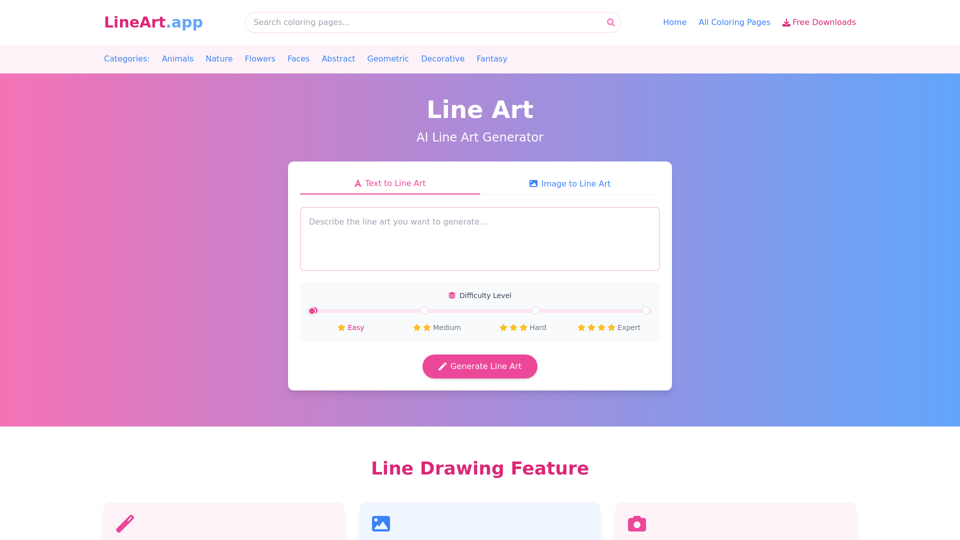
Free line art and line drawing and coloring pages resources download. Powerful AI line art generator to convert text, pictures, photos to line drawing.
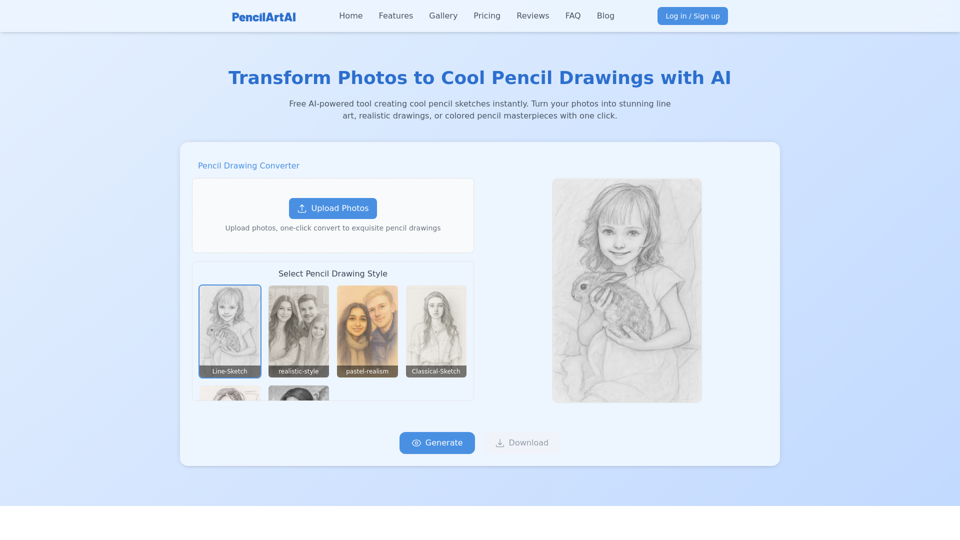
Cool pencil drawings made with AI. Easily convert your photos into stunning images in various artistic styles.