What is Wplace Pixel?
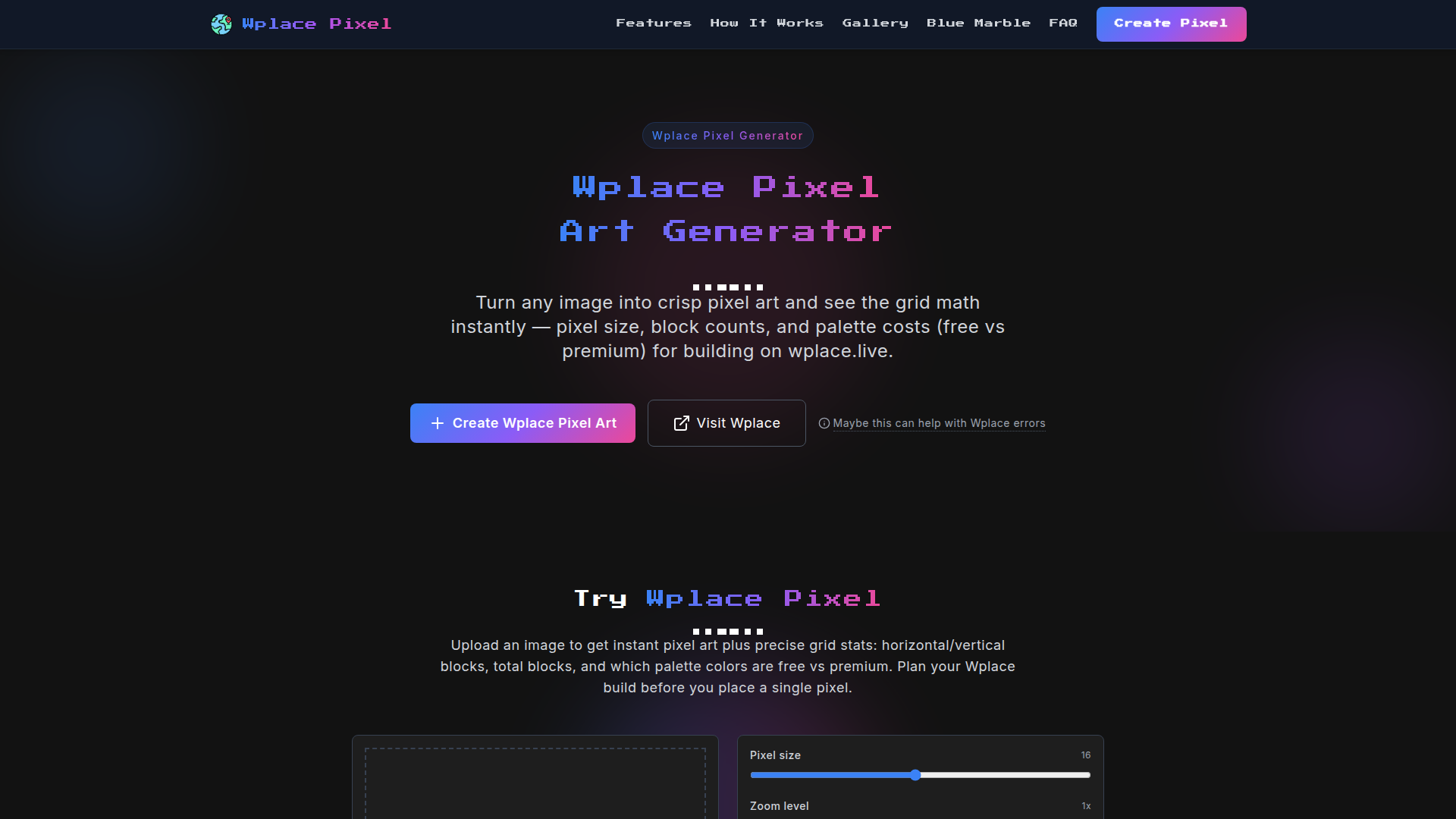
Wplace Pixel is a unique online tool that allows users to transform any image into vibrant pixel art tailored for the Wplace collaborative world map. This innovative image-to-pixel converter aims to enhance your participation in a viral social media phenomenon, where millions of users come together to create intricate pixel art on a real-time canvas. Harness the power of Wplace Pixel to contribute to your local or global community's artistic endeavors, whether it's by placing beloved character designs like Spamton or joining in massive collaborative art projects.
Features of Wplace Pixel
- Instant Pixel Art Conversion
- Upload any image, and instantly convert it to pixel art, allowing you to visualize your contributions to Wplace quickly.
- Comprehensive Grid Statistics
- Get essential metrics including horizontal and vertical block counts, total blocks needed, and an analysis of color usage.
- Wplace Official Color Palette
- Easily access a range of colors, identifying which ones are free versus premium for your creation needs.
- Adjustable Pixel Size
- Customize pixel dimensions easily to find the right balance between detail and complexity for your project.
- User-Friendly Sharing
- Download your pixel art or share directly on social media, perfect for showcasing your creative contributions to Wplace.
How to Use Wplace Pixel
Using Wplace Pixel is a straightforward process designed for maximum efficiency:
- Upload & Preview: Start by uploading any image of your choice. The tool will immediately convert it into pixel art. As you tweak various parameters, the preview automatically updates to ensure you can visualize your project in real time.
- Customize & Calculate: Adjust the pixel size according to your preference. Select colors from the official Wplace palette, enabling you to see both free and premium color options required for your project.
- Analyze & Plan: Obtain detailed grid statistics, including the number of blocks needed in horizontal, vertical, and total calculations. This data aids in resource management and planning for your pixel art creation on Wplace.
Price
While Wplace Pixel offers free usage for basic features, users can access premium features and colors by visiting Wplace.Live. This dual-tier model ensures both casual users and serious artists can benefit from the service according to their specific needs and budget.
Helpful Tips
- Image Selection
- Choose images that are highly recognizable and can be simplified into pixel art without losing essential details.
- Experiment with Pixel Sizes
- Different pixel sizes can drastically change the look of your final artwork, so don’t hesitate to experiment until you find the best fit.
- Utilize the Wplace Color Palette
- Make use of the official color palette for authenticity and cohesion within the Wplace community.
- Engage with the Community
- Share your completed pixel art on social media and engage with other creators to inspire and get inspired.
Frequently Asked Questions
How does the image to Wplace pixel size setting work?
The pixel size setting lets you adjust the resolution of your pixel art. Smaller settings produce more detail, while larger settings create a blockier appearance.
What do the image to Wplace color statistics mean?
Color statistics refer to how many blocks of each color are present in your pixel art and whether those colors are free or premium on the Wplace platform.
How accurate are the image to Wplace block counts?
The block counts provided are based on the automated conversion of your original image to pixel art. These counts are typically precise, ensuring users can effectively plan their builds.
Can I save or share my image to Wplace conversion?
Yes, you can easily download your converted pixel art or share it directly on social media platforms to showcase your artwork.
How does the image to Wplace converter process my image?
The converter analyzes your uploaded image by simplifying it to fit the pixel art format while ensuring the color palette and block counts align with Wplace standards.
Why can't I see my image in the Wplace converter?
If you experience difficulties, ensure that the image type is supported (JPEG, JPG, PNG) and does not exceed the maximum file size of 5MB.
Wplace Pixel Art
Transform any image into Wplace pixel art with wplace pixel converter. Create perfect Wplace pixel designs for the collaborative world map.
 Cloudflare
 Google AdSense
 HTTP/3
 Vercel
Free AI anime and manga generator. Turn text into anime episodes, manga, comics, webtoons and comic shorts in any art style — no drawing or animation skills needed.
Translate image text across 70+ languages with our advanced AI Image Translator to help you better expand your products globally to various countries
Advertised Here
Reach thousands of visitors daily. Get your spot now!
Tools similar to Wplace Pixel Art
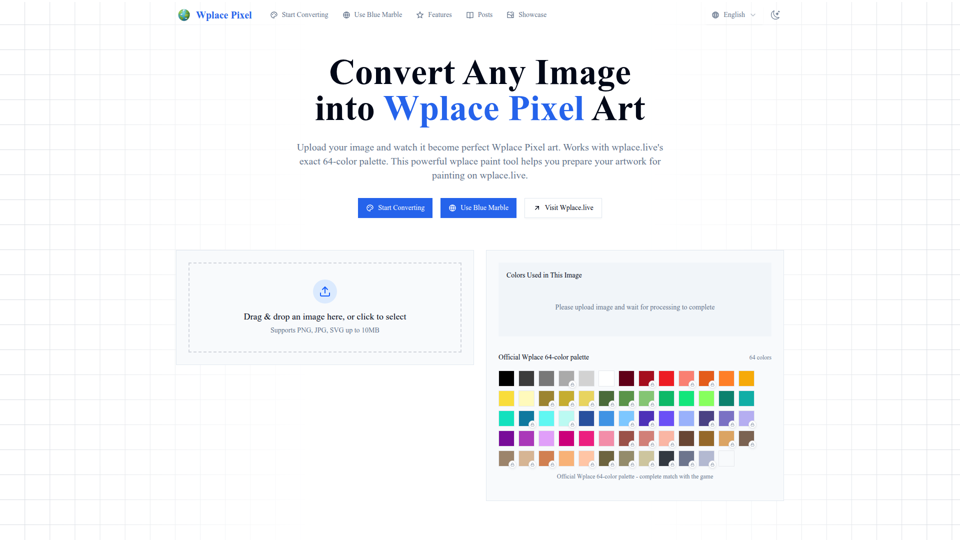
Convert any image into perfect wplace.live pixel art. Uses color palette with grid info and cost estimates. Free pixel art converter & painting preparation tool.
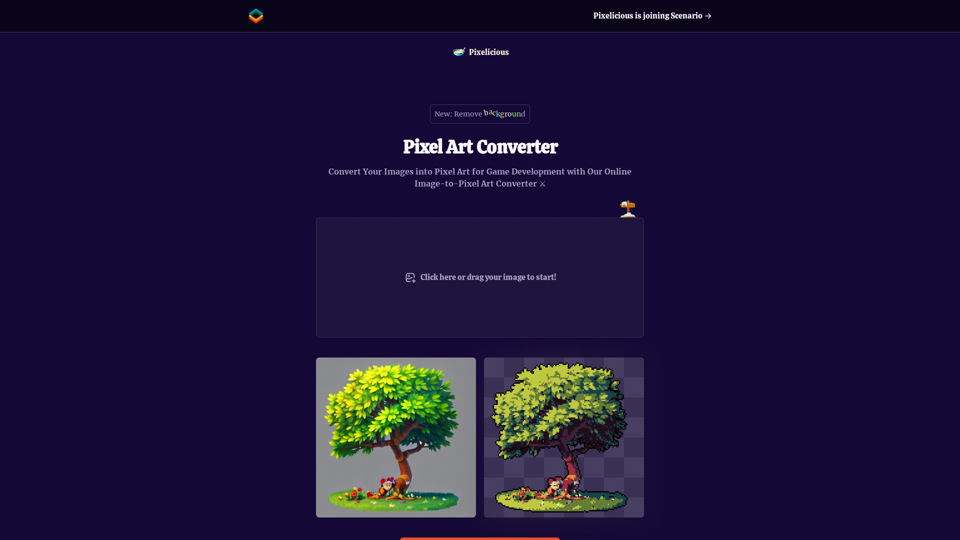
Quickly and easily convert your images into pixel art with our online image to pixel art converter. Simply upload your image and choose your pixelation level to transform your photo into a retro-style pixel art masterpiece.
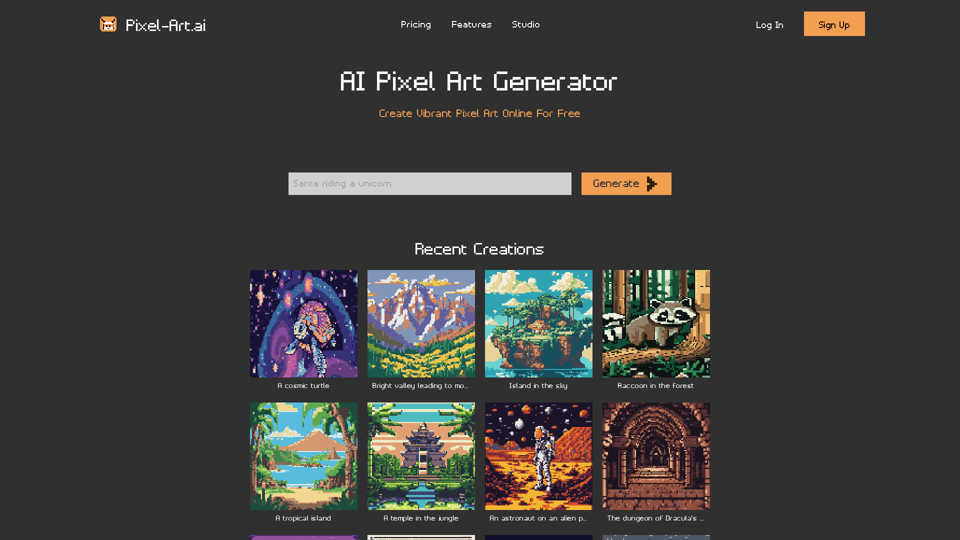
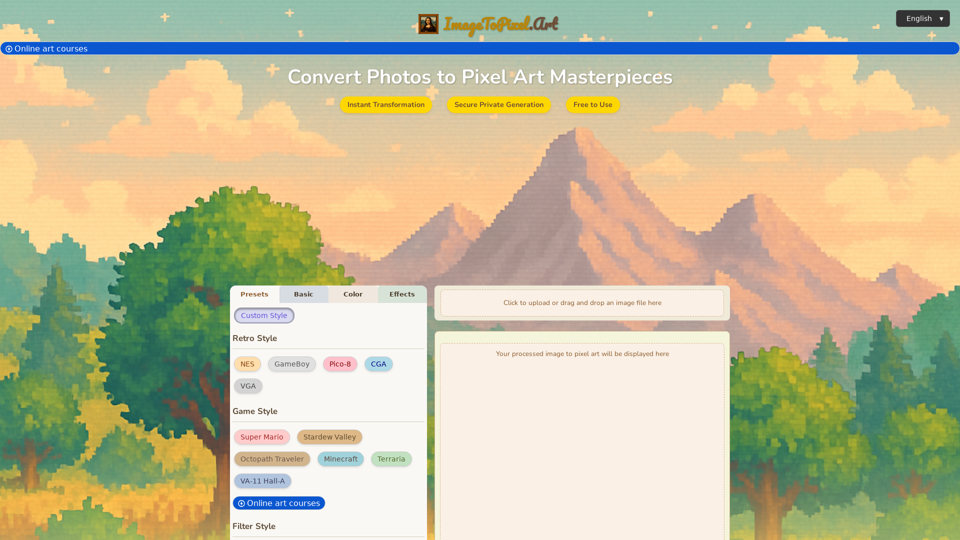
Effortlessly convert image to pixel art with ImageToPixel.Art, your free online picture to pixel art converter. Transform photos, customize styles, and download stunning pixel art masterpieces in seconds. Ideal for all your image to pixel needs.
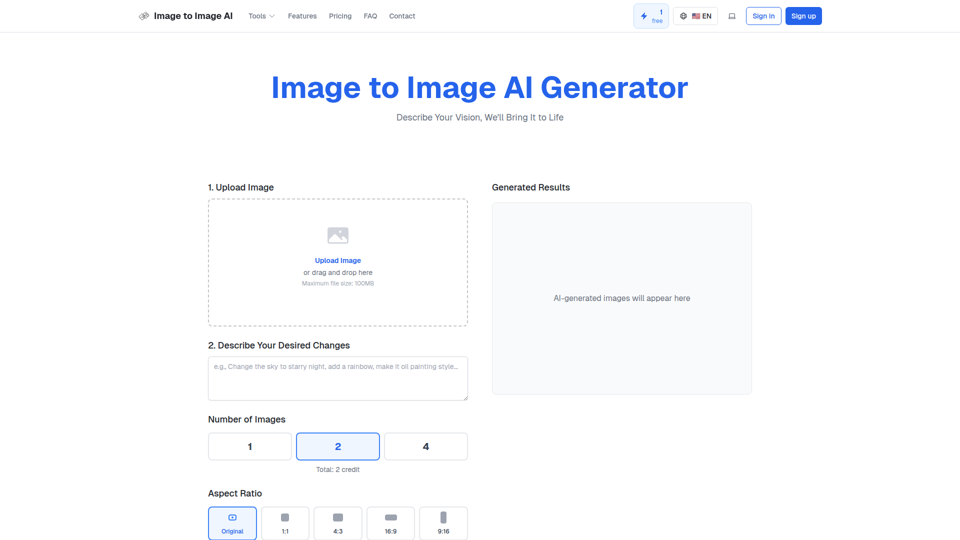
Convert image to image with AI. Transform, edit and generate images using our free image to image AI converter. Best AI image to image generator.
Design of Perception: AI-Generated & Human-Curated Image Collections. Discover our range of large wall arts and premium minimalist apparel, perfect for adding a touch of sophistication to any space or wardrobe. AI-generated art, Large wall arts Premium minimalist apparel,Sophisticated home decor, Modern office art, Fashion-forward minimalist clothing, High-quality art prints.
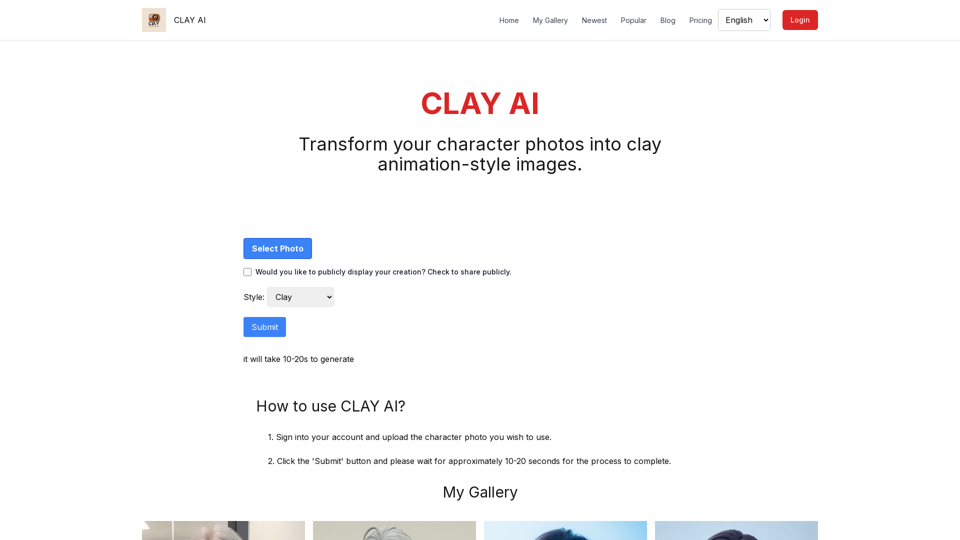
Easily convert your photos into unique clay, 3D, emoji,video game, and pixel filters with Clay AI. Perfect for creating personalized avatars. Share directly on social media