TapVid
AI explainer video generator for interactive motion graphics. Create explainer videos, product demos, and interactive videos from PDFs, scripts, or prompts.
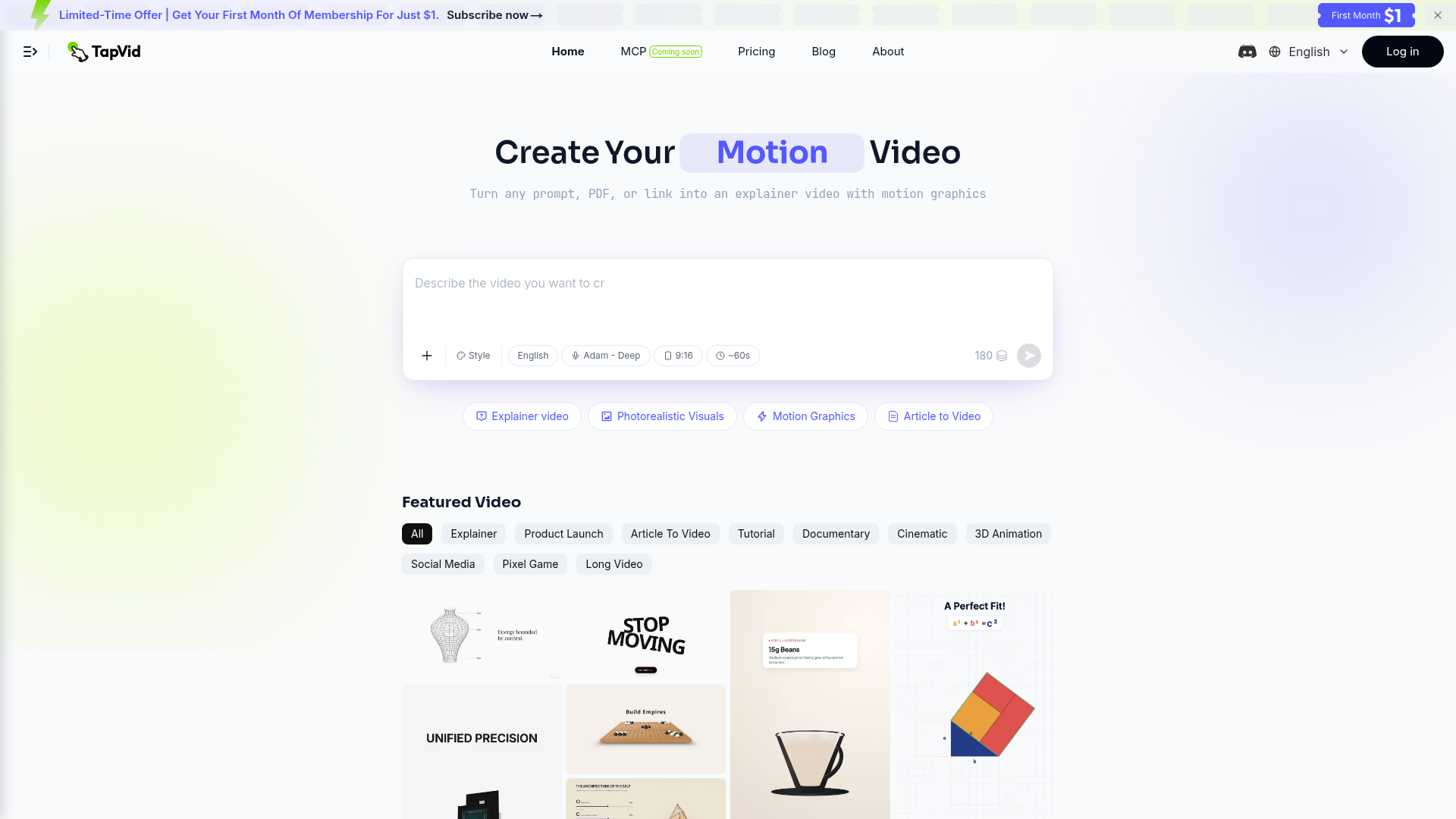
What is TapVid?
TapVid is an AI-powered video creation platform designed to turn any prompt, PDF, or webpage link into a professional, motion-graphics-driven explainer video. It simplifies the entire video production process, allowing users to generate high-quality visual content for marketing, education, tutorials, documentaries, and social media without any prior editing or design experience. The core technology leverages advanced AI agents to automate scriptwriting, visual generation, and video assembly, making sophisticated video creation accessible to everyone.
Key Features of TapVid
TapVid's feature set is built to streamline video production from conception to final export. The primary features include:
- One-Shot Video Creation
- Upload your source material—a prompt, PDF document, or a URL—and TapVid's AI handles the entire workflow. It automatically generates an outline, writes a script, creates matching visuals and motion graphics, and compiles it into a complete, publish-ready video in a single, seamless operation.
- Intelligent Natural Language Editing
- The platform offers a fully natural language-driven editing suite. Users can refine videos by simply typing commands (e.g., "make the intro faster," "add a graph here," "change the narrator's tone to be more cheerful"). This eliminates the need for complex timeline editing software and specialized skills.
- Diverse Video Styles & Templates
- TapVid supports a wide range of video formats including Explainer videos, Product Launch promos, Article-to-Video conversions, Tutorials, Documentaries, Cinematic clips, 3D Animations, and Social Media content. It offers various visual styles like Photorealistic visuals and Motion Graphics to suit different needs.
- Extensive Media Library & Remixing
- The platform provides a rich library of featured videos across numerous categories that users can "Remix." This allows you to start with a proven template and adapt it with your own content, significantly speeding up the creative process.
- High-Quality Export & Priority Rendering
- Paid plans offer 1080p HD exports without watermarks. Higher-tier subscriptions include priority rendering queues for faster processing, support for longer videos (up to 3-5 minutes), and team collaboration features with shared credits.
How to Use TapVid
Using TapVid is designed to be intuitive and requires no technical expertise:
- Start a Project: Sign up and log into the platform. You are presented with a creation box where you can input a text prompt, upload a PDF file, or paste a webpage link.
- Configure Your Video: Select your desired video style (e.g., Explainer, Cinematic), choose a narrator voice (like "English Adam - Deep"), and set the target duration (e.g., 9:16 aspect ratio, ~60 seconds).
- Let AI Generate: Click the generate button. TapVid's AI agent will analyze your input, create a structured outline and script, generate corresponding images and motion graphics, and assemble the final video.
- Review and Edit: Once the initial video is generated, use the Intelligent Edit feature. Provide plain-language instructions in the editing panel to adjust pacing, swap visuals, modify text, or change the audio narration.
- Export and Share: When satisfied, export your video in 1080p quality. Paid subscribers can download watermark-free videos directly for use on websites, social media, presentations, or any other channel.
Pricing Plans
TapVid operates on a credit-based subscription system. Plans are offered on monthly and annual bases (with a 20% discount on annual billing). Credits are consumed for video generation (approximately 3 credits per second of final video).
- Pro Plan ($31.2/month billed annually)
- Credits: 2,000 credits per month (approx. 14 videos of 45-second length).
- Features: 1080p exports, no watermark, videos up to 3 minutes, priority rendering, and unused credits roll over to the next month.
- Max Plan ($79.2/month billed annually)
- Credits: 6,000 credits per month (approx. 42 videos).
- Features: Includes everything in Pro, plus Priority Support, access to add-on credit top-ups, and a faster render queue.
- Ultra Plan ($159.2/month billed annually)
- Credits: 14,000 credits per month (approx. 100 videos).
- Features: Unlocks longer films (3–5 minutes), includes multiple team seats with shared credits, Priority Support, and all Max plan features.
A custom team plan is also available for larger organizations by booking a demo.
Helpful Tips for Maximizing TapVid
To get the best results from TapVid, consider these tips:
- Leverage the "Remix" Feature
- Browse the extensive "Featured Video" gallery. If you see a style or structure you like, use the "Remix" button. This clones the video's flow and style, allowing you to replace the content with your own, saving significant time.
- Provide Clear, Detailed Prompts
- The quality of the input directly impacts the output. When starting with a text prompt, be as specific as possible about the topic, key points to cover, desired tone (formal, casual, exciting), and visual style.
- Utilize Source Documents
- For the most accurate and structured videos, provide a well-written PDF or a link to a clear article. The AI excels at distilling complex written content into concise video scripts.
- Iterate with Natural Language Edits
- Don't treat the first draft as final. Use the Intelligent Edit feature liberally. Ask the AI to "add more visuals in section two," "shorten the conclusion," or "use a more authoritative voice." This iterative process hones the video to perfection.
- Plan Your Credit Usage
- Monitor your credit consumption, especially on Pro/Max plans. A 60-second video uses about 180 credits. Plan your video lengths and monthly output accordingly. Utilize the rollover feature if you have unused credits.
Frequently Asked Questions (FAQ)
Can I try TapVid for free?
The provided content does not specify a free trial tier. However, the platform often runs limited-time promotional offers, such as a first month for $1, allowing new users to test the service at a minimal cost.
What types of content work best as input for TapVid?
TapVid is versatile. It works excellently with clear text prompts, well-structured PDFs (product manuals, reports, guides), and links to blog posts or news articles. The more coherent and detailed the source material, the better the resulting video.
Do I need video editing skills to use TapVid?
No, absolutely not. TapVid is specifically built for users with zero editing or design experience. The entire process, from creation to refinement, is driven by AI and natural language commands.
How long does it take to generate a video?
Generation time depends on video length, complexity, and your subscription tier (which affects render queue priority). The platform is optimized for speed, often delivering initial drafts in minutes.
Can I use the videos commercially?
Yes, videos exported from paid plans (Pro, Max, Ultra) are watermark-free and can be used for commercial purposes, including marketing campaigns, client work, and social media channels.
What if I need more videos than my plan allows?
Higher-tier plans (Max and Ultra) offer more monthly credits. Additionally, the Max plan includes the option to purchase add-on credit top-ups if you occasionally exceed your monthly allowance.
Is TapVid suitable for teams?
Yes, the Ultra plan is designed for teams, offering multiple seats and a pool of shared credits. For larger or custom team needs, you can book a demo to discuss a tailored enterprise plan.
TapVid
AI explainer video generator for interactive motion graphics. Create explainer videos, product demos, and interactive videos from PDFs, scripts, or prompts.
 Next.js
 Node.js
 React
React Vercel
 Webpack
Free AI anime and manga generator. Turn text into anime episodes, manga, comics, webtoons and comic shorts in any art style — no drawing or animation skills needed.
Translate image text across 70+ languages with our advanced AI Image Translator to help you better expand your products globally to various countries
Advertised Here
Reach thousands of visitors daily. Get your spot now!
Tools similar to TapVid
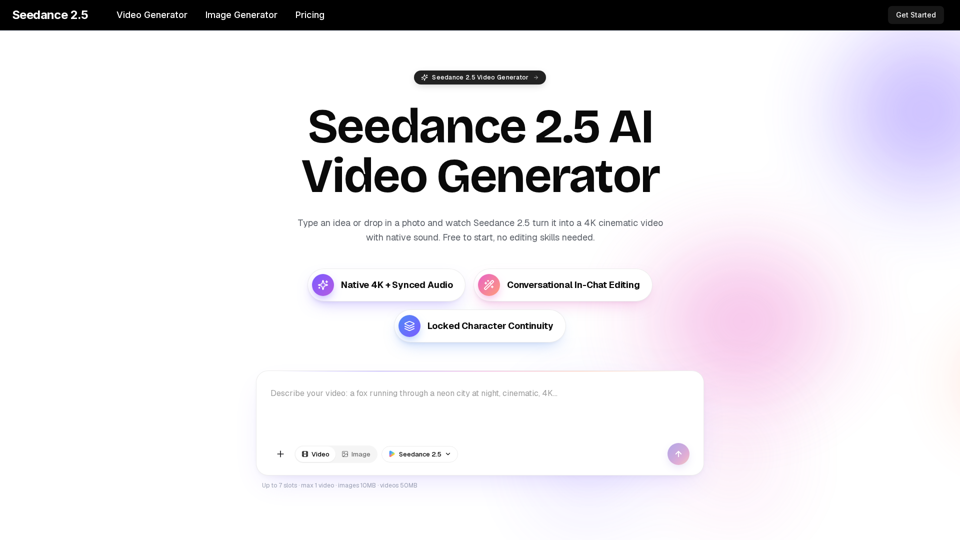
Turn any idea, photo, or clip into a stunning 4K video with Seedance 2.5. The AI video generator with native audio and 30fps motion. Free to try, no skills needed.
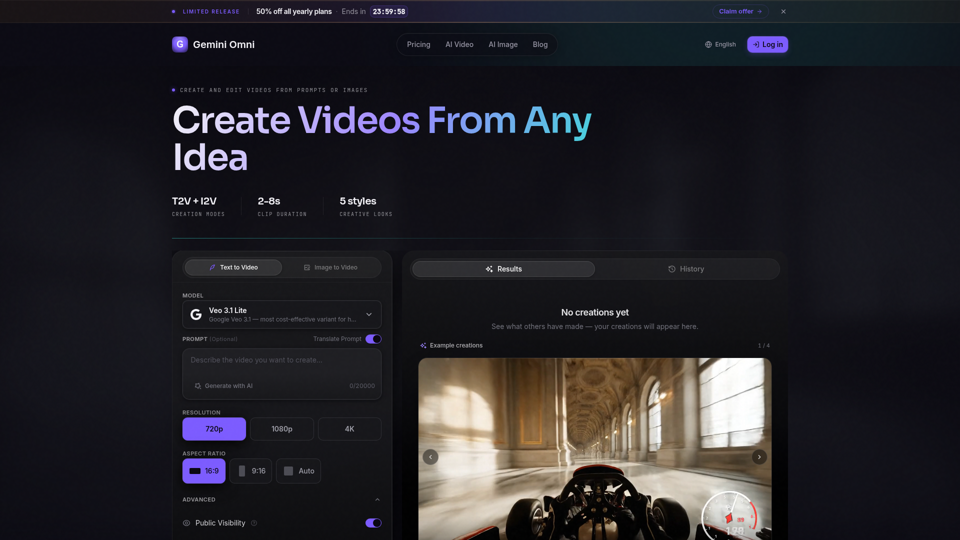
Create AI videos with Gemini Omni from text prompts, images, and reference frames. Generate short clips for social content, ads, product stories, explainers, and visual concepts.
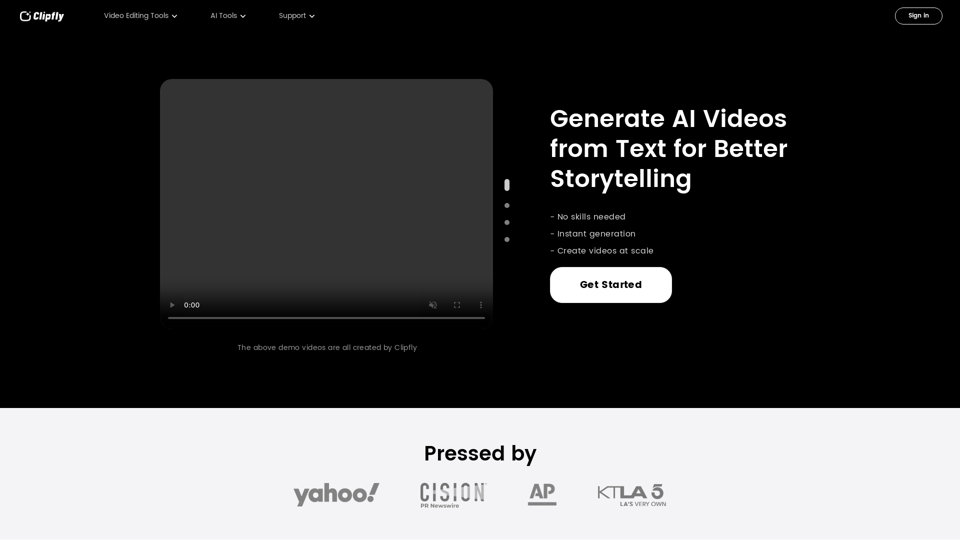
Create amazing AI videos from text prompts using the Clipfly's all-in-one AI video generator. Transform ideas into professional-grade visuals without any skills.
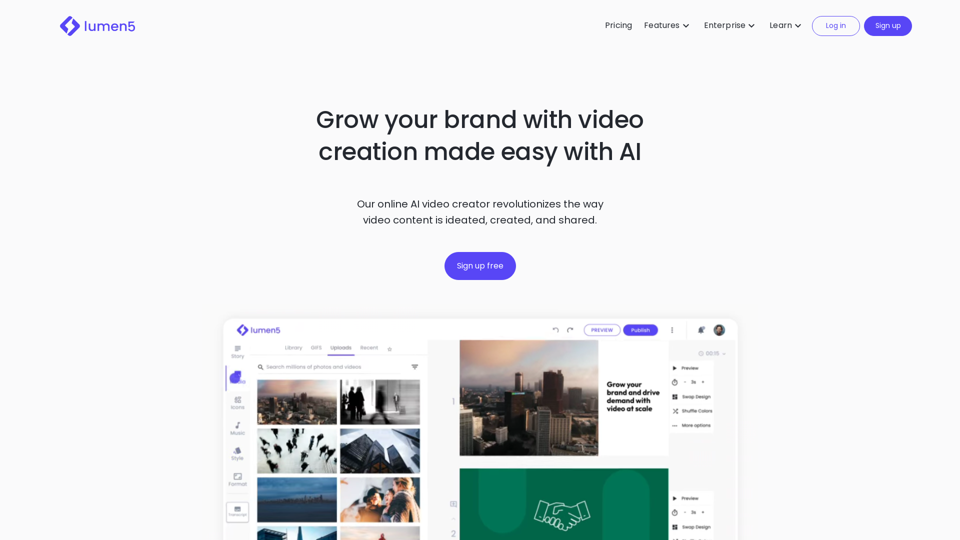
QuickVideo is an advanced AI Video Generator that simplifies video creation. Create professional studio-quality Videos using AI avatars and voiceovers.
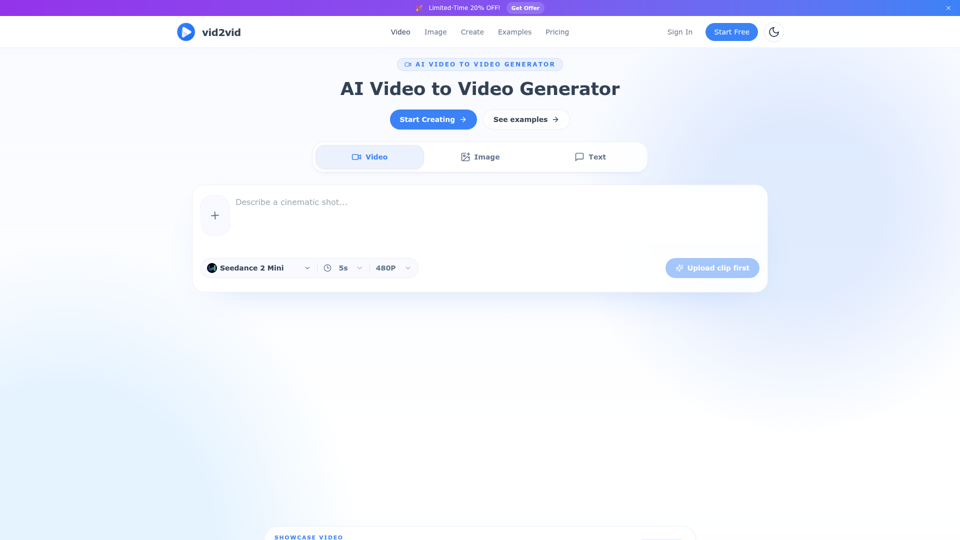
Upload a short clip or image, choose a style, and create remixable AI videos with preserved motion, framing, and timing. Try product ads, anime restyles, movie looks, and more.