reap
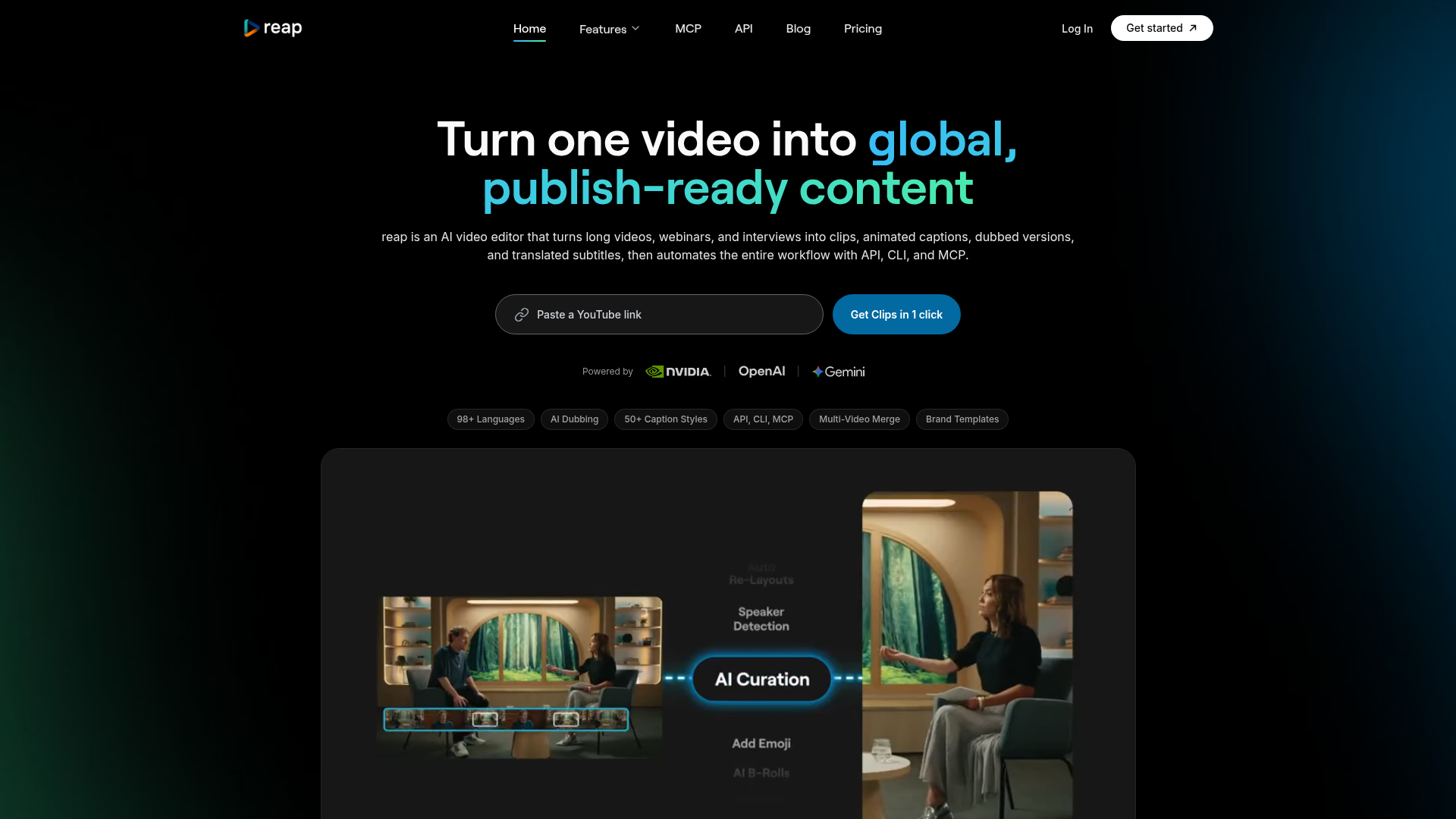
AI video editor that turns long videos, webinars, and interviews into clips, animated captions, dubbed versions, and translated subtitles, then automates the entire workflow with API, CLI, and MCP.
What is reap?
reap is an advanced AI-powered video editor and content automation platform designed to transform long-form video content—such as webinars, interviews, and podcasts—into polished, publish-ready clips and global assets. Unlike simple clipping tools, reap functions as a comprehensive production system, automating the entire workflow from video analysis to multi-platform publishing. It leverages cutting-edge AI from partners like NVIDIA, OpenAI, and Google Gemini to provide features including intelligent clipping, animated captioning in 98+ languages, AI voice dubbing, text-based editing, and powerful automation via API, CLI, and MCP (Model Context Protocol). Its core mission is to enable creators, businesses, and agencies to repurpose and localize content at scale, turning a single video into viral clips and multilingual versions for a global audience with minimal manual effort.
What are the main features of reap?
reap stands out with a robust suite of features built for modern content creation and distribution:
- AI-Powered Repurposing Suite
- Prompt-First AI Clipping: Go beyond basic highlight detection. Instruct the AI with natural language prompts (e.g., "find every product mention," "extract the controversial opinions") to generate clips based on specific intent, topic, or audience angle.
- Multi-Signal Analysis: The AI analyzes faces, vocal tone, pauses, and pacing to identify the most engaging and viral-worthy moments within your videos.
- Speaker Detection & Auto-Reframing: Automatically tracks and centers each speaker in the frame, perfect for converting multi-speaker interviews or panels into vertical shorts.
- Multi-Video Merge (Private Beta): Combine clips from different source videos into a single, cohesive final asset, ideal for stitching together highlights, interviews, and B-roll.
- Global Localization Engine
- AI Dubbing in 80+ Languages: Generate natural-sounding voiceovers in dozens of languages without re-recording. The AI clones voice tone and pacing for authentic regional versions.
- Subtitle Translation in 98+ Languages: Automatically translate captions into virtually any major world language, including Thai, Swahili, and Mongolian, with a single click.
- Exclusive Romanized Language Support: Cater to how billions actually type online with support for Hinglish (Hindi in Latin script), Romanized Urdu, Arabizi, and more—a feature unique to reap.
- Professional Editing & Brand Control
- Text-Based Video Editor: Edit your video by simply editing the transcribed text. Delete sentences or rearrange paragraphs, and the video cuts follow automatically.
- 50+ Animated Caption Presets: Access a library of scroll-stopping caption styles designed for different aesthetics, fully customizable and applicable in one click.
- AI B-Roll Suggestion: The AI suggests and inserts contextually relevant stock footage to visually enhance talking-head segments.
- Brand Templates: Lock in logos, colors, fonts, intros, outros, and caption styles into reusable templates to ensure brand consistency across all content, both manual and automated.
- Team Studio Workspace: Collaborate with team members, manage projects across clients, and control roles and permissions within a shared workspace.
- Complete Content Automation
- API, CLI & MCP Access: Automate every aspect of the workflow programmatically. Use the REST API for app integrations, the Command Line Interface (CLI) for terminal commands, or MCP to connect with AI assistants like Claude and ChatGPT.
- One-Click Multi-Platform Publishing: Connect social accounts (TikTok, Instagram Reels, YouTube Shorts, LinkedIn, etc.) and publish or schedule clips directly from reap, with automatic aspect ratio and format handling.
- Integration Ecosystem: Works seamlessly with automation platforms like n8n, Zapier, and Make to fit into any existing content pipeline.
How to use reap?
Using reap is designed to be intuitive, whether you're a solo creator or a large team:
- Get Started: Sign up for a free account at app.reap.video.
- Upload Your Video: Import your long-form video (e.g., webinar, podcast, interview) into the platform.
- Repurpose with AI:
- For clipping, use the "Prompt-First" tool to instruct the AI on what kind of clips to create.
- Alternatively, let the multi-signal AI automatically suggest viral moments based on analysis.
- Edit and Customize:
- Use the text-based editor to fine-tune clips by editing the transcript.
- Apply one of the 50+ animated caption styles.
- Use Brand Templates to instantly apply your consistent branding.
- Localize for Global Reach:
- Use the "Translate" tool to generate subtitles in any of 98+ languages.
- Enable "AI Dubbing" to create a voiceover in a different language.
- Automate and Publish:
- For one-off projects, use the built-in content calendar to schedule posts directly to your connected social platforms.
- For automation, utilize the API, CLI, or MCP to integrate reap into your automated content workflows. Write scripts to automatically process new videos, generate clips with specific topics, add branded captions, and publish them on a schedule.
What is the price of reap?
reap offers a transparent and accessible pricing model with powerful features available even at the entry level:
- Free Plan
- Includes 1 hour of AI clipping processing, 1 hour of captioning, and 720p video exports. Perfect for trying core features.
- Paid Plans
- Start at ### $9.99 per month (billed annually) and unlock the full power of the platform:
- Higher resolution exports (1080p/4K).
- Full API, CLI, and MCP access—a standout feature included from the lowest paid tier, unlike competitors who gate this for enterprise.
- AI Dubbing and advanced translation capabilities.
- Access to Brand Templates and the Multi-Video Merge feature.
- Increased processing limits.
This pricing makes advanced content automation accessible to individual creators, agencies, and developers alike, providing a superior value proposition compared to tools with higher entry prices and limited automation access.
Helpful tips for using reap
- Direct the AI
- For the best clips, use specific, intent-based prompts like "Find the three key takeaways from the tutorial" instead of just "create highlights."
- Leverage Romanization
- If your audience engages in languages like Hindi, Urdu, or Arabic on social media, use the romanized caption feature (e.g., Hinglish) to match how they actually read and type.
- Build Brand Templates First
- Before starting bulk production, spend time setting up your Brand Template with logos, colors, and fonts. This ensures every automated and manual output is instantly on-brand.
- Explore Automation Early
- Even on the $9.99 plan, experiment with the API or CLI. Automating a simple task, like processing every new video uploaded to a cloud folder, can save immense time.
- Use the Content Calendar
- Plan and visualize your social media publishing schedule weeks in advance directly within reap to maintain a consistent content flow.
Frequently Asked Questions
What does 'content automation' mean in reap?
In reap, content automation refers to the end-to-end process of turning raw video footage into finalized, localized, and publish-ready assets with minimal manual intervention. It's not just editing; it's a production system that includes AI clipping, stylized captioning, multi-language dubbing and translation, brand consistency enforcement, and programmable workflows through API/CLI/MCP, all working in concert.
Which languages does reap support?
reap offers industry-leading language support. This includes subtitle translation and generation in ### 98+ languages and AI voice dubbing in ### 80+ languages. Crucially, it also supports ### romanized scripts (like Hinglish, Romanized Urdu, Arabizi) that other tools ignore, catering to the authentic way global audiences communicate online.
What are romanized languages and why do they matter?
Romanized languages involve writing a non-Latin script language (e.g., Hindi, Urdu, Arabic) using Latin letters. For example, Hinglish is Hindi written in English characters, used daily by over 500 million people in texting and social media. By supporting these formats, reap ensures your captions are readable and engaging for audiences in their preferred digital writing style, significantly expanding your content's reach and resonance.
What can I automate with the reap API?
You can automate virtually everything. The API (along with CLI and MCP) provides programmatic control over clipping videos based on prompts, adding animated captions, translating subtitles, generating AI dubs, inserting B-roll, applying brand templates, merging multiple videos, and publishing to social platforms. Developers can integrate it into custom apps, agencies can batch-process client work, and AI agents can trigger workflows through conversation.
How is reap different from other AI video tools?
reap is a comprehensive ### global content automation platform, while many others are primarily clipping tools. Key differentiators include: support for 98+ caption languages vs. the typical 20-50; AI dubbing in 80+ languages; exclusive romanized script support; full API/CLI/MCP access from the lowest paid tier (not enterprise-only); prompt-first clipping by intent; multi-video merging; and a lower starting price point for premium capabilities.
Is reap free to use?
Yes, reap offers a functional free plan that includes 1 hour of AI clipping, 1 hour of captioning, and 720p exports, allowing users to test core features. To unlock full automation, high-resolution exports, dubbing, translation, and API access, affordable paid plans begin at $9.99 per month.
reap
AI video editor that turns long videos, webinars, and interviews into clips, animated captions, dubbed versions, and translated subtitles, then automates the entire workflow with API, CLI, and MCP.
 Cloudflare
 Google Font API
 Google Hosted Libraries
 Gravatar
 HTTP/3
 jQuery:3.5.1
Free AI anime and manga generator. Turn text into anime episodes, manga, comics, webtoons and comic shorts in any art style — no drawing or animation skills needed.
Translate image text across 70+ languages with our advanced AI Image Translator to help you better expand your products globally to various countries
Advertised Here
Reach thousands of visitors daily. Get your spot now!
Tools similar to reap
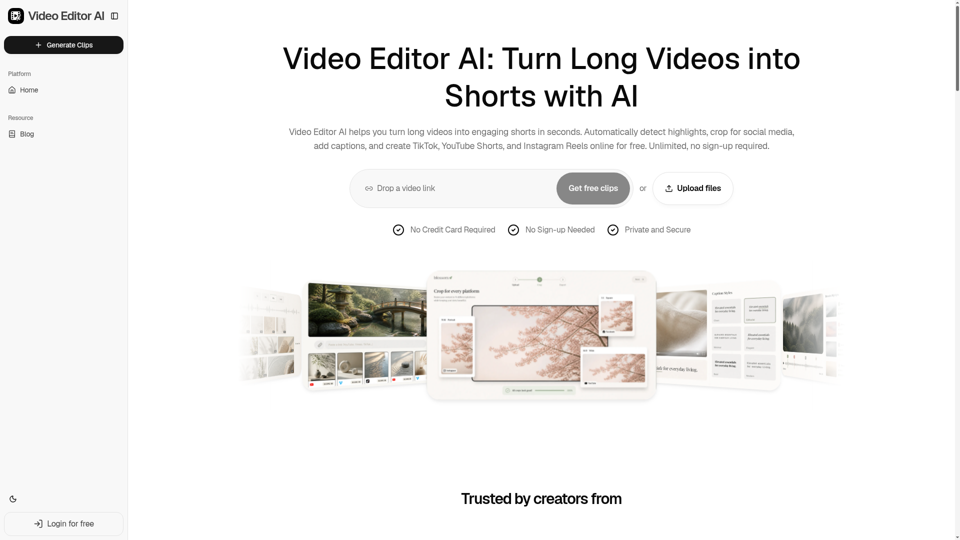
Video Editor AI helps you turn long videos into engaging shorts in seconds. Automatically detect highlights, crop for social media, add captions, and create TikTok, YouTube Shorts, and Instagram Reels online for free. Unlimited, no sign-up required.
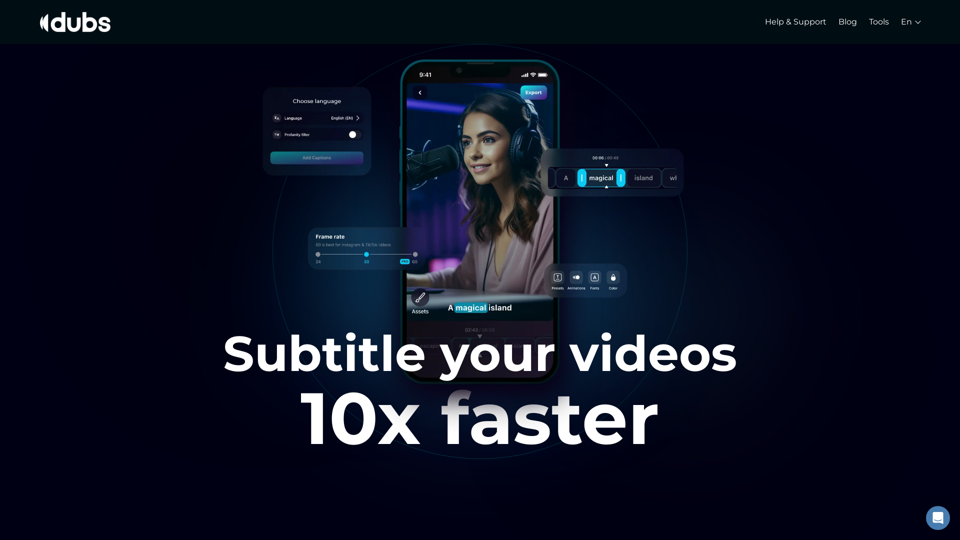
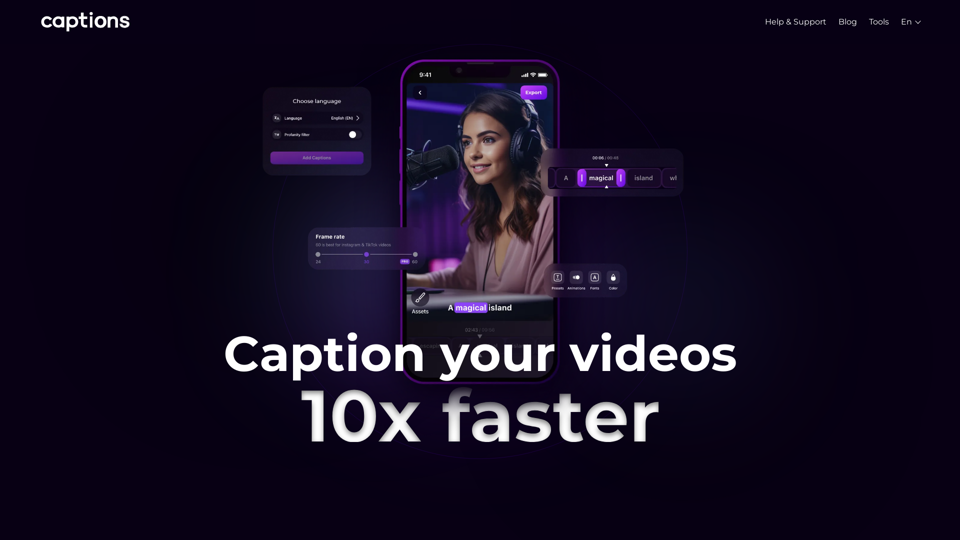
Revolutionize your video content with the ultimate captions app. Enhance engagement, accessibility, and discoverability effortlessly!
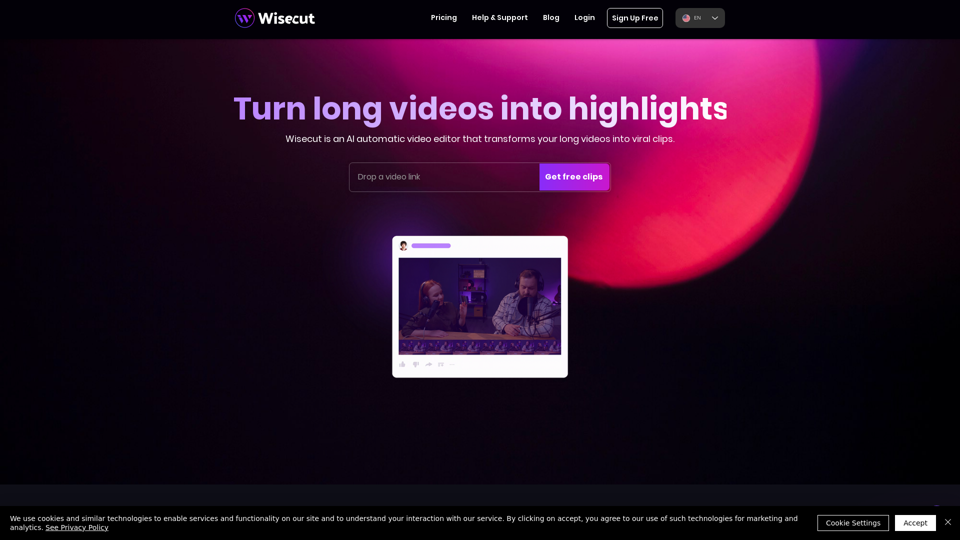
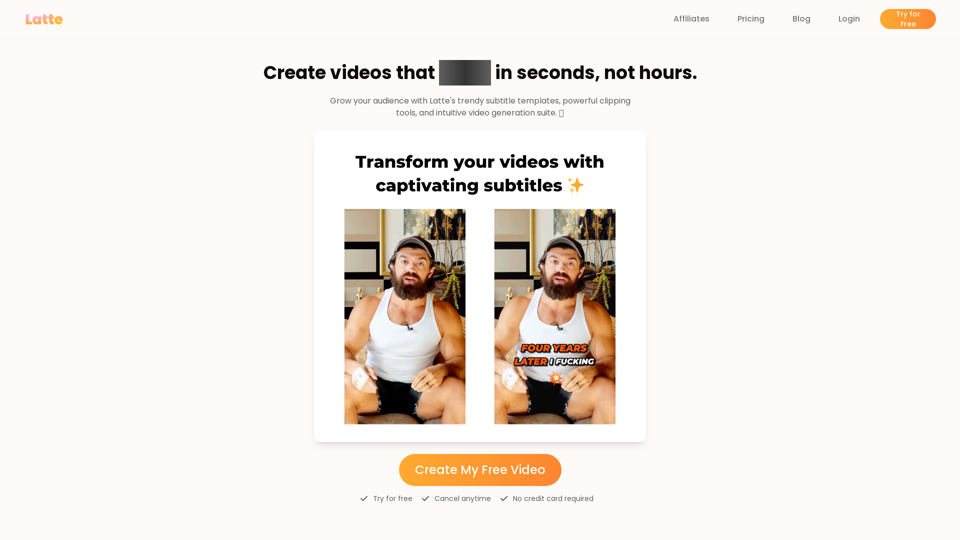
Latte Social is an AI video editor for creators and businesses to create engaging short form videos. Animated subtitles in over 20 styles, one-click viral clips, and text-to-video generation. Start your free trial.