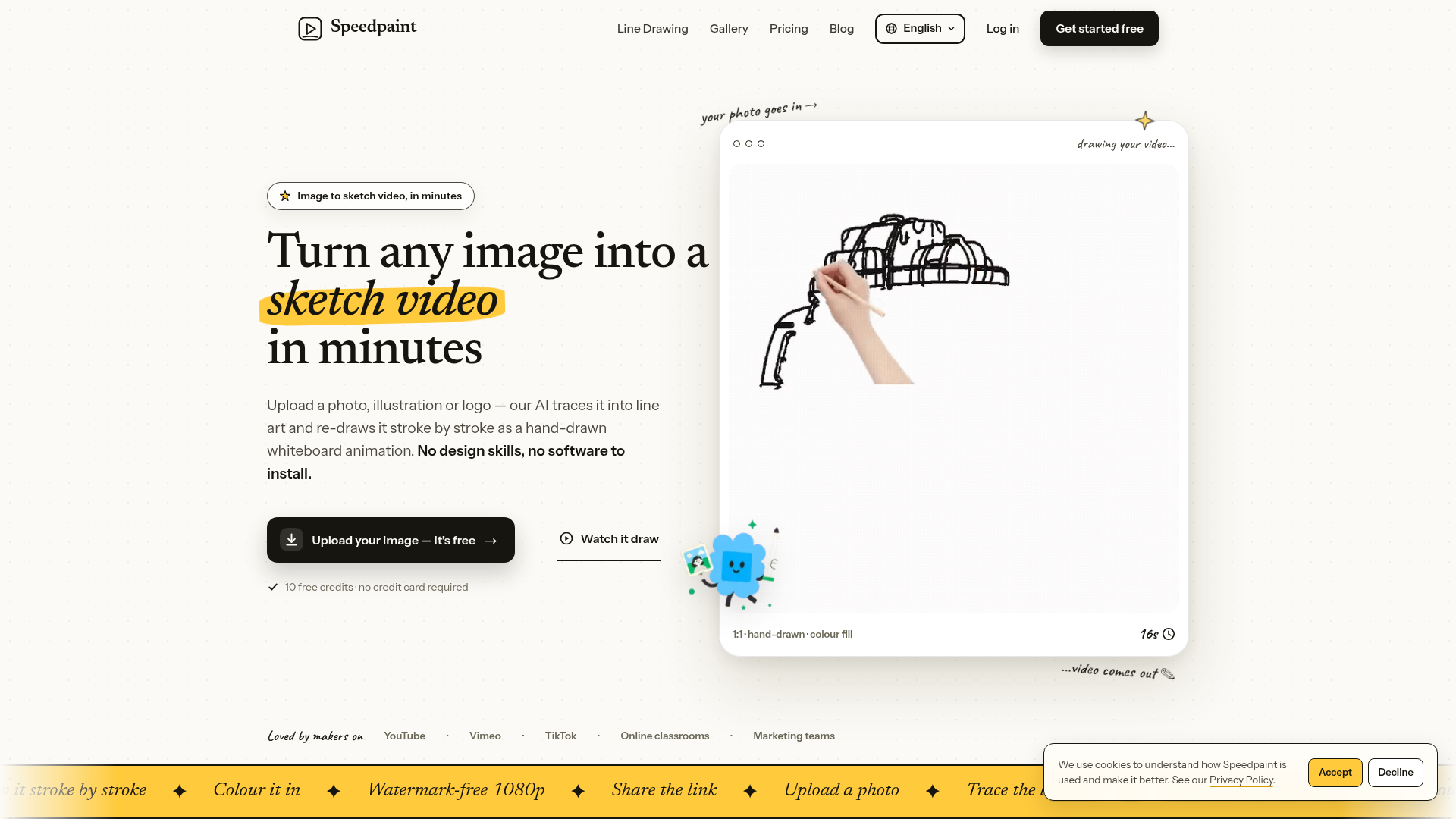
What is Speedpaint?
Speedpaint is an advanced AI-powered platform that specializes in transforming static images into captivating sketch video animations. It intelligently converts photos, logos, illustrations, and even complex drawings into whiteboard-style timelapse videos that simulate a hand drawing the image stroke by stroke, coloring it in, and presenting the final artwork—all within minutes. The core concept revolves around automatic line-art extraction from your uploaded image, eliminating the need for manual tracing. This makes it an invaluable tool for creators, educators, marketers, and anyone looking to add a dynamic, handcrafted feel to their visual content quickly and efficiently.
Key Features of Speedpaint
- Automatic Line-Art Extraction
- Leverages neural AI models to automatically trace and convert your uploaded photos or illustrations into clean, animatable line art. This process handles detailed backgrounds and complex subjects without requiring any manual outlining.
- Four Realistic Hand Styles
- Choose from a variety of drawing hands to personalize your video, including Realistic, Dark Tone, Child, and Fountain Pen styles. There's also a "No Hand" option for a clean, tool-focused animation.
- Multiple Coloring & Fill Modes
- Customize how your sketch video is colored with options like Hand Paint (stroke-by-stroke coloring), Contour Wipe, Block Fill (region-based coloring), and Fade In for gradual color application.
- Flexible Video Customization
- Set your sketch video duration from 5 to 60 seconds, adjust stroke detail, and select the resolution up to 1080p for high-definition output.
- Watermark-Free Exports on Paid Plans
- While the free plan includes a watermark, upgrading to any paid tier (Starter, Pro, or Studio) allows for watermark-free downloads, making your videos professional and ready for commercial use.
- HD Export Options
- Download your final sketch video as an MP4 or GIF in landscape, vertical, or square formats at up to 1080p resolution, ensuring compatibility with various platforms and devices.
- Credit-Based System
- Operates on a simple credit system where each credit roughly equals one 720p video up to 15 seconds. Higher resolutions and longer durations consume more credits, with monthly plans offering recurring credits.
- Broad Use Case Support
- Designed for a wide range of applications, including YouTube intros, TikTok edits, educational diagrams, product marketing ads, and social media content, making it versatile for different creative needs.
How to Use Speedpaint?
Using Speedpaint is straightforward and requires no prior design or video editing skills. The process is broken down into three simple steps:
- Upload Your Image: Start by uploading a JPG, PNG, WebP, or SVG file (up to 10MB) directly to the Speedpaint platform. You can drag and drop your image, and the AI will automatically extract the line art, even from busy backgrounds.
- Customize Your Drawing: Once the line art is extracted, review it alongside your original image. Then, customize your sketch video by selecting the duration (5–60 seconds), choosing a hand style, setting the stroke detail, and picking a coloring mode (e.g., wipe, brush, blocks, or fade). You only spend credits once you're satisfied with the preview.
- Download and Share: After customization, render your video. The typical rendering time is 3–5 minutes. Once ready, you can preview the animation in your browser and then download it as a crisp 1080p MP4 or GIF. Paid plans offer watermark-free exports, and you can also generate a shareable link to publish your video directly.
Speedpaint Pricing Plans
Speedpaint offers a flexible, credit-based pricing model designed to cater to different user needs, from casual creators to heavy users and teams. All paid plans include commercial licenses and watermark-free exports.
- Free Plan ($0)
- Includes 10 one-time credits upon sign-up, allowing you to create approximately 10 sketch videos at 720p resolution and up to 15 seconds each. Videos are watermarked and for personal use only.
- Starter Plan ($4.50/month billed yearly, $54/year)
- Provides 30 credits per month, which translates to about 30 videos (15 seconds, 720p). This plan supports 1080p resolution, videos up to 30 seconds, and includes a commercial license with no watermark.
- Pro Plan ($9.50/month billed yearly, $114/year)
- The most popular plan, offering 200 credits monthly for approximately 200 videos (15 seconds, 720p). It supports 1080p resolution, videos up to 60 seconds, high-priority rendering, and the option to purchase additional credit top-ups.
- Studio Plan ($34.50/month billed yearly, $414/year)
- Designed for heavy creators and teams, this plan provides 1000 credits monthly (about 1000 videos at 15 seconds, 720p). It includes 1080p resolution, videos up to 60 seconds, highest priority rendering, and priority support.
Helpful Tips for Maximizing Speedpaint
- Experiment with Hand Styles
- Different hand styles can dramatically change the feel of your video. Try the "Child" style for a playful touch or "Fountain Pen" for a more elegant look to match your content's tone.
- Use High-Quality Images
- For the best results, upload clear, high-resolution images. This helps the AI extract cleaner line art, resulting in a smoother and more detailed sketch animation.
- Leverage the Free Credits
- New users get 10 free credits—use them to test different images, settings, and styles to understand how Speedpaint works before committing to a paid plan.
- Optimize Video Length
- Shorter videos (5–15 seconds) are great for social media snippets, while longer ones (30–60 seconds) work well for detailed explanations or presentations. Adjust the duration based on your platform and audience.
- Explore Different Coloring Modes
- Each coloring mode (Hand Paint, Contour Wipe, Block Fill, Fade In) offers a unique visual effect. Experiment to see which one best enhances your image's narrative or aesthetic.
- Check the Preview
- Always review the extracted line art and video preview before rendering. This ensures the AI has accurately traced your image and allows you to make adjustments without wasting credits.
- Utilize for Various Content Types
- Speedpaint is versatile—use it for turning product photos into engaging ads, transforming educational diagrams into animated lessons, or creating eye-catching thumbnails and intros for videos.
Frequently Asked Questions (FAQs)
What is Speedpaint?
Speedpaint is an AI-driven tool that converts photos, logos, and illustrations into hand-drawn whiteboard animations. It automates the process by extracting line art, animating strokes with a realistic hand, coloring the image, and exporting a share-ready MP4 or GIF video.
How do I create a sketch video from a photo?
Simply upload your image to Speedpaint, approve the AI-extracted line art, customize settings like duration, hand style, and coloring mode, then render. Your video will typically be ready in 3–5 minutes, and new accounts receive 10 free credits to start.
How is Speedpaint different from other animation tools?
Unlike traditional whiteboard software that relies on clip libraries and manual timeline editing, Speedpaint starts with your own image and automates the entire process. Tools like Doodly require asset management, while Speedpaint focuses on fast, automatic conversion without recording or manual tracing.
Is Speedpaint free to use?
Yes, Speedpaint offers a free plan with 10 credits upon sign-up, no credit card required. Free exports are at 720p with a watermark. Paid plans start at $9/month for watermark-free, 1080p videos and commercial use.
Can I remove the watermark from my videos?
Watermarks are only present on videos created with the Free plan. Any paid plan (Starter, Pro, or Studio) provides watermark-free exports at up to 1080p resolution in various formats.
What image formats does Speedpaint support?
Speedpaint supports JPG, PNG, WebP, and SVG files up to 10MB and 4096×4096 pixels. It works well with photos, illustrations, logos, and handwriting. SVG files are particularly effective for crisp logo animations as they skip line-art extraction.
Does Speedpaint work with anime, logos, and portraits?
Absolutely. The AI models are optimized to preserve details in portraits, maintain sharp linework for anime, and accurately trace logo contours. You can adjust stroke detail to control how much texture is included in the animation.
Can I use Speedpaint videos for commercial purposes?
Yes, all paid plans (Starter and above) include a commercial license, covering client work, advertisements, monetized channels, and educational content. The Free plan is restricted to personal use only, but you retain ownership of all exported video files.
Free Image to Sketch Video
Convert any image or photo to a hand-drawn video with AI. Create a stroke-by-stroke whiteboard animated video, choose a hand style, and export MP4 free.
 C3.js
C3.js Cloudflare
 HTTP/3
 Next.js
 Node.js
 React
React Webpack
Free AI anime and manga generator. Turn text into anime episodes, manga, comics, webtoons and comic shorts in any art style — no drawing or animation skills needed.
Translate image text across 70+ languages with our advanced AI Image Translator to help you better expand your products globally to various countries
Advertised Here
Reach thousands of visitors daily. Get your spot now!
Tools similar to Free Image to Sketch Video
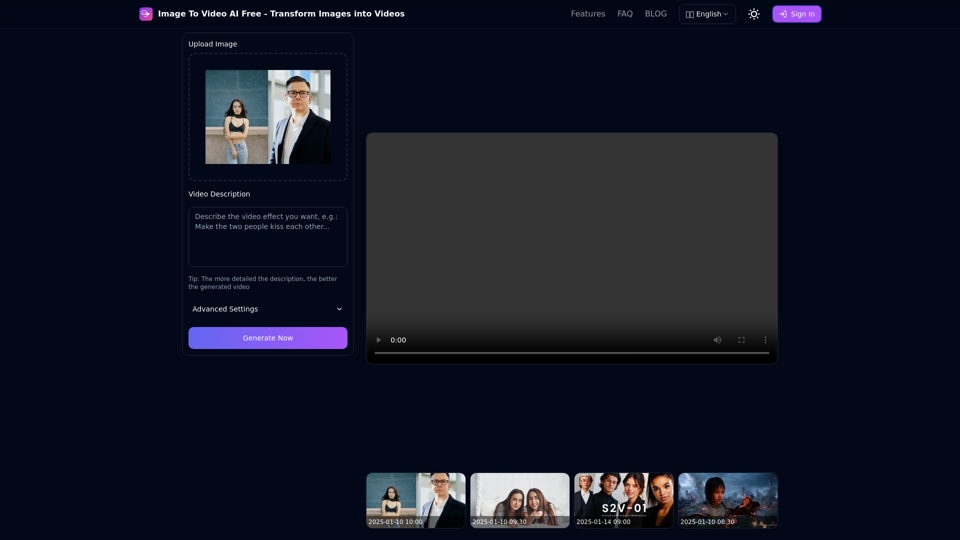
Free online tool to convert images into stunning videos using AI technology. Transform static images into dynamic videos with our advanced AI video generation.
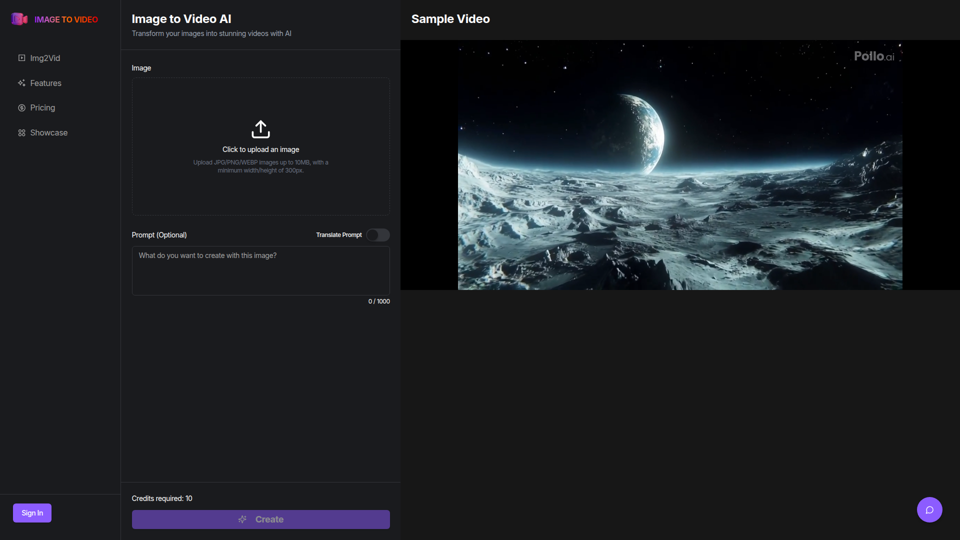
Use the image to video AI generator. Convert photo to video ai with high-quality and captivating results. Try our image to video AI now!
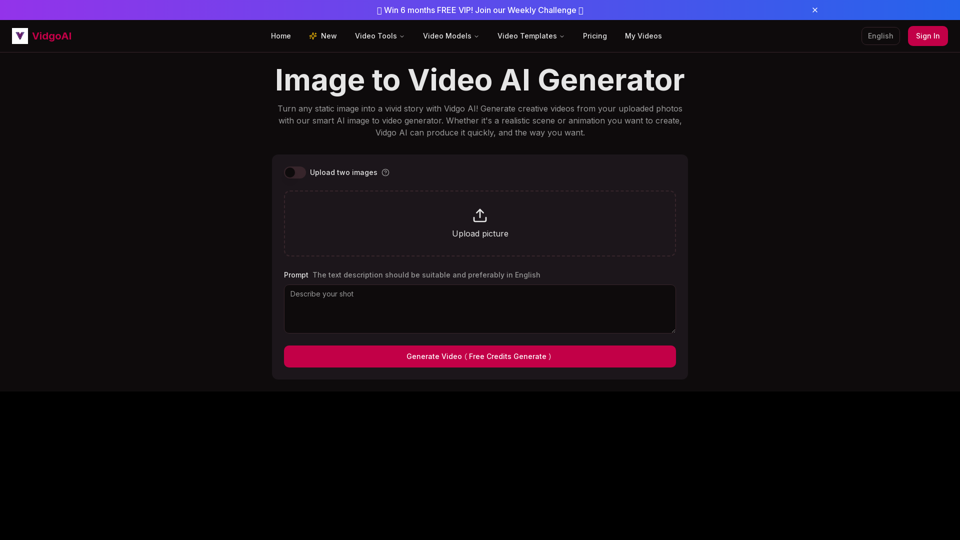
Use the image to video AI generator of Vidgo AI for free. Convert photos to videos with high-quality and captivating results. Try our image to video AI now!
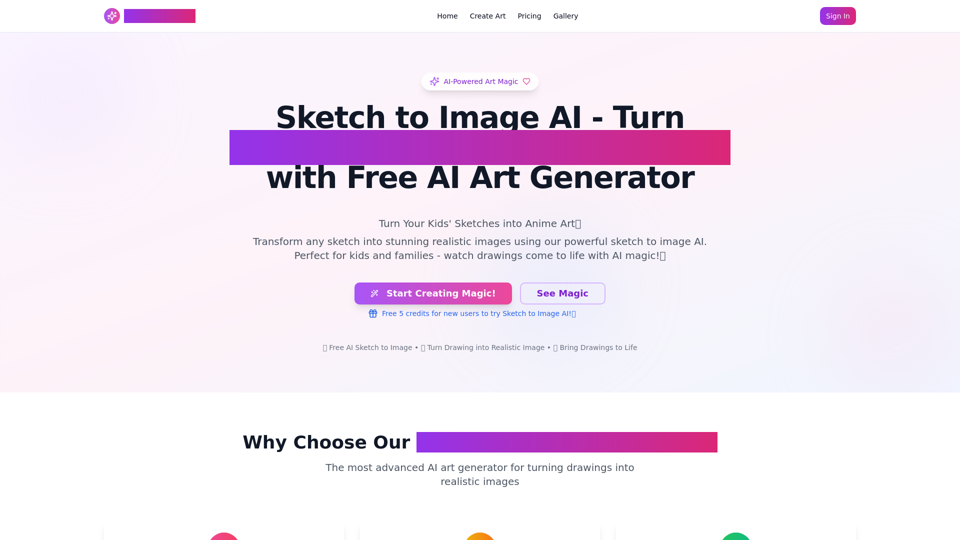
AI Sketch to Image: Transform Drawings into AI Images. Sketch to Image AI Upload your sketch to our AI sketch to image generator! Render realistic images in seconds with this AI tool.
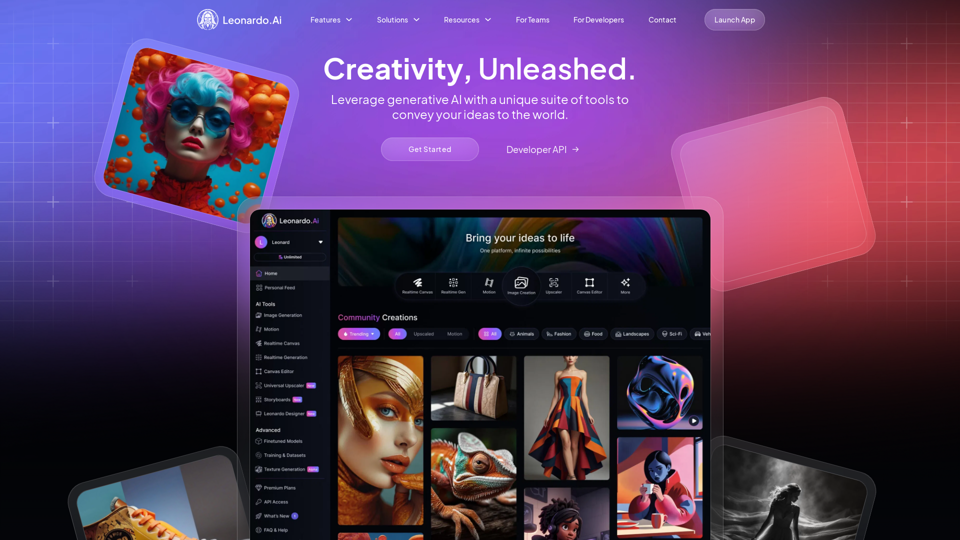
Transform your projects with our AI image generator. Generate high-quality, AI generated images with unparalleled speed and style to elevate your creative vision
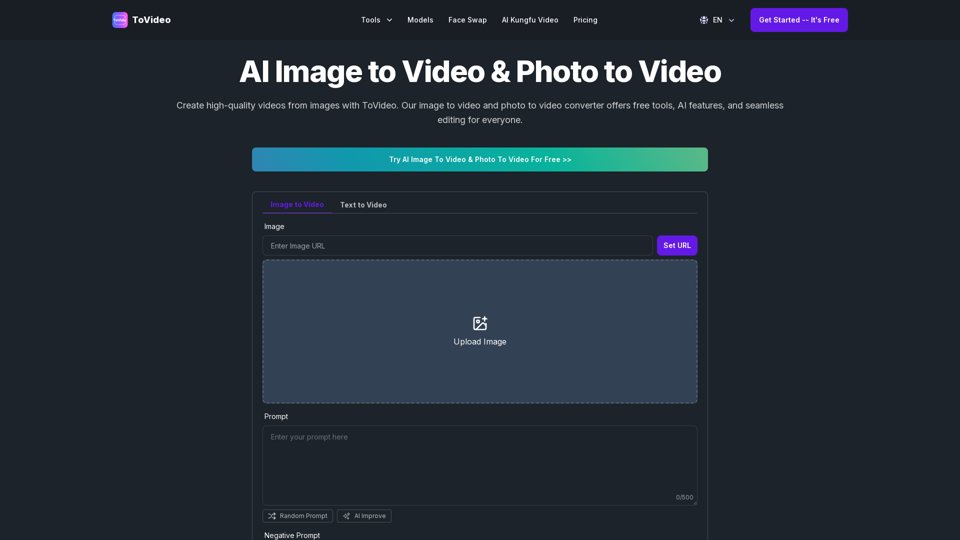
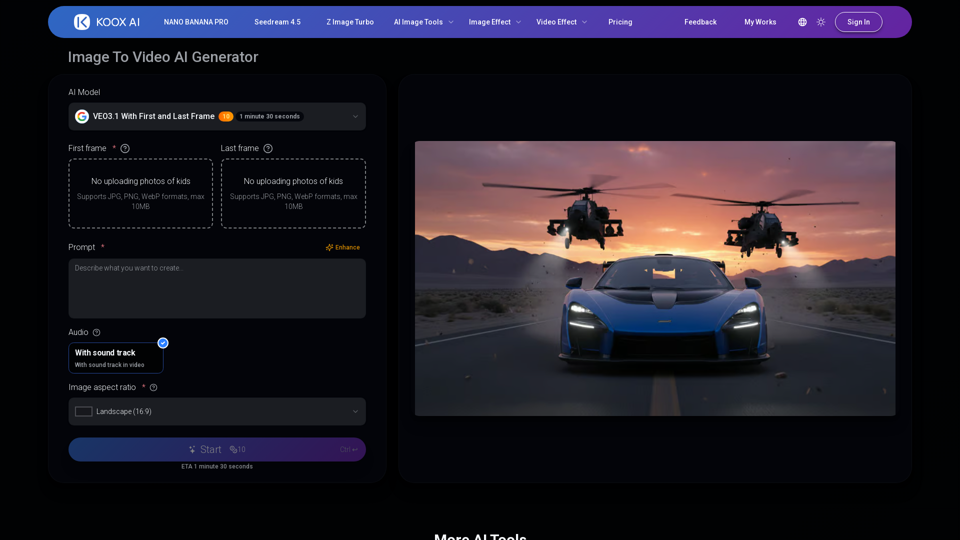
Transform any image to video with our free IMAGE TO VIDEO AI generator. Convert photos to videos with realistic motion and cinematic effects.
Turn videos into LivePhotos, animate static images with AI, create LivePhoto wallpapers, and convert between GIF and LivePhoto formats easily.