Walling
Walling is the new medium for organizing work & presenting ideas
What is Walling?
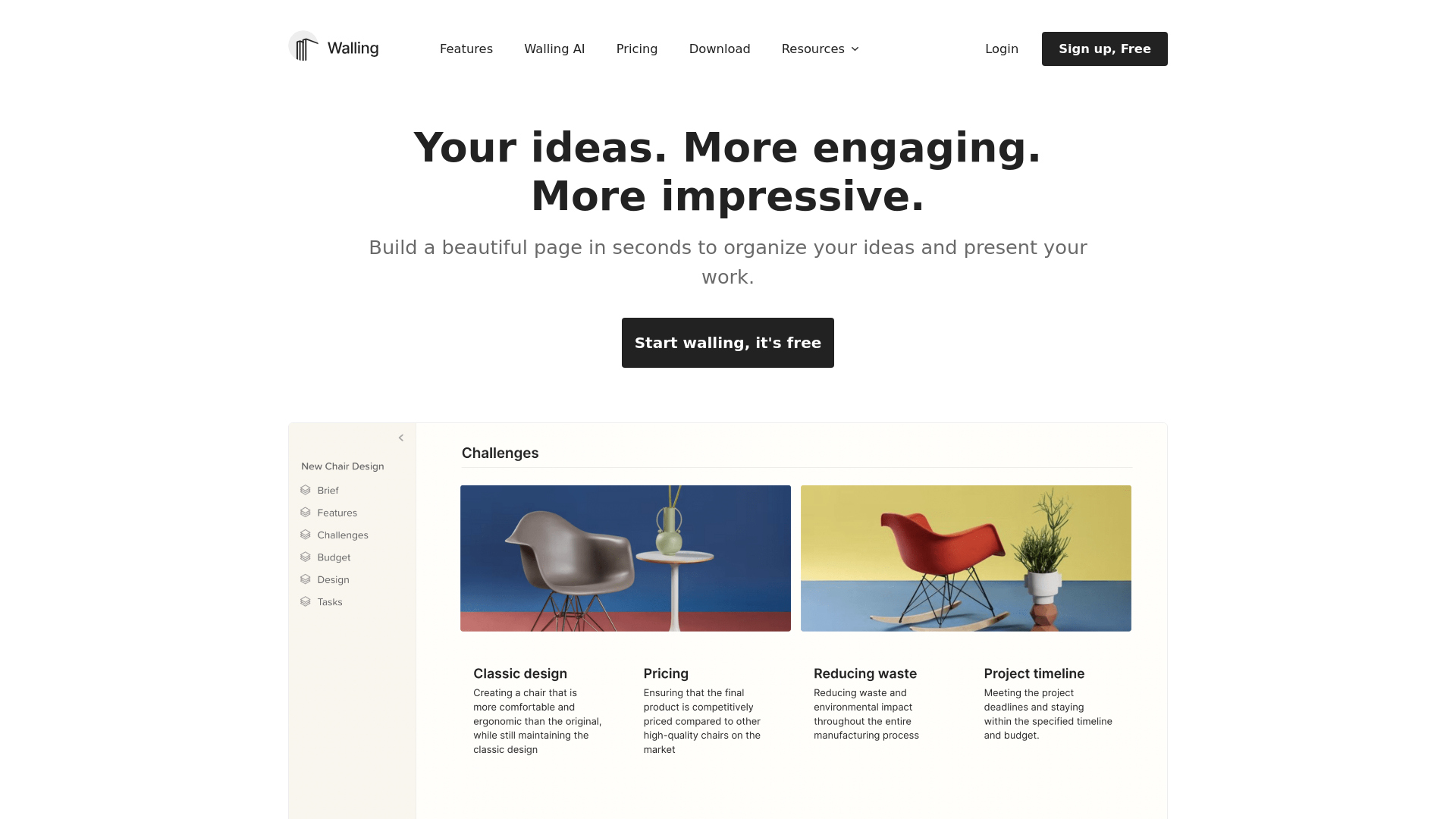
Walling is an innovative platform designed to help teams and professionals organize and present their ideas effortlessly. By leveraging cutting-edge technology and a user-friendly interface, Walling enables users to create visually appealing pages that encapsulate their thoughts, projects, and tasks in an engaging manner.
What are the main features of Walling?
- AI Capability
- Walling AI helps in generating ideas, tasks, images, tables, and content quickly just by asking the app what you want to manage.
- Visual Canvas
- Unlike traditional documents or slides, Walling provides a visual medium that allows users to organize and display all their ideas interactively.
- Integration of Multimedia
- Users can add notes, images, videos, PDFs, and links all in one place, making collaboration seamless.
- Dynamic Project Management
- Users can create tables, lists, calendars, and manage tasks directly on their project walls for an all-in-one solution.
- Easy Sharing
- Publish walls with a single click to share with a wider audience through links, emails, or social media.
How to use Walling?
Getting started with Walling is simple and free! Users can sign up and begin to create walls to organize their ideas by dragging and dropping content to their visual canvas. With the help of Walling AI, they can generate everything from notes to multimedia or even just elaborate tasks in seconds.
What is the pricing for Walling?
Walling offers various pricing tiers, including a free version with essential features to help users start organizing their projects. For those who wish to access advanced functionalities such as enhanced AI capabilities and collaborative tools, affordable subscription options are available, ensuring that all users can find a plan that suits their needs.
Helpful Tips for Using Walling
- Utilize AI Assistance
- Make the most of the Walling AI feature to spark creativity and streamline your content generation.
- Engage in Collaboration
- Invite team members to collaborate, share comments, vote on ideas, and manage tasks directly from your wall.
- Focus on Visuals
- Take advantage of the drag-and-drop functionality to create a compelling visual representation of your ideas that engages your audience.
- Customize Your Wall
- Use different sections strategically - manage tasks, embed videos or PDFs, and incorporate inspiring images for a well-rounded presentation.
Frequently Asked Questions
Can I access Walling on multiple devices?
Absolutely! Walling is available on various platforms including web browsers, macOS, Windows desktop applications, and mobile apps for iOS and Android devices.
Is Walling suitable for teams?
Yes! Walling is designed for teams and professionals, making it an excellent choice for collaboration on projects in business, marketing, design, and more.
Are there any tutorials available for new users?
Yes, Walling provides video tutorials and a comprehensive help center to assist new users in navigating the platform and maximizing their experience.
Will my data be secure with Walling?
Walling takes user privacy seriously and implements several security measures to ensure that your data is safe and confidential.
Can I upgrade my Walling account later?
Absolutely! You can start with the free version and upgrade your account to a paid subscription when you feel the need for additional features and capabilities.
Walling
Walling is the new medium for organizing work & presenting ideas
 Firebase
 Google Analytics
 HTTP/3
Free AI anime and manga generator. Turn text into anime episodes, manga, comics, webtoons and comic shorts in any art style — no drawing or animation skills needed.
Translate image text across 70+ languages with our advanced AI Image Translator to help you better expand your products globally to various countries
Advertised Here
Reach thousands of visitors daily. Get your spot now!
Tools similar to Walling

MyMap turns your text ideas into visuals like mind maps and presentations through a simple chat interface. Ideal for students, teachers, and professionals with no design skills required. It’s your time-saving tool for easy, collaborative visual creation
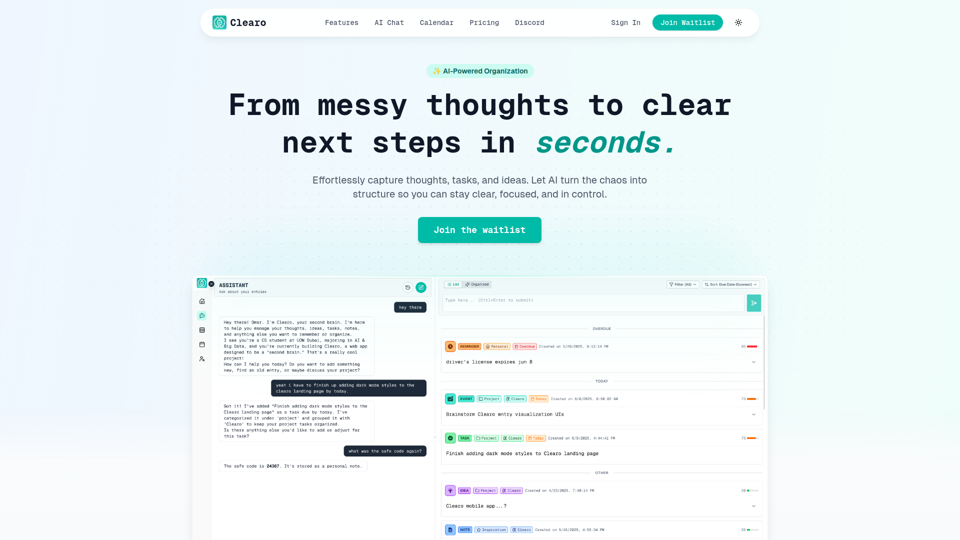
From messy thoughts to clear next steps in seconds. Effortlessly capture thoughts, tasks, and ideas. Let AI turn the chaos into structure so you can stay clear, focused, and in control.

Use AI to transform ideas into captivating presentations in seconds. Ideal for businesses, educators, and personal projects. Start now - it's free!


Create amazing presentations 10x faster with AI. Just enter a topic or some text and let Present AI do the rest.

Let AI organize your team’s work—from meeting notes, projects, to knowledge bases. All instantly searchable and readily discoverable.
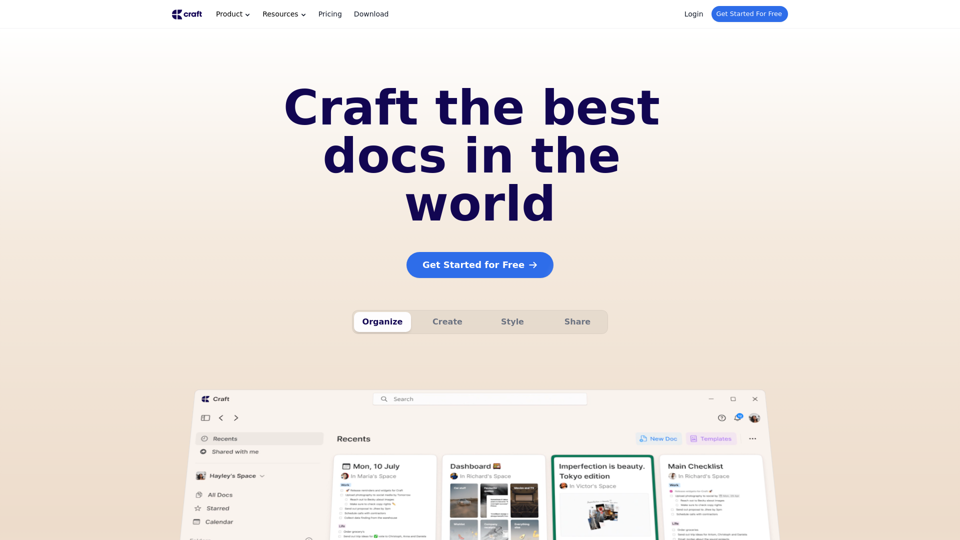
Create documents, which will make an impact. Try Craft for free both for personal and business/teams use cases.