Webcam Effects Chrome Plugin
Blur, remove or replace webcam background, adjust layout and improve appearance during online video streaming. Discover Artificial Intelligence power in your browser.
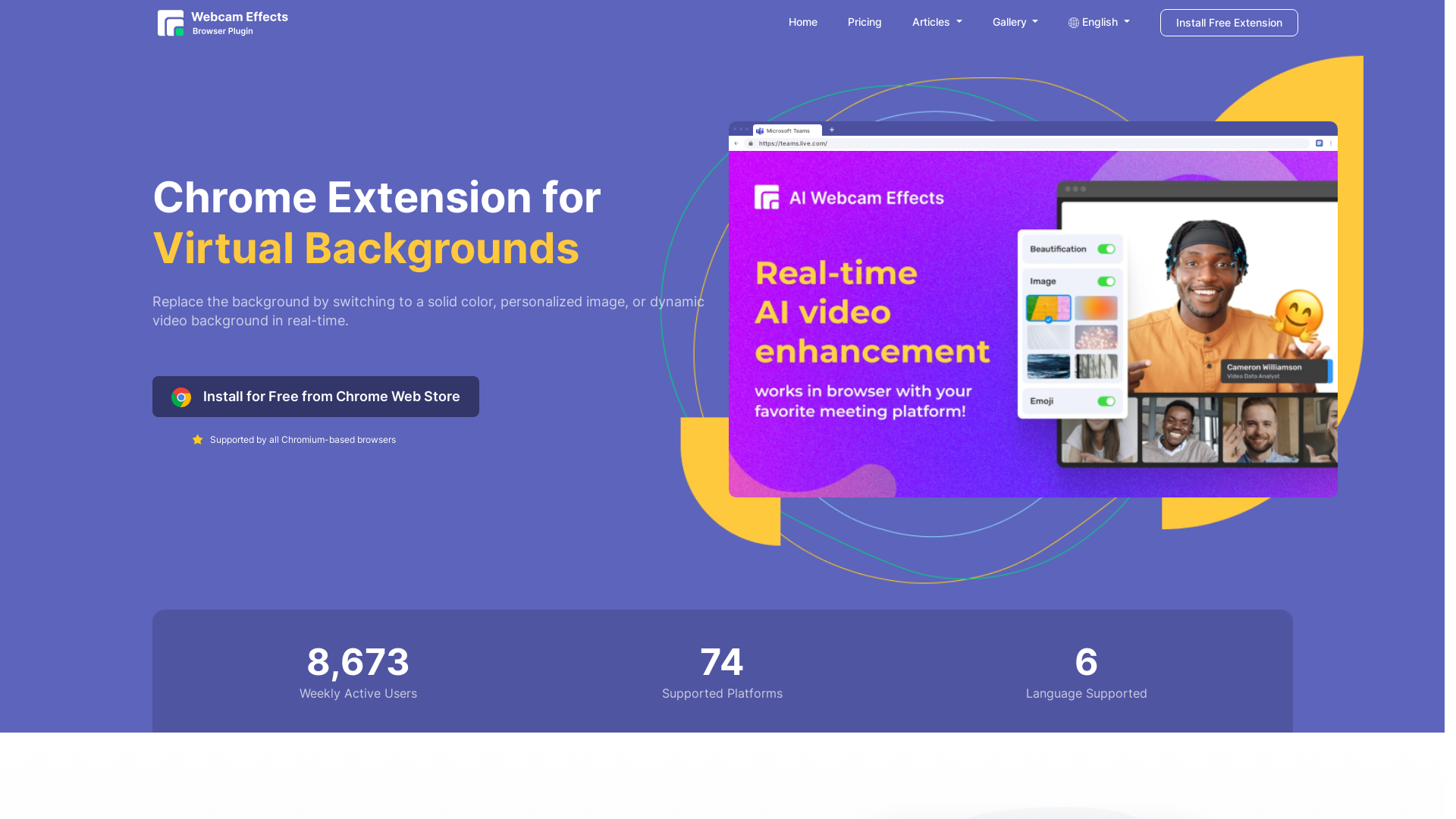
Webcam Effects Chrome Plugin Introduction
What is the Webcam Effects Chrome Plugin?
The Webcam Effects Chrome Plugin is a versatile tool designed to enhance video streaming experiences across various platforms. This plugin allows users to replace or blur their webcam background, making it an ideal solution for those seeking to maintain privacy or create a professional environment during video calls. Additionally, it offers functionalities for recording either a single source or an entire browser tab, providing comprehensive capabilities for any kind of online video interaction.
Main Features of the Webcam Effects Chrome Plugin
-
Background Replacement: Easily swap out your webcam background with solid colors, personalized images, or dynamic videos in real-time.
-
Background Blur: Utilize advanced AI technology to automatically blur the background during video calls for better clarity and focus.
-
Custom Layouts: Optimize your video layout for presentations by strategically positioning your face and key content for maximum viewer engagement.
-
Smart Zoom: Instantly frame yourself properly with real-time auto-framing features to enhance your virtual presence.
-
Emoji and Giphy Integration: Foster lively communication by adding real-time emojis and Giphy visuals during calls.
How to Use the Webcam Effects Chrome Plugin
To get started with the Webcam Effects Chrome Plugin, users can easily install the extension from the Chrome Web Store. The installation process is quick and straightforward, allowing users to configure their settings in seconds. Once installed, users can select their preferred background replacement or blur settings directly within their browser, making it incredibly user-friendly.
Pricing for the Webcam Effects Chrome Plugin
The Webcam Effects Chrome Plugin is available for free, providing users with access to its basic features without any cost. Additional premium features may be planned for future release, but as of now, users can enjoy enhanced video communication without any financial commitment.
Helpful Tips for Maximizing the Webcam Effects Chrome Plugin
-
Test your Settings: Before joining a video call, take a moment to test your background and audio settings to ensure a professional presentation.
-
Use Appropriate Backgrounds: Choose backgrounds that complement your setting and the nature of your call, whether it's a personal or professional meeting.
-
Adjust Blur Intensity: Not all scenarios require a strong blur; adjust the intensity based on your needs to maintain visibility of surroundings while enhancing focus on yourself.
Frequently Asked Questions
Can I use the Webcam Effects Chrome Plugin on platforms like Zoom or Microsoft Teams?
Yes, the plugin is compatible with all Chromium-based browsers, making it usable across various video conferencing platforms such as Zoom, Microsoft Teams, Google Meet, and more.
Does the plugin impact the performance of my video calls?
The plugin has been optimized for seamless operation within the Chrome browser, ensuring minimal impact on performance while providing enhanced video quality.
Is there a limit to how many times I can use the features daily?
Currently, there are no limits on the usage of the plugin's features, allowing users to leverage them as often as needed for their video calls.
Is my privacy protected while using this plugin?
Absolutely, the plugin includes privacy features that filter out personal or sensitive background elements, ensuring a professional presence during video meetings while safeguarding your personal space.
By using the Webcam Effects Chrome Plugin, you can elevate your video call experiences, maintain professionalism, and enjoy fun engagement features—all within your browser!
 Google Analytics
 Cloudflare
 HTTP/3
Free AI Anime & Manga Generator
Free AI anime and manga generator. Turn text into anime episodes, manga, comics, webtoons and comic shorts in any art style — no drawing or animation skills needed.
LiftOff
LiftOff is the product launch platform for makers to launch products, earn upvotes, get discovered, and build momentum with a community that loves what is next.
AI Image Translator
Translate image text across 70+ languages with our advanced AI Image Translator to help you better expand your products globally to various countries
Featured
Advertised Here
Reach thousands of visitors daily. Get your spot now!