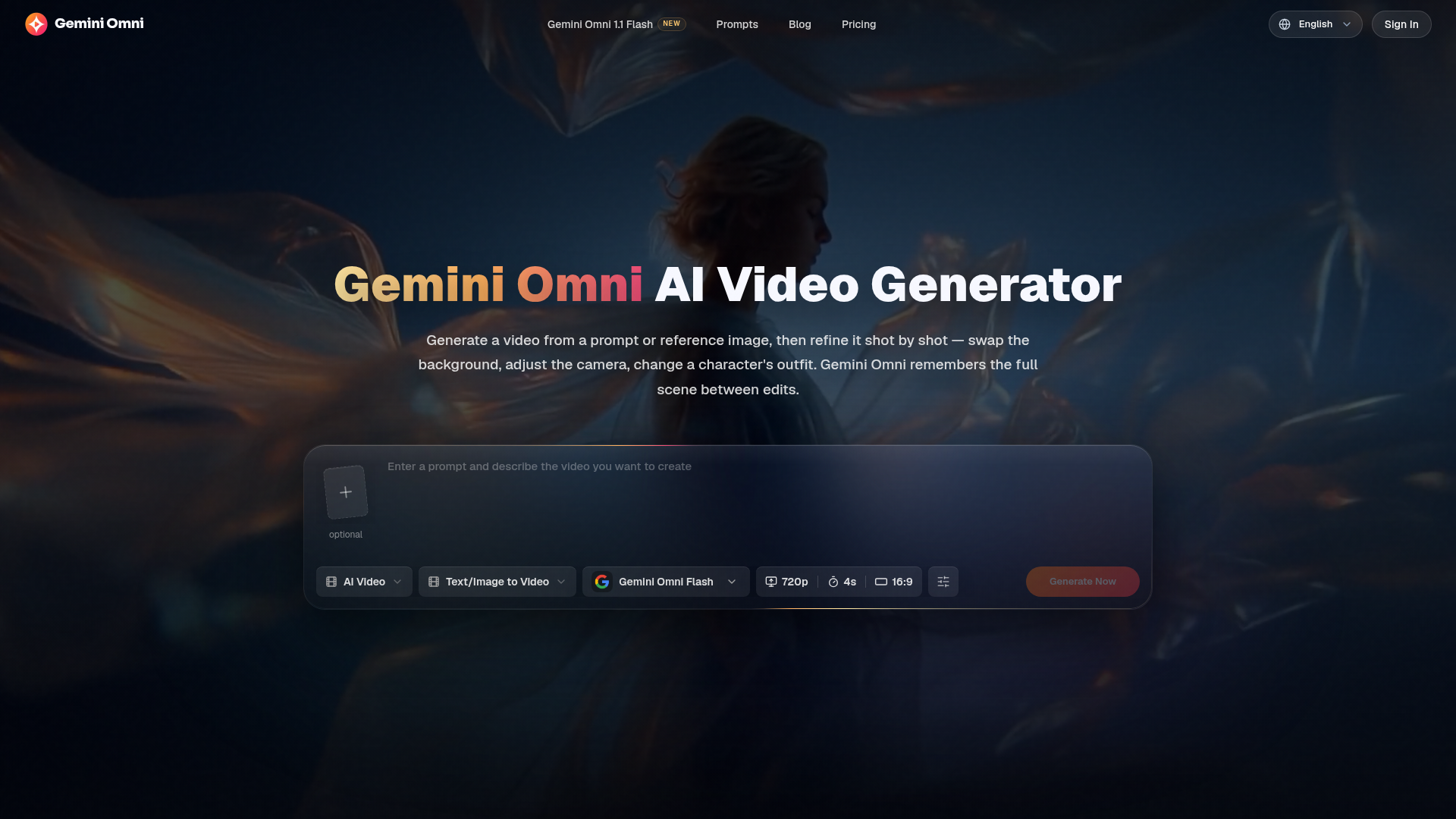
What is Gemini Omni?
Gemini Omni, also known as Gemini Omni Flash or Omni Flash, is a state-of-the-art AI video generation and editing platform developed by Google DeepMind. It allows you to create videos from simple text prompts or reference images, and uniquely, it enables you to refine those videos through conversational edits without regenerating the entire scene from scratch. Unlike standard generators, Gemini Omni understands complex elements like physics, character consistency, and scene memory, allowing for shot-by-shot modifications such as changing backgrounds, adjusting camera angles, or altering character outfits. It represents a significant evolution from previous models like Veo, offering a unified, multimodal system for a more intuitive and powerful creative workflow.
Key Features of Gemini Omni
Gemini Omni distinguishes itself with a suite of advanced features designed for control and consistency:
Native Multimodal Input: Combine multiple references—such as a character photo, a background image, a style sample, and a text prompt—in a single generation. Gemini Omni intelligently synthesizes all inputs to produce a cohesive video that matches every provided reference.
Conversational Video Editing: After generating a video, you can instruct Gemini Omni to make specific changes, like "swap the background to a Tokyo alley at night" or "put a crown on her head." The model applies these edits while preserving the rest of the scene, eliminating the need to start over and ensuring consistency.
Physics and World Simulation: The model understands real-world physics. It can simulate how objects interact, such as marbles rolling down a track, liquids splashing, or fabric draping under gravity, making generated scenes behave realistically, not just look realistic.
Sketch-to-Video Generation: You don't need polished artwork to begin. Feed Gemini Omni a rough sketch, wireframe, or hand-drawn storyboard, and it will transform your drawing into a fully rendered, animated video.
AI Avatar Generation: Upload a single portrait photo, and Gemini Omni can create a digital avatar with that person's likeness. This AI avatar can then be placed into any video scene you describe, maintaining facial and appearance consistency across multiple videos and actions.
How to Use Gemini Omni Video Generator
Using Gemini Omni is a straightforward, three-step process designed to take you from idea to final video quickly:
- Start Your Creation: Write a detailed text prompt describing your desired scene, or upload a reference image, sketch, or existing video clip. For complex ideas, you can combine multiple references (e.g., a character photo + a location image).
- Configure and Generate: Select your video settings, including aspect ratio (like 16:9), resolution (up to 720p in the free tier), and duration. Then, click "Generate" to create your initial video.
- Refine and Export: Review the result. If you want changes, simply describe the edit in a follow-up prompt (e.g., "change the character's outfit to formal wear"). Gemini Omni will apply the edit while keeping the rest of the scene. Once satisfied, download your watermark-free video.
Who Should Use Gemini Omni?
Gemini Omni is a powerful tool for professionals and creators across various fields who need high-quality video content without extensive production resources:
- Marketing and Advertising Teams
- Rapidly prototype and test different video ad concepts, product angles, and hooks. Generate multiple variations from one brief to determine the most effective version before investing in full-scale production.
- E-commerce Businesses
- Transform static product photos into engaging, contextual videos that show products in motion, enhancing online store pages and social media ads without the cost of a photoshoot or studio.
- Social Media Content Creators
- Produce viral-ready content for platforms like TikTok, Instagram Reels, and YouTube Shorts. Generate unique, attention-grabbing videos on demand without needing filming equipment or a production crew.
- Educators and Trainers
- Create explanatory videos to demonstrate complex concepts, historical events, scientific processes, or step-by-step tutorials, making abstract ideas visually tangible and easier to understand.
Gemini Omni Pricing Plans
Gemini Omni offers flexible plans from free exploration to professional production tiers. All paid plans include commercial use rights and watermark-free exports.
- Free Tier
- Get started with free credits upon signup, allowing you to explore basic video generation without any subscription.
- Basic Plan ($20.99/month, billed annually)
- Ideal for everyday creative work. Includes 800 AI credits per month, standard generation speed, and access to multiple creation models.
- Pro Plan ($34.99/month, billed annually - Most Popular)
- Designed for steady content creation and publishing. Offers 2,000 AI credits per month, priority generation queue, HD exports, and priority customer support.
- Premium Plan ($69.99/month, billed annually)
- Built for teams and high-frequency production. Provides 5,000 AI credits per month, the fastest generation speed, high-spec exports, and dedicated customer support.
Helpful Tips for Using Gemini Omni
- Be Specific in Prompts
- The more detail you provide in your text prompt (describing lighting, camera movement, character actions), the closer the output will be to your vision.
- Leverage Multimodal Input
- For the best character or style consistency, use the native multimodal feature. Provide a clear reference image alongside your text description.
- Start with Sketches
- Don't worry about artistic skill. Use simple sketches or storyboards as a starting point; Gemini Omni can interpret and render them into detailed videos.
- Utilize Conversational Editing
- This is Gemini Omni's superpower. Iterate on your video through a series of small, conversational edits instead of trying to perfect the initial prompt in one go.
- Plan Your Credits
- Understand that credit consumption varies based on video length, resolution, and model used. Choose a plan that matches your expected monthly output.
Frequently Asked Questions (FAQ)
What is the difference between Gemini Omni and Veo 3.1?
Veo 3.1 is a dedicated text-to-video generator. Gemini Omni is a unified multimodal model that handles text, image, and video together. Key advantages of Gemini Omni include conversational video editing (making changes without full regeneration), better character consistency, and the ability to accept multiple reference inputs simultaneously.
Is Gemini Omni free to use?
Yes, you can start using Gemini Omni for free by signing up, which grants you initial credits. This allows you to test the platform without a Google AI Pro or Ultra subscription. For higher volumes, faster generation, and more features, paid plans are available.
Can Gemini Omni edit an existing video I upload?
Absolutely. You can upload any video clip and use conversational prompts to instruct Gemini Omni on what to change—such as replacing the background, modifying an object, or altering the style. It will edit the specific elements you mention while keeping the rest of the original video intact.
Can I use my own face in a Gemini Omni video?
Yes. By uploading a single portrait photo as a character reference, you can generate an AI avatar with your likeness. This avatar can then be consistently used across different video scenes and actions you create.
How is Gemini Omni different from AI video tools like Sora or Runway?
While Sora and Runway primarily generate a new video from scratch for each prompt, Gemini Omni introduces a "scene memory." This allows for iterative, conversational editing where you can make successive changes to a single generated scene, preserving elements you like and only modifying what you specify, which offers much greater creative control and efficiency.
Gemini Omni
Create and edit AI videos online with Gemini Omni for free. Characters stay consistent, audio stays in sync, and every edit builds on the last. Try it now.
 Next.js
 Node.js
 React
React Vercel
 Webpack
Free AI anime and manga generator. Turn text into anime episodes, manga, comics, webtoons and comic shorts in any art style — no drawing or animation skills needed.
Translate image text across 70+ languages with our advanced AI Image Translator to help you better expand your products globally to various countries
Advertised Here
Reach thousands of visitors daily. Get your spot now!
Tools similar to Gemini Omni
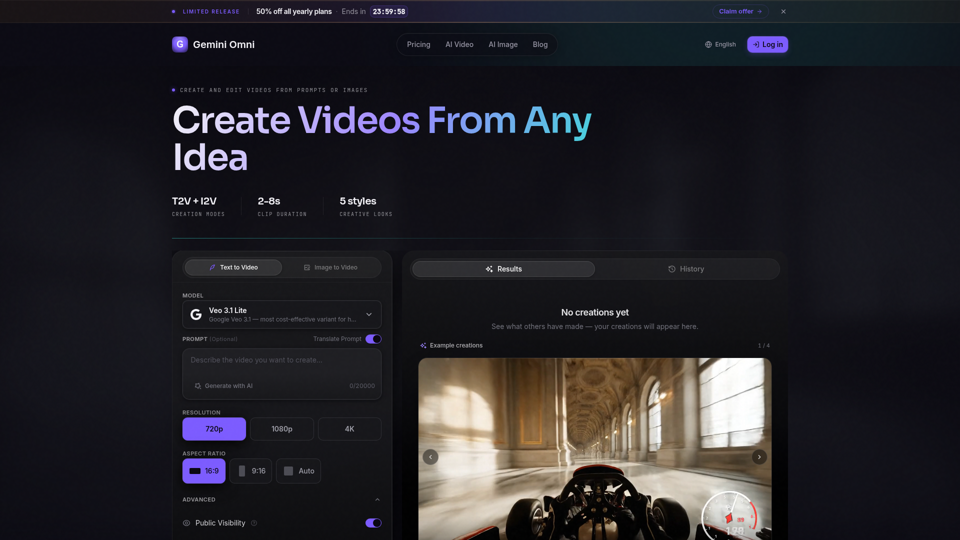
Create AI videos with Gemini Omni from text prompts, images, and reference frames. Generate short clips for social content, ads, product stories, explainers, and visual concepts.
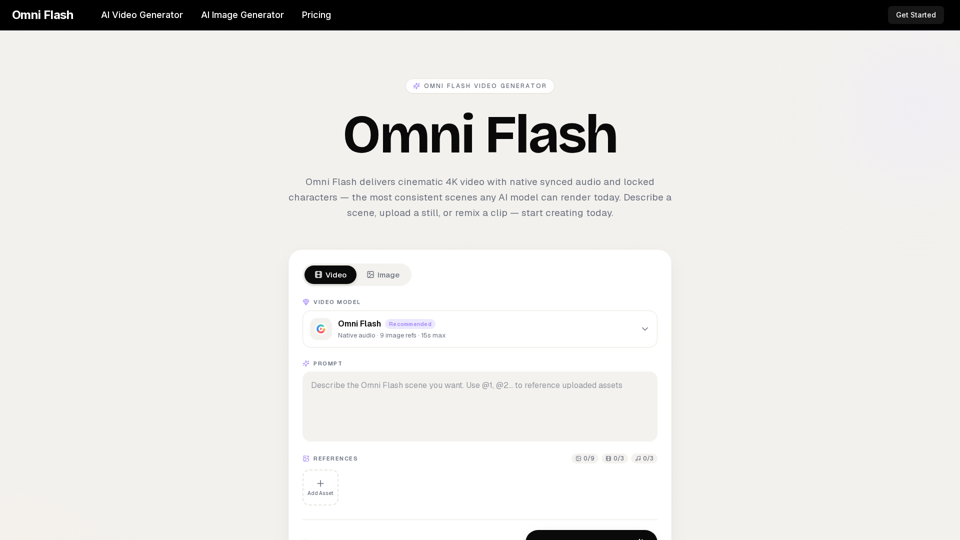
Omni Flash is a free AI video generator that turns text, images, or clips into cinematic 4K video with native synced audio and locked characters. Try free!
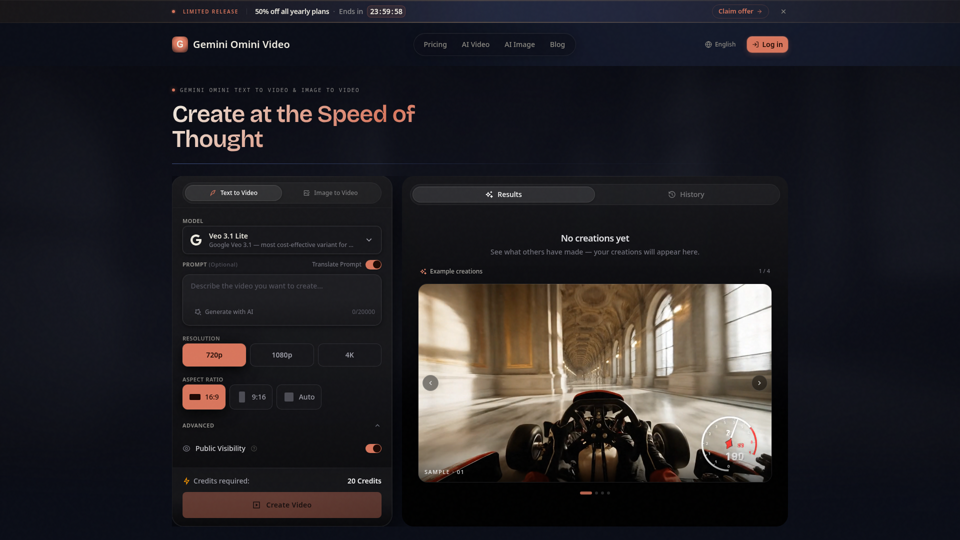
Create Gemini Omini Video clips from text prompts or reference images. Build Gemini Omni-style text-to-video and image-to-video scenes for social clips, ads, education, product stories, and visual ideas.
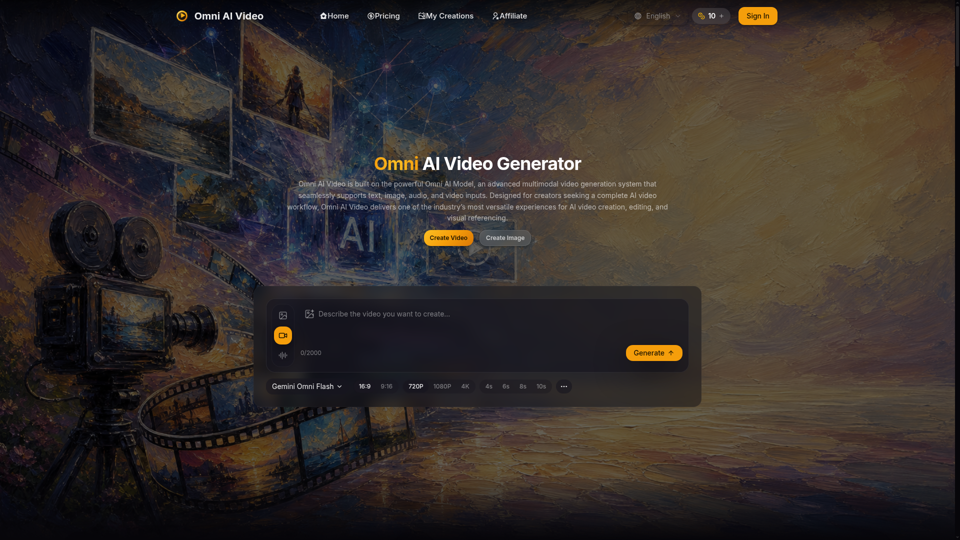
Omni AI Video: multimodal AI video generator powered by Omni AI Model. Supports text, image, audio, and video creation, editing, and reference generation.
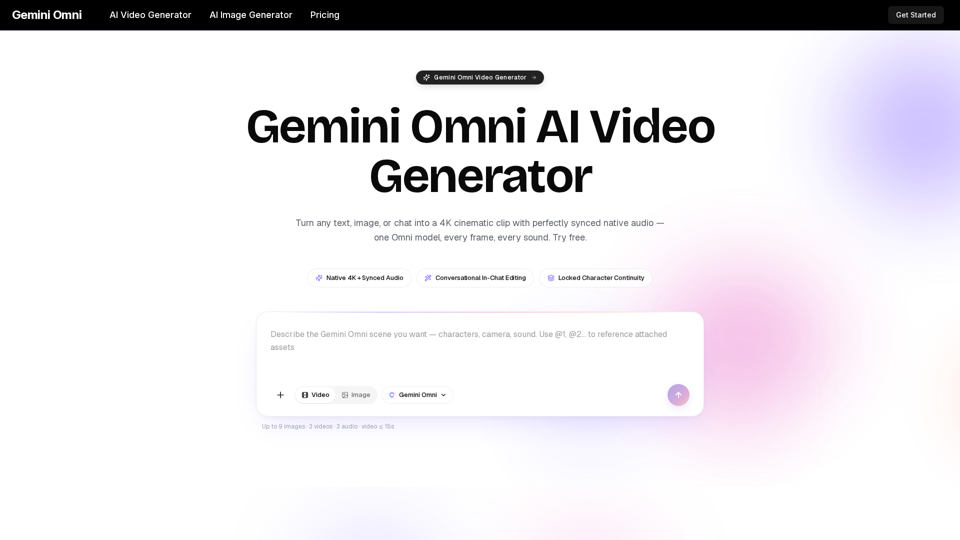
Gemini Omni is a multimodal AI video generator that creates 4K cinematic clips with synchronized native audio from text or chat. Try free!
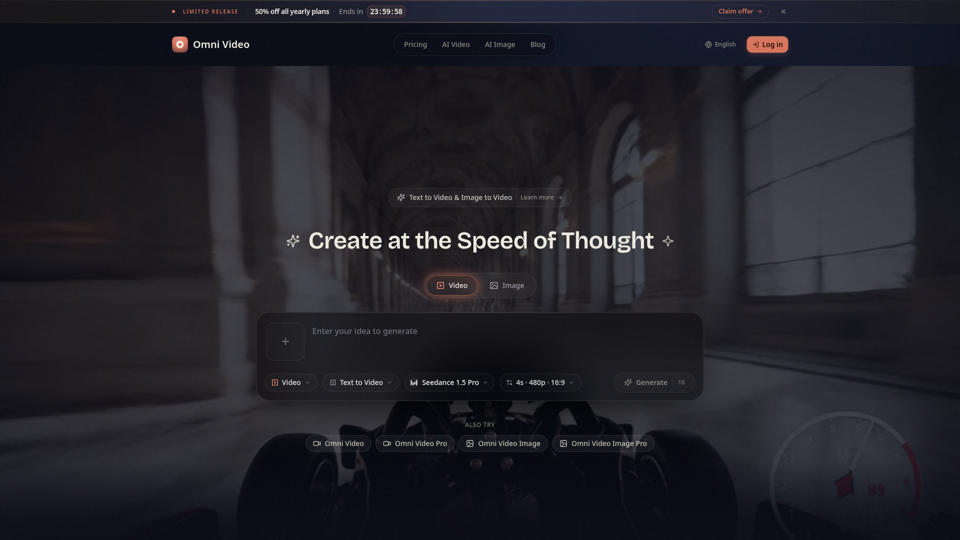
Create cinematic AI videos with Omni Video from text prompts or reference images. Use text-to-video and image-to-video workflows for social clips, ads, education, product stories, and visual ideas.
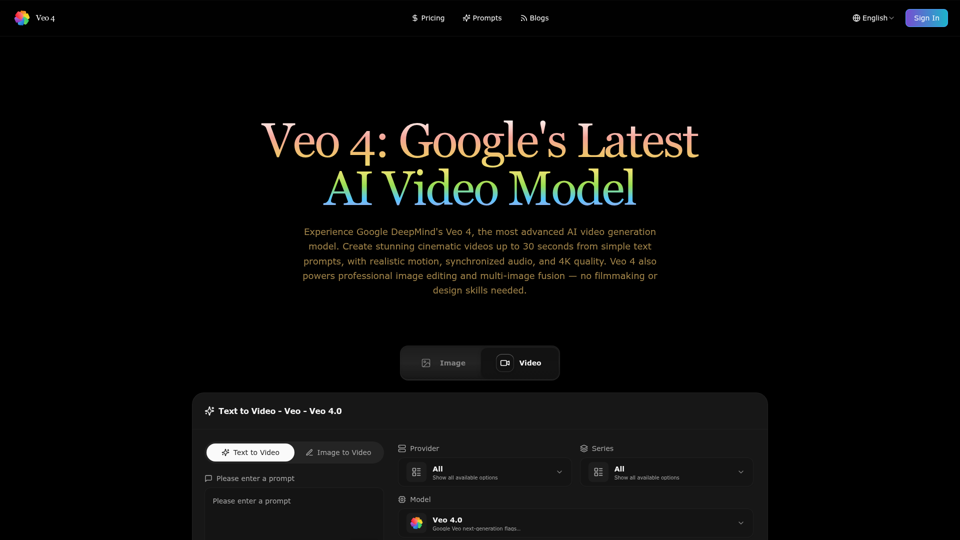

All-in-One AI Video Maker: Transform Text, Images & Videos with Professional AI Tools - Free Video Generation, Face Swap & Advanced Editing