Veo 3 Video Generator
Create free AI videos with Veo 3, Google's advanced video model from Google DeepMind. Generate cinematic 8-second clips with audio, text to video, and image to video in Veo3 Free AI Video Generator.
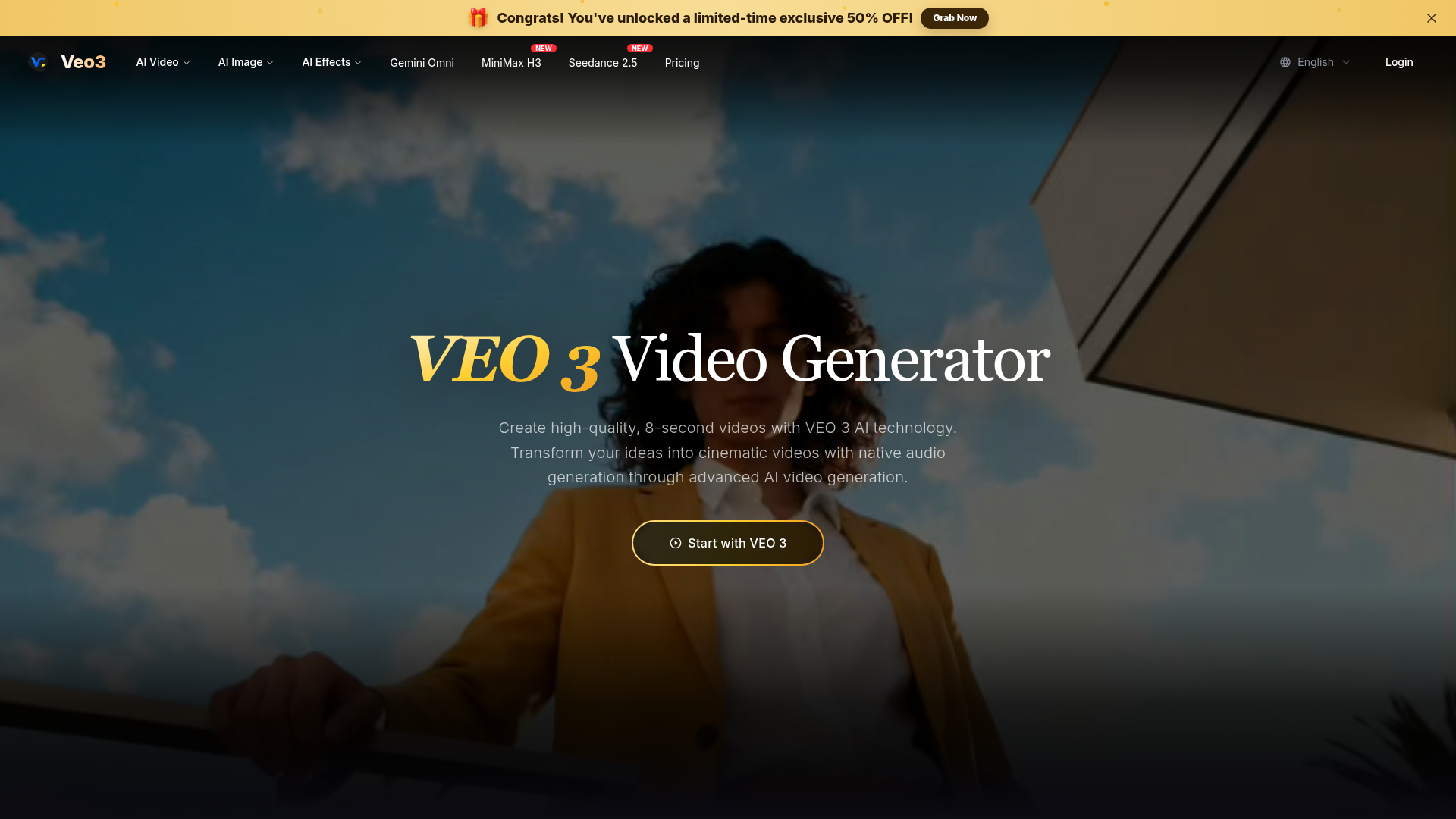
What is Veo3 AI Video Generator?
Veo3 AI Video Generator is an advanced artificial intelligence platform powered by Google's Veo 3.1 model. It transforms text descriptions into high-quality, 8-second cinematic videos. The platform stands out for its ability to generate native audio directly within the video, including synchronized sound effects, ambient noise, and character dialogue. It simplifies professional video creation by allowing users to describe scenes in natural language, which the AI then interprets to produce videos with realistic physics, lighting, and camera movements. Whether for creative projects, marketing, or storytelling, Veo3 offers a powerful, accessible tool for AI-driven video generation.
Key Features of Veo3 AI Video Generator
1. Google Veo 3.1 Technology: Utilizes the latest Google AI model for superior video generation with excellent prompt adherence and cinematic quality, ensuring high-fidelity output.
2. Native Audio Generation: Automatically creates and integrates audio elements like environmental sounds, character dialogue with lip-syncing, and atmospheric effects, making videos more immersive and realistic—a key advancement over earlier AI video tools.
3. Cinematic Quality: Produces movie-quality videos with professional-grade lighting, smooth camera movements, and realistic physics, giving content a polished, high-end look.
4. Advanced Prompt Understanding: Interprets complex, narrative-driven descriptions with high accuracy, allowing users to input detailed scenes, actions, and stories in everyday language without technical jargon.
5. Multimodal AI Engine: Employs a proprietary AI that understands the connections between visual, motion, and audio components, ensuring cohesive and professionally produced content.
6. Flexible Generation Modes: Offers three tiers—Veo 3.1 Lite (lowest cost, 720p), Veo 3.1 Fast (balanced speed and quality), and Veo 3.1 Quality (highest quality, 1080p)—to suit different needs and credit budgets.
How to Use Veo3 AI Video Generator
Using Veo3 is straightforward and designed for users of all skill levels:
- Access the Platform: Visit the Veo3 website and navigate to the video generator section. No technical experience is required.
- Input Your Prompt: In the provided text field (supports up to 2000 characters), describe the video scene you want to create. Be as detailed or creative as you like—for example, describe settings, characters, actions, or moods.
- Configure Settings: Select your preferred aspect ratio (e.g., 16:9), duration (fixed at 8 seconds), and generation mode based on your quality vs. cost preference.
- Generate Video: Click the "Generate Video" button. The AI will process your prompt and create a video, which will appear in the output preview area. Each generation consumes credits based on the mode selected.
- Download and Use: Once generated, subscribers can download unwatermarked, high-resolution videos with full usage rights for personal or commercial projects.
Pricing and Credit System
Veo3 operates on a credit-based system, with different generation modes costing varying amounts of credits:
- Veo 3.1 Lite
- 50 credits per generation (lowest cost, 720p resolution).
- Veo 3.1 Fast
- 80 credits per generation (balanced speed and quality).
- Veo 3.1 Quality
- 300 credits per generation (highest quality, 1080p resolution).
Users typically purchase credit packs or subscriptions to access the service. The platform often runs promotions, such as limited-time discounts (e.g., 50% OFF), making it more affordable to start. Subscriptions provide benefits like unwatermarked downloads and commercial usage rights.
Helpful Tips for Maximizing Veo3 AI Video Generator
- Craft Detailed Prompts
- The more descriptive your text input, the better the AI can visualize and create accurate, high-quality scenes. Include details about lighting, camera angles, emotions, and specific actions.
- Leverage Native Audio
- Take full advantage of the integrated audio generation by describing sounds in your prompt (e.g., "ocean waves crashing," "dialogue between characters"). This enhances realism without extra editing steps.
- Experiment with Modes
- Try different generation modes to see which best fits your project's needs—use "Lite" for quick drafts and "Quality" for final, professional outputs.
- Explore the Showcase
- Review the featured videos on the platform for inspiration and to understand the capabilities and style of the AI, helping you craft more effective prompts.
- Use for Commercial Projects
- Since videos are watermark-free and come with usage rights, they are ideal for marketing, social media, presentations, and other commercial applications.
Frequently Asked Questions About Veo3 AI Video Generator
What is VEO 3 and how does it work?
Veo3 AI Video Generator is powered by Google's advanced Veo 3.1 AI model. It creates high-quality, 8-second videos with native audio from text descriptions, excelling in realism, physics, and cinematic quality.
Do I need technical experience to use Veo3 AI?
No, Veo3 is designed for everyone—from beginners to professionals. Just describe your idea in everyday language, and the AI handles the technical video generation process.
What makes VEO 3 different from other video generators?
It features native audio generation, exceptional prompt understanding, and state-of-the-art cinematic quality, setting it apart from tools that lack integrated sound or produce less realistic visuals.
Can I download my creations?
Yes, subscribers can download unwatermarked, high-resolution videos with full usage rights for all content generated by the AI video platform.
Is VEO 3 suitable for commercial use?
Absolutely. Videos created with Veo3 can be used for commercial projects, and they come without any watermarks, making them ready for professional use.
What audio capabilities does VEO 3 offer?
Veo3 features native audio generation, automatically creating and synchronizing environmental sounds, character dialogue, and atmospheric audio with the video content for a cohesive experience.
Veo 3 Video Generator
Create free AI videos with Veo 3, Google's advanced video model from Google DeepMind. Generate cinematic 8-second clips with audio, text to video, and image to video in Veo3 Free AI Video Generator.
 FirstPromoter
 Vercel
Free AI anime and manga generator. Turn text into anime episodes, manga, comics, webtoons and comic shorts in any art style — no drawing or animation skills needed.
Translate image text across 70+ languages with our advanced AI Image Translator to help you better expand your products globally to various countries
Advertised Here
Reach thousands of visitors daily. Get your spot now!
Tools similar to Veo 3 Video Generator
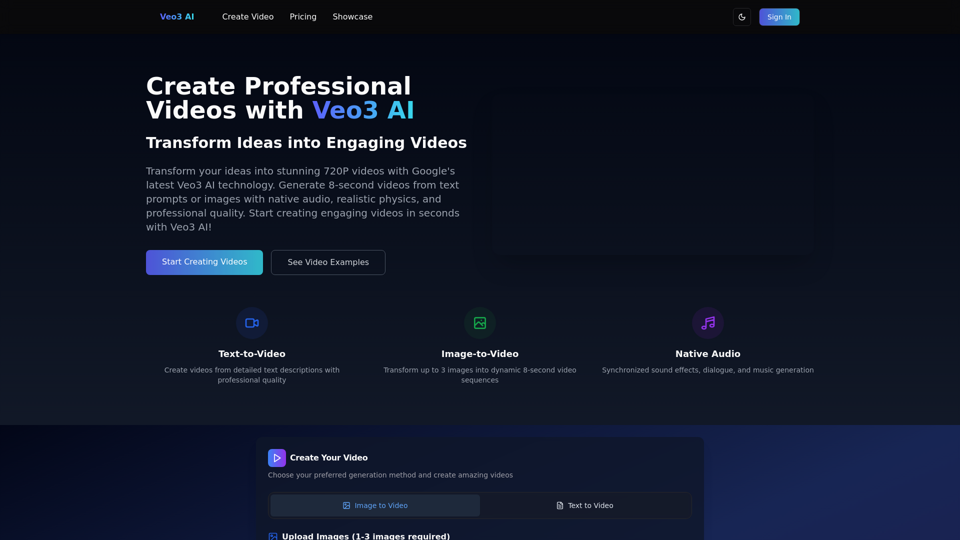
Create stunning 720P videos with Veo3 AI. Generate professional videos from text prompts or images with native audio and realistic physics.
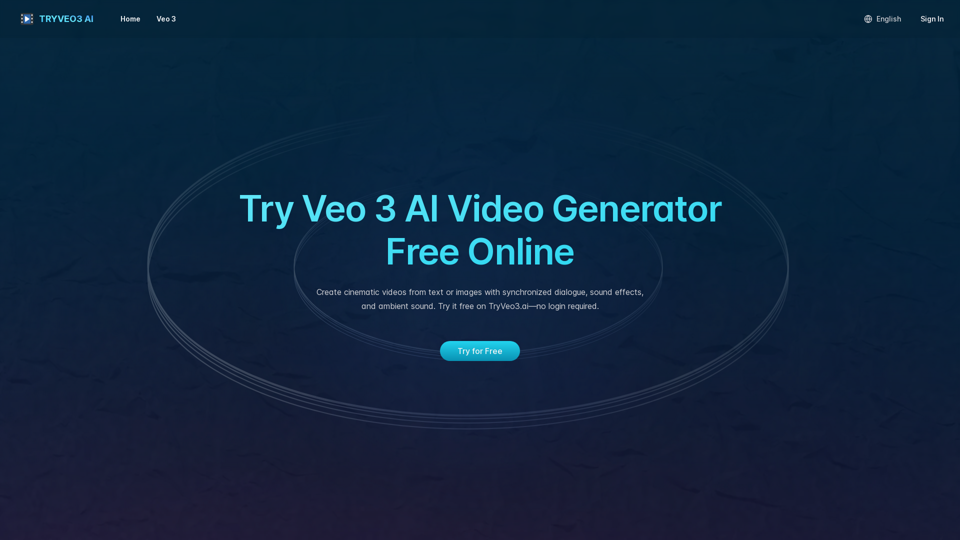
Generate cinematic videos with synchronized audio using Veo 3 AI, Google’s cutting-edge video generation model. Try it free on TryVeo3.ai—no sign-up needed.
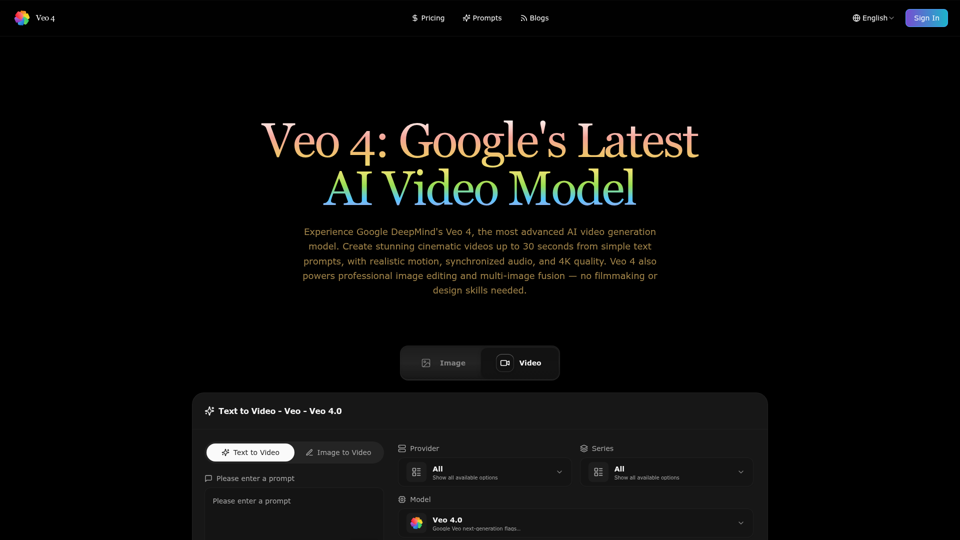
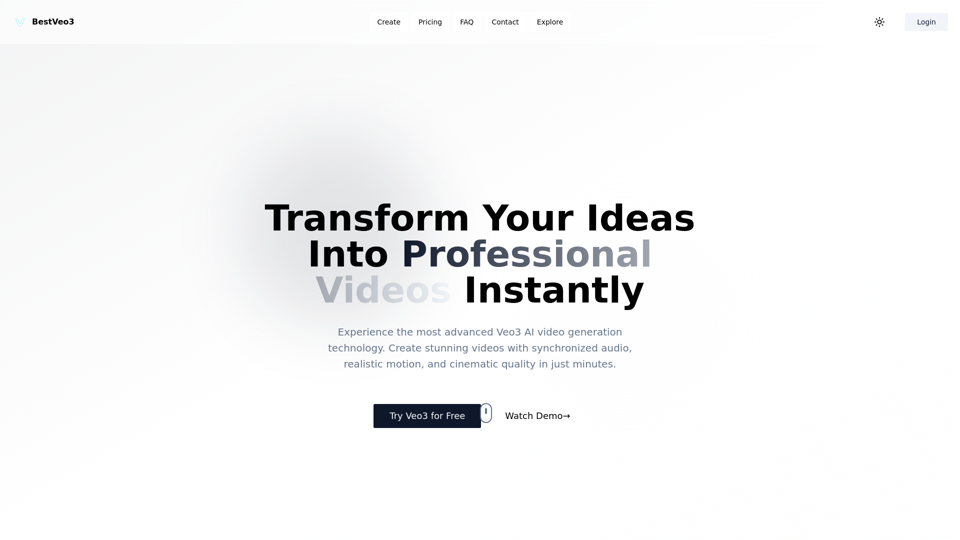
Transform your ideas into stunning professional videos using BestVeo3's AI-powered platform. Featuring Google Veo3 technology for realistic motion, native audio generation, and cinematic quality. Start creating today!
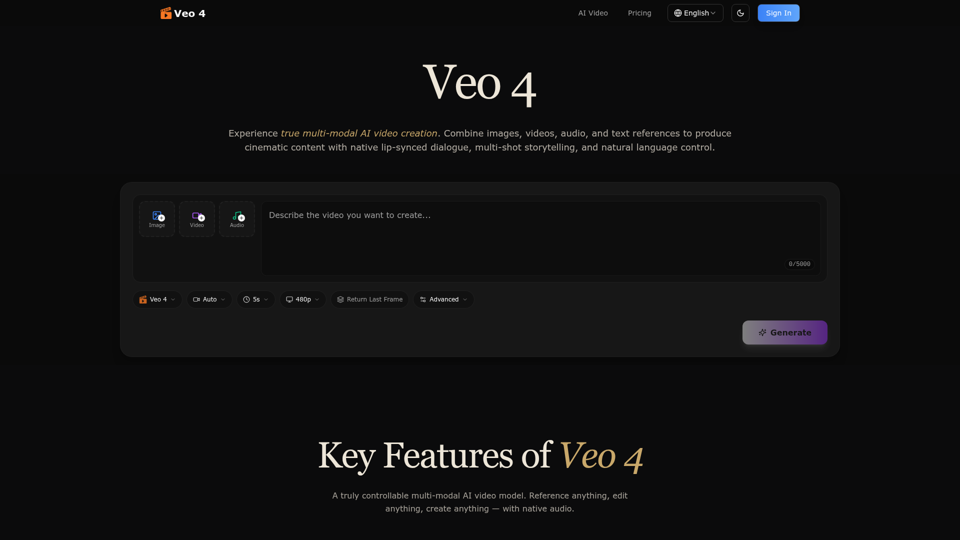
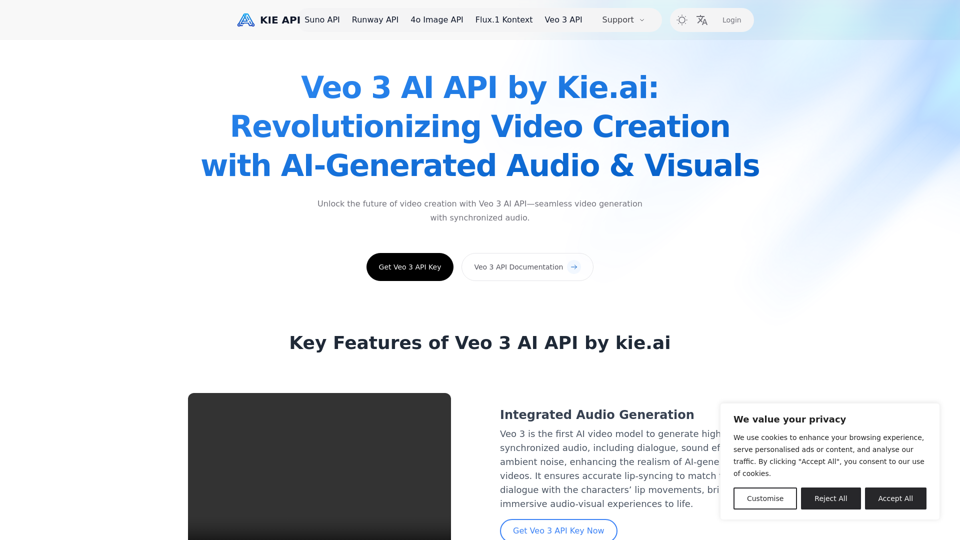
Explore the Veo 3 AI API by kie.ai, an advanced video generation tool that creates high-quality videos with synchronized audio and realistic scenes. Perfect for filmmakers, marketers, and content creators.
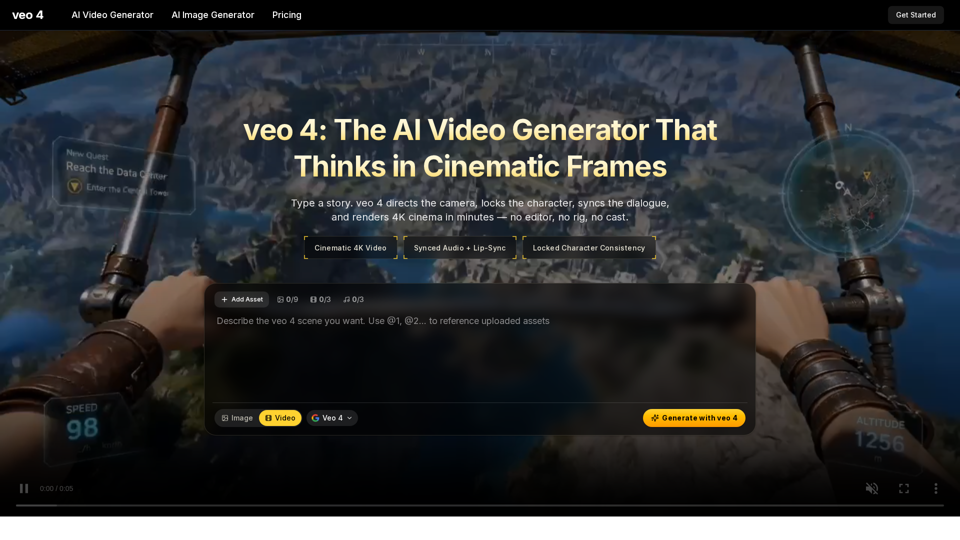
Create 4K cinematic videos with veo 4 for free. Turn text or a single image into synced-audio clips in seconds — no editing skills needed.