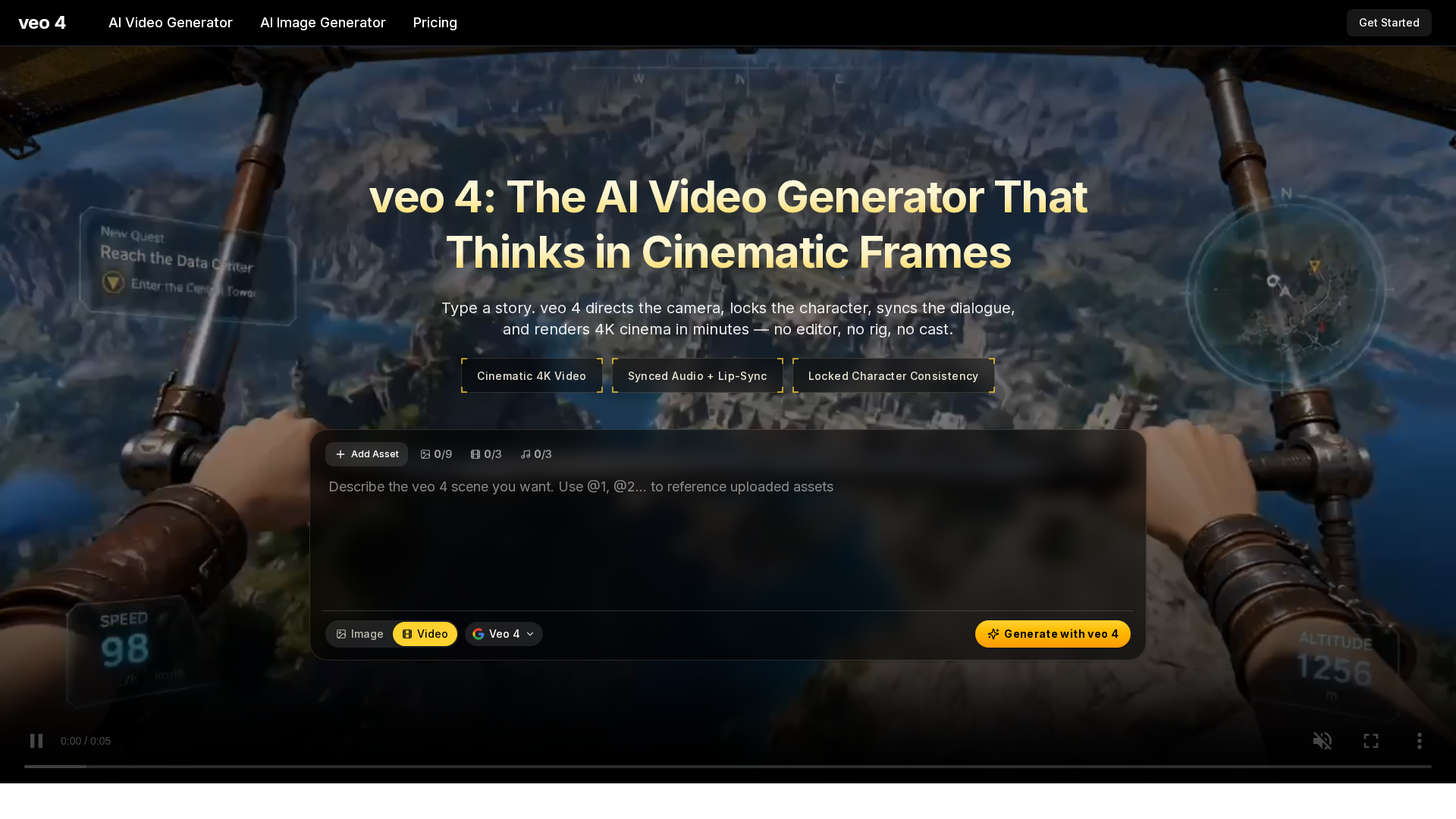
What is veo 4?
veo 4 is a state-of-the-art AI video generator developed to revolutionize content creation by transforming simple text prompts into professional-grade, 4K cinematic videos. As the latest iteration in the Veo series, it leverages advanced artificial intelligence to understand and execute complex cinematic directives. Users can describe a scene—including camera movements, character actions, dialogue, and mood—and veo 4 intelligently directs the virtual camera, maintains character consistency, syncs audio with lip movements, and renders high-resolution video in minutes. This platform is designed for creators, marketers, educators, and filmmakers, eliminating the need for traditional production tools like cameras, editing software, or large crews. It integrates features such as native audio generation, multi-shot storyboarding, and director-level editing controls, making it a comprehensive solution for generating engaging video content from ideation to final output.
What is the main feature of veo 4?
The main feature of veo 4 is its ### cinematic intelligence, which sets it apart from other AI video generators. Unlike basic models that simply animate images, veo 4 understands and executes professional filmmaking language. Key capabilities include:
- Cinematic Camera Language
- veo 4 interprets terms like "dolly in," "rack focus," "Dutch angle," and "orbital drone shot," rendering them with realistic physics and motion, as a cinematographer would.
- Synced Audio and Lip-Sync
- It generates dialogue, sound effects (Foley), and ambient noise natively, ensuring perfect lip-synchronization and emotional inflection for a lifelike audio experience.
- Character Anchoring
- Maintains consistent character appearance—including face, wardrobe, and identity—across multiple shots, aspect ratios, and scenes, enabling seamless storytelling.
- Multi-Shot Storyboarding
- Allows users to define wide, medium, and close-up shots in a single workflow, preserving continuity across cuts for a cohesive, directed sequence.
- Director’s Overlay Editor
- Offers post-generation controls to adjust camera paths, motion intensity, or focal points without needing to re-render the entire clip, saving time and resources.
- 4K Resolution with Speed
- Renders up to 4K quality videos up to 40% faster than previous versions, delivering broadcast-ready clips efficiently.
These features combine to provide an end-to-end creative suite, empowering users to produce studio-quality videos with minimal effort.
How to use veo 4?
Using veo 4 is a streamlined three-step process designed for simplicity and speed:
- Input Your Idea: Start by typing a text prompt or uploading a reference image. You can describe cinematic elements—such as "a slow dolly shot of a detective in a rainy alley at night"—or combine text with visuals for more precise control. veo 4 accepts detailed instructions on camera movement, lighting, character actions, and audio cues.
- Customize with Controls: Select your desired aspect ratio (e.g., 16:9 for YouTube, 9:16 for TikTok), video length (up to 2 minutes per clip), and resolution (up to 4K). Enable audio generation for synced dialogue and sound effects. Use advanced sliders to adjust motion intensity or lock the camera for static shots. veo 4 automatically handles continuity, character anchoring, and audio matching.
- Download and Publish: Once generated, download the video as an MP4 file with embedded audio in 4K quality. The output is ready for immediate use on platforms like YouTube, social media, ad campaigns, or presentations, with no watermarks or additional editing required.
For extended usage, consider subscribing to a paid plan for more credits, higher resolution, and faster rendering speeds.
Price
veo 4 offers flexible pricing plans to suit different needs, all including 4K cinematic video, synced audio, character anchoring, and commercial rights. Discounts are available for annual subscriptions:
- Lite Plan
- Priced at $7.9/month (billed annually at $94.8, 50% off). Includes 400 credits per month, 1080p resolution, 1 concurrent generation, and basic support. Ideal for beginners or light users.
- Pro Plan
- The most popular option at $17.9/month (billed annually at $214.8, 50% off). Provides 1,500 credits per month, 1080p resolution, 4 concurrent generations, priority speed, and veo 4 at a 30% discount. Perfect for regular creators and marketers.
- Ultra Plan
- Costs $49.9/month (billed annually at $598.8, 50% off). Offers 4,400 credits per month, 1080p resolution, 10 concurrent generations, fastest speed, dedicated support, and veo 4 at a 30% discount. Best for heavy users, teams, or professionals.
Credit packs are also available for one-time purchases, and all plans allow cancellation anytime. Each credit typically generates one video clip, with costs ranging from $0.011 to $0.020 per credit depending on the plan.
Helpful Tips
- Leverage Cinematic Vocabulary
- Use terms like "crane shot," "whip pan," or "rack focus" in your prompts to achieve professional camera movements. veo 4 is trained on film language, so detailed descriptions yield better results.
- Utilize Character Anchoring
- For series or campaigns, establish a character once and reference them in subsequent prompts to maintain consistency across videos, saving time on redesigns.
- Experiment with Audio
- Enable audio generation for realistic soundscapes. Describe dialogue emotions (e.g., "whispered suspensefully") or specific Foley effects (e.g., "footsteps on gravel") to enhance immersion.
- Optimize for Platforms
- Choose aspect ratios tailored to your target platform—9:16 for TikTok/Reels, 1:1 for Instagram, or 16:9 for YouTube—to ensure your videos look native and engaging.
- Use the Overlay Editor
- After generating a clip, fine-tune camera motion or focus points with the director’s overlay controls instead of re-prompting, which can save credits and time.
- Start with Free Trials
- If available, test veo 4 with free credits to explore its features before committing to a paid plan, ensuring it meets your creative workflow.
Frequently Asked Questions
What is veo 4?
veo 4 is an AI-powered video generator that creates cinematic 4K videos from text or image inputs, featuring synced audio, character consistency, and professional camera controls.
How is veo 4 different from earlier AI video generators?
veo 4 excels in cinematic intelligence, understanding directorial language for camera work, generating native audio with lip-sync, and maintaining character continuity across shots—features often lacking in older models.
Can veo 4 generate audio with the video?
Yes, veo 4 produces synced dialogue, Foley effects, and ambient sounds natively, eliminating the need for external audio editing tools.
How long can a single veo 4 clip be?
Clips can run up to 2 minutes in length without stitching, with options for shorter segments based on user input.
Does veo 4 support image-to-video?
Absolutely. Users can upload reference images to animate, combining them with text prompts for enhanced control over visuals and motion.
Can veo 4 keep the same character across multiple shots?
Yes, through character anchoring, veo 4 ensures consistent appearance and identity across different shots, aspect ratios, and scenes.
Can I use veo 4 videos commercially?
All paid plans include full commercial rights, allowing you to use generated videos in ads, marketing, films, and other commercial projects without restrictions.
What aspect ratios does veo 4 support?
It supports various ratios, including 16:9 (widescreen), 9:16 (vertical), 1:1 (square), and ultrawide formats, catering to different platform requirements.
How fast does veo 4 render?
Render times are optimized, with veo 4 being up to 40% faster than previous versions. A 30-second 4K clip typically generates in minutes, depending on complexity.
Is there a free version of veo 4?
Yes, veo 4 offers a free AI video generator with limited credits, allowing users to create 4K cinematic clips to test the platform before upgrading to a paid plan for extended access.
Free veo 4 AI Video Generator
Create 4K cinematic videos with veo 4 for free. Turn text or a single image into synced-audio clips in seconds — no editing skills needed.
 Next.js
 Node.js
 React
React Vercel
 Webpack
Free AI anime and manga generator. Turn text into anime episodes, manga, comics, webtoons and comic shorts in any art style — no drawing or animation skills needed.
Translate image text across 70+ languages with our advanced AI Image Translator to help you better expand your products globally to various countries
Advertised Here
Reach thousands of visitors daily. Get your spot now!
Tools similar to Free veo 4 AI Video Generator
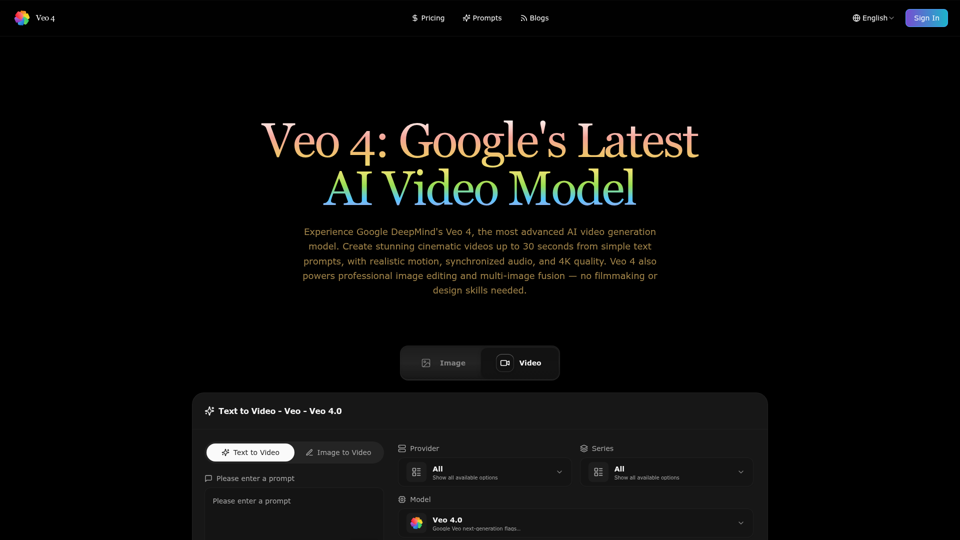
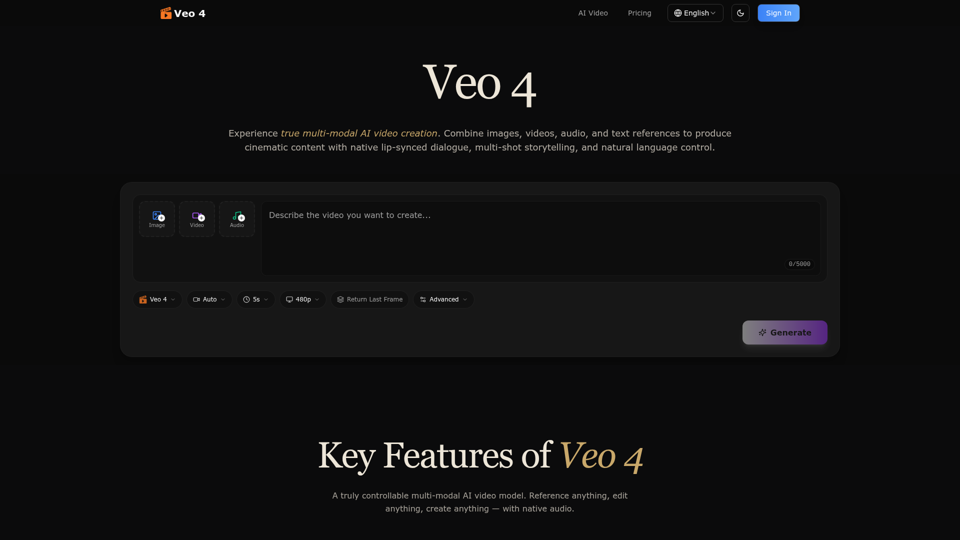
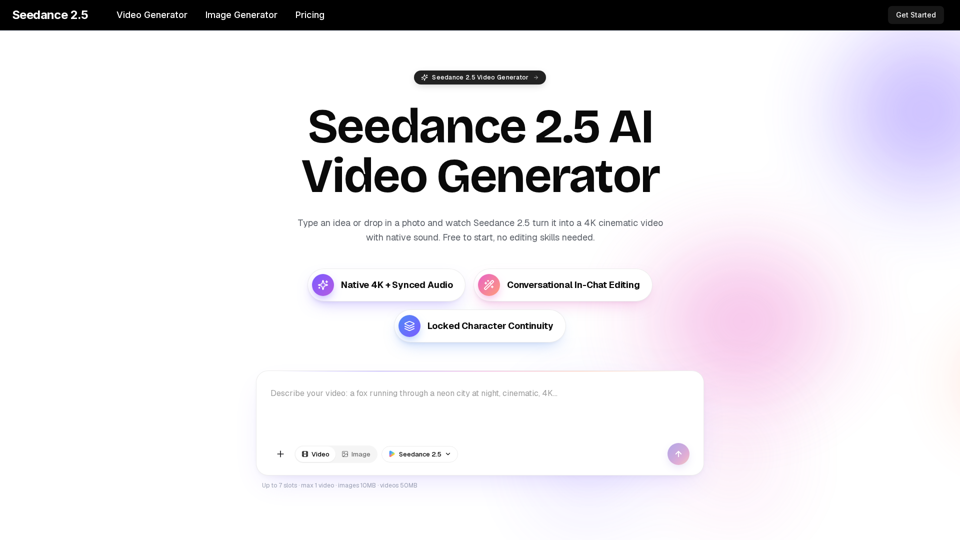
Turn any idea, photo, or clip into a stunning 4K video with Seedance 2.5. The AI video generator with native audio and 30fps motion. Free to try, no skills needed.
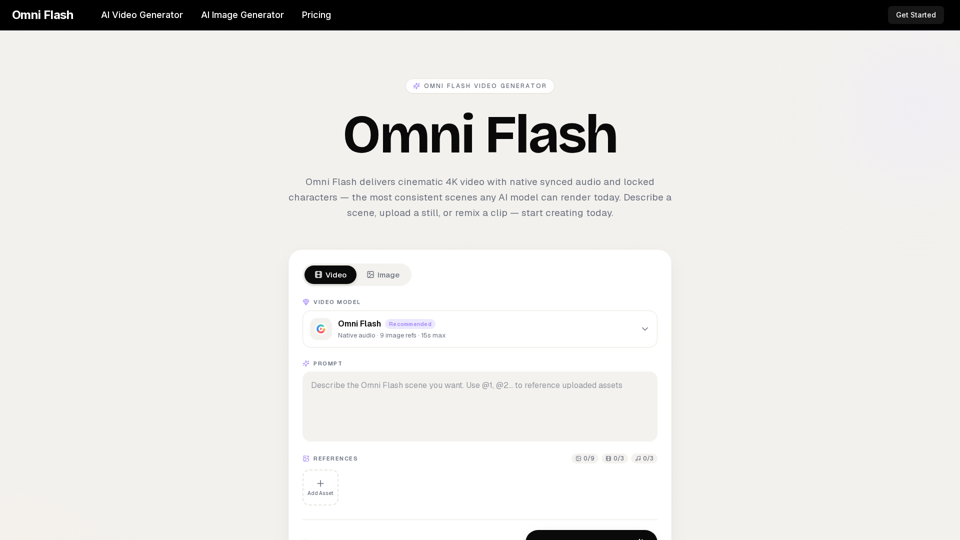
Omni Flash is a free AI video generator that turns text, images, or clips into cinematic 4K video with native synced audio and locked characters. Try free!
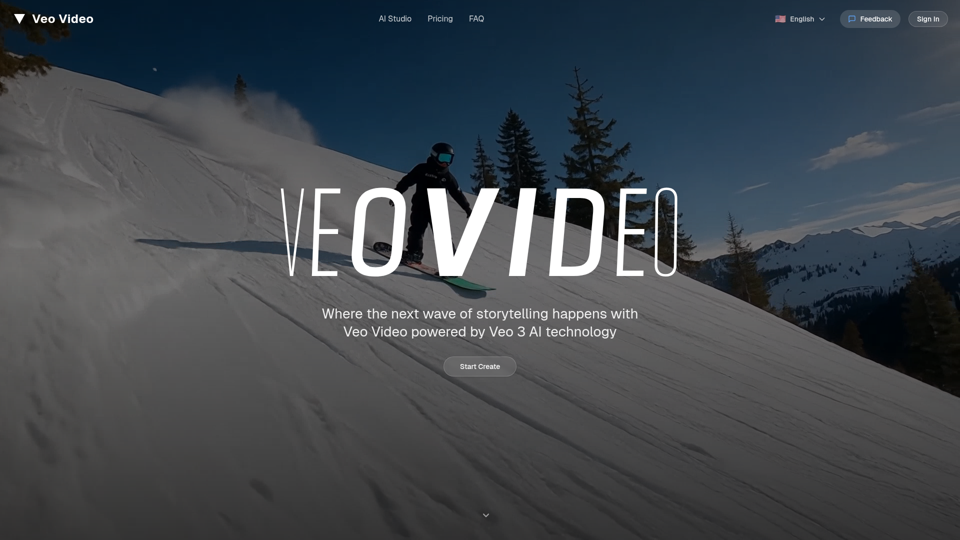
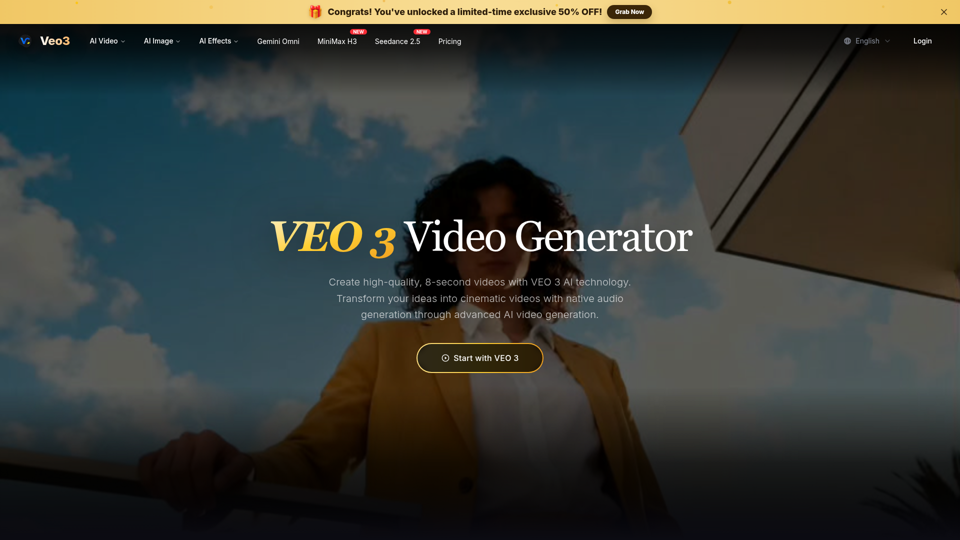
Create free AI videos with Veo 3, Google's advanced video model from Google DeepMind. Generate cinematic 8-second clips with audio, text to video, and image to video in Veo3 Free AI Video Generator.
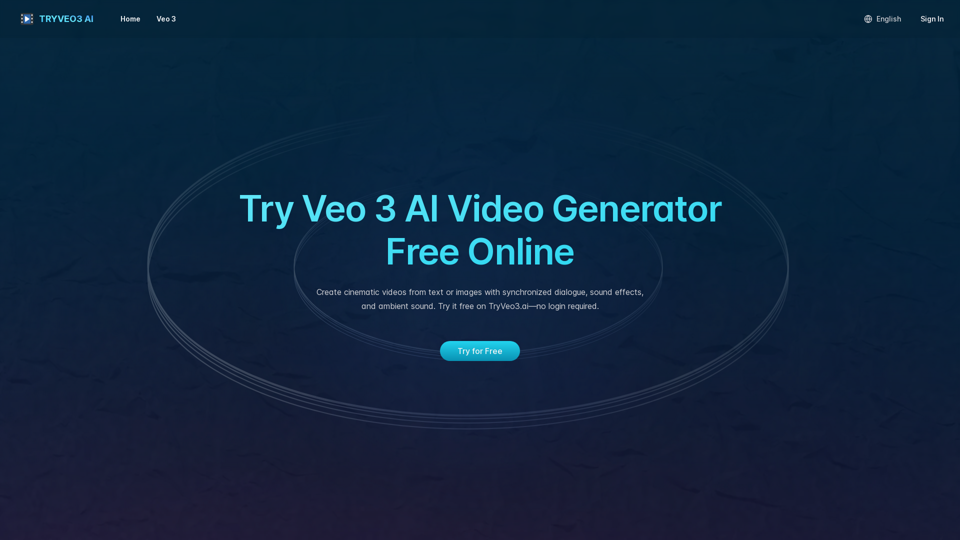
Generate cinematic videos with synchronized audio using Veo 3 AI, Google’s cutting-edge video generation model. Try it free on TryVeo3.ai—no sign-up needed.
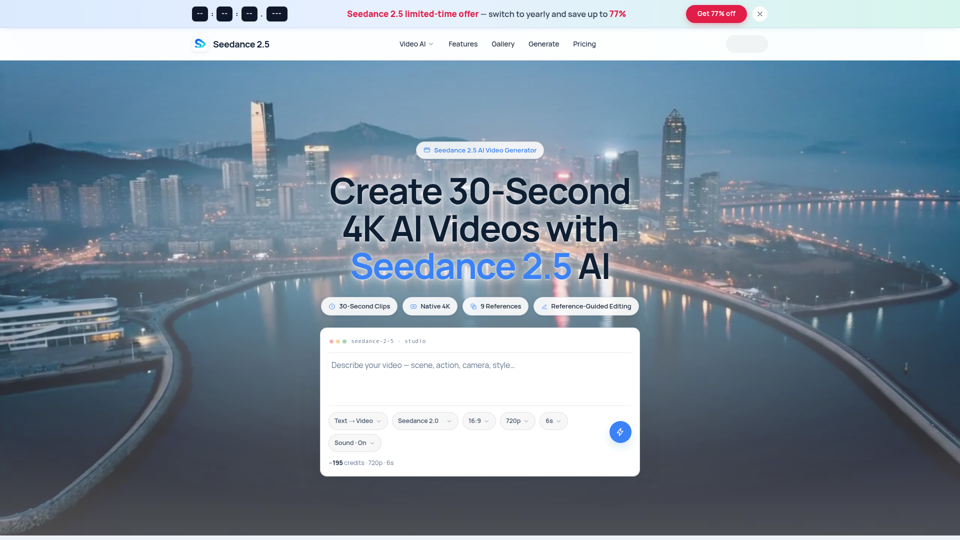
Seedance 2.5 AI turns any text prompt or photo into cinematic, watermark-free 4K video — text-to-video, image-to-video and reference-guided generation.