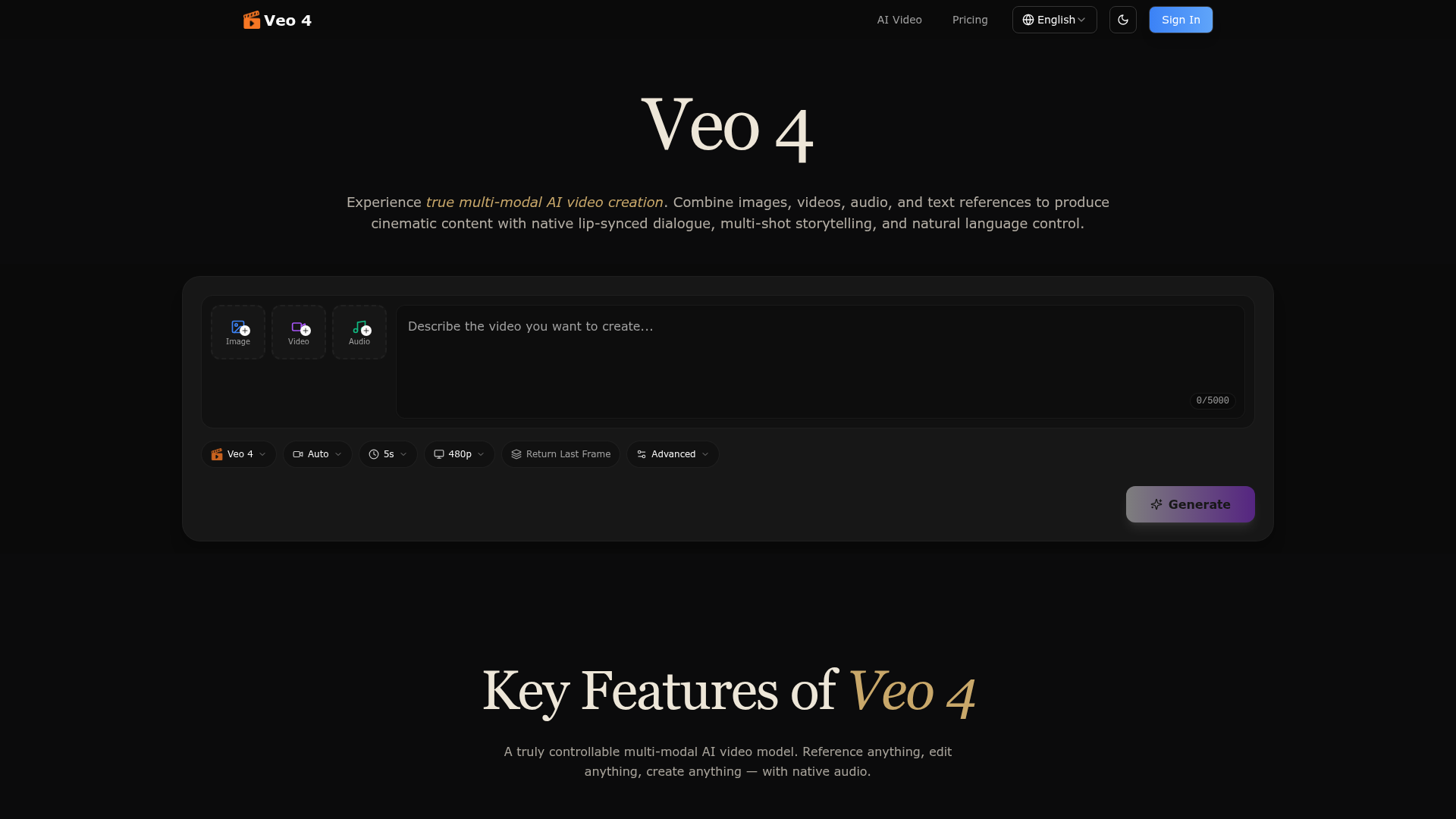
What is Veo 4?
Veo 4 is a groundbreaking, next-generation multi-modal AI video generation model and platform. It empowers creators to produce high-quality, cinematic video content by intelligently combining multiple input types. Unlike basic text-to-video generators, Veo 4 accepts and processes a rich mix of images, video clips, audio files, and natural language text prompts in a single generation. Its core innovation is the ability to "reference" elements from uploaded assets, allowing users to replicate specific motions, camera angles, character styles, scenes, and even sounds simply by describing them. The platform delivers fully synchronized, native audio—including lip-synced dialogue, sound effects, and music—alongside visually consistent, multi-shot stories, making it a powerful all-in-one solution for professional and creative video production.
What are the Key Features of Veo 4?
Veo 4 is packed with advanced features designed for maximum creative control and professional output:
- Multi-Modal Input & Reference System
- This is the cornerstone of Veo 4. You can upload images, videos (for motion/camera reference), and MP3 audio files. In your text prompt, you can reference these assets (e.g.,
use @video1's camera movement with @image2's character style) to precisely guide the generation, replicating anything from complex choreography to specific visual effects. - Native Audio Generation
- Veo 4 doesn't just create silent videos. It generates perfectly synchronized audio natively, including realistic lip-synced dialogue, Foley (sound effects), and ambient background music, all in one cohesive output.
- Superior Character & Style Consistency
- The model excels at maintaining consistency across frames and shots. Faces, clothing, text within scenes, and overall visual style remain stable, eliminating the "character drift" common in other AI video tools.
- Multi-Shot Storytelling
- From a single prompt, Veo 4 can generate logical sequences of shots (4-15 seconds each) that form a cohesive narrative. Characters and settings stay consistent across these cuts, enabling true short-form storytelling without manual editing.
- Precise Motion & Camera Replication
- Upload a reference video with the desired action, dance move, or cinematic camera sweep, and Veo 4 can accurately apply that motion to your new scene. This allows for professional-grade choreography and cinematography without complex prompting.
- Video Extension & In-Place Editing
- Extend an existing video seamlessly by generating additional footage that matches the style and action. You can also edit specific parts of a video—like replacing a character or modifying an action—without needing to regenerate the entire clip.
- Cinematic Quality & Format Flexibility
- Videos are generated at production-grade cinematic quality. Veo 4 supports a wide range of aspect ratios, including landscape (16:9, 21:9) and portrait (9:16, 3:4), making it ready for everything from YouTube to TikTok.
How to Use Veo 4 for AI Video Creation?
The workflow with Veo 4 is designed to be intuitive and powerful:
- Upload Your Assets: Start by uploading any reference materials you want to use—photos for character or scene style, video clips for motion or camera moves, and audio files for sync or style.
- Describe Your Vision: Write a natural language prompt detailing the video you want. Be specific and reference your uploaded assets using tags (e.g., "A detective, styled like @image1, walks through a rainy neon-lit alley with the camera movement from @movie_clip, voiced like @audio_sample").
- Generate and Iterate: Let Veo 4 process your multi-modal input and generate your video with synchronized audio. Review the result, and if needed, use the video extension or editing features to make precise adjustments. You can upload the generated video itself as a new reference for further refinements.
What is the Price for Veo 4?
(A comprehensive and up-to-date pricing table for Veo 4 would typically be inserted here, based on the user's provided information. It should clearly outline different tiers such as Free, Basic, Pro, and Enterprise plans. The table would detail included features per plan: the number of video generations per month, maximum video length (e.g., 15s), available input modalities (image, video, audio), access to advanced features like video extension/editing, resolution options (e.g., 480p, 1080p), watermark status, and commercial usage rights. It should also note any savings for annual billing.)
Helpful Tips for Using Veo 4
- Be Specific in Prompts
- The more detail you provide about actions, emotions, camera angles, and lighting, the better the output.
- Leverage the Reference System
- Don't just describe; show and tell. Use high-quality reference videos for complex motions you want to replicate.
- Start Simple, Then Iterate
- For complex scenes, consider generating a base version and then using the editing or extension features to build upon it, rather than trying to get everything perfect in one go.
- Use Clear Reference Audio
- For best lip-sync results, use clean, clear audio files for dialogue references.
- Experiment with Aspect Ratios
- Choose the aspect ratio that fits your final distribution platform from the start for optimal composition.
Frequently Asked Questions about Veo 4
Can I generate videos longer than 15 seconds?
Veo 4 generates individual shots between 4 and 15 seconds. For longer narratives, you can use the multi-shot storytelling feature to create a sequence of coherent clips, or use the video extension tool to seamlessly lengthen an existing generation.
Is my uploaded content private and secure?
Yes. Veo 4 takes user privacy seriously. Your uploaded assets and generated videos are stored securely with encryption. Your data is not used to train public models and is never shared with third parties without your consent. You retain full ownership of all content you create.
Do I own the videos I create with Veo 4?
Absolutely. All videos generated on Veo 4 are 100% owned by you. They are delivered watermark-free and are ready for commercial use, whether for social media, advertising, client work, or film projects.
What video formats and resolutions are available for download?
Veo 4 outputs high-quality MP4 video files. Available resolutions depend on your subscription plan and can range from standard definition up to full HD (1080p) cinematic quality.
How does Veo 4 handle lip-syncing to uploaded audio?
When you upload an audio file containing speech, Veo 4's native audio generation model analyzes the phonemes and timing to animate the character's mouth movements realistically, creating convincing lip-synced dialogue.
Can I use Veo 4 for free?
Typically, AI video platforms like Veo 4 offer a free tier with limited generations or features (like shorter video length or a watermark) to let users try the service. For full access to multi-modal inputs, longer videos, editing tools, and watermark-free downloads, a paid subscription is required. Check the Veo 4 website for their current free trial or tier offerings.
What kind of computer or software do I need to use Veo 4?
Veo 4 is a cloud-based platform, so you only need a modern web browser and an internet connection. There is no need for powerful local hardware or to install any complex software.
Veo 4
Create cinematic AI videos with Veo 4. Combine text, images, video, and audio to generate multi-shot stories with native audio and consistent characters.
 Cloudflare
 HTTP/3
 Next.js
 Node.js
 React
React Vercel
 Webpack
Free AI anime and manga generator. Turn text into anime episodes, manga, comics, webtoons and comic shorts in any art style — no drawing or animation skills needed.
Translate image text across 70+ languages with our advanced AI Image Translator to help you better expand your products globally to various countries
Advertised Here
Reach thousands of visitors daily. Get your spot now!
Tools similar to Veo 4
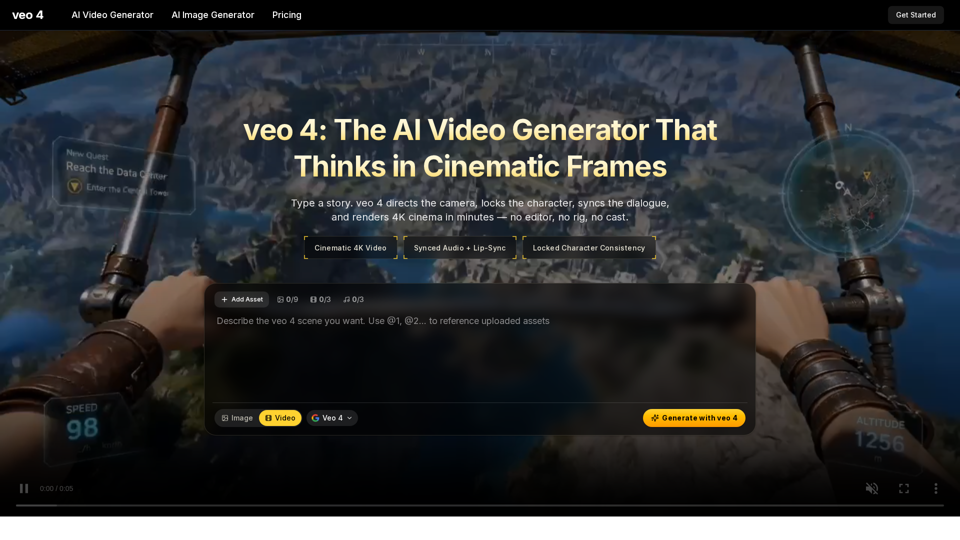
Create 4K cinematic videos with veo 4 for free. Turn text or a single image into synced-audio clips in seconds — no editing skills needed.
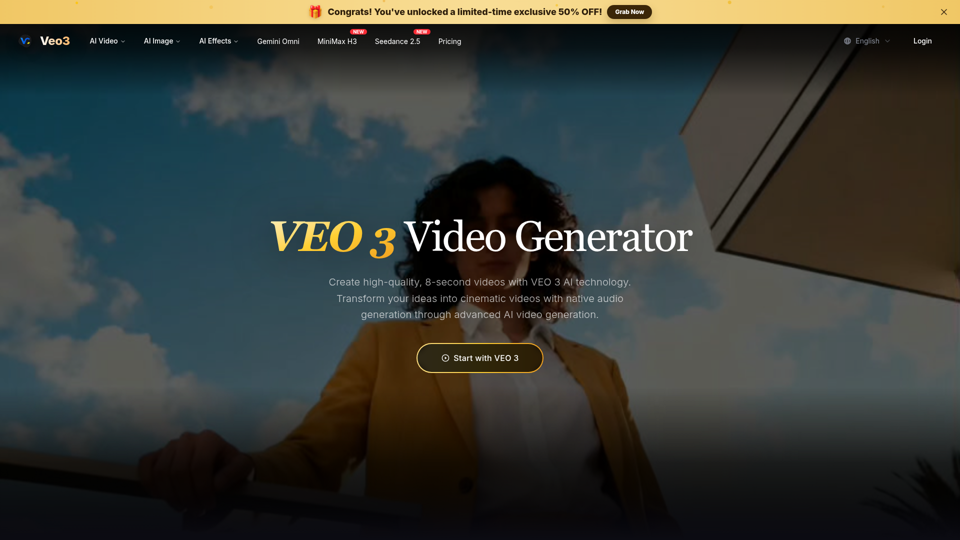
Create free AI videos with Veo 3, Google's advanced video model from Google DeepMind. Generate cinematic 8-second clips with audio, text to video, and image to video in Veo3 Free AI Video Generator.
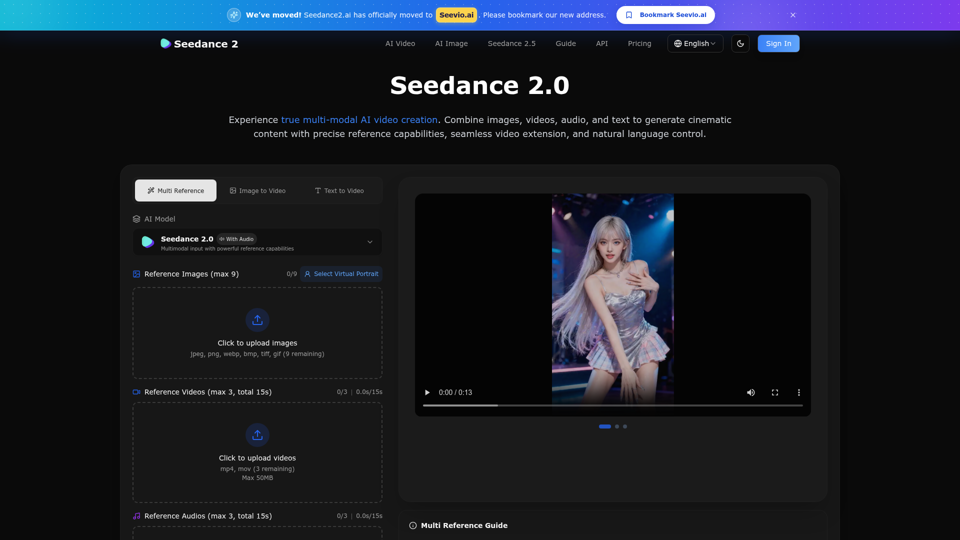
Create stunning AI videos with Seedance 2.0. Transform images and text into cinematic videos with advanced motion synthesis and professional quality.
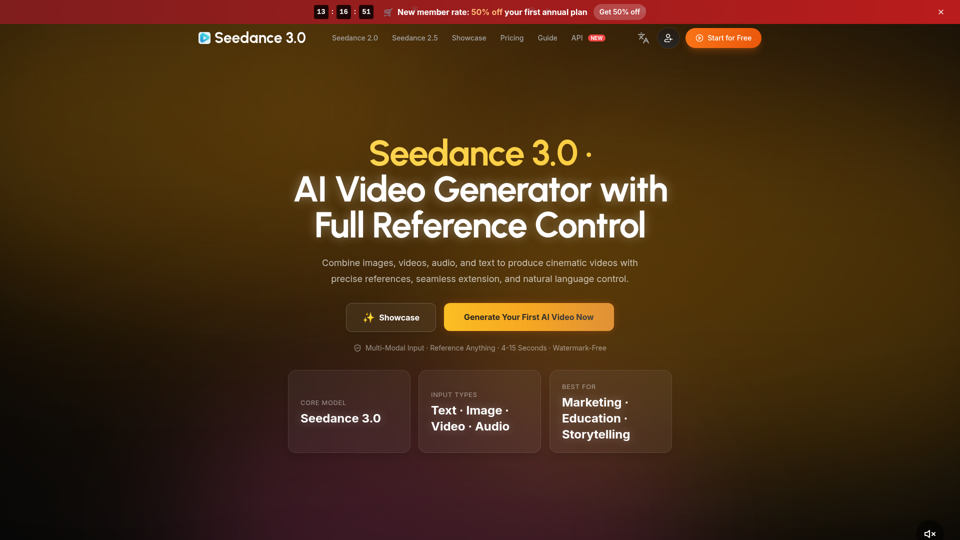
Create cinematic AI videos with Seedance 3.0. Combine image, video, audio, and text references into connected, production-ready scenes.
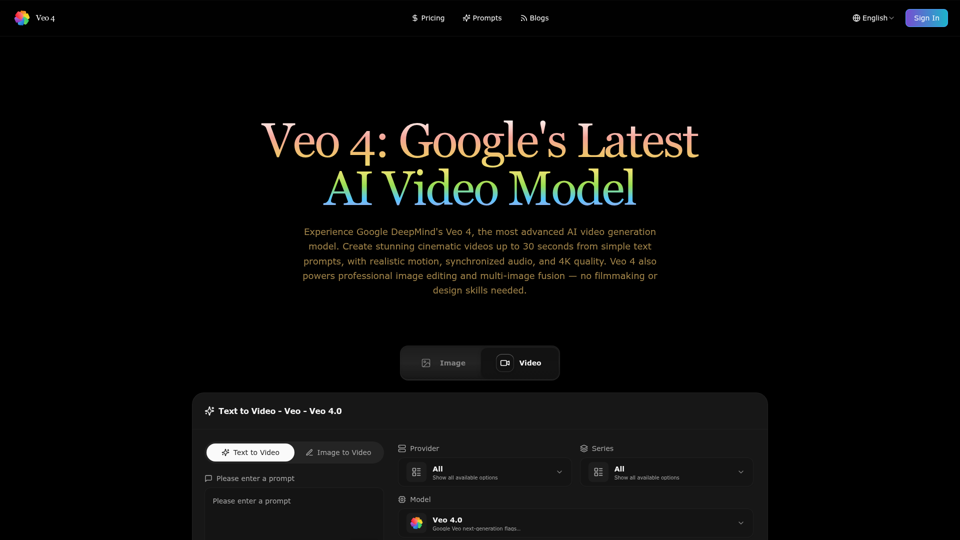
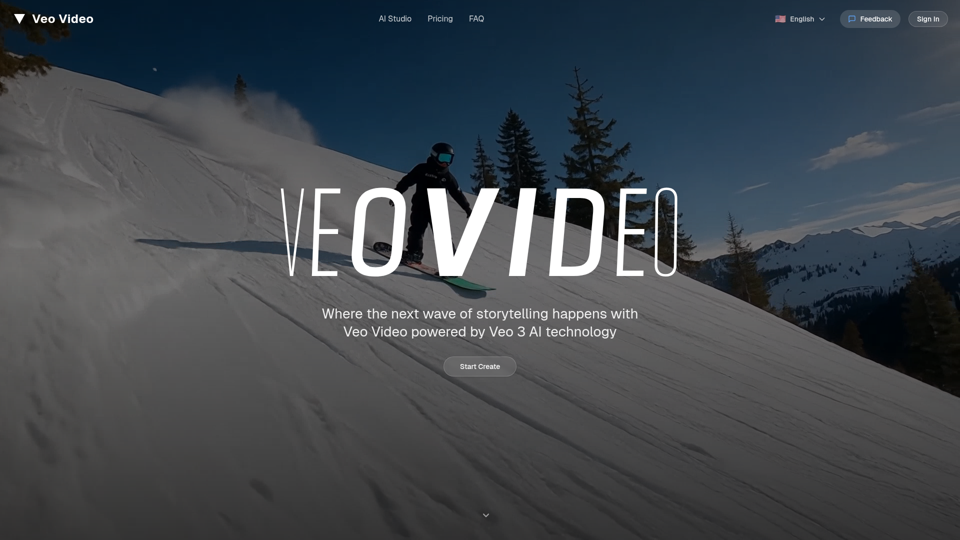
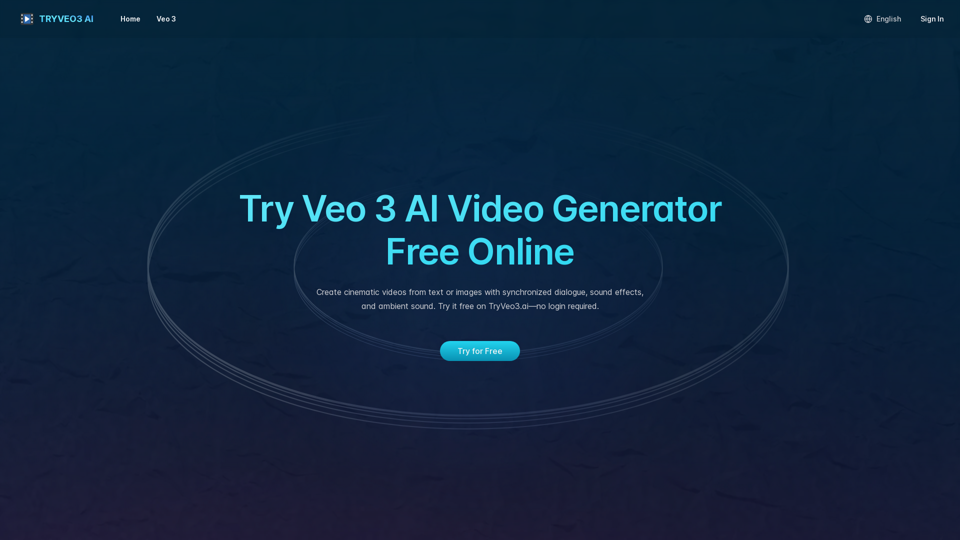
Generate cinematic videos with synchronized audio using Veo 3 AI, Google’s cutting-edge video generation model. Try it free on TryVeo3.ai—no sign-up needed.
Ultimate AI video generation platform. Create cinematic films, viral short videos, and professional business content. Transform any idea into stunning 2K videos with Veo 3 AI technology.