Veo Video
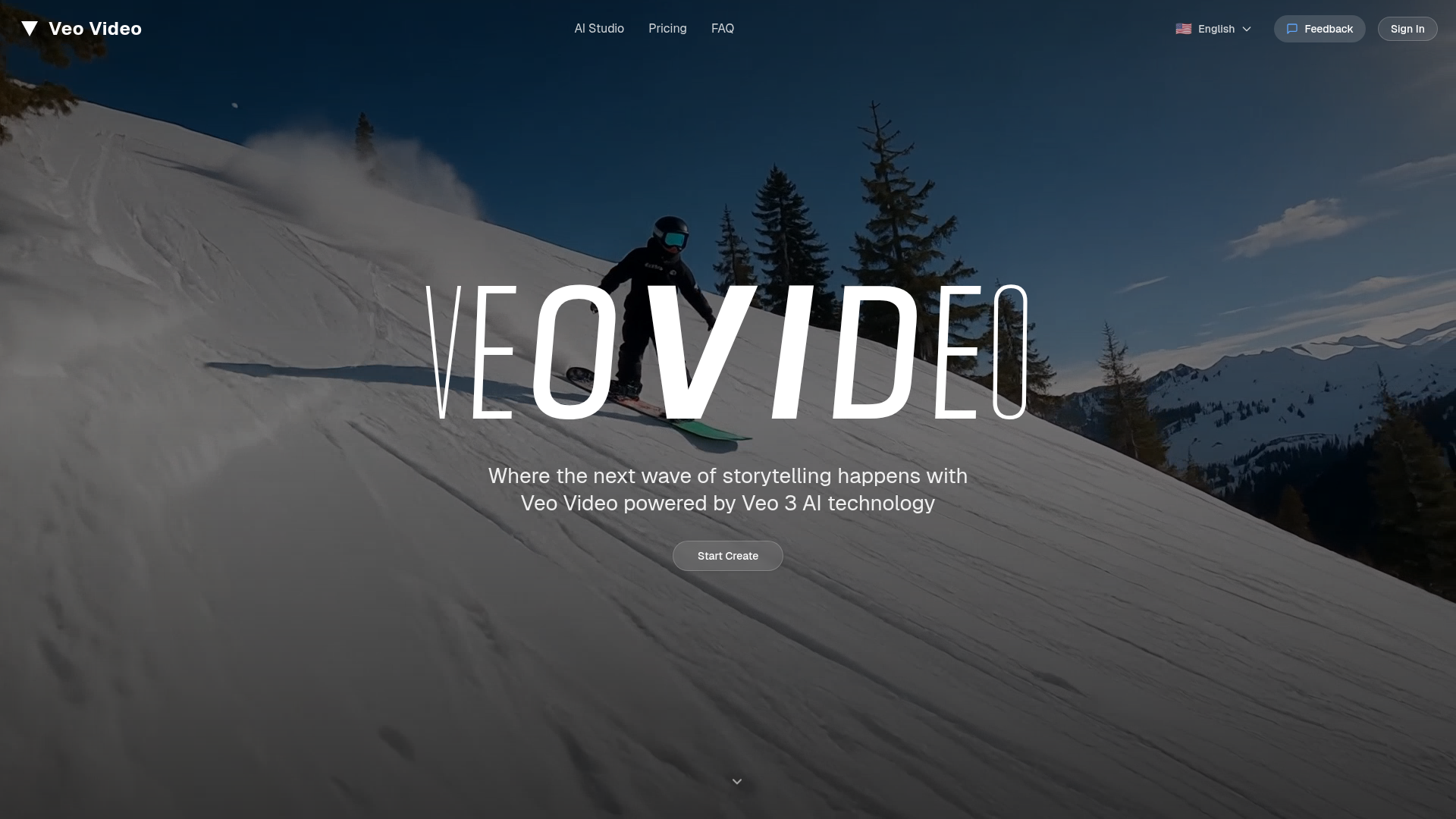
Veo Video is the leading AI video generation platform. Create professional videos from text with advanced AI technology. Transform your ideas into stunning videos in seconds with Veo Video.
What is Veo Video?
Veo Video is an innovative platform powered by Veo 3 AI technology, designed to revolutionize storytelling and content creation through AI-generated videos. Users can explore endless possibilities in video production, whether for creative short films, marketing content, or personalized projects. With its seamless text-to-video and image-to-video capabilities, Veo Video empowers anyone to craft stunning visual stories effortlessly.
What are the main features of Veo Video?
- Ease of Use
- No professional skills are needed; simply provide your text input and let Veo Video's AI work its magic.
- Smart Creation
- Advanced AI optimizes video content from both text and images, enhancing the visual appeal automatically.
- Professional Quality
- High-definition output with commercial-grade effects ensures your videos look polished and engaging.
- Cutting-edge AI
- Continuous advancements in the Veo 3 models provide superior quality and performance to users.
- Complete Customization
- Users retain full control with various settings and options for a tailored video creation experience.
How to Create AI Videos in Veo Video
Creating stunning AI videos is a simple, four-step process:
Step 1: Enter Creative Ideas Start by typing your video concept in the description box. It can be a simple phrase or a detailed scene outline. For example, “A fluffy orange kitten joyfully chasing colorful butterflies in a sunlit garden.”
Step 2: AI Smart Prompt Enhancement Click the "Enhance Prompt" button. The AI analyzes your input and enriches it with visual descriptions, camera movements, and lighting effects to elevate your idea.
Step 3: Set Video Parameters Adjust your video settings like duration, resolution, and audio options. Choose from presets or customize your settings for the best results.
Step 4: Wait for AI Generation After clicking the generate button, the powerful AI behind Veo Video will create your video in approximately 1-3 minutes, allowing you to explore other features or reviewed previous works in the meantime.
Pricing Plans for Veo Video
Veo Video offers several subscription plans to cater to different users' needs:
-
Trial Plan
- Monthly
- 2,000 video generation credits
- Lite mode only
- Resolution of 480p-720p
- Quick start option for new users.
-
Light Plan
- Monthly
- 4,300 video generation credits
- Lite mode only
- Budget-friendly for casual creators.
-
Creator Plan (Most Popular)
- Monthly
- 14,000 credits
- Includes Lite and Pro modes
- Supports 720p-1080p HD resolution and commercial usage.
-
Professional Plan
- Monthly
- 28,000 video generation credits
- Access to all modes with ultra-HD quality and dedicated support for enterprises.
Helpful Tips for Using Veo Video
- Start simple: Use straightforward phrases for initial video ideas to get familiar with the tool's capabilities.
- Experiment with settings: Make use of various video parameters to discover what works best for your content.
- Utilize enhancements: Always click the enhance option to enrich your video output and maximize professional quality.
- Explore subscription options: Find the best plan that meets your content creation needs and budget.
Frequently Asked Questions
Is this AI video generation platform free?
Veo Video offers a trial plan that includes free credits for new users to explore the platform without any initial costs.
What’s the quality of generated videos?
Videos can be created in resolutions ranging from 480p to ultra-HD 1080p, ensuring professional-grade results.
Do you offer refund services?
Details about refund services are available during the billing process. Please refer to the terms and conditions for specific information.
Can I change my plan anytime?
Yes, users can modify their subscription plans according to their changing needs.
What video formats are supported for output?
Veo Video supports a range of standard video output formats to ensure compatibility with various platforms.
How long does it take to generate a video?
Typically, video generation takes between 1-3 minutes, depending on the complexity of the video requested.
Join the thousands of creators already using AI video generation and start your journey to creating stunning visual stories today!
Veo Video
Veo Video is the leading AI video generation platform. Create professional videos from text with advanced AI technology. Transform your ideas into stunning videos in seconds with Veo Video.
 Cloudflare
 HTTP/3
 Next.js
 Node.js
 React
React Webpack
Free AI anime and manga generator. Turn text into anime episodes, manga, comics, webtoons and comic shorts in any art style — no drawing or animation skills needed.
Translate image text across 70+ languages with our advanced AI Image Translator to help you better expand your products globally to various countries
Advertised Here
Reach thousands of visitors daily. Get your spot now!
Tools similar to Veo Video
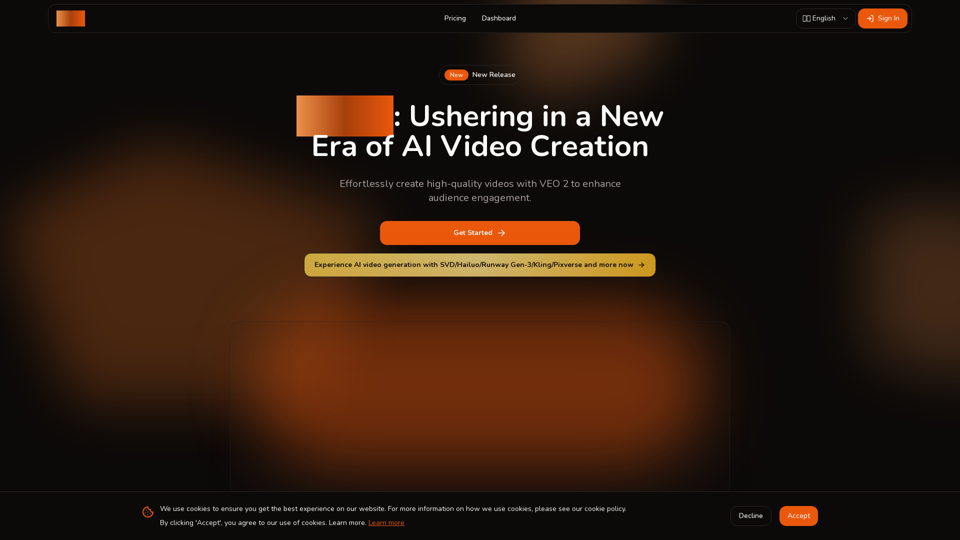
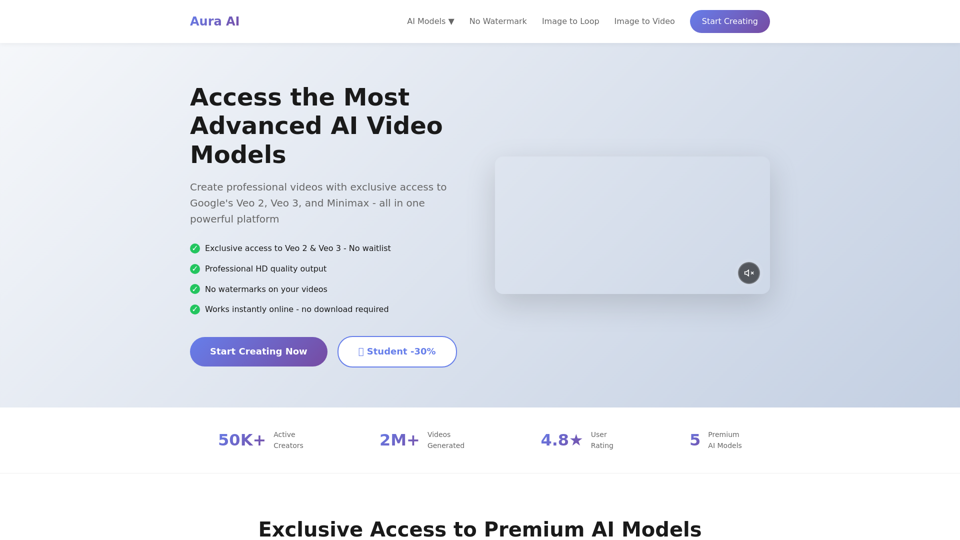
Ultimate AI video generation platform. Create cinematic films, viral short videos, and professional business content. Transform any idea into stunning 2K videos with Veo 3 AI technology.
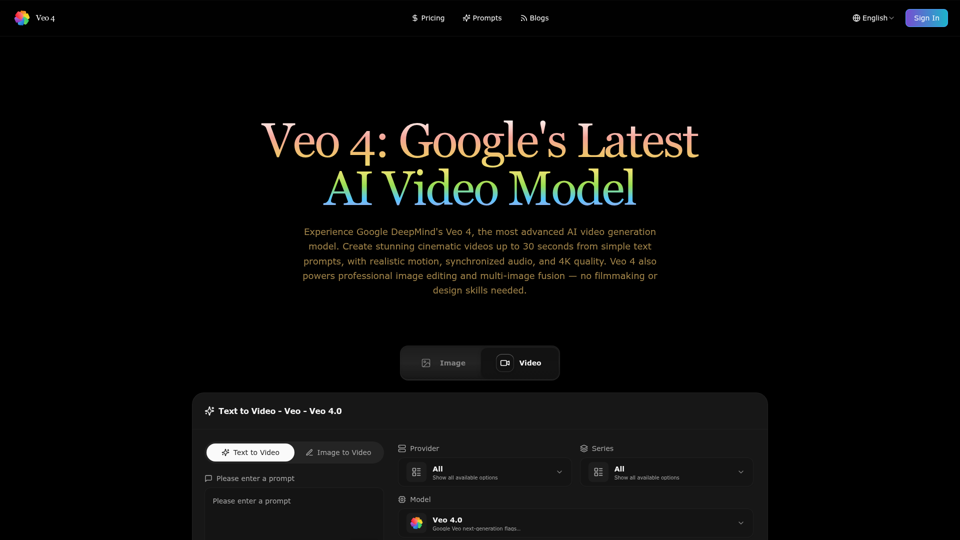
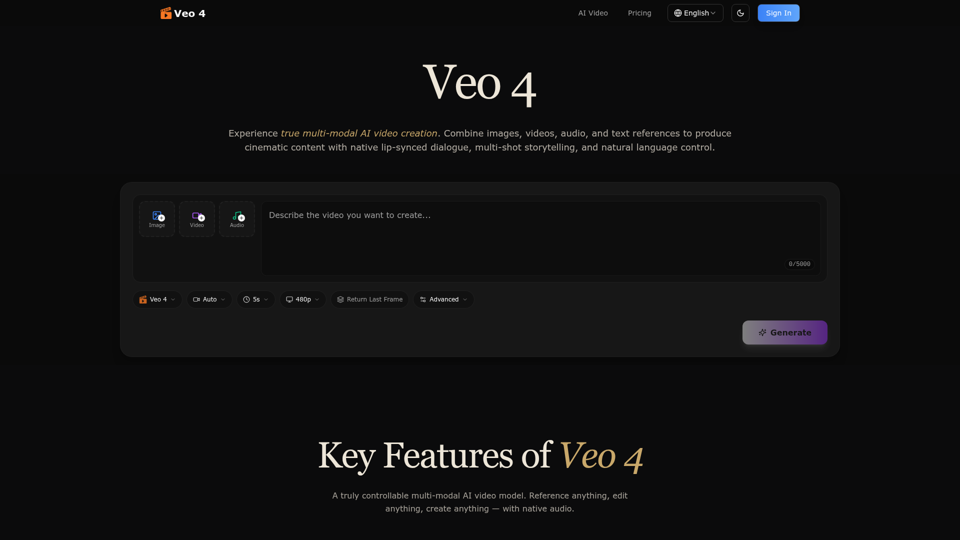
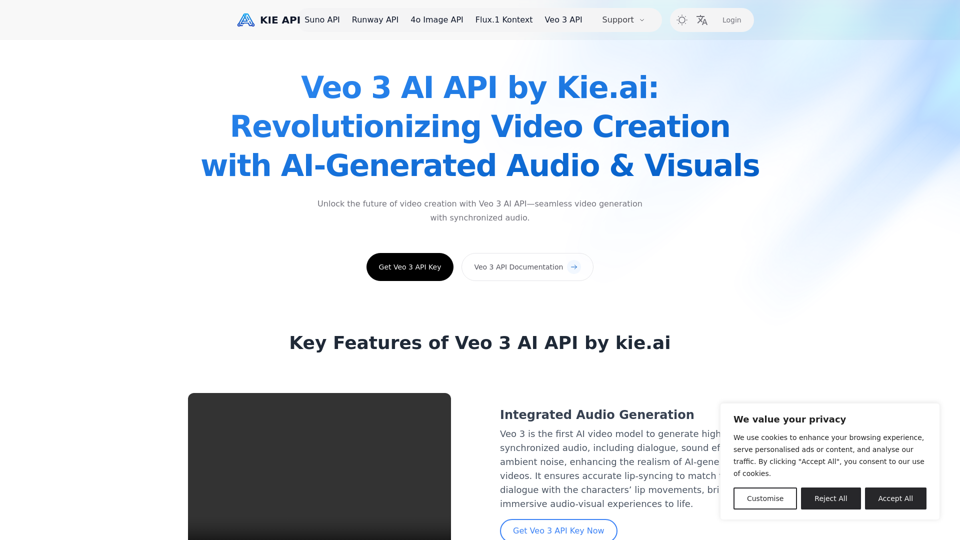
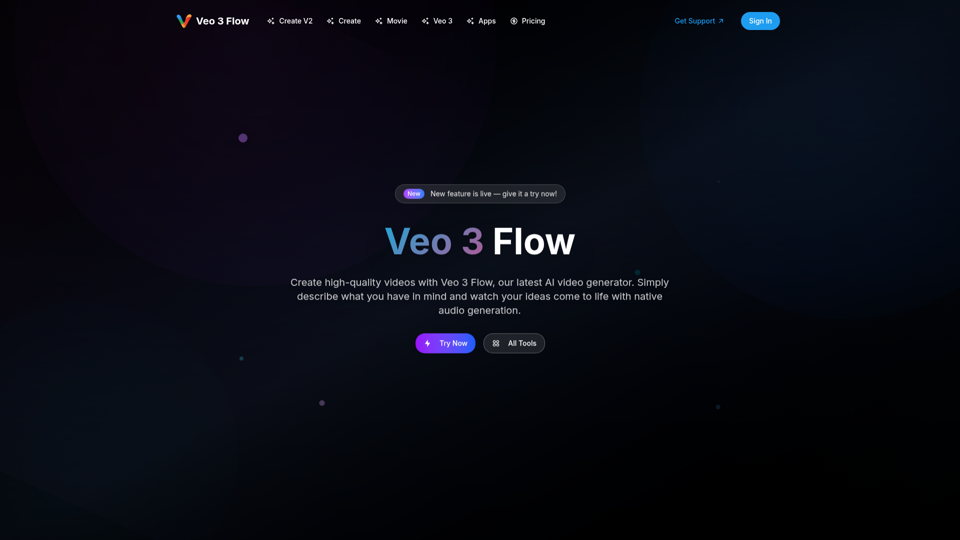
Explore the Veo 3 AI API by kie.ai, an advanced video generation tool that creates high-quality videos with synchronized audio and realistic scenes. Perfect for filmmakers, marketers, and content creators.
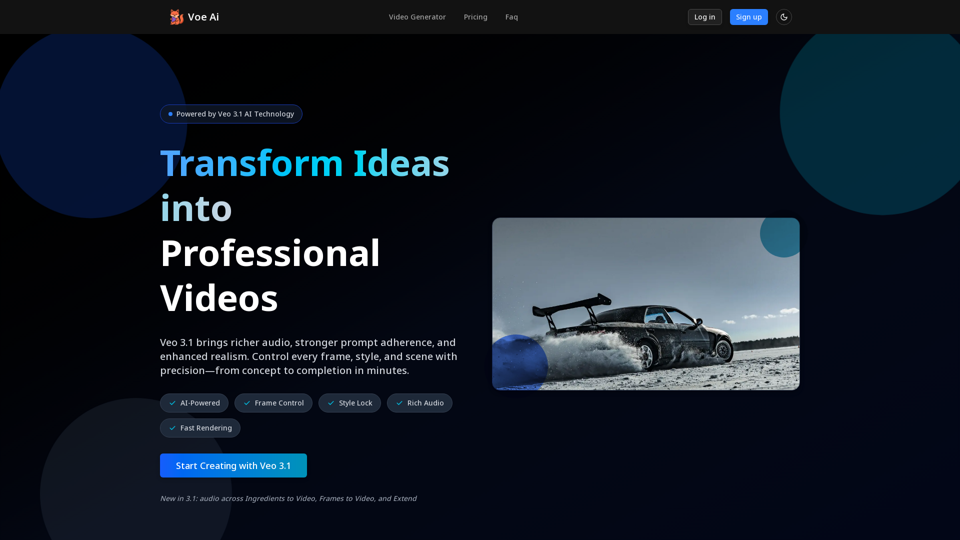
Generate cinematic videos with synchronized audio using Veo 3 AI, Google’s cutting-edge video generation model. Try it free on TryVeo3.ai—no sign-up needed.