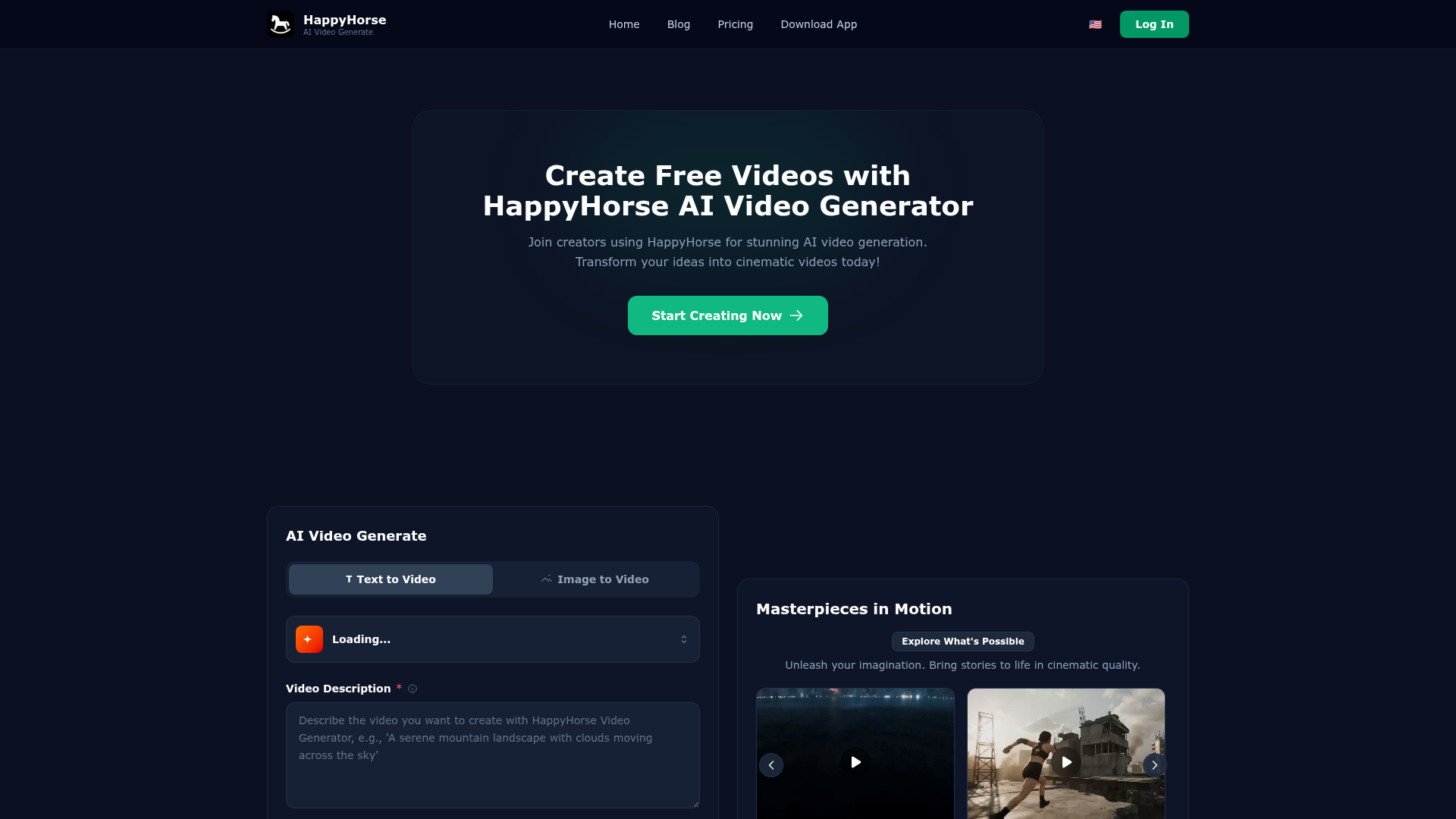
What is HappyHorse AI Video Generator?
HappyHorse AI Video Generator is an advanced, cutting-edge platform that leverages deep learning and artificial intelligence to transform simple text descriptions or static images into high-quality, cinematic videos. It empowers creators, marketers, storytellers, and businesses to easily generate stunning visual content without requiring complex video editing skills or expensive production equipment. By understanding natural language prompts, HappyHorse brings ideas to life with fluid motion, artistic style, and professional-grade output.
What are the Main Features of HappyHorse?
Cinematic Flow: Generate videos with fluid, natural motion that captures the seamless beauty of professional cinematic storytelling, ensuring every scene transitions smoothly and dynamically.
Text-to-Video Mastery: Transform any written idea or simple thought into a breathtaking visual masterpiece. Just type a description, and HappyHorse's AI interprets and paints it into motion.
Image-to-Video Animation: Breathe life into static images by uploading them to the platform. Watch as still photos or artwork are magically animated into dynamic, moving sequences.
Infinite Flexibility & Control: Create everything from short, fast-paced clips to long-form narrative sequences. You have control over timing, and with advanced settings, you can fine-tune motion intensity, camera angles, and artistic style for a perfect finish.
Ultra-HD Output Brilliance: Export your creations in high-resolution formats, with crisp, detailed visuals designed for professional use on big screens, social media, and digital platforms.
Vast Creative Showcase: Draw inspiration from a library of masterpieces, like "Tokyo vs. Kaiju Dragon" or "Rooftop Parkour," to see the range of cinematic genres and styles possible.
How to Use HappyHorse AI Video Generator?
Using HappyHorse is a straightforward, creative process. Start by visiting the platform and clicking "Start Creating Now." You can choose between ### Text to Video or ### Image to Video modes. For text-to-video, enter a detailed description (up to 2000 characters) in the "Video Description" field to guide the AI. Optionally, use the "Negative Prompt" (up to 1000 characters) to specify elements you want to exclude. Then, click "Generate Video," and the AI will process your input to create a unique cinematic video. You can explore the "Masterpieces in Motion" gallery for inspiration and understand the platform's capabilities before creating your own.
Can I Generate Videos for Free with HappyHorse?
Yes, HappyHorse offers opportunities to create videos for free, allowing users to experience its AI video generation capabilities. The platform encourages creators to start by exploring its features and generating initial videos. For extended use, higher-quality outputs, or access to advanced Pro model features, HappyHorse provides subscription plans. The free tier is perfect for testing ideas and understanding the tool's potential.
What Are Some Helpful Tips for Using HappyHorse?
- Craft Detailed Prompts
- The more descriptive and vivid your text prompt, the better the AI can visualize your scene. Include details about setting, action, mood, and style.
- Use Negative Prompts
- To refine output, specify elements you don't want (e.g., "blurry," "low resolution") in the negative prompt field.
- Explore the Gallery
- Review the "Masterpieces in Motion" examples to understand effective prompt styles and the range of cinematic effects achievable.
- Experiment with Models
- If available, try both Lite (faster) and Pro (higher quality) generation models to see which best suits your project's needs.
- Leverage Image Input
- For image-to-video, use high-quality, clear source images to achieve the best animated results.
Frequently Asked Questions About HappyHorse
What video formats and resolutions does HappyHorse support?
HappyHorse supports professional video formats and allows exports in Ultra-HD and high-resolution outputs suitable for various platforms, ensuring crisp quality for both web and screen viewing.
How long are the videos generated by HappyHorse?
The platform offers flexibility in video length. You can create short clips or longer, immersive sequences, controlling the duration based on your narrative needs and the chosen generation model.
How does HappyHorse's AI actually generate the videos?
HappyHorse utilizes advanced deep learning models that analyze your text or image input, interpret the context, style, and motion cues, and then synthesize original frames into a coherent, cinematic video sequence.
What is the difference between the Lite and Pro models?
The Lite model is optimized for faster generation, ideal for quick concepts and iterations. The Pro model focuses on delivering the highest cinematic quality, with more detail, refined motion, and superior visual fidelity for professional projects.
HappyHorse AI
Unleash your imagination. Create 100% original, cinematic AI videos in seconds. Experience studio-grade motion and professional control for free.
 Cloudflare
 HTTP/3
 Next.js
 Node.js
 React
React Webpack
Free AI anime and manga generator. Turn text into anime episodes, manga, comics, webtoons and comic shorts in any art style — no drawing or animation skills needed.
Translate image text across 70+ languages with our advanced AI Image Translator to help you better expand your products globally to various countries
Advertised Here
Reach thousands of visitors daily. Get your spot now!
Tools similar to HappyHorse AI
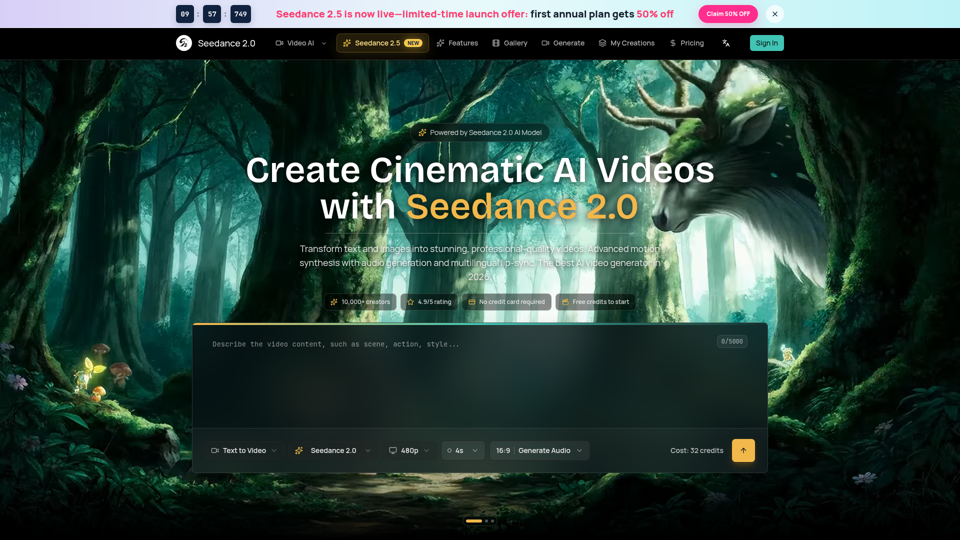
Seedance 2.0 AI video generator. Turn text and images into cinematic videos with motion synthesis, audio generation and lip-sync. Text-to-video & image-to-vi...
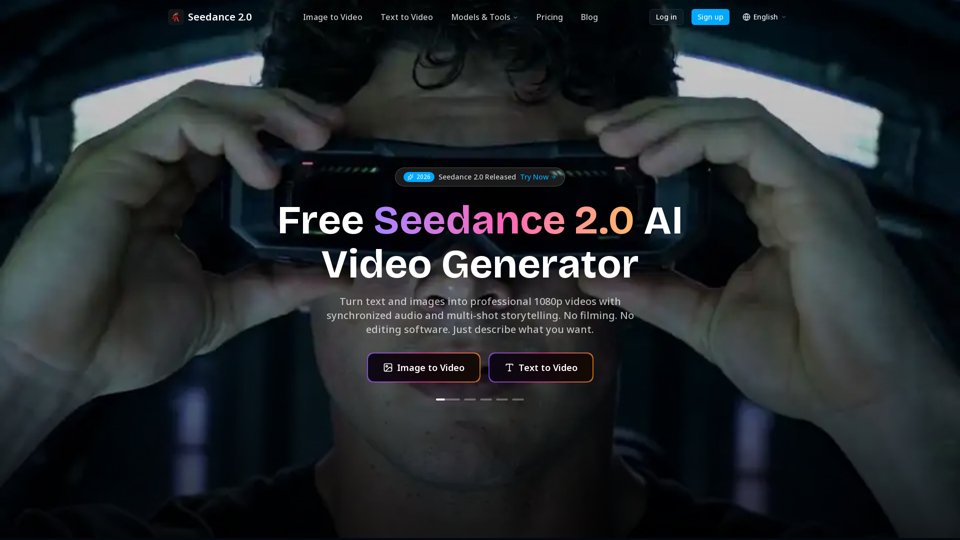
Create cinematic AI videos with Seedance 2.0. Text-to-video, image-to-video, native audio. The Seedance 2.0 AI video generator. Free to start.
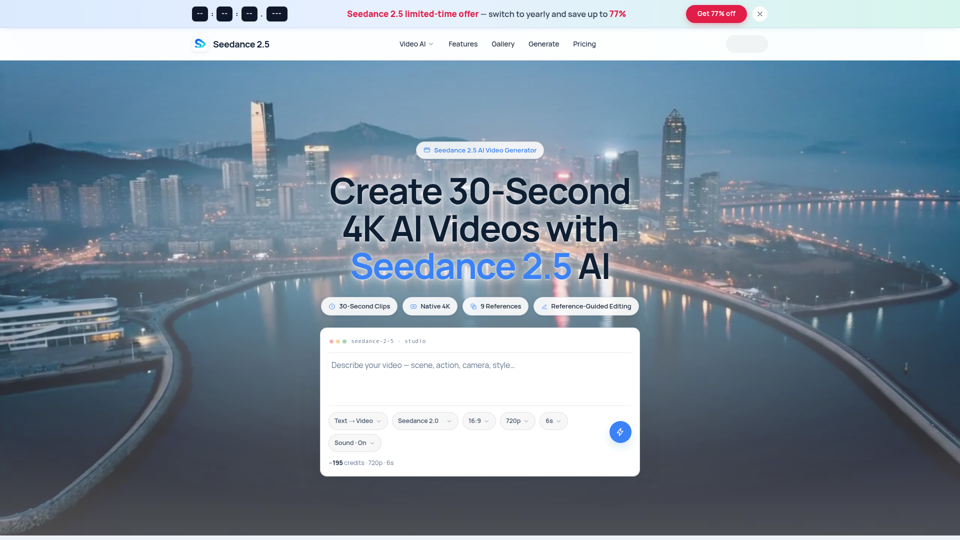
Seedance 2.5 AI turns any text prompt or photo into cinematic, watermark-free 4K video — text-to-video, image-to-video and reference-guided generation.
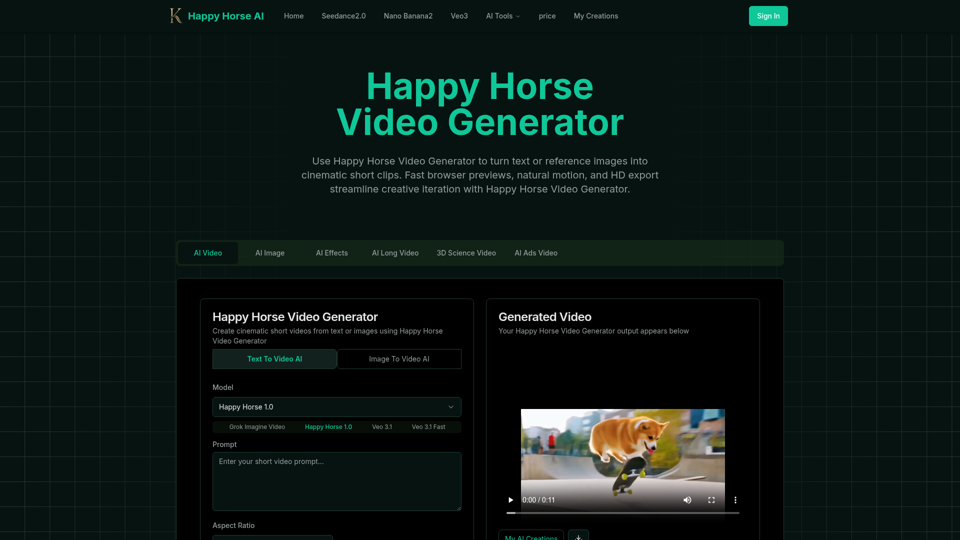
Happy Horse Video Generator transforms short prompts and reference images into cinematic short videos with reliable subject follow, natural camera motion, fast browser previews, and HD export options. Quickly produce marketing clips, social shorts, and product animations with in‑browser iteration and flexible download settings.
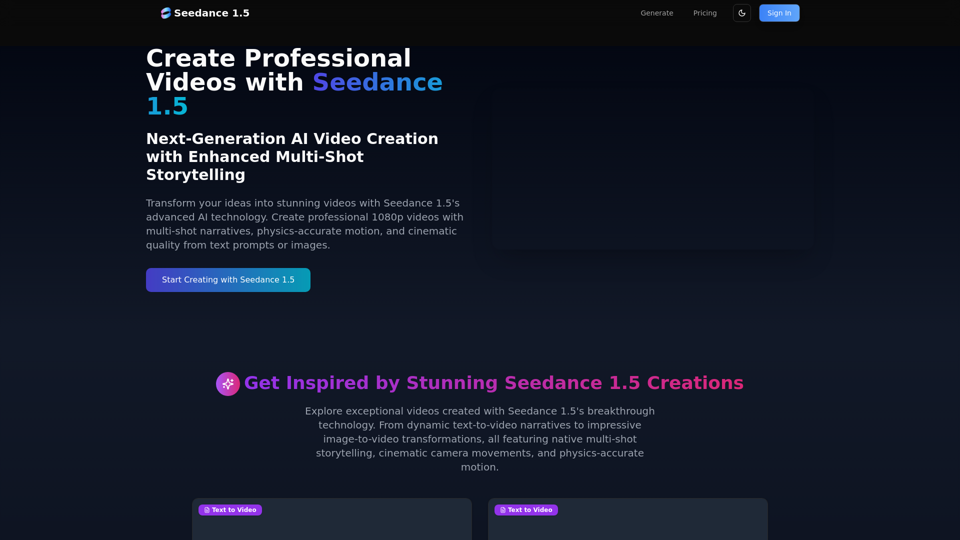
Create stunning AI videos with Seedance 1.5. Transform images and text into cinematic videos with advanced motion synthesis and professional quality.
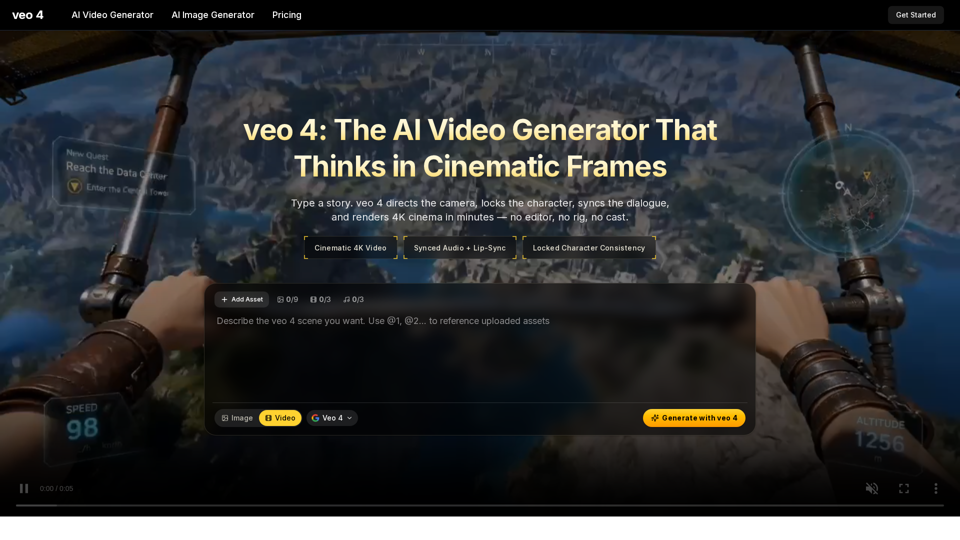
Create 4K cinematic videos with veo 4 for free. Turn text or a single image into synced-audio clips in seconds — no editing skills needed.
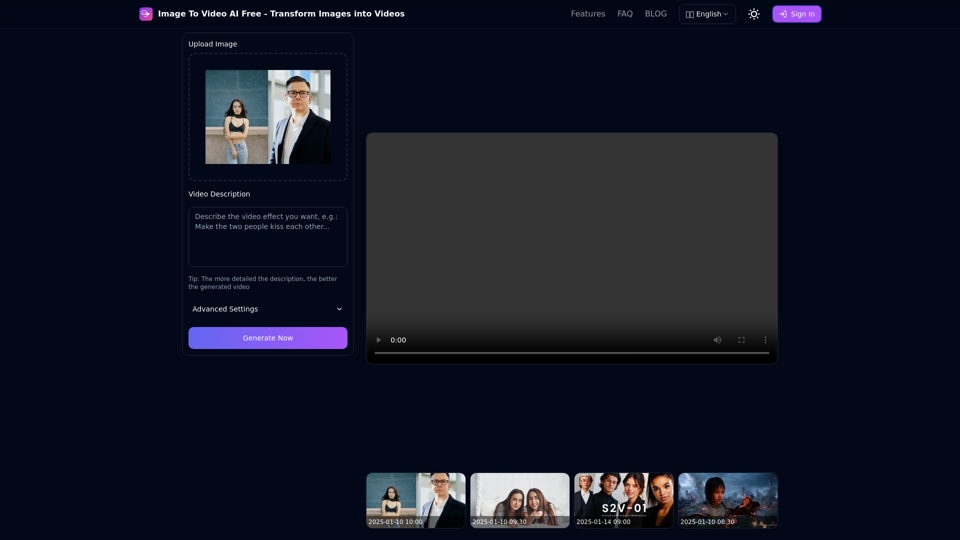
Free online tool to convert images into stunning videos using AI technology. Transform static images into dynamic videos with our advanced AI video generation.
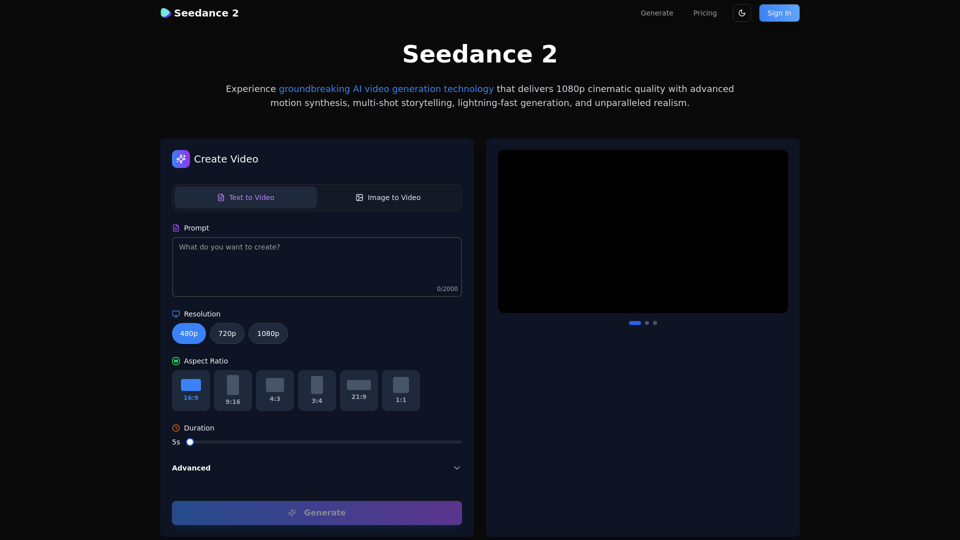
Create stunning AI videos with Seedance 2.0. Transform images and text into cinematic videos with advanced motion synthesis and professional quality.