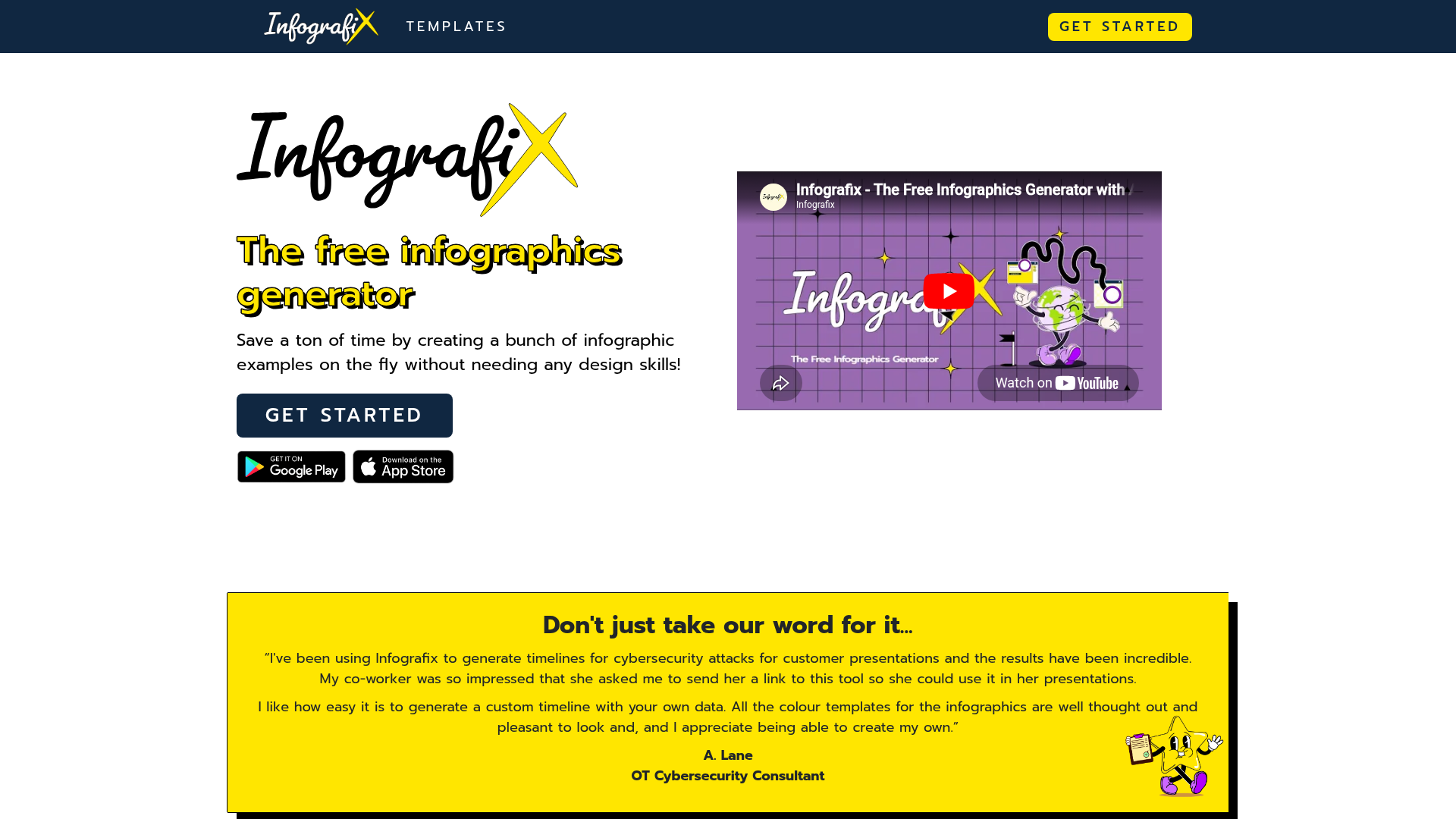
What is Infografix?
Infografix is a powerful AI-driven infographic creation tool designed to help anyone—from students and consultants to marketers and business professionals—quickly and easily visualize information. It transforms simple text prompts into beautifully designed, shareable infographics. Whether you need to create a timeline for a cybersecurity presentation, a process map for a business proposal, or a mind map for a college assignment, Infografix handles the heavy lifting. The platform eliminates the need for design skills or expensive software by leveraging built-in generative AI to generate content and instantly produce a wide variety of infographic formats.
What are the Main Features of Infografix?
Infografix is packed with features that make professional infographic creation accessible to all.
- AI-Powered Content Generation
- Utilize integrated Azure AI to automatically generate content and infographic structures from simple text descriptions, like "leading quarterbacks from 2011 to 2020."
- Diverse Template Gallery
- Instantly visualize data in multiple pre-loaded formats, including Lists, Hierarchies, Timelines, Cycles, Process Maps, SWOT Analyses, Mind Maps, Family Trees, and Q&As.
- Easy Customization
- Choose from ready-made color palettes or create a custom theme to match your brand. Edit any element directly on the canvas using a quick access bar and select from over 1,500 Google Fonts.
- Multi-Platform Access & Export
- Create and edit on mobile, desktop, or tablet via a web browser or native apps. Export your final designs as PNG, JPG, SVG, or PDF files.
- Direct Social Sharing
- Seamlessly post your completed infographics to social media platforms with just a few clicks, straight from the app.
- Project Management
- Save your work and reopen projects to continue editing later, ensuring you never lose your progress.
How to Use Infografix?
Using Infografix is a straightforward, three-step process that requires no prior design experience.
- Start with a Prompt: Simply type what you want to visualize into the text box. For example, enter "timeline of major cybersecurity attacks in 2023."
- Generate and Customize: Click the generate button. Infografix's AI will create an initial infographic. You can then use the intuitive editing tools to change colors, fonts, layouts, and individual elements to perfectly match your vision.
- Export and Share: Once satisfied, choose your desired export format (PNG, JPG, SVG, PDF). You can download the file for use in presentations or assignments or share it directly to your social media channels from the app.
What is the Price of Infografix?
Infografix offers a powerful free tier that allows users to create and export infographics. The app is available for free download on both the Apple App Store and Google Play, with core functionality accessible at no cost. For users or teams requiring advanced features, higher export resolutions, or removal of watermarks, Infografix offers premium subscription plans. Detailed pricing for these Pro plans is available on their official website.
Helpful Tips for Maximizing Infografix
- Leverage AI Fully
- Start broad with your text prompts and let the AI suggest structures; you can always refine the content and design afterward.
- Experiment with Formats
- The same dataset can tell different stories. Try converting a list into a hierarchy or a timeline into a process map to find the most impactful visualization.
- Use Brand Colors
- For business presentations, create and save a custom color palette with your company's brand colors to ensure all your infographics are on-brand.
- Utilize the Apps
- Download the mobile or tablet app for on-the-go creation and brainstorming. The interface is optimized for touch, making it easy to design anywhere.
Frequently Asked Questions about Infografix
Is Infografix really free to use?
Yes! The core app is free to download and use, allowing you to create, customize, and export infographics. Premium subscription plans are available for advanced professional needs.
Do I need to be a designer to use Infografix?
Not at all. Infografix is built specifically for non-designers. The AI handles the initial design, and the tools are intuitive and easy to use, enabling anyone to create professional-looking graphics.
What types of infographics can I create?
You can create a wide variety, including Timelines, Hierarchies, Process Maps, Mind Maps, SWOT Analyses, Cycles, Lists, Family Trees, and Q&A formats.
Can I use Infografix on my computer and phone?
Absolutely. Infografix is accessible via web browser on your desktop and as a native app for iOS and Android devices, syncing your experience across platforms.
How do I share my infographics?
You can export your infographic as an image (PNG/JPG), vector file (SVG), or document (PDF) to embed in presentations. You can also share them directly to social media platforms from within the Infografix app.
Free Infographics Generator with AI
Infografix is the free infographics generator that uses AI to create multiple types of infographics. No design skills required!
 Bootstrap:5.2.3
 Google Analytics
 Nginx
Nginx Poptin
 YouTube
 iubenda
 jQuery CDN
 jsDelivr
Free AI anime and manga generator. Turn text into anime episodes, manga, comics, webtoons and comic shorts in any art style — no drawing or animation skills needed.
Translate image text across 70+ languages with our advanced AI Image Translator to help you better expand your products globally to various countries
Advertised Here
Reach thousands of visitors daily. Get your spot now!
Tools similar to Free Infographics Generator with AI
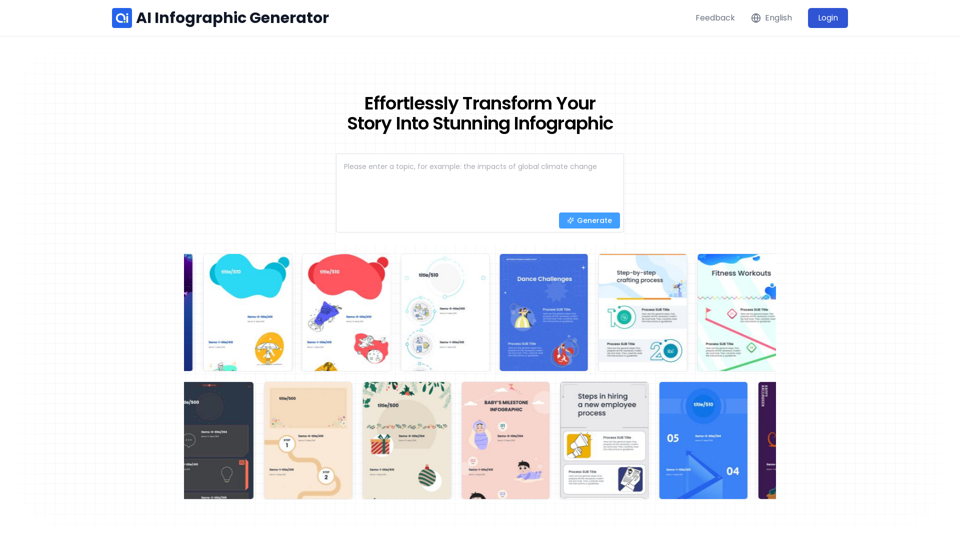
AI infographic generator. Turn blog posts, articles, and PDFs into engaging infographics. Generate visuals quickly and easily from your data in seconds!
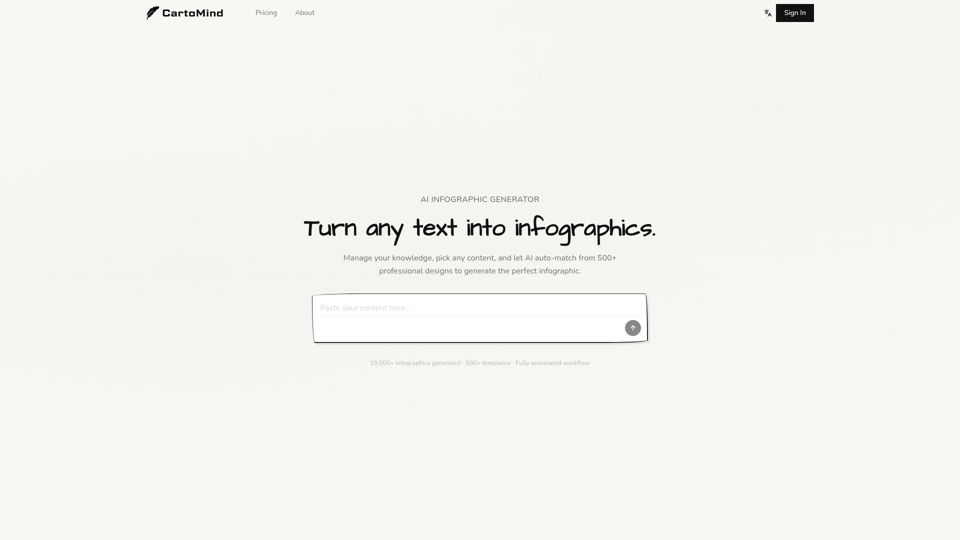
Turn any idea into a professional infographic in seconds. CartoMind's free AI infographic generator handles layout, typography, and design. Try free!
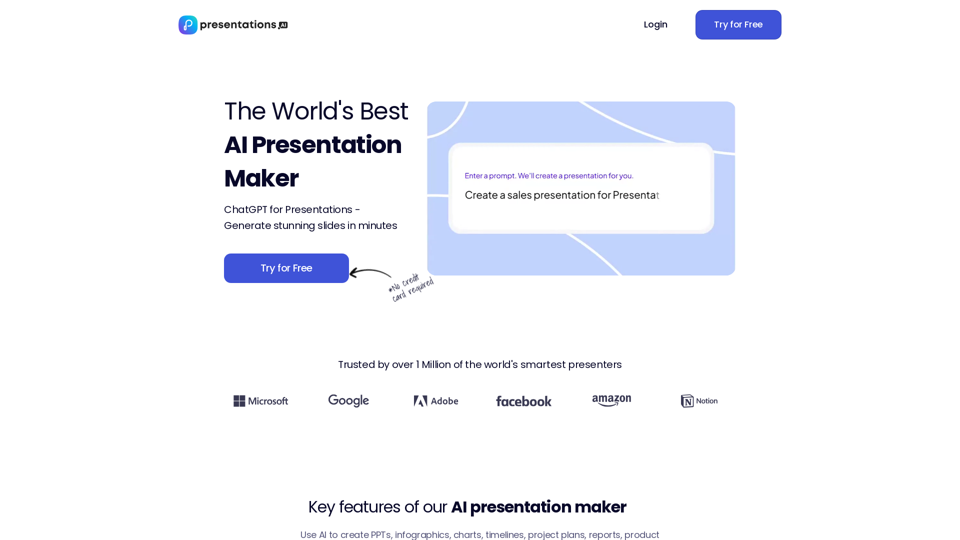
Use AI to transform ideas into captivating presentations in seconds. Ideal for businesses, educators, and personal projects. Start now - it's free!

Want to make your products stand out from the competition? Try caspa AI for free and generate ultra-realistic photos and infographics of your products with human models. Edit, generate, upscale and more.
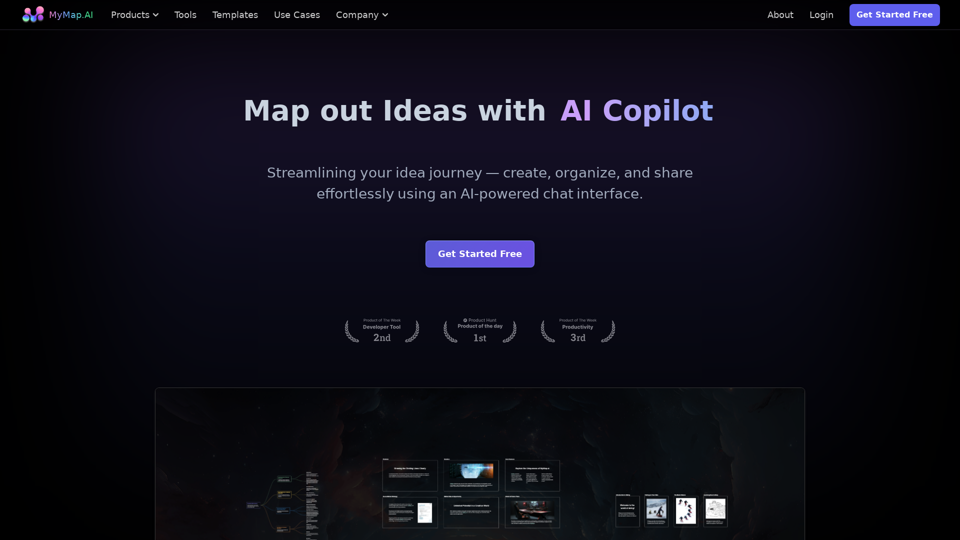
MyMap turns your text ideas into visuals like mind maps and presentations through a simple chat interface. Ideal for students, teachers, and professionals with no design skills required. It’s your time-saving tool for easy, collaborative visual creation
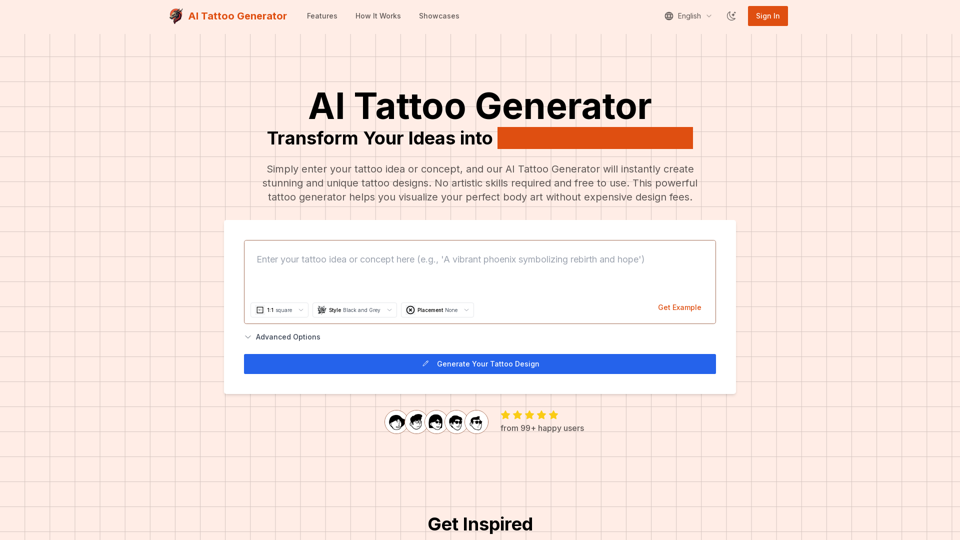
Transform your ideas into stunning tattoo designs with our AI Tattoo Generator. No artistic skills required, free to use. Enter your concept, select style and placement, and get professional tattoo designs in seconds.
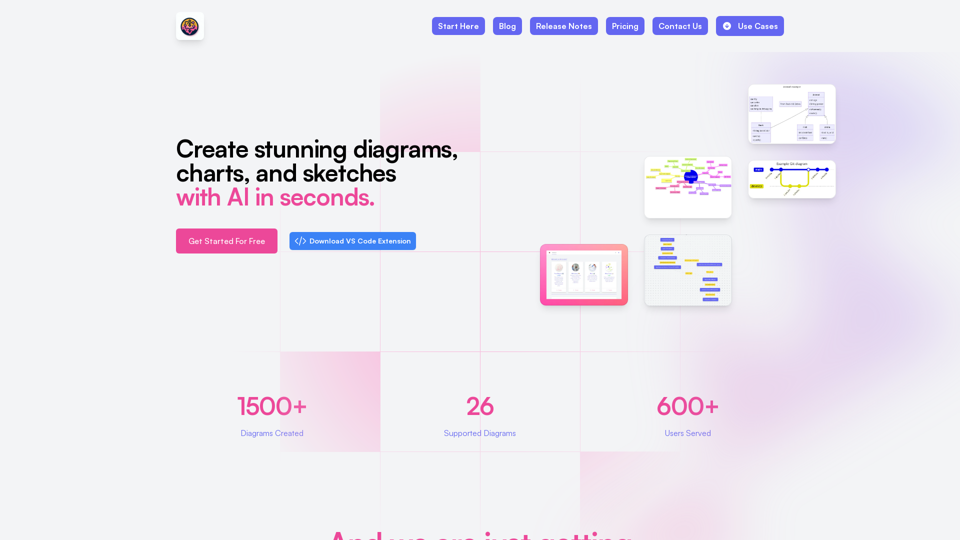
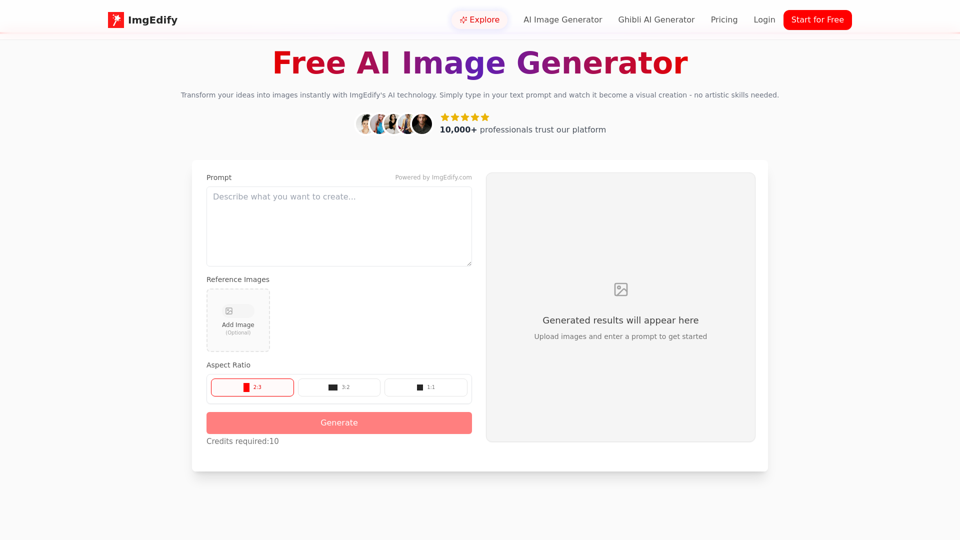
ImgEdify's free AI Image Generator instantly transforms your text prompts and photos into stunning visuals—no design skills needed.