What is Inspia?
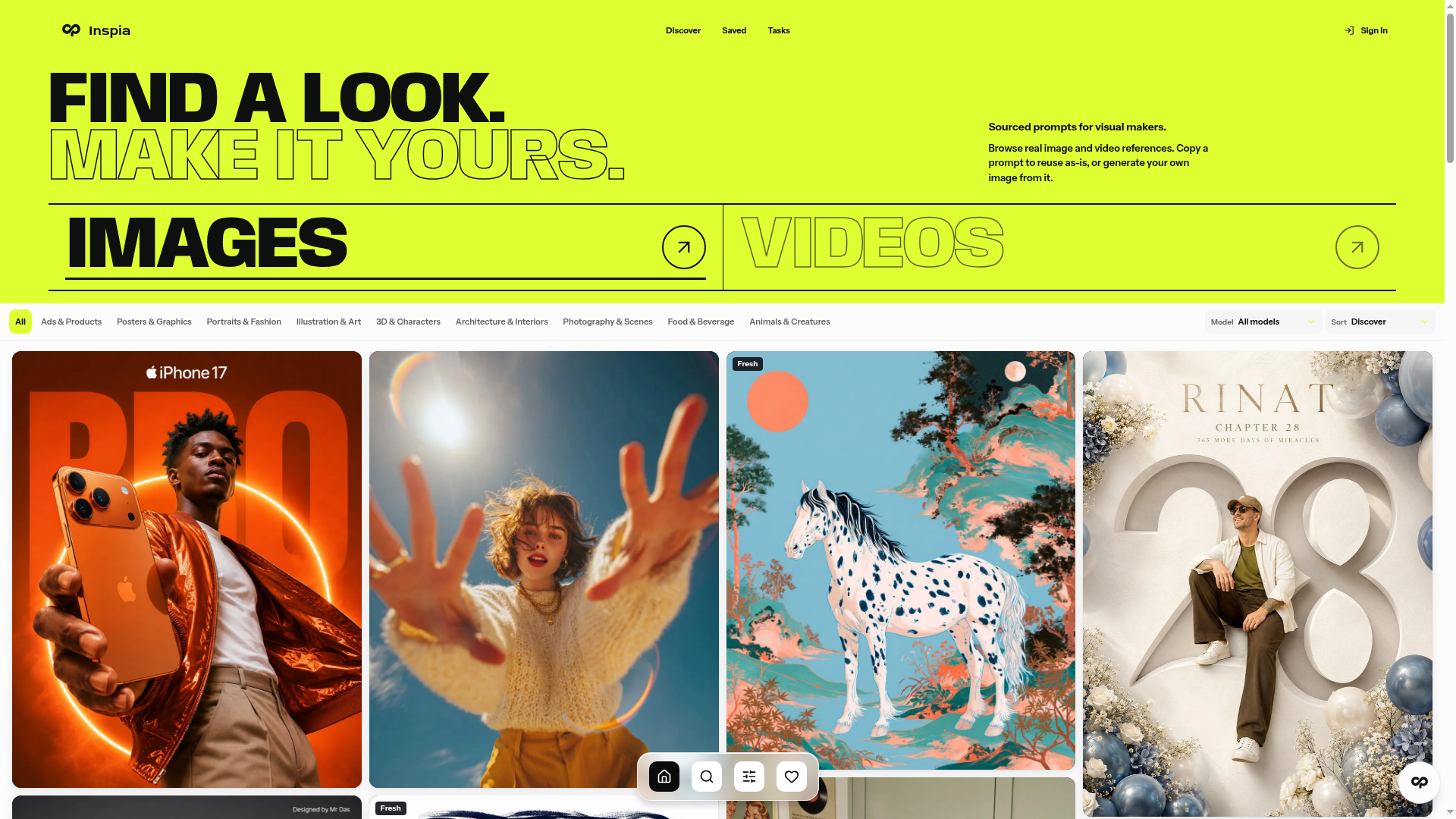
Inspia is a library of free AI image and video prompts for visual makers. It shows real reference results alongside each prompt, so you can browse a look, copy the prompt as-is, or generate your own image from it. Prompts are organised by the model they were made for, including GPT Image, Nano Banana, Seedance and Midjourney.
Key features
- Prompt library with real results
- Each entry pairs a prompt with the image or video it produced, so you can judge the look before using it.
- Model filters
- Browse prompts by GPT Image, Nano Banana, Seedance or Midjourney, or view all models together.
- Sorting options
- Sort the catalogue by Discover, Newest or Popular to find fresh or widely used prompts.
- Copy or generate
- Copy a prompt to reuse it as-is, or generate your own image directly from it.
- Usage counts
- Every prompt shows how many times it has been used, such as "Use prompt 131".
- Style range
- The catalogue covers portraits, posters, product and food advertising, watercolour and anime illustration, cyberpunk scenes and more.
How to use Inspia
- Go to inspia.ai and open the images section to browse the prompt catalogue.
- Filter by model if you want prompts written for a specific tool such as Midjourney or Nano Banana.
- Sort by Discover, Newest or Popular to narrow down what you see.
- Open a prompt to view its reference result and the full prompt text.
- Copy the prompt to reuse it, or generate your own image from it.
Use cases
- Designers looking for poster, packaging or advertisement prompt ideas.
- Marketers creating product, food and beverage or skincare visuals.
- Portrait and character artists studying lighting, styling and composition prompts.
- Illustrators working in watercolour, anime or minimalist styles.
- Creators who want to see a real result before committing to a prompt.
Pricing
The official website does not list any pricing or plans for Inspia; the prompts are described as free to explore and copy.
FAQ
Is Inspia free to use?
Inspia describes its image and video prompts as free. The site lets you browse the catalogue and copy prompts without stating a paid tier.
Which AI models does Inspia have prompts for?
Inspia groups prompts by model, with filters for GPT Image, Nano Banana, Seedance and Midjourney, plus an option to view all models.
Can I generate an image from a prompt on Inspia?
Yes. Each prompt can be copied for reuse as-is, or used to generate your own image from it.
Does Inspia include video prompts as well as image prompts?
Inspia describes itself as offering both AI image and video prompts, and its model filters include video-oriented models such as Seedance.
How do I find the most popular prompts on Inspia?
Use the sorting options on the catalogue page to switch between Discover, Newest and Popular. Each prompt also shows how many times it has been used.
Does Inspia list pricing for its plans?
No. The official website does not state any pricing or subscription plans for Inspia.
Inspia
Explore curated AI image and video prompts with real results, creator attribution, and copy-ready text for GPT Image, Nano Banana, Midjourney, Seedance, and more.
 Cloudflare
 HTTP/3
 Next.js
 Node.js
 React
React Webpack
Free AI anime and manga generator. Turn text into anime episodes, manga, comics, webtoons and comic shorts in any art style — no drawing or animation skills needed.
Translate image text across 70+ languages with our advanced AI Image Translator to help you better expand your products globally to various countries
Advertised Here
Reach thousands of visitors daily. Get your spot now!
Tools similar to Inspia
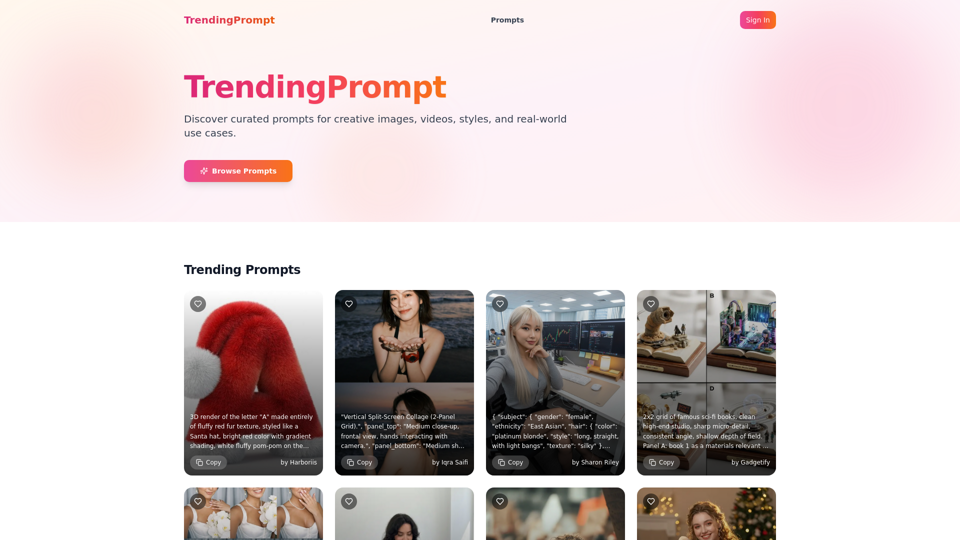
Discover curated prompts for creative images, videos, styles, and real-world use cases.
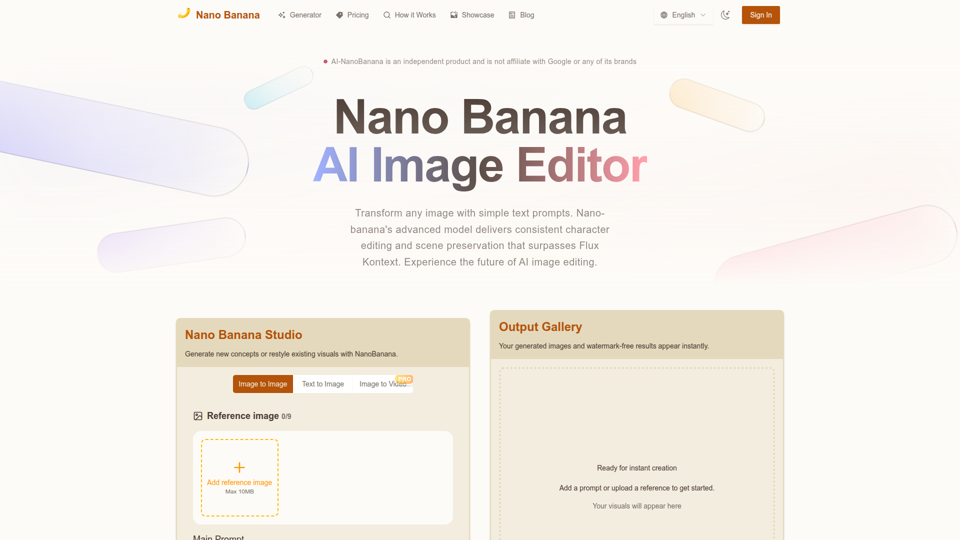
Nano Banana combines image-to-image and text-to-image so teams can ship polished visuals in seconds. Generate, edit, and clean assets in one intuitive workspace.
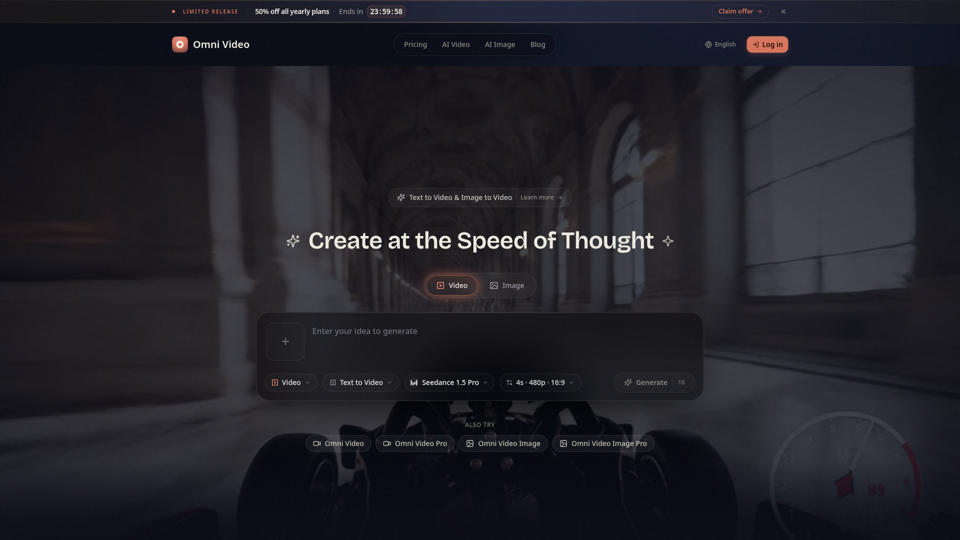
Create cinematic AI videos with Omni Video from text prompts or reference images. Use text-to-video and image-to-video workflows for social clips, ads, education, product stories, and visual ideas.
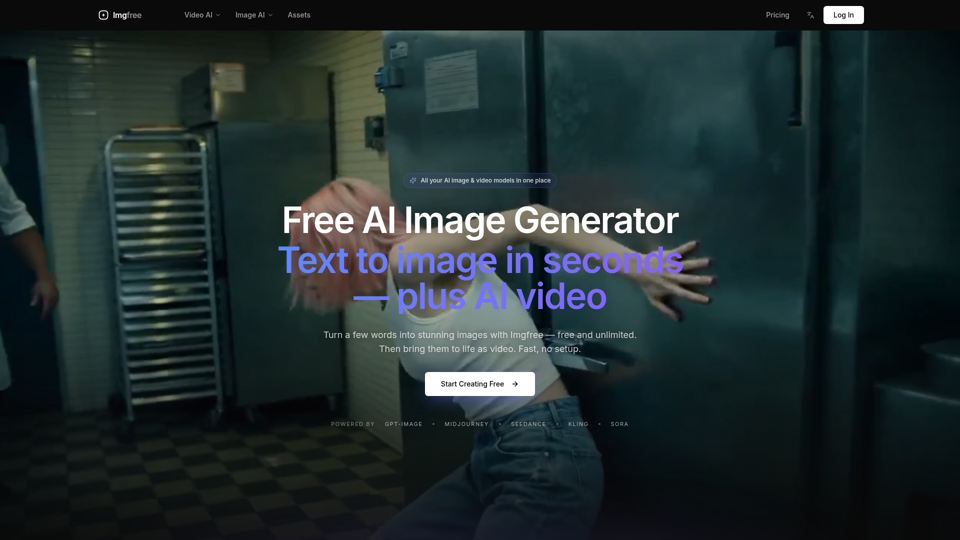
Turn text into images for free — Imgfree 1.0 is free and unlimited, no credits. Also use GPT-Image, Midjourney, Nano Banana and Flux, plus AI video, all in one place.
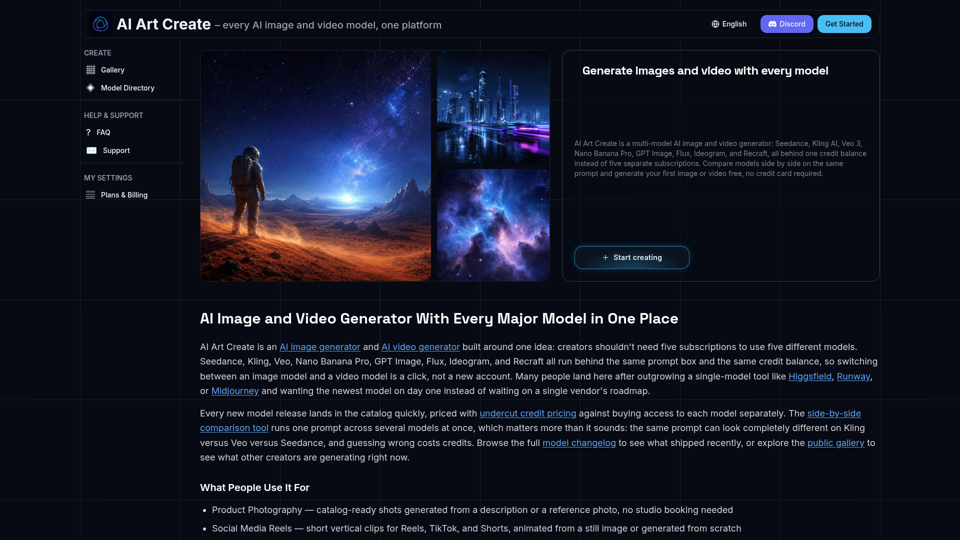
AI Art Create is a multi-model AI image and video generator built for creators tired of juggling five separate subscriptions. Generate with Seedance, Kling AI, Veo 3, Nano Banana Pro, GPT Image, Flux, Ideogram, and Recraft, all on one credit balance. Compare models side by side on the same prompt, browse the public gallery, and try your first generation free, no credit card required.