What is Gemini Omni?
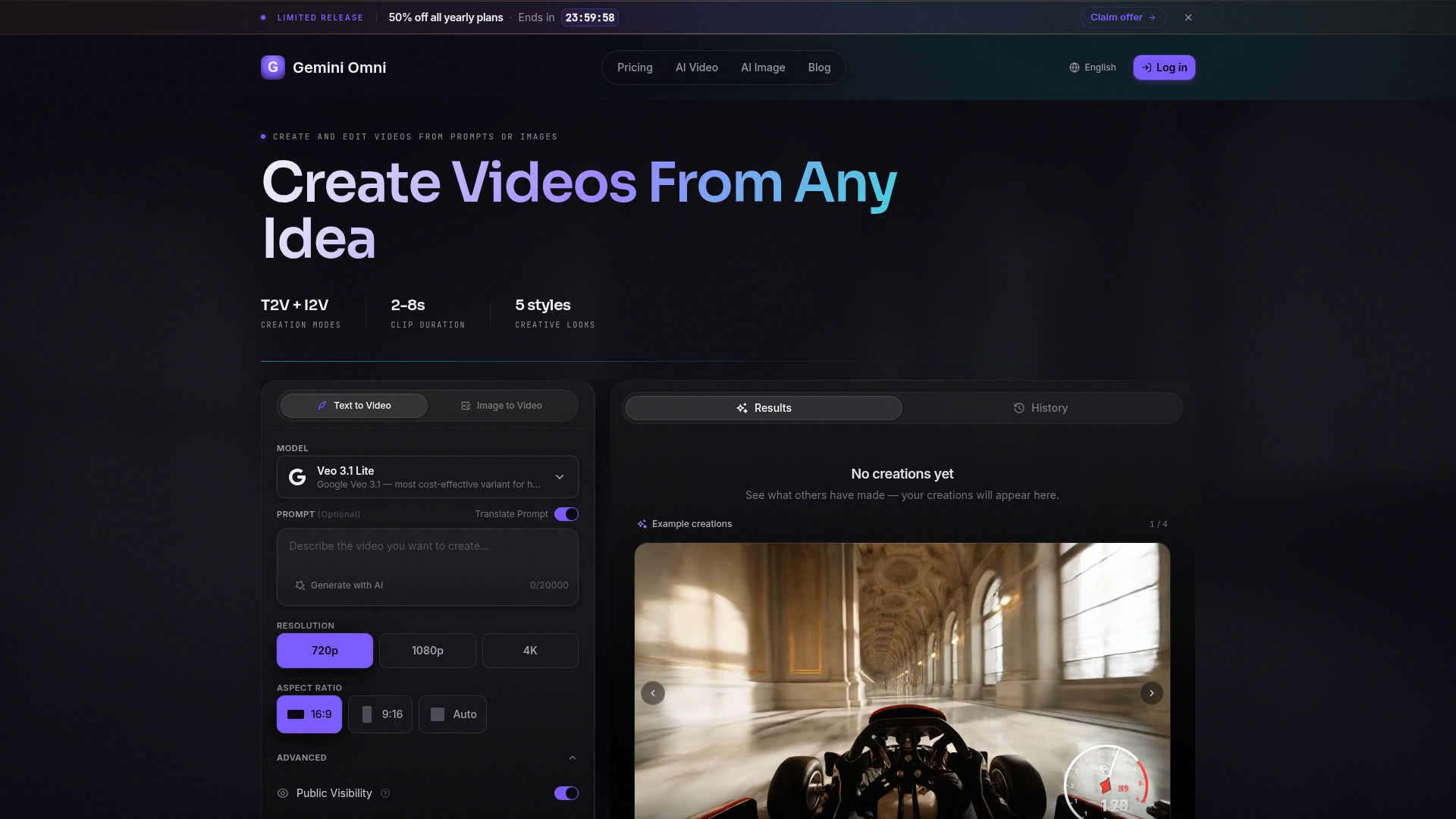
Gemini Omni is an advanced AI video generator designed to transform text prompts and reference images into compelling, short-form video clips. Utilizing Google's cutting-edge Veo 3.1 AI model, Gemini Omni empowers creators—from marketers and social media managers to artists and filmmakers—to bring their ideas to life without traditional video production. It's a platform that bridges the gap between creative imagination and visual reality, enabling users to generate clips for social media campaigns, product showcases, storytelling, and educational explainers. Whether starting with a detailed scene description or a simple image, Gemini Omni offers a suite of practical controls for style, aspect ratio, and motion to help you craft professional-grade video content efficiently.
What are the main features of Gemini Omni?
Gemini Omni stands out with a powerful, user-centric set of features tailored for modern video creation workflows.
1. Dual Creation Modes: Text-to-Video & Image-to-Video You can start from scratch with a detailed text prompt or animate an existing image reference. This flexibility allows for a wide range of creative approaches, from conceptualizing brand-new scenes to adding dynamic motion to static visuals.
2. Powered by Google Veo 3.1
The platform is built on Google's state-of-the-art Veo 3.1 model, a cost-effective variant known for high-quality, high-volume video generation. It ensures your video outputs have coherent motion, realistic lighting, and detailed visuals.
3. Advanced Creative Controls
Fine-tune your creations with controls for:
- Resolution
- Output videos in 720p, 1080p HD, or stunning 4K quality.
- Aspect Ratio
- Generate clips in landscape (16:9), portrait (9:16), or square formats, perfect for YouTube, TikTok, Instagram Reels, or presentations.
- Style Presets
- Choose from cinematic, anime, realistic, artistic, or minimalist looks to instantly match the desired tone and aesthetic of your project.
- Clip Duration
- Create videos with durations ranging from 2 to 8 seconds, ideal for engaging short-form content.
4. Efficient Creator Workflows
The platform is designed to streamline the production of draft social clips, campaign visuals, product videos, educational explainers, game trailers, and music visuals.
5. Simple and Transparent Credit System
Start for free with daily credits and scale up with subscription plans that offer generous monthly credit allocations, priority generation queues, and dedicated support.
How to use Gemini Omni?
Using Gemini Omni is a straightforward, three-step process to turn your ideas into videos.
1. Start Your Creation
Navigate to the creation dashboard. You have two options:
- Text-to-Video
- Enter a descriptive scene prompt (up to 20,000 characters). Use natural language to detail subjects, actions, camera angles, lighting, and mood. You can use the "Translate Prompt" feature for multilingual support.
- Image-to-Video
- Upload a reference image. Then, describe how you want the image to move or evolve in the accompanying prompt box.
2. Configure Your Settings
Adjust the creative parameters to match your vision and platform requirements:
- Select your desired ### Resolution (720p, 1080p, 4K).
- Choose the ### Aspect Ratio (16:9, 9:16, Auto) for your target platform.
- Pick a ### Creative Style from the available presets.
- The interface will display the number of ### Credits Required for the generation.
3. Generate and Export
Click "Create Video." Your clip will be processed and appear in your "Results" or "History" section. Once ready, you can preview, download it directly to your device, or share it. Every creation helps you refine your prompting skills for better future results.
What is the price of Gemini Omni?
Gemini Omni offers a flexible pricing structure with a free tier and scalable subscription plans. For a limited time, all yearly plans are available at a ### 50% discount.
- Free Plan
- Perfect for trying the platform. It includes ### 5 free credits per day (login required to claim), access to standard AI models, HD & 4K resolution, and community support.
- Basic Plan (Yearly - $19.50/month approx.)
- Ideal for individuals starting their AI video journey. For about $19.50 per month when billed annually, you get ### 400 credits per month, standard AI models, HD resolution, and email support.
- Pro Plan (Yearly - $39.50/month approx.)
- The popular choice for active creators. For about $39.50 per month billed yearly, you receive ### 1,000 credits per month, access to all AI models (including advanced ones), both HD & 4K resolution, and dedicated support.
- Max Plan (Yearly - $74.50/month approx.)
- Designed for unlimited creative power. For about $74.50 per month billed annually, you get ### 2,300 credits per month, access to all AI models, 4K & 8K resolution output, and dedicated priority support.
Helpful Tips for Using Gemini Omni
To get the best possible video results from Gemini Omni, consider these expert tips:
- Be Descriptive in Prompts
- For text-to-video, use vivid, detailed language. Instead of "a dog in a park," try "A golden retriever running joyfully through a sun-dappled autumn park, slow-motion shot from a low angle, with leaves swirling in the breeze."
- Leverage Reference Images
- For image-to-video, use a high-quality, clear reference image. The AI will use this as a strong visual foundation. Your prompt should then focus on describing the motion you want to introduce.
- Experiment with Styles
- Don't hesitate to try different style presets. The "Cinematic" style can add drama to a product video, while "Anime" can bring a storyboard to life in a unique art style.
- Plan for the Format
- Before generating, know your target platform. Use 9:16 portrait for TikTok/Instagram Reels and 16:9 landscape for YouTube or presentations.
- Start with Free Credits
- Use the daily free credits to experiment with different prompts, settings, and styles. This helps you understand the platform's capabilities without any cost.
- Use the "History" Feature
- Review your past generations to see what prompts and settings yielded the best results, allowing you to refine your technique over time.
Frequently Asked Questions (FAQ)
What is Gemini Omni?
Gemini Omni is an AI-powered video generation platform that creates short video clips from text descriptions or image references. It's designed for creators who need to quickly produce visual content for social media, marketing, storytelling, and more.
Can I create Image to Video clips?
Absolutely. Gemini Omni's Image-to-Video (I2V) feature allows you to upload any reference image and describe the motion you want to apply. The AI then animates the image based on your instructions, creating a dynamic video clip.
What styles does Gemini Omni support?
The platform offers five distinct creative style presets: ### Cinematic (for film-like depth and drama), ### Anime (for stylized animation looks), ### Realistic (for lifelike, natural visuals), ### Artistic (for painterly or abstract effects), and ### Minimalist (for clean, simple aesthetics).
What aspect ratios and durations are available?
You can generate videos in ### 16:9 (landscape), ### 9:16 (portrait), and ### square aspect ratios. Clip durations are adjustable, typically ranging from ### 2 to 8 seconds, which is ideal for most short-form video content needs.
How do I get better video results?
For better results:
- Use specific, detailed prompts for both Text-to-Video and Image-to-Video modes.
- Select the style preset that best matches your envisioned mood.
- Choose the correct aspect ratio for your intended use case.
- Start with high-quality, well-composed reference images for I2V.
- Experiment and learn from the outputs in your generation history.
What is a credit, and how many do I need?
A credit is the unit used to generate a video on Gemini Omni. The number of credits required per generation depends on the selected resolution, duration, and model. The platform clearly shows the credit cost before you create a video. Free users get 5 credits daily, while paid plans offer larger monthly bundles (400, 1,000, or 2,300 credits).
Gemini Omni AI Video Generator
Create AI videos with Gemini Omni from text prompts, images, and reference frames. Generate short clips for social content, ads, product stories, explainers, and visual concepts.
Free AI anime and manga generator. Turn text into anime episodes, manga, comics, webtoons and comic shorts in any art style — no drawing or animation skills needed.
Translate image text across 70+ languages with our advanced AI Image Translator to help you better expand your products globally to various countries
Advertised Here
Reach thousands of visitors daily. Get your spot now!
Tools similar to Gemini Omni AI Video Generator
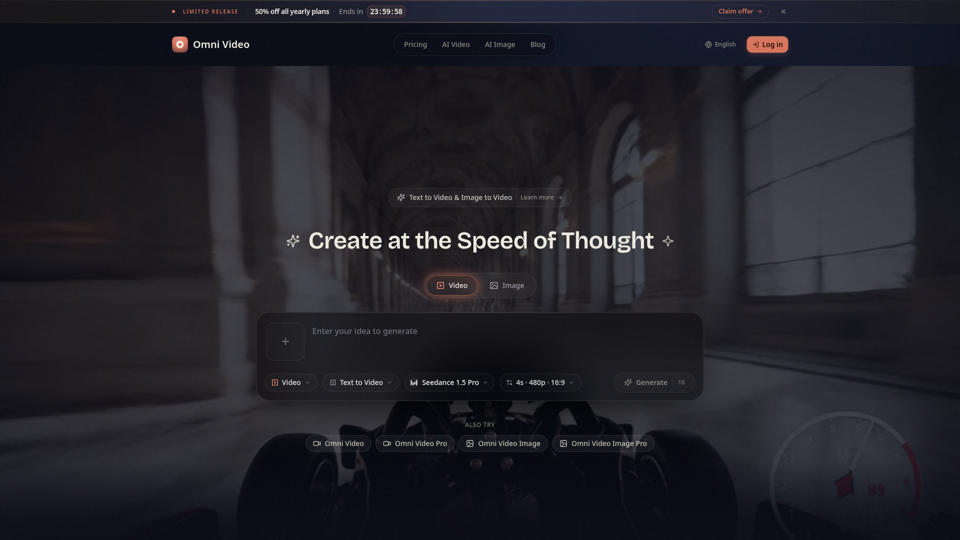
Create cinematic AI videos with Omni Video from text prompts or reference images. Use text-to-video and image-to-video workflows for social clips, ads, education, product stories, and visual ideas.
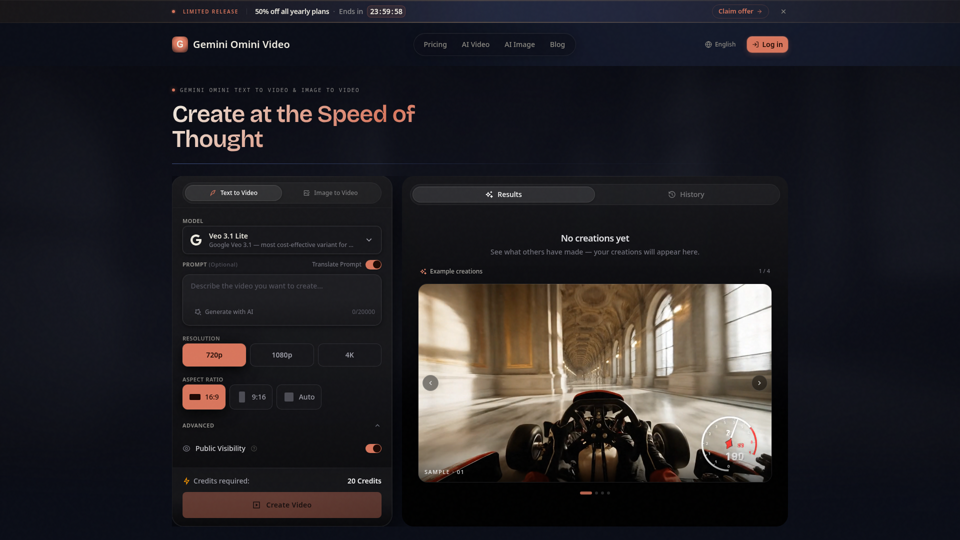
Create Gemini Omini Video clips from text prompts or reference images. Build Gemini Omni-style text-to-video and image-to-video scenes for social clips, ads, education, product stories, and visual ideas.
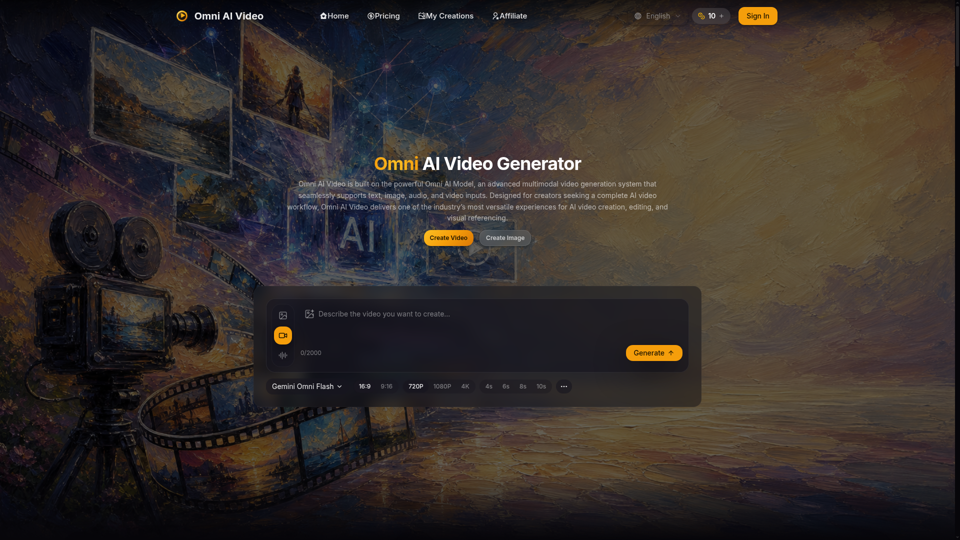
Omni AI Video: multimodal AI video generator powered by Omni AI Model. Supports text, image, audio, and video creation, editing, and reference generation.
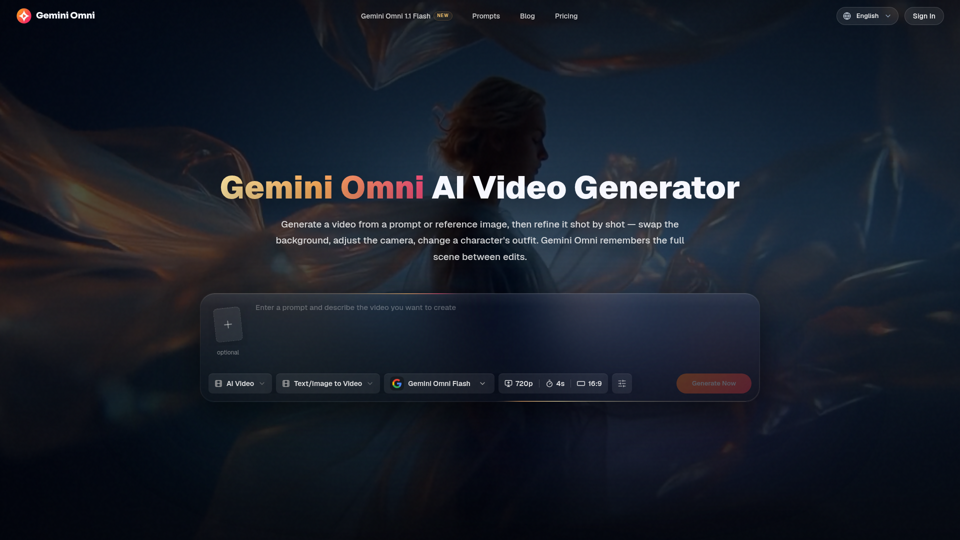
Create and edit AI videos online with Gemini Omni for free. Characters stay consistent, audio stays in sync, and every edit builds on the last. Try it now.
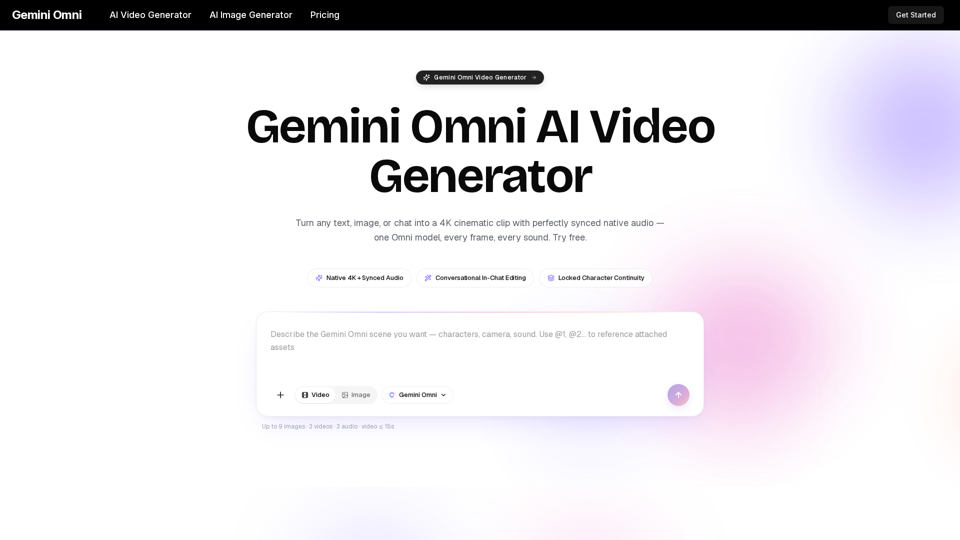
Gemini Omni is a multimodal AI video generator that creates 4K cinematic clips with synchronized native audio from text or chat. Try free!
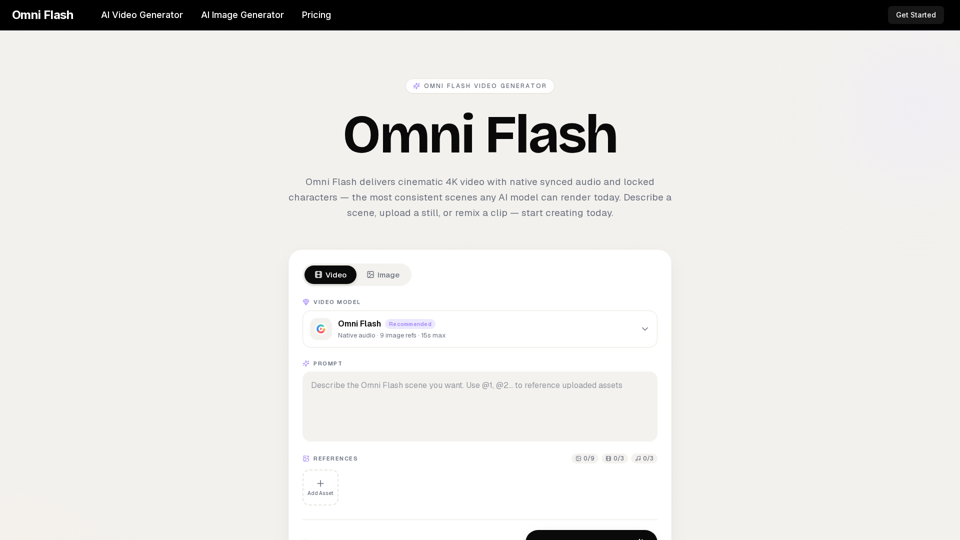
Omni Flash is a free AI video generator that turns text, images, or clips into cinematic 4K video with native synced audio and locked characters. Try free!

Create AI videos, product ads, and avatars from text, images and product links. WizStar helps creators, marketers, and business teams produce high-quality localized video content faster with AI.