MagicShot
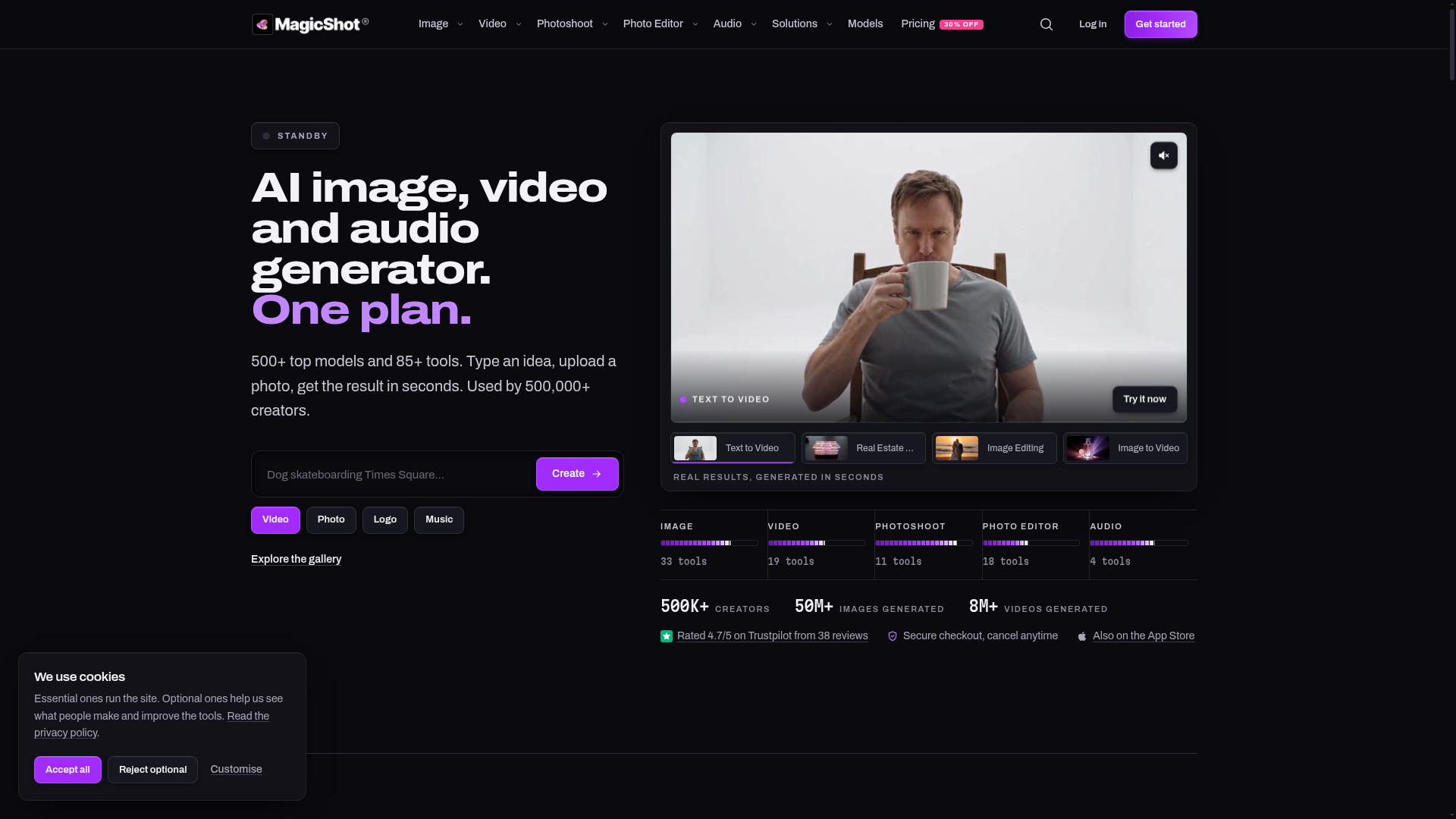
Generate images, video, and audio with 500+ top AI models and 85+ tools under one subscription. No five tabs, no five invoices, one plan covers it.
What is MagicShot.ai?
MagicShot.ai is a comprehensive AI generation platform that serves as a one-stop studio for creating images, videos, audio, and more. It simplifies the creative process by combining over 500 top AI models and 85+ specialized tools under a single subscription plan. Whether you're a marketer, content creator, entrepreneur, or artist, you can describe an idea, upload a photo, and receive professional-quality results in seconds, without needing any technical expertise or expensive equipment.
What are the main features of MagicShot.ai?
MagicShot.ai is designed to be the ultimate creative companion, packed with features that cater to diverse production needs. Its core strengths include:
- All-in-One AI Studio
- It consolidates text-to-image, text-to-video, image-to-video, photo editing, professional photoshoots, and audio generation into one unified platform.
- Massive Model Library
- Access to over 500 cutting-edge AI models ensures high-quality, diverse, and creative outputs for every task.
- 85+ Specialized Tools
- From generating product photos and real estate videos to creating professional headshots and removing backgrounds, the platform offers a tool for nearly every creative need.
- Speed and Simplicity
- The interface is built for speed—type a prompt or upload a file, and get results rendered in seconds.
- Commercial Rights
- On paid plans, users retain full commercial rights to all generated content, making it safe for business and professional use.
- Credits System
- A unified credit system powers all tools across the platform, providing flexible usage without managing multiple subscriptions.
How to use MagicShot.ai?
Using MagicShot.ai is designed to be intuitive. The workflow typically follows three simple steps:
- Choose Your Tool: Browse the suite of 85+ tools categorized under Image, Video, Photoshoot, Photo Editor, or Audio. Select the tool that matches your goal, such as "Text to Video," "AI Headshot Generator," or "Product Photo Generator."
- Input Your Creative Brief: For generation tools, type a detailed text prompt describing what you want to create. For editing or enhancement tools, upload your existing photo, video, or audio file. You can often choose from various styles and settings to fine-tune the output.
- Generate and Download: Click "Create" or "Generate." Within seconds, MagicShot.ai will process your request using its powerful AI models. You can then preview, make adjustments if needed, and download the high-resolution result (e.g., 4K video, print-ready images, studio-quality audio) directly to your device.
What is the price of MagicShot.ai?
MagicShot.ai operates on a subscription-based model, famously promoted as "One plan" for all its AI generation services. This simplifies budgeting by providing access to all 500+ models and 85+ tools without per-tool fees. Specific pricing tiers (e.g., Basic, Pro, Teams) are typically offered, which vary in the number of monthly credits, generation quality, output resolution, and commercial licensing terms. Users can start with a free trial or a lower-cost plan to test the platform, with the option to upgrade for higher-volume needs. All plans generally feature secure checkout and the flexibility to cancel at any time.
Helpful Tips for Using MagicShot.ai
To get the most stunning and effective results from MagicShot.ai, consider these practical tips:
- Be Specific in Prompts
- When using text-to-image or text-to-video tools, detailed prompts yield better results. Include subject, style, mood, lighting, and composition details (e.g., "a cinematic shot of a cyberpunk city at night with neon reflections in the rain").
- Leverage the Style Library
- Explore the hundreds of pre-set styles (photorealistic, anime, 3D, vintage, etc.) to instantly give your creations a professional and consistent look.
- Use High-Quality Uploads
- For tools like the AI Photoshoot or Photo Editor, uploading clear, well-lit source photos will produce the most realistic and high-fidelity edits and transformations.
- Experiment with Credits
- Since all tools use the same credit pool, don't hesitate to experiment across different media types. Try turning an AI-generated image into an animated video or adding an AI voiceover to it.
- Explore the Community Gallery
- The public gallery is a fantastic source of inspiration. See what other creators have made, view the prompts they used, and click "Make your own" to start from a similar concept.
- Utilize One-Click Edits
- For quick fixes, rely on tools like Background Remover, Object Remover, or Photo Restorer to professionally edit images in seconds without learning complex software.
Frequently Asked Questions
Can I use MagicShot.ai for commercial projects?
Yes. Content generated on MagicShot.ai's paid subscription plans comes with full commercial rights, allowing you to use the images, videos, and audio in client work, advertisements, social media, and products.
What kind of files can I upload?
The platform supports common file formats for images (JPG, PNG, WebP), videos (MP4, MOV), and audio (MP3, WAV). Specific tools may have recommendations for optimal resolution and file size.
How does the AI Photoshoot work?
You upload several selfies or portraits of a person (typically 8-12). The AI then learns the subject's features and can generate dozens of professional headshots or full-body shots in various outfits, poses, and backdrops, saving the cost of a physical photoshoot.
Are there any usage limits?
Usage is governed by a credit system within your subscription plan. Each generation or edit consumes a certain number of credits. Different plans offer different monthly credit allowances and perks like priority generation or higher-resolution exports.
Is there a free trial?
MagicShot.ai often provides a way for new users to test the platform, which may include a limited number of free credits or generations so you can explore the tools before subscribing.
How do I cancel my subscription?
You can cancel your plan at any time directly from your account settings. The cancellation is effective immediately or at the end of your current billing period, depending on the platform's policy.
MagicShot
Generate images, video, and audio with 500+ top AI models and 85+ tools under one subscription. No five tabs, no five invoices, one plan covers it.
 Alpine.js
 Cloudflare
 Google Analytics
Free AI anime and manga generator. Turn text into anime episodes, manga, comics, webtoons and comic shorts in any art style — no drawing or animation skills needed.
Translate image text across 70+ languages with our advanced AI Image Translator to help you better expand your products globally to various countries
Advertised Here
Reach thousands of visitors daily. Get your spot now!
Tools similar to MagicShot
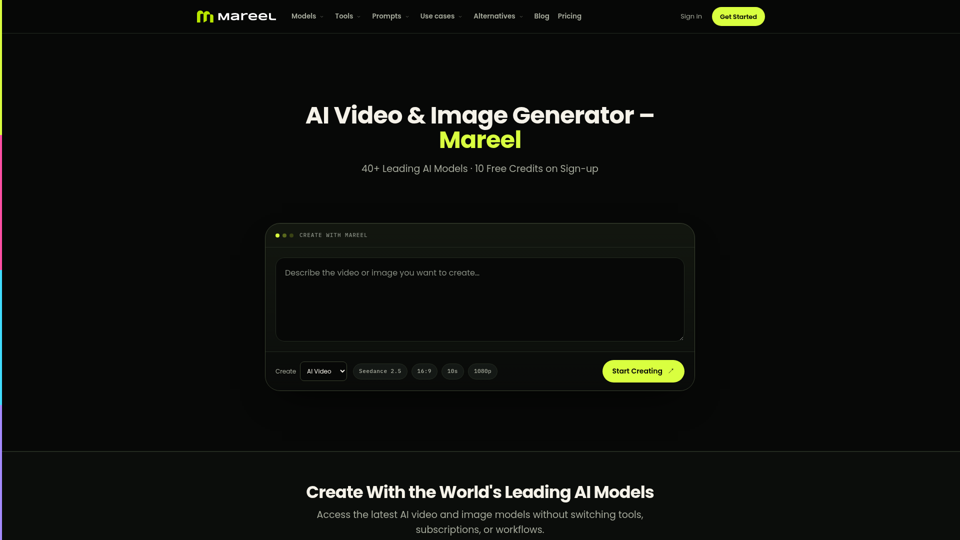
Create AI videos and images with 40+ leading AI models in one workspace. Compare models, choose a subscription, and manage generation credits in one place.
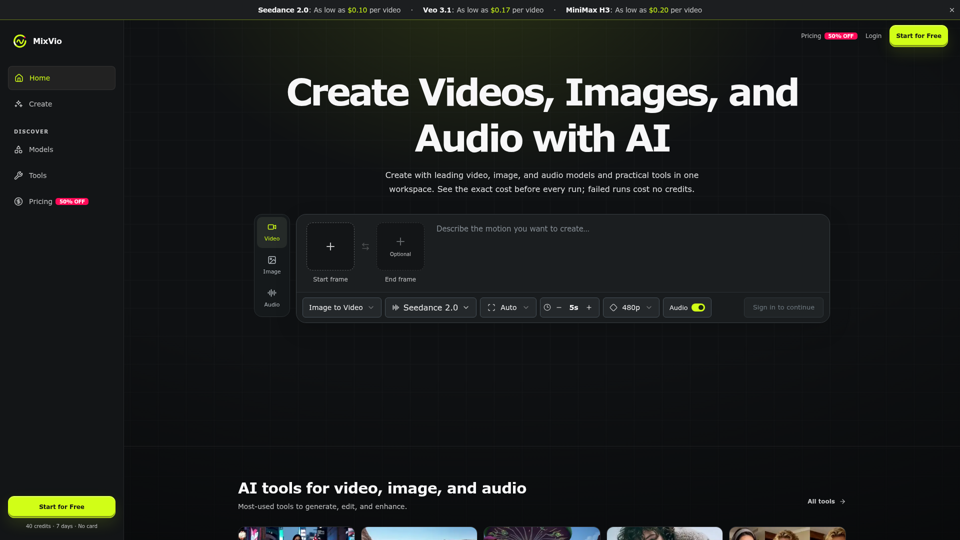
Create AI videos, images, and audio with Seedance, Kling, Veo, GPT Image, and practical creative tools. See exact costs upfront; failed runs cost no credits.
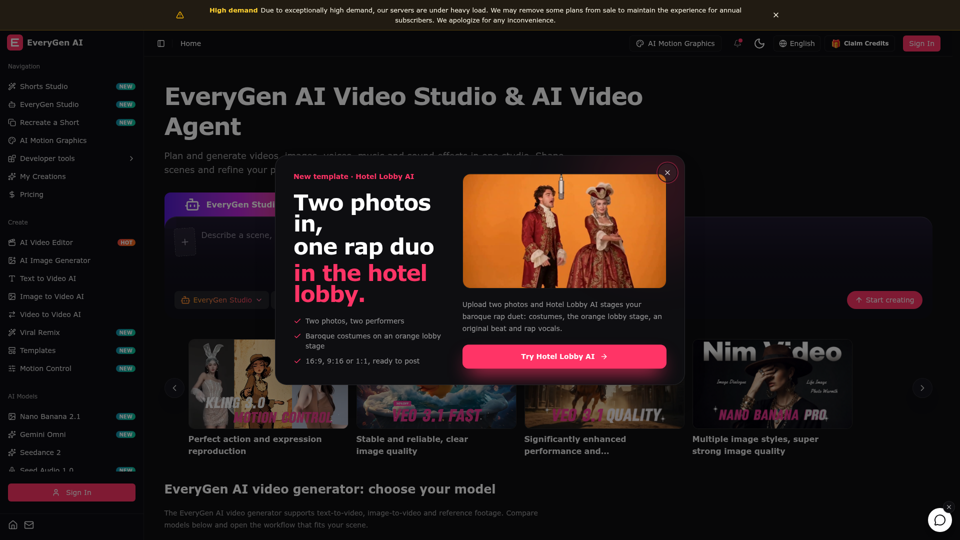
Create videos with the EveryGen AI video generator. Plan and edit in the EveryGen AI video studio, with images, audio, music and MCP.
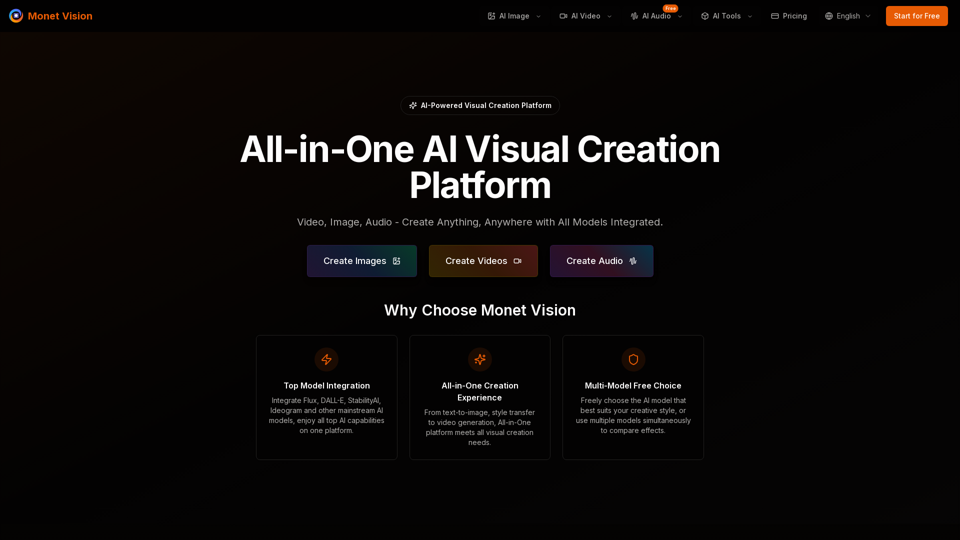
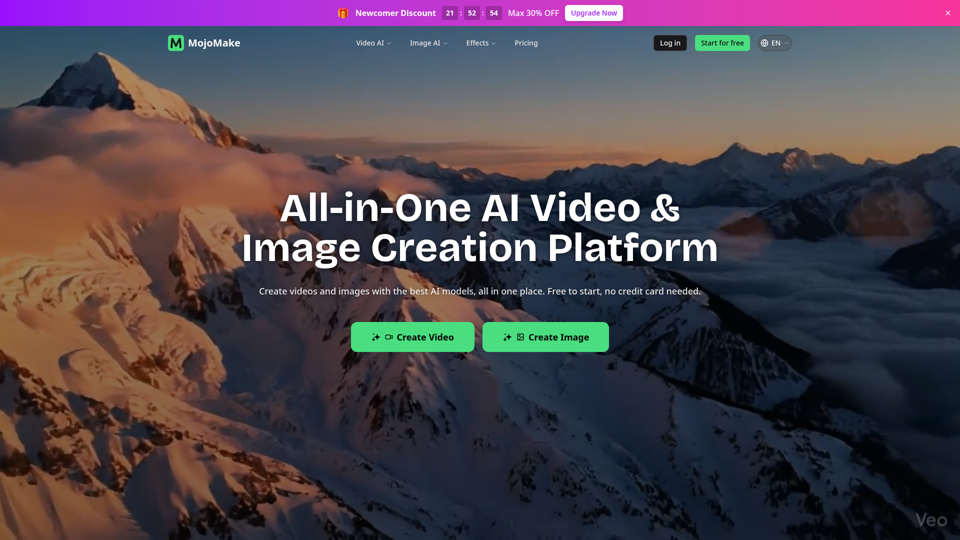
Integrate GPT-4o, Flux, DALL-E, Gemini, StabilityAI and other mainstream AI models, providing professional-grade image generation, artistic style transfer, and video production services. No need to learn complex tools, one platform meets all visual creation needs.
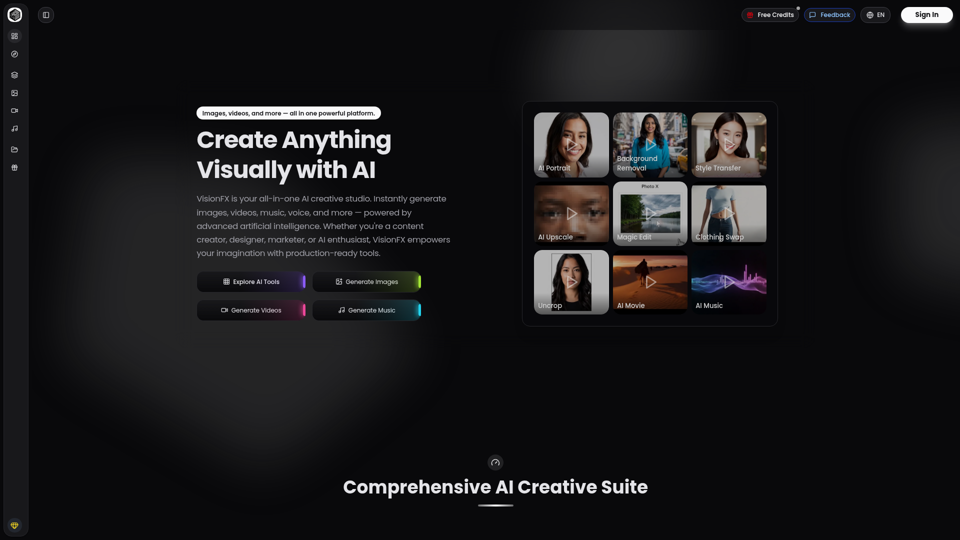
VisionFX is your all-in-one AI creative studio. Instantly generate images, videos, music, voice, and more — powered by advanced artificial intelligence. Whether you're a content creator, designer, marketer, or AI enthusiast, VisionFX empowers your imagination with production-ready tools.
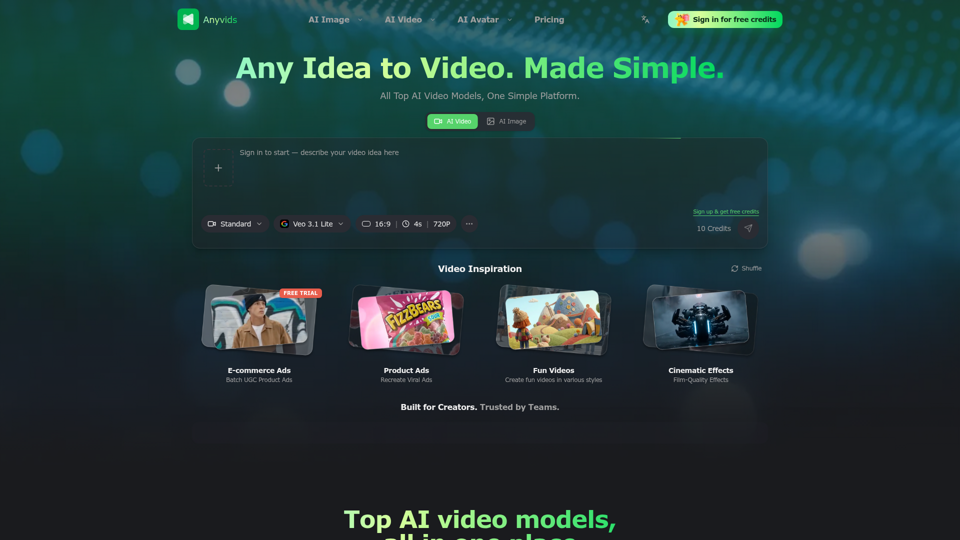
The free all‑in‑one AI image & video generator using top AI models in one place. Pricing you can trust—clear billing, credit usage & refunds. | Anyvids.ai
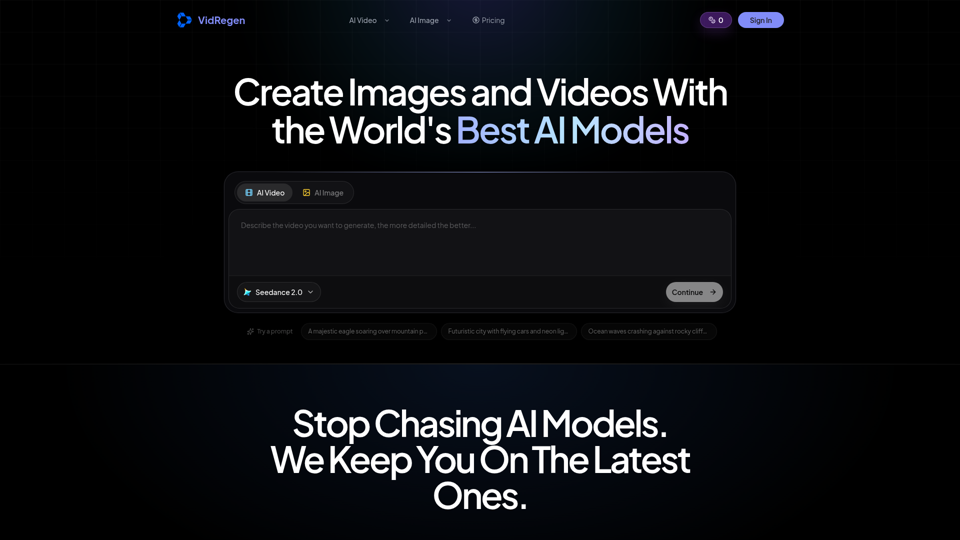
Generate AI images and videos with top models — Kling 3, Veo 3.1, Flux 2, Seedance & more. One workspace, 10+ models, starting from $9.9/mo.