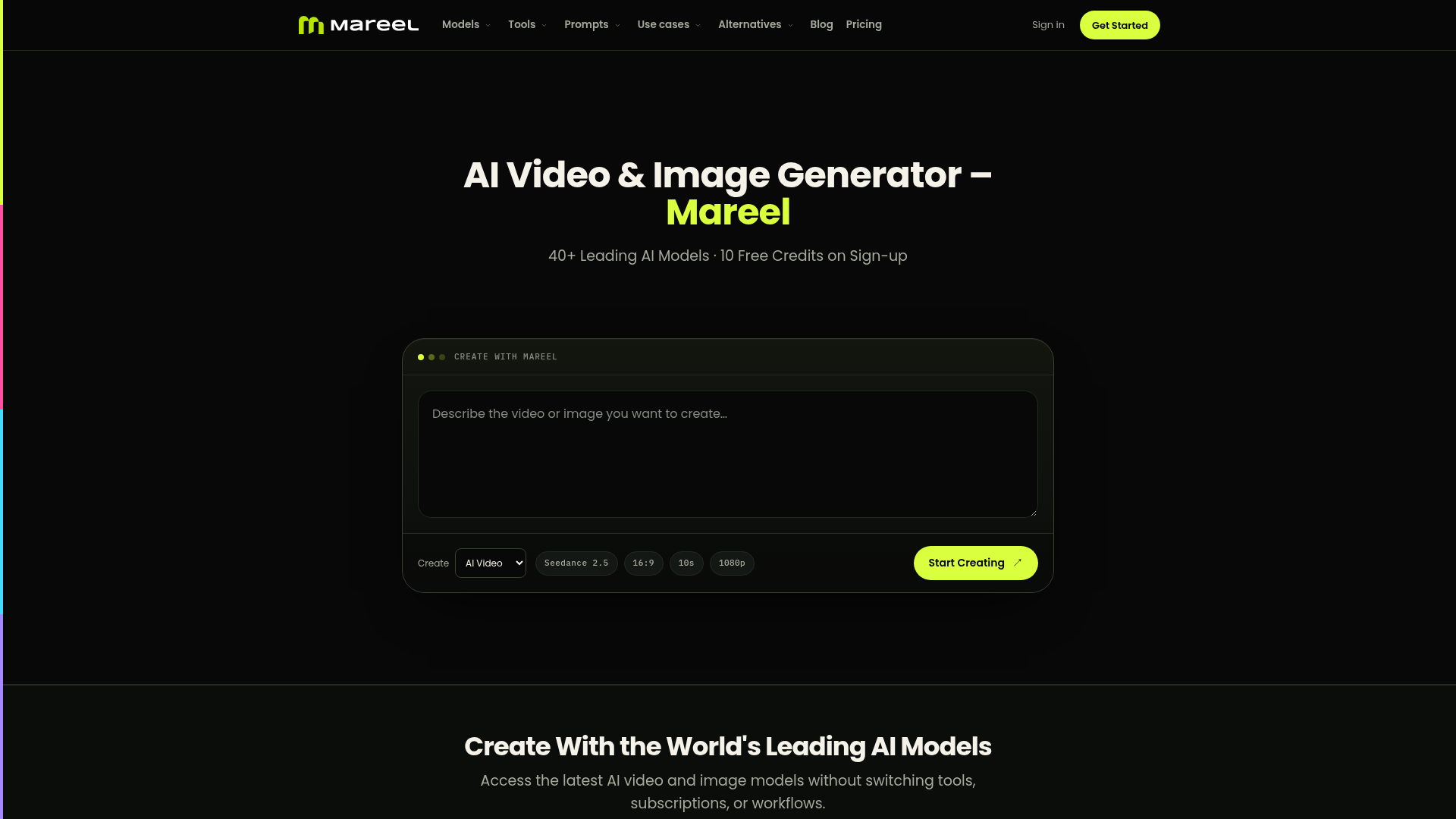
What is Mareel?
Mareel is an all-in-one AI creative platform designed for video and image generation. It consolidates access to over 40 leading AI models from top providers like ByteDance, Google, OpenAI, and MiniMax into a single, unified workspace. Mareel empowers creators, marketers, and businesses to generate high-quality videos and images directly from text descriptions or uploaded images, streamlining the creative workflow from concept to final asset.
What are the Key Features of Mareel?
1. Access to 40+ Leading AI Models: Mareel provides a curated collection of state-of-the-art video and image models, including Seedance 2.5 for cinematic clips, Kling 3.0 for realistic human motion, Veo 3.1 for native audio, and GPT Image 2 for images with accurate text. This eliminates the need for multiple subscriptions to different AI services.
2. Unified Creative Workspace: The platform allows you to generate both AI videos and AI images from the same interface. You can manage all your projects, compare outputs, and store every generated version without switching between different tools or tabs.
3. Flexible AI Video Generation: Beyond simple text-to-video, Mareel supports advanced workflows like image-to-video (turning a static image into motion), generation with integrated audio, and creation for multiple aspect ratios (16:9, 9:16, 1:1, 4:5) tailored for platforms like YouTube, TikTok, and Instagram.
4. One-Credit System for All Models: Instead of managing separate credit or token systems for each AI model, Mareel uses a single, pooled credit balance that can be spent across all supported video and image models on the platform, simplifying budgeting and usage.
5. Model Comparison and Experimentation: You can test different AI models with the same prompt or image input to compare styles, quality, and outcomes side-by-side. This feature helps you find the perfect model for each specific creative need.
6. Pre-Built Templates for Speed: Mareel offers a library of professional video templates (like product reveals, UGC testimonials, and unboxing scenes) that you can customize with your own product images or concepts, drastically speeding up production for ads and social content.
How to Use Mareel?
Using Mareel is a straightforward three-step process:
- Describe Your Vision: Start by typing a text prompt describing the video or image you want to create. Alternatively, you can upload a reference image to guide the generation.
- Choose Your AI Model: Select from the list of available AI models based on the style, quality, duration, and specific capabilities you need (e.g., cinematic quality, realistic motion, audio generation).
- Generate and Download: Initiate the generation process. Once complete, you can review the result, compare it with outputs from other models if desired, and download the final video or image in your preferred format and resolution.
What is the Pricing for Mareel?
Mareel operates on a credit-based system. New users receive ### 10 free credits upon sign-up, valid for 10 years, which allows them to test the platform. Beyond the initial grant, users can purchase subscription plans that provide monthly credits. The cost per generation varies by the AI model selected and the output resolution/duration. Credit costs are clearly displayed before each generation. This model offers flexibility, as your credits work across all available models instead of being locked to one.
Helpful Tips for Maximizing Mareel
- Leverage Templates for Marketing
- For quick ad creation, explore the template gallery. Replacing the product image in a template like "Shadow Stage Reveal" can produce professional-quality content in minutes.
- Experiment with Model Comparison
- Don't settle for the first result. Use the same prompt with different models (e.g., compare Seedance 2.5 vs. Kling 3.0) to see which best captures your intended style.
- Use Image Input for Consistency
- When generating a video, starting with a detailed reference image can help maintain visual consistency and guide the AI toward your specific artistic direction.
- Plan for Aspect Ratios
- Before generating, consider where the content will be published. Utilize the multi-ratio feature to create landscape videos for YouTube and vertical versions for TikTok simultaneously.
- Explore All Models
- Regularly check the "Models" page, as new AI models and updated versions are frequently added to the platform, expanding your creative possibilities.
Frequently Asked Questions About Mareel
Is Mareel free to use?
Yes, you can start for free. Signing up grants you 10 initial credits to explore the platform. For ongoing, high-volume use, paid subscription plans are available.
Which AI models can I use on Mareel?
Mareel provides access to over 40 models, including major video generators like Seedance 2.5, Kling 3.0, Veo 3.1, Sora 2, and image generators like Nano Banana 2, Seedream 5, and GPT Image 2. The available lineup is updated as new models are released.
Can I use Mareel for commercial projects?
Commercial usage rights depend on your specific Mareel subscription plan and the terms of service of the individual AI model used. You are responsible for ensuring you have the rights to any reference images or trademarks used in your generations.
What file formats can I export?
Export options vary by model. Mareel typically supports common video formats (like MP4) and image formats (like PNG, JPEG) at various resolutions, including HD (1080p) and others. Check the settings for your chosen model for specific details.
Does Mareel support languages other than English?
The Mareel interface currently supports English, Spanish, and Portuguese. You can also write prompts in various languages, though the AI model's comprehension and output quality may vary.
How do credits work?
Credits are deducted per generation based on the model and output specifications (e.g., video duration, resolution). Your credit balance is universal across all models on the platform. The cost is always shown before you confirm a generation.
AI Video & Image Generator
Create AI videos and images with 40+ leading AI models in one workspace. Compare models, choose a subscription, and manage generation credits in one place.
 Cloudflare
 Google Tag Manager
 HTTP/3
 Next.js
 Node.js
 React
React Webpack
Free AI anime and manga generator. Turn text into anime episodes, manga, comics, webtoons and comic shorts in any art style — no drawing or animation skills needed.
Translate image text across 70+ languages with our advanced AI Image Translator to help you better expand your products globally to various countries
Advertised Here
Reach thousands of visitors daily. Get your spot now!
Tools similar to AI Video & Image Generator
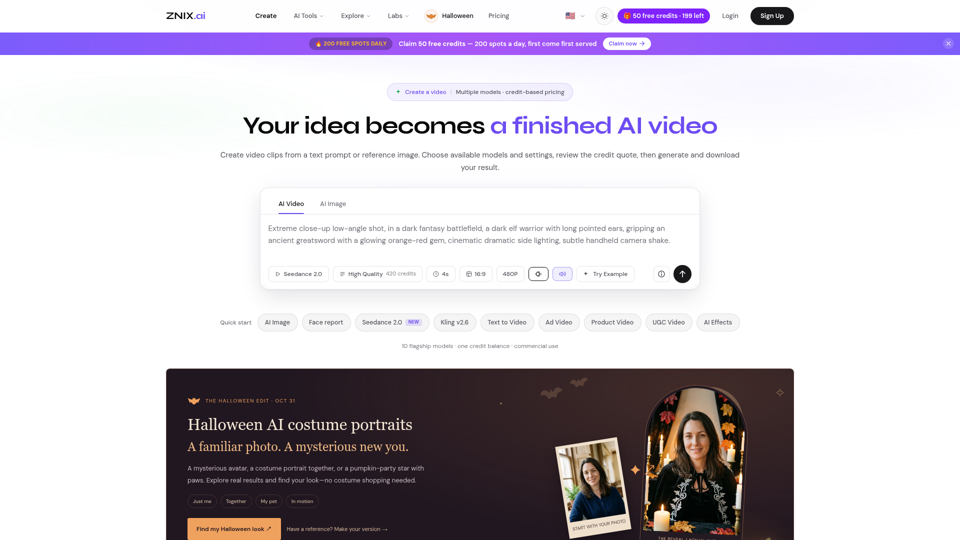
Turn text and reference images into AI videos and images with ZNIX. Compare available models, check credit costs, and download results from one creative workspace.
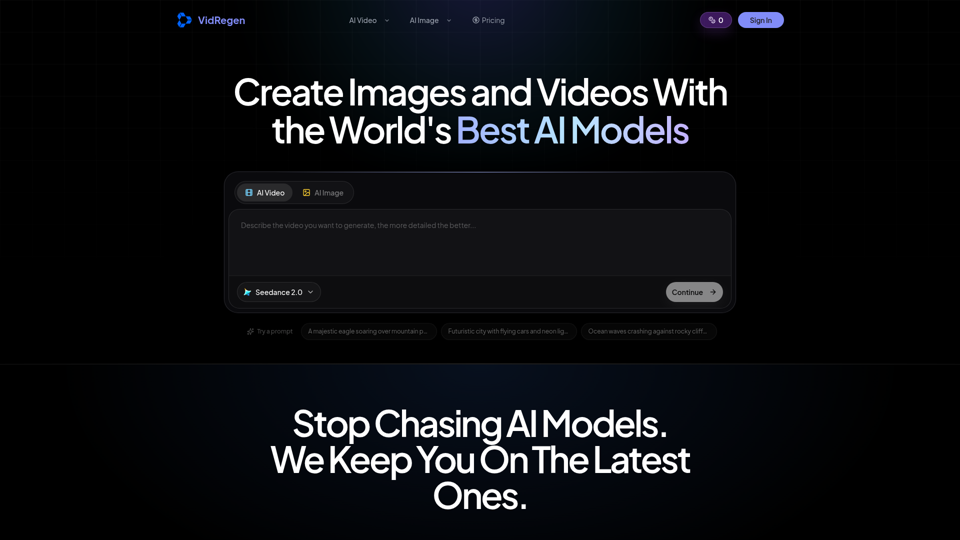
Generate AI images and videos with top models — Kling 3, Veo 3.1, Flux 2, Seedance & more. One workspace, 10+ models, starting from $9.9/mo.
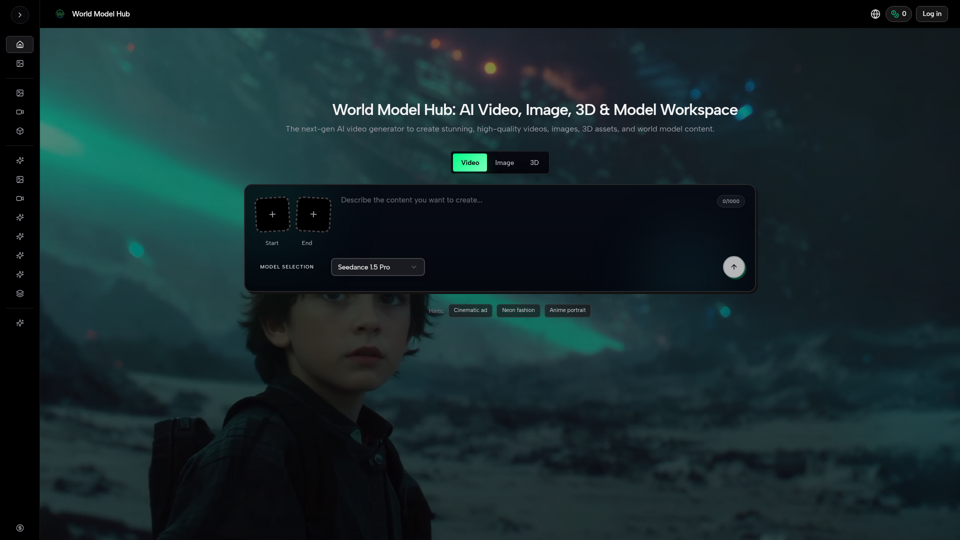
Create AI videos, AI images, and 3D assets in one platform. Compare models, control outputs, and move from prompt to production faster with WMHub.
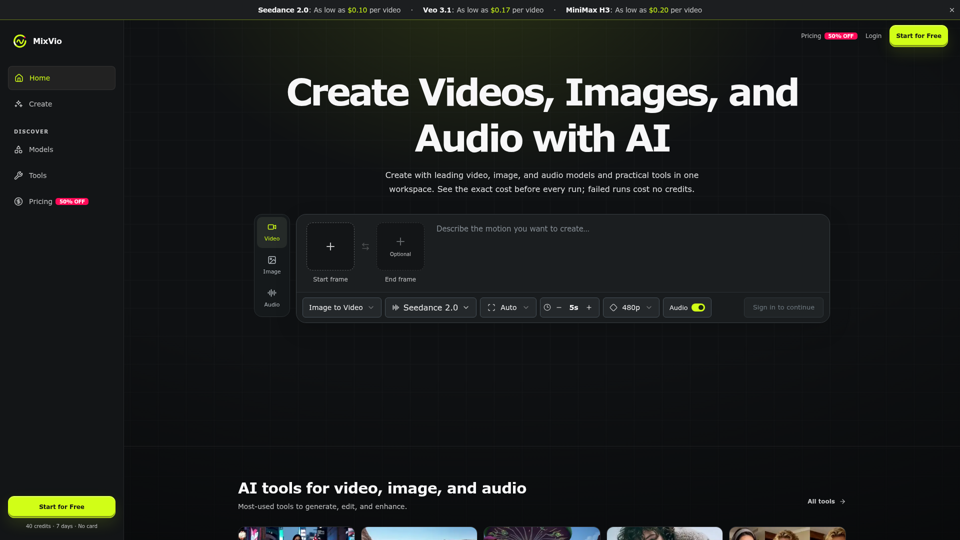
Create AI videos, images, and audio with Seedance, Kling, Veo, GPT Image, and practical creative tools. See exact costs upfront; failed runs cost no credits.
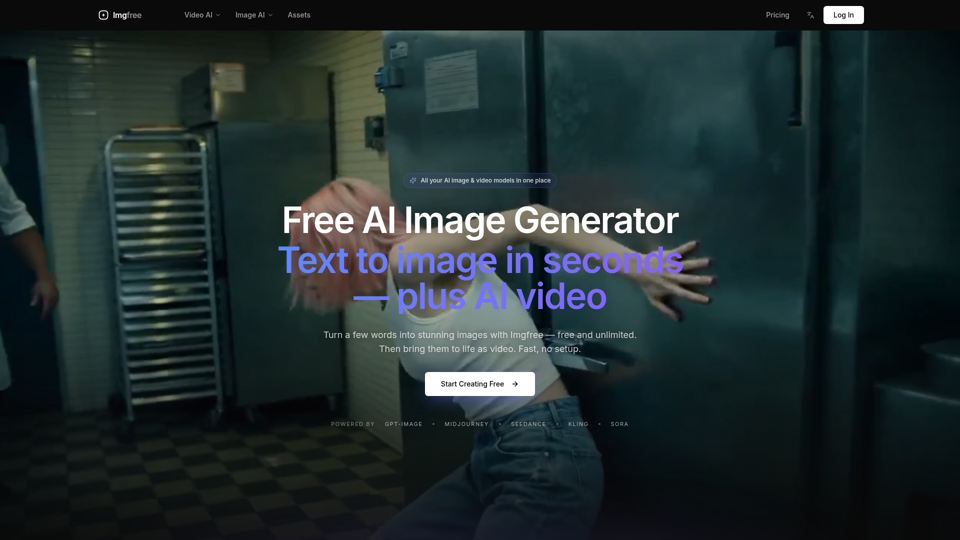
Turn text into images for free — Imgfree 1.0 is free and unlimited, no credits. Also use GPT-Image, Midjourney, Nano Banana and Flux, plus AI video, all in one place.
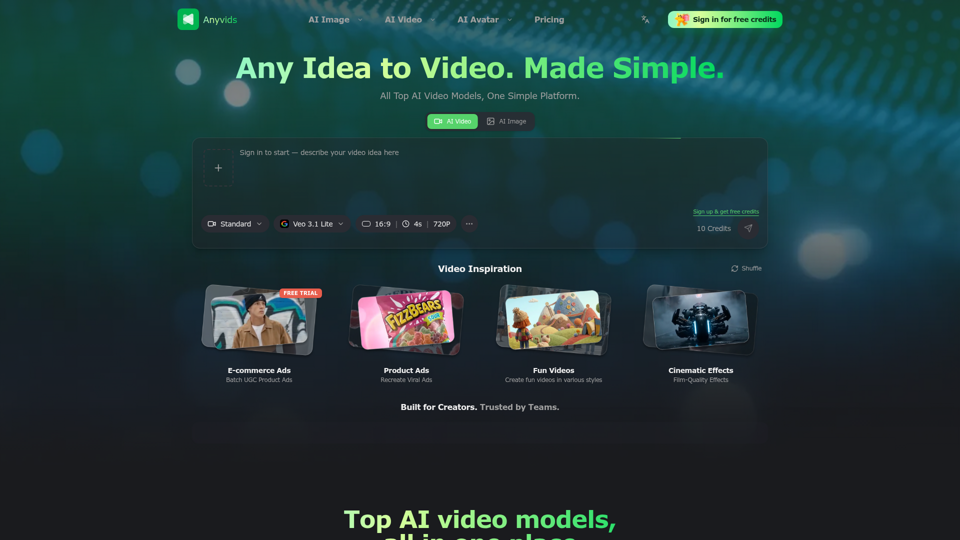
The free all‑in‑one AI image & video generator using top AI models in one place. Pricing you can trust—clear billing, credit usage & refunds. | Anyvids.ai
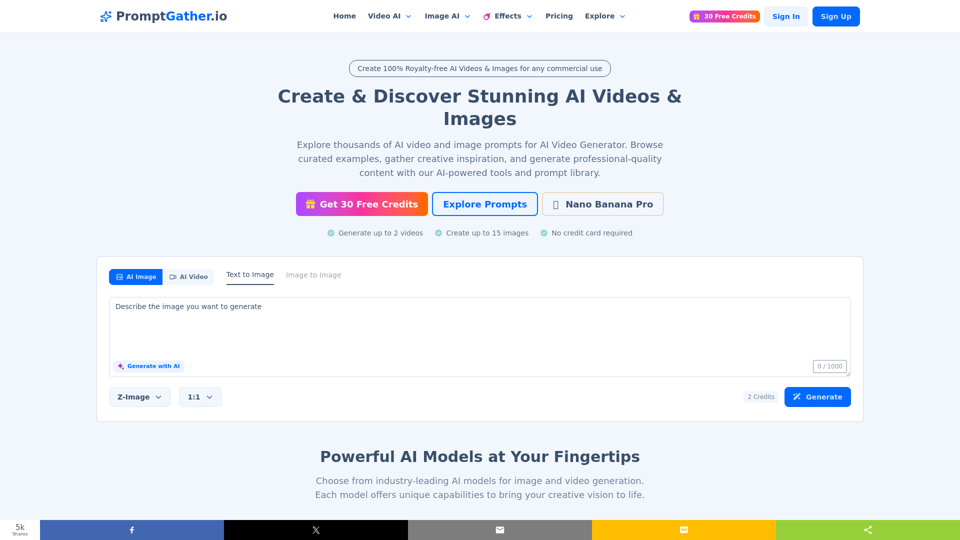
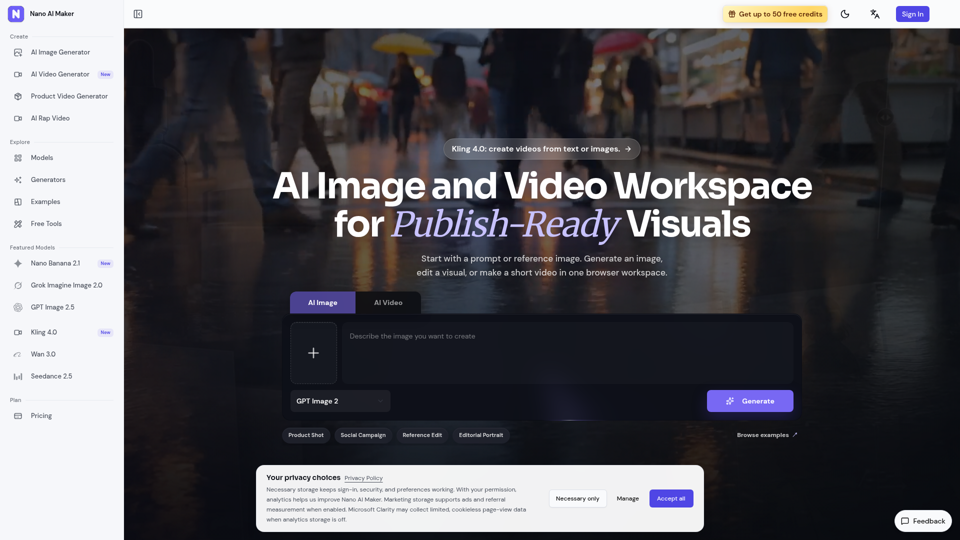
Create AI images, edit reference photos, and generate short videos in one browser workspace for product shots, ads, social posts, and creative testing.