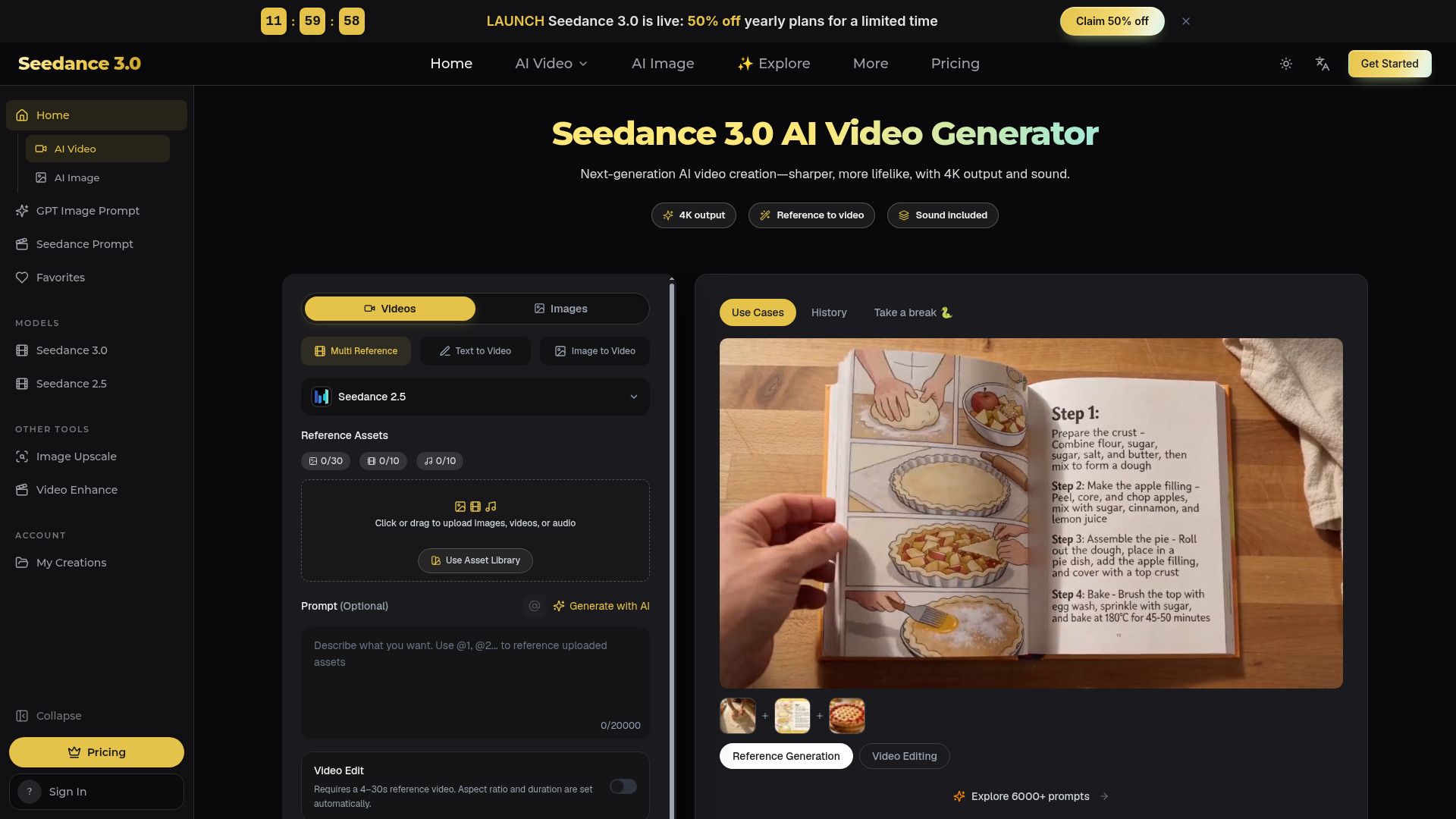
What is Seedance 3.0?
Seedance 3.0 is a next-generation AI video generator that transforms text descriptions, images, or reference videos into high-quality, lifelike videos. It is designed to produce sharp, cinematic 4K output complete with synchronized audio, including voice, music, and sound effects. The platform enables users to create, edit, and extend videos for a wide range of applications, from professional content creation to personal projects, without requiring traditional video production skills or software. It represents a significant leap in AI-driven video synthesis, offering multi-shot storytelling, precise object editing, and support for various aspect ratios like vertical 9:16 for social media.
Key Features of Seedance 3.0
High-Quality 4K Output: Generates crisp, 4K resolution videos in a single, seamless render, maintaining consistent character appearance, lighting, and details throughout the clip. Integrated Audio Generation: Automatically adds matching dialogue, background music, and synchronized sound effects (e.g., footsteps, impacts) that align with the on-screen action, eliminating the need for separate audio tools. Multi-Shot Storytelling: Can create videos with multiple sequential shots (like a beginning, middle, and end) from a single prompt, intelligently planning camera angles and maintaining character consistency across the scene. Multi-Reference Input: Allows users to upload and combine multiple reference assets—such as images, video clips, and audio files—to guide the generation. The AI uses these to preserve specific characters, products, art styles, or motions. Precise Video Editing: Enables targeted edits to specific elements within a video, such as swapping a character's outfit, changing a product, or altering a background, without needing to regenerate the entire clip. Diverse Use Case Support: Optimized for common video creation tasks, including game trailers, anime/animation, product ads, short films, social media clips, educational content, and more. Flexible Generation Modes: Offers multiple creation methods: Text-to-Video, Image-to-Video (animating a still image), Video Extension (seamlessly lengthening a clip), Motion Reference (copying movement from a clip), and Clay-Model Control (using a simple 3D layout for camera framing). User Privacy and Ownership: All uploaded files and generated videos are stored in a private user library. Paid plans include a commercial use license, and users retain full control to download or delete their content.
How to Use Seedance 3.0
Using Seedance 3.0 involves a simple three-step workflow:
- Describe or Upload: Start by typing a text prompt describing your desired video scene. You can make it simple or detailed. Optionally, upload reference images, videos, or audio files to guide the AI. In your prompt, you can tag these references (e.g., "using the character from @Image1").
- Configure Settings: Choose your desired video length (between 4 and 30 seconds), aspect ratio (e.g., 16:9, 9:16, 1:1), resolution, and toggle sound on or off. Then, click the "Generate" button.
- Review and Refine: Once generated, you can preview your video. If needed, use the editing tools to make precise changes to specific parts. You can also extend the video's length. When satisfied, download the final MP4 file for use.
Pricing for Seedance 3.0
Seedance 3.0 operates on a credit-based subscription system. A special launch discount of 50% off yearly plans is currently available.
- Lite Plan (Yearly - 50% Off)
- Priced at ### $14.9 per month, billed annually as $178.8. This plan provides ### 600 credits per month.
- Credit Cost
- Effectively ### $0.025 per credit under the discounted yearly plan.
- Models Included
- Subscriptions provide access to a suite of AI models for video and image generation, including Seedance, MiniMax, Wan, Grok Imagine, Kling (video), as well as Seedream and GPT Image (image generation).
- Flexibility
- Plans can be canceled at any time. Credit packs may also be available for purchase.
Helpful Tips for Using Seedance 3.0
- Start Simple
- Begin with a concise one-sentence prompt to see how the AI interprets it. You can always add more descriptive details (camera angles, lighting, sound cues) in subsequent generations.
- Leverage References
- For maximum control and consistency, use reference images for characters/products and reference videos for specific motions or camera movements.
- Explore the Prompt Gallery
- Browse the platform's extensive library of over 6000 community prompts categorized by use case (e.g., "Game trailers," "Anime") to find inspiration and understand effective prompting techniques.
- Utilize Precise Editing
- Instead of regenerating an entire video for a small change, use the "Video Edit" feature to swap only the element that needs adjustment (like an outfit or product color).
- Consider Aspect Ratio Early
- Decide if your video is for widescreen (16:9), mobile vertical (9:16), or square (1:1) platforms before generation to ensure optimal composition.
Frequently Asked Questions (FAQ)
What video quality does Seedance 3.0 produce?
Seedance 3.0 generates videos in crisp 4K resolution, rendering the entire scene cohesively to ensure high visual fidelity.
Can I add sound to my videos?
Yes. Seedance 3.0 automatically generates synchronized audio, including dialogue that matches lip movement, background music, and sound effects that align with the on-screen action.
How does the multi-reference feature work?
You can upload multiple images, videos, and audio files as references. In your text prompt, you can instruct the AI to use specific references (e.g., "use the character from @Image1 and the motion from @Video1") to combine elements and maintain consistency.
Can I edit only part of a generated video?
Absolutely. The "Video Edit" function allows you to select a specific object or moment in the video (like a person's clothing or a background) and change only that element while keeping the rest of the scene intact.
Who is Seedance 3.0 designed for?
It is built for a wide range of users, including content creators (YouTubers, TikTokers), marketers, e-commerce sellers, indie filmmakers, game developers, educators, and hobbyists—anyone who needs to create video content quickly and without professional production resources.
Do I own the videos I create?
Yes. Videos you generate are stored in your private library. Paid subscriptions include a commercial use license, allowing you to use the videos for business purposes.
How many credits does a video generation cost?
The credit cost depends on the selected video model, length, and resolution. The interface will show the credit cost (e.g., "Create (56)") before you generate. The Lite plan provides 600 credits per month.
What if 600 credits per month aren't enough?
If the included monthly credits are insufficient for your needs, you can explore upgrading your plan or purchasing additional credit packs as offered on the platform.
Seedance 3.0 AI Video Generator
Seedance 3.0 is a free AI video generator. Type an idea or add references, get a 4K video with sound, then change only the part you want.
 Next.js
 Node.js
 React
React Vercel
 Webpack
Free AI anime and manga generator. Turn text into anime episodes, manga, comics, webtoons and comic shorts in any art style — no drawing or animation skills needed.
Translate image text across 70+ languages with our advanced AI Image Translator to help you better expand your products globally to various countries
Advertised Here
Reach thousands of visitors daily. Get your spot now!
Tools similar to Seedance 3.0 AI Video Generator
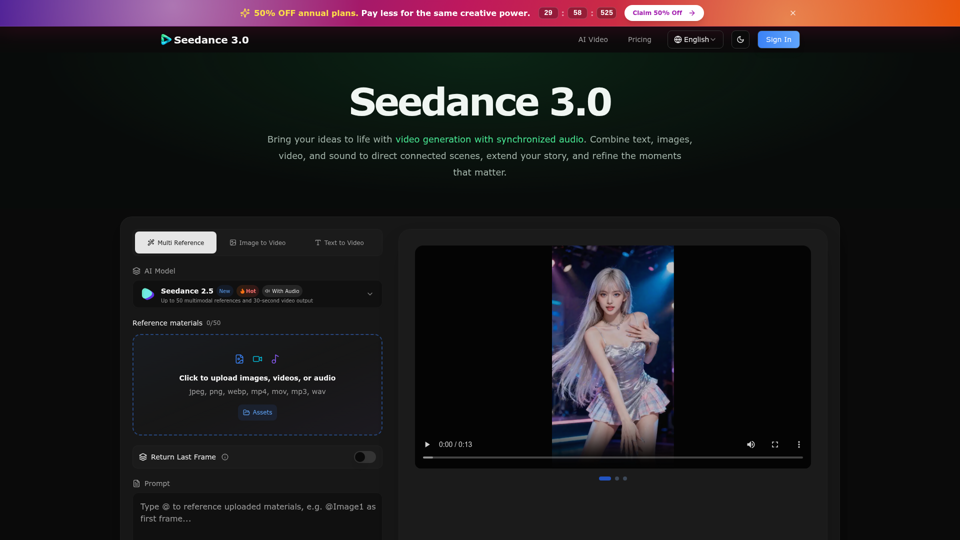
Create cinematic stories with Seedance 3.0. Turn text, images, video, and audio references into videos with synchronized sound and precise creative control.
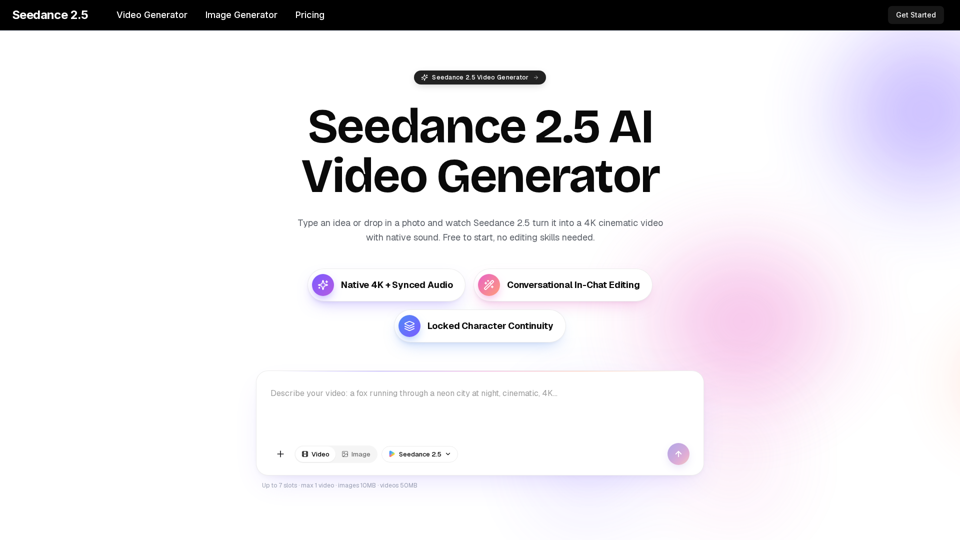
Turn any idea, photo, or clip into a stunning 4K video with Seedance 2.5. The AI video generator with native audio and 30fps motion. Free to try, no skills needed.
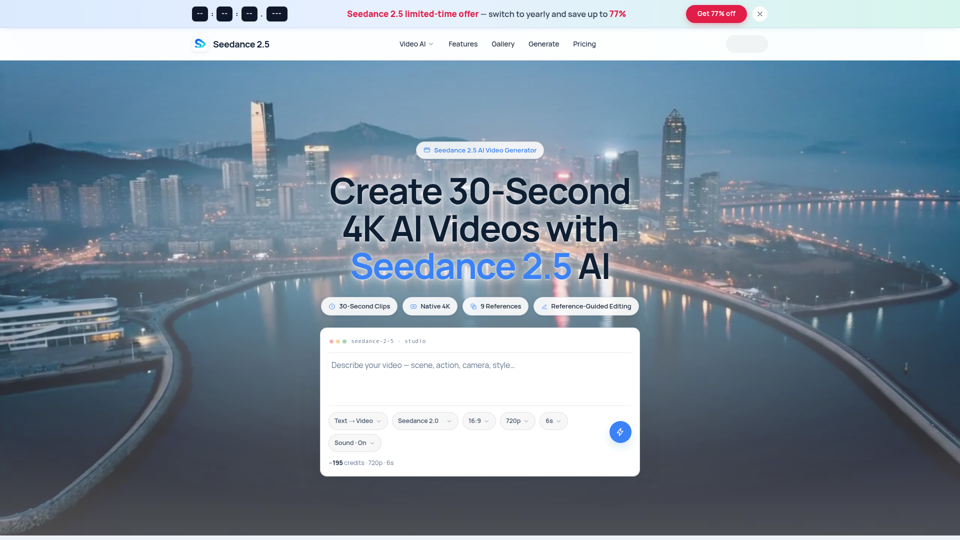
Seedance 2.5 AI turns any text prompt or photo into cinematic, watermark-free 4K video — text-to-video, image-to-video and reference-guided generation.
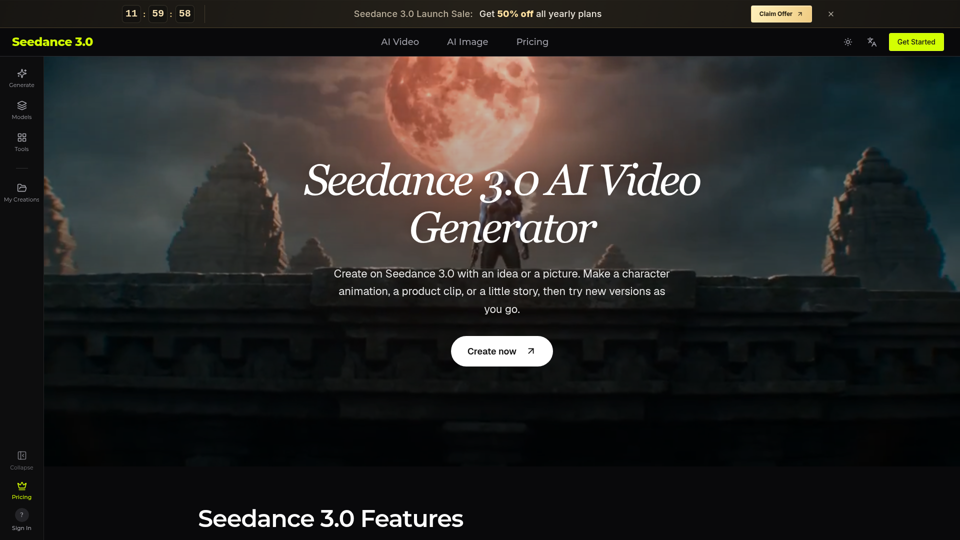
Try Seedance 3.0 free online. Turn text, images, video clips, and audio into videos with sound. Keep faces the same and edit any part without starting over.
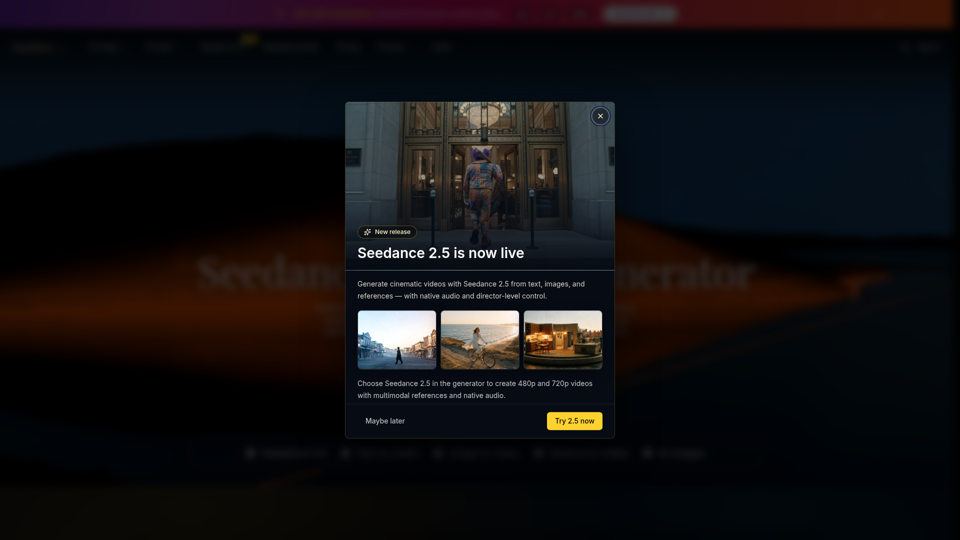
Seedance 2.0 is the ultimate AI video generation platform. Create stunning videos with Seedance 2.0's text-to-video, image-to-video, and AI video effects tools.
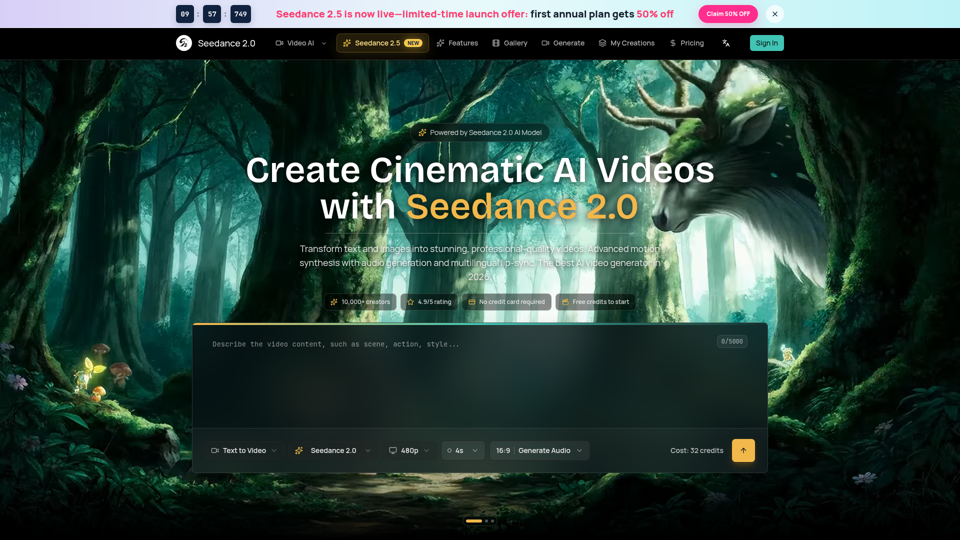
Seedance 2.0 AI video generator. Turn text and images into cinematic videos with motion synthesis, audio generation and lip-sync. Text-to-video & image-to-vi...
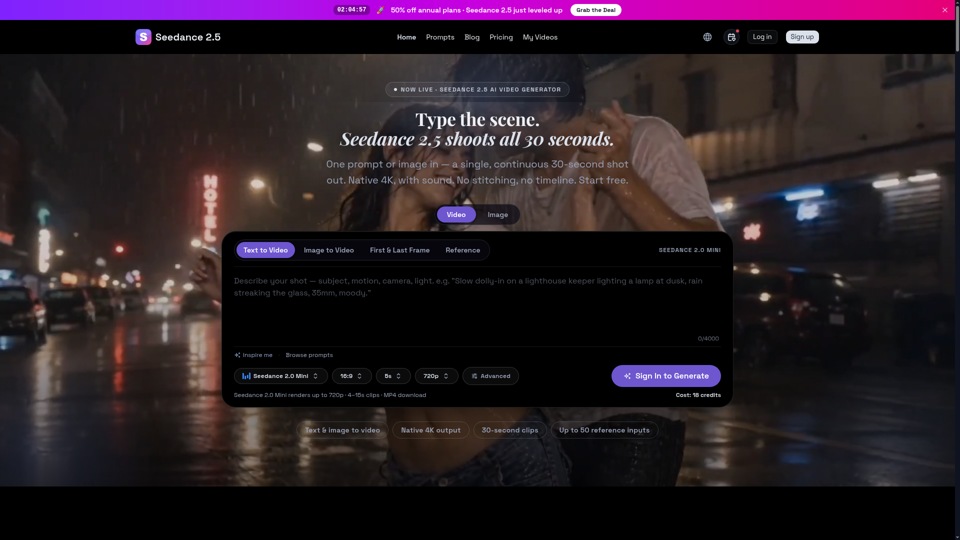
Seedance 2.5 is ByteDance’s next-gen AI video generator — turn one prompt into a single 30-second clip at native 4K, with up to 50 reference inputs. Start free.
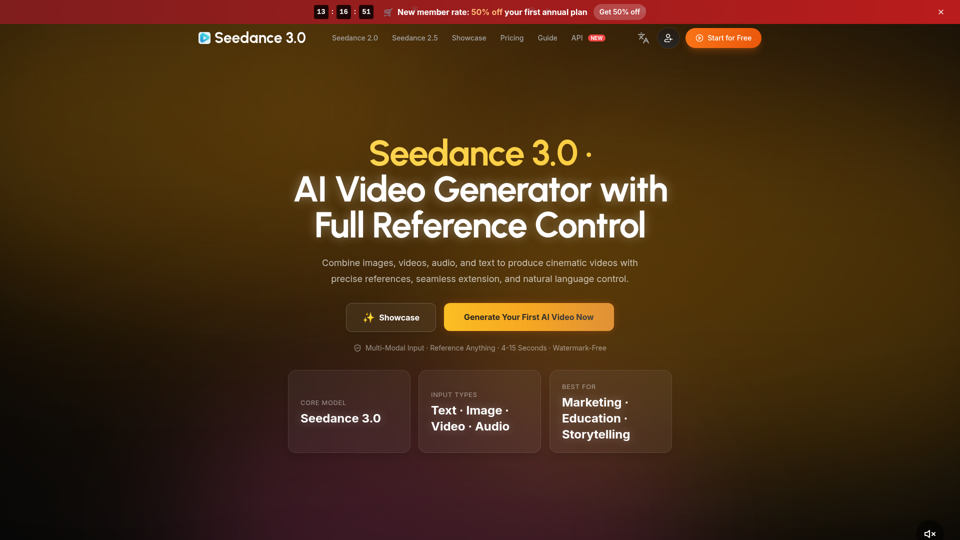
Create cinematic AI videos with Seedance 3.0. Combine image, video, audio, and text references into connected, production-ready scenes.