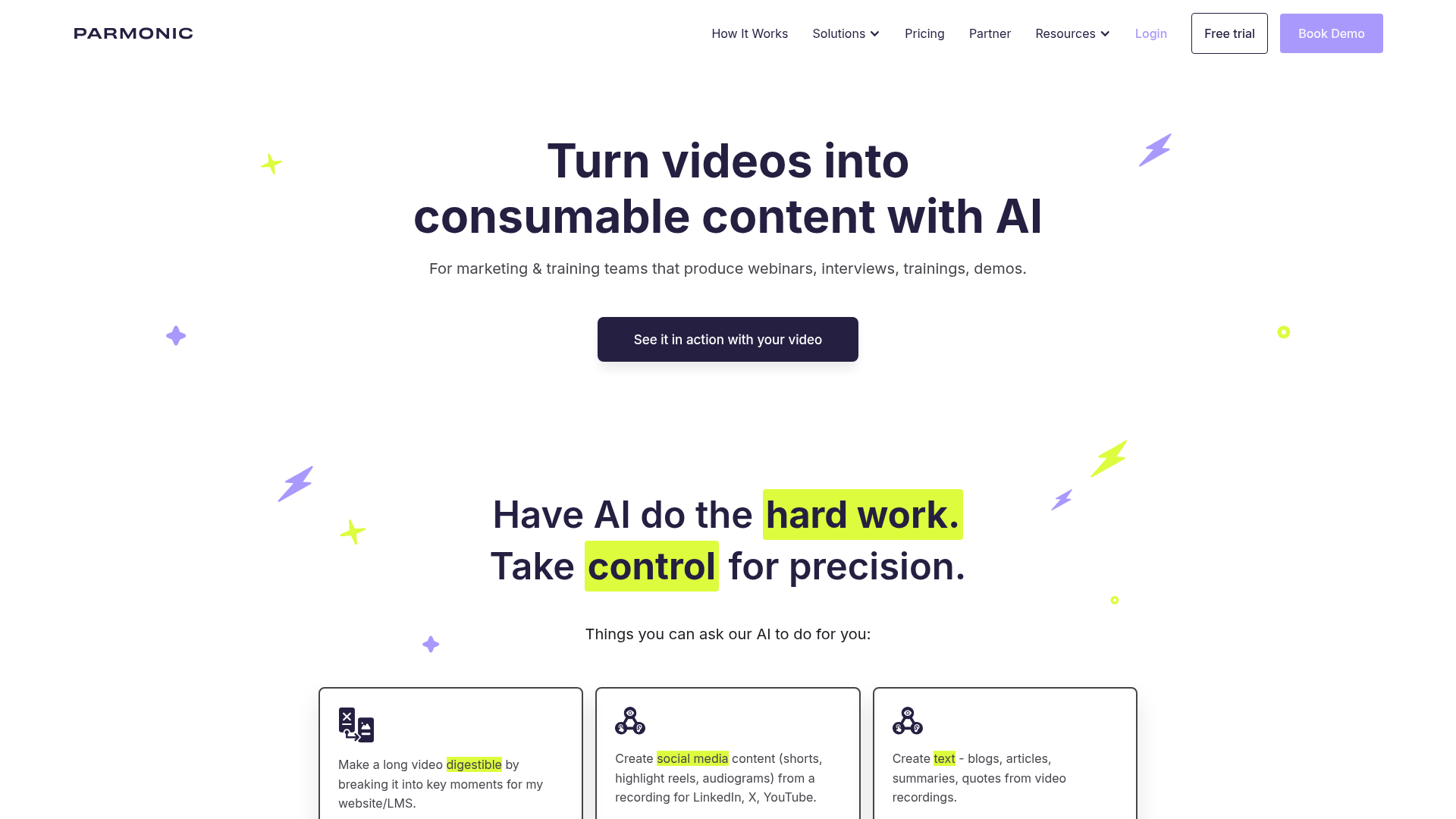
What is Parmonic?
Parmonic is an advanced AI-powered video content transformation platform designed for marketing and training teams. It specializes in taking long, dense, information-heavy videos—such as webinars, interviews, demos, training sessions, and presentations—and automatically converting them into digestible, engaging, and ready-to-publish content. This includes key moments, social media clips, web stories, blog articles, and email GIFs, enabling teams to maximize the value of their video content without requiring extensive video editing expertise or resources.
What are the Main Features of Parmonic?
Parmonic stands out with its comprehensive suite of features tailored for professional content creation:
- AI-Powered Content Generation
- Automatically identifies key moments, generates summaries, creates transcripts, and suggests topics to turn long videos into concise, impactful content.
- Multi-Channel Content Repurposing
- Creates a wide array of assets from a single video, including social media videos (Shorts, Reels), web stories, blog posts, email GIFs, and highlight reels for platforms like LinkedIn, X, and YouTube.
- Video Enhancement Tools
- Offers auto-cleanup features to improve audio quality, remove filler words, and add branding elements. It also provides a transcript-based highlighter tool for easy video shortening.
- Purpose-Built for Complex Videos
- Unlike generic AI tools, its patented AI models are specifically trained and optimized for long-form, information-dense professional content.
- Integrated and Secure Platform
- Includes built-in video hosting, security controls for sensitive content, and gating options for lead collection. It integrates with major apps and offers open APIs for custom workflows.
- Collaboration and Team Management
- Provides robust team features, stellar onboarding, and dedicated support, making it ideal for enterprise and marketing teams.
How to Use Parmonic?
Using Parmonic is designed to be intuitive, even for non-video professionals:
- Add Video: Upload an MP4 video file directly or import recordings via platform integrations.
- Review AI-Generated Moments: The AI automatically analyzes the video, creating a transcript and identifying key moments. Users can review and edit these AI-suggested clips.
- Create and Customize: Choose from various output formats:
- Web Stories: Select a visual layout and publish interactive web content.
- Social Media: Pick moments, add intro cards, and generate platform-optimized videos.
- Email: Instantly create engaging 5-second GIFs for email campaigns.
- Blog: Use AI-suggested topics and choose a tone to transform video content into written articles.
- Publish and Share: Download or directly publish the finalized content to various channels.
- Advanced Options: Choose between AI-only processing or Augmented AI for 99% accurate transcripts and support for multiple languages.
How Much Does Parmonic Cost?
Parmonic operates on a subscription model tailored for teams and enterprises. Specific pricing details are not listed publicly and are likely customized based on factors like team size, volume of video processing, and required features. Interested users are encouraged to ### book a live demo through their website to discuss specific needs and receive a personalized quote. The platform is positioned as a cost-effective alternative to expensive video agencies and complex in-house production.
Helpful Tips for Using Parmonic
- Ideal Video Type
- For best results, use videos with clear spoken audio, such as webinars, interviews, or presentations. Explainer videos with only music are not supported.
- Video Length
- The platform excels with videos longer than 10 minutes, making it perfect for repurposing lengthy recordings.
- Maximize Output
- Leverage the different output modules (Social Media, Blog, Email, Web Stories) from a single video to create a cohesive cross-channel content campaign.
- Use Augmented AI
- For mission-critical content where 100% accuracy is vital (like legal or technical training), opt for the "Augmented AI" processing option for near-perfect transcripts.
- Brand Consistency
- Utilize the platform's branding tools to add logos, colors, and intros/outros to maintain brand identity across all generated content.
Frequently Asked Questions (FAQ)
What kind of videos does Parmonic work best for?
Parmonic works best for informative, audio-rich videos like webinars, presentations, customer interviews, podcasts, demos, event recordings, and training sessions. It is not designed for explainer videos that rely solely on music.
Is there a minimum/maximum video length?
While there's no hard limit, the platform is optimized for videos longer than 10 minutes. Its AI is purpose-built to analyze and extract value from long-form, dense content typical in professional settings.
Do I need a specific video recording tool to use Parmonic?
No. Parmonic is platform-agnostic. You can use any video recording, webinar, or event hosting tool. Simply upload your final MP4 file to start the transformation process.
How accurate is the AI transcription and content generation?
Parmonic uses patented, purpose-built AI models for high accuracy with complex content. For critical projects, you can select the "Augmented AI" processing option, which delivers 99%-accurate transcripts.
Can I edit the AI-generated content?
Yes. The platform provides full review and editing capabilities. You can modify the AI-identified key moments, edit transcripts, customize generated text, and adjust visual layouts before publishing.
Does Parmonic support multiple languages?
Yes, the platform supports multiple languages for transcription and subtitle creation, helping you reach global audiences. Advanced editing tools are available for regional accuracy adjustments.
Parmonic
AI that automatically edits videos and creates derivative content. Built for marketing & training teams that record info-packed, long videos., , , , , , ,
 Cloudflare
 Google Font API
 Google Hosted Libraries
 Google Tag Manager
 HTTP/3
 Statcounter
 jQuery:3.5.1
 reCAPTCHA
Free AI anime and manga generator. Turn text into anime episodes, manga, comics, webtoons and comic shorts in any art style — no drawing or animation skills needed.
Translate image text across 70+ languages with our advanced AI Image Translator to help you better expand your products globally to various countries
Advertised Here
Reach thousands of visitors daily. Get your spot now!
Tools similar to Parmonic
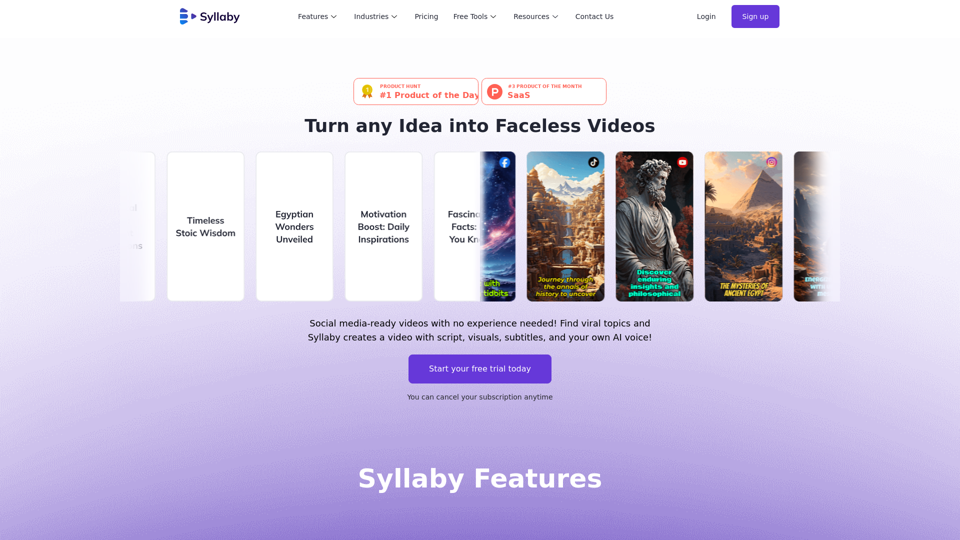
Create faceless videos & AI avatars fast and cheap with Syllaby! Find viral content ideas, write scripts, edit, & publish to social media.
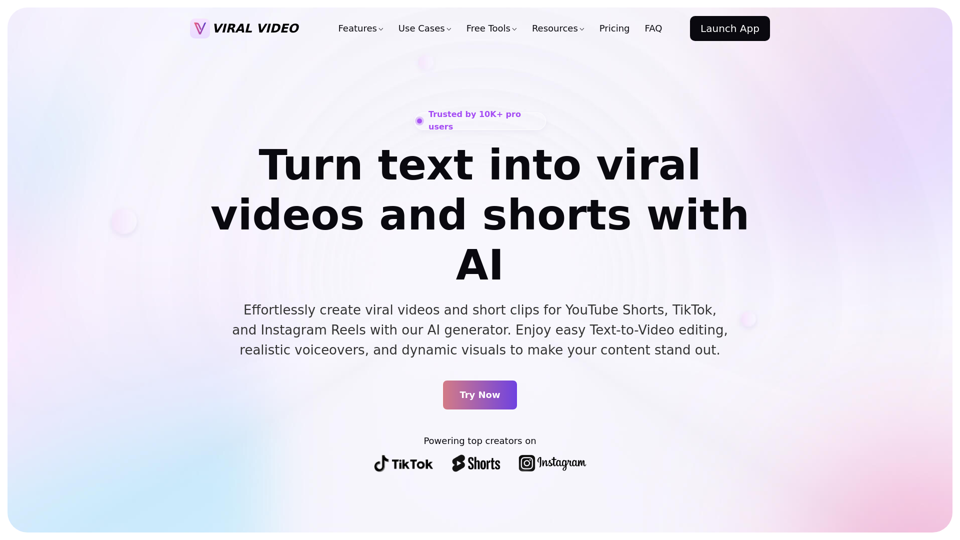
Unleash the power of AI-driven video creation for YouTube Shorts, TikTok, and Instagram Reels, effortlessly generating viral videos and short clips that captivate audiences.
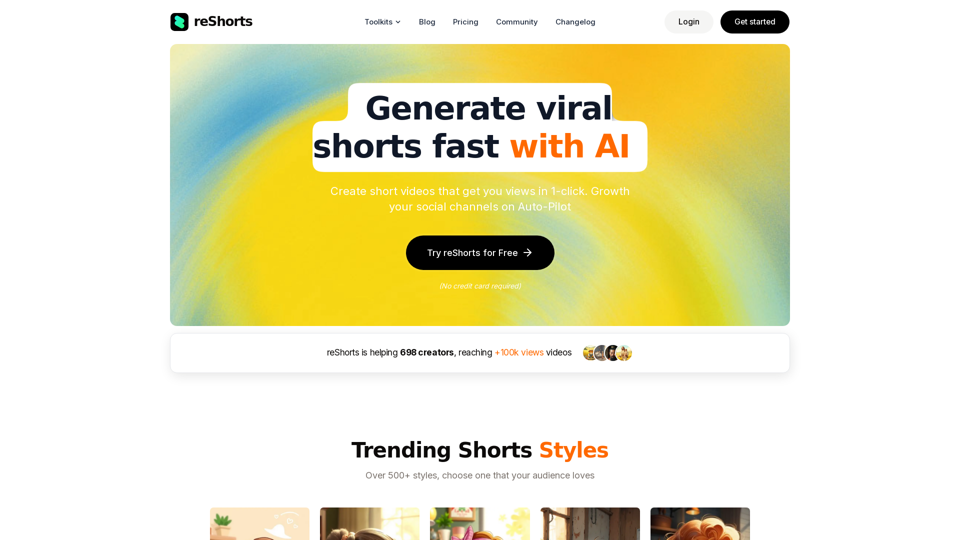
Stop spending hours on short-form content. Our platform automates your channel's growth, delivering consistent results without the constant effort. Create and schedule engaging videos, analyze performance, and watch your audience expand, all on autopilot
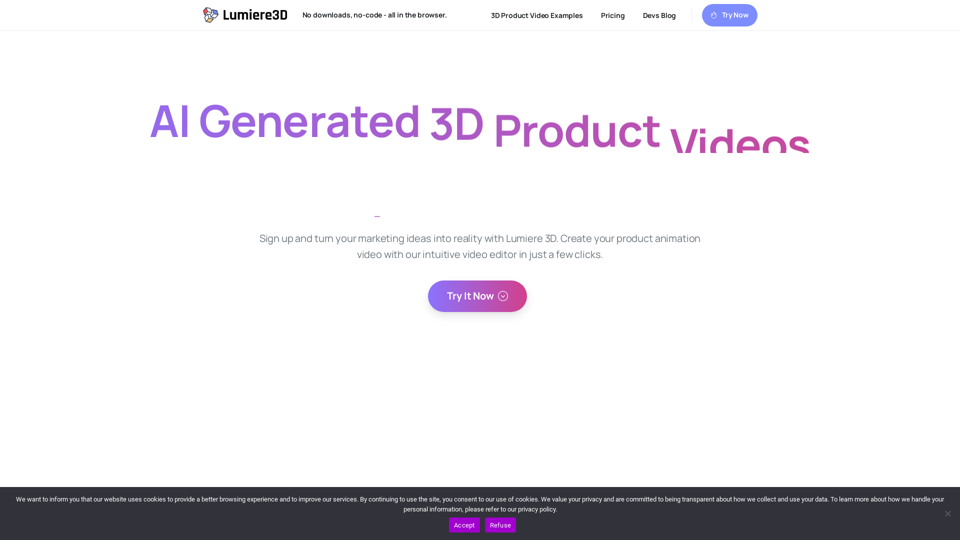
Elevate your brand's digital presence with our captivating cinematic 3D product videos, optimized for reels, shorts, and TikTok. Stand out with immersive visuals.
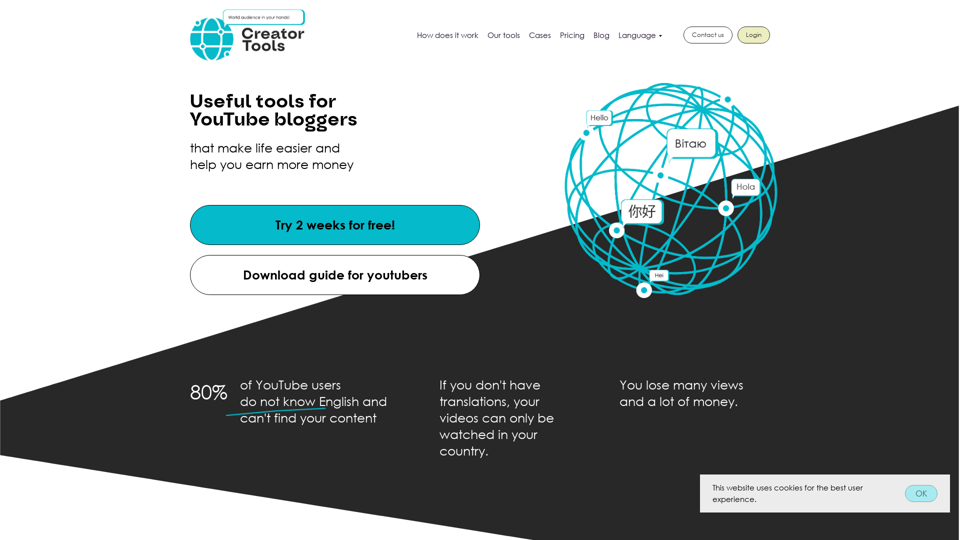
Promote your YouTube channel with localizations to 140 languages: captions title and description
EstateReel AI turns listing photos into polished property videos, natural-motion clips, and AI walkthroughs for agents, teams, and real estate marketers.