supertasks.io
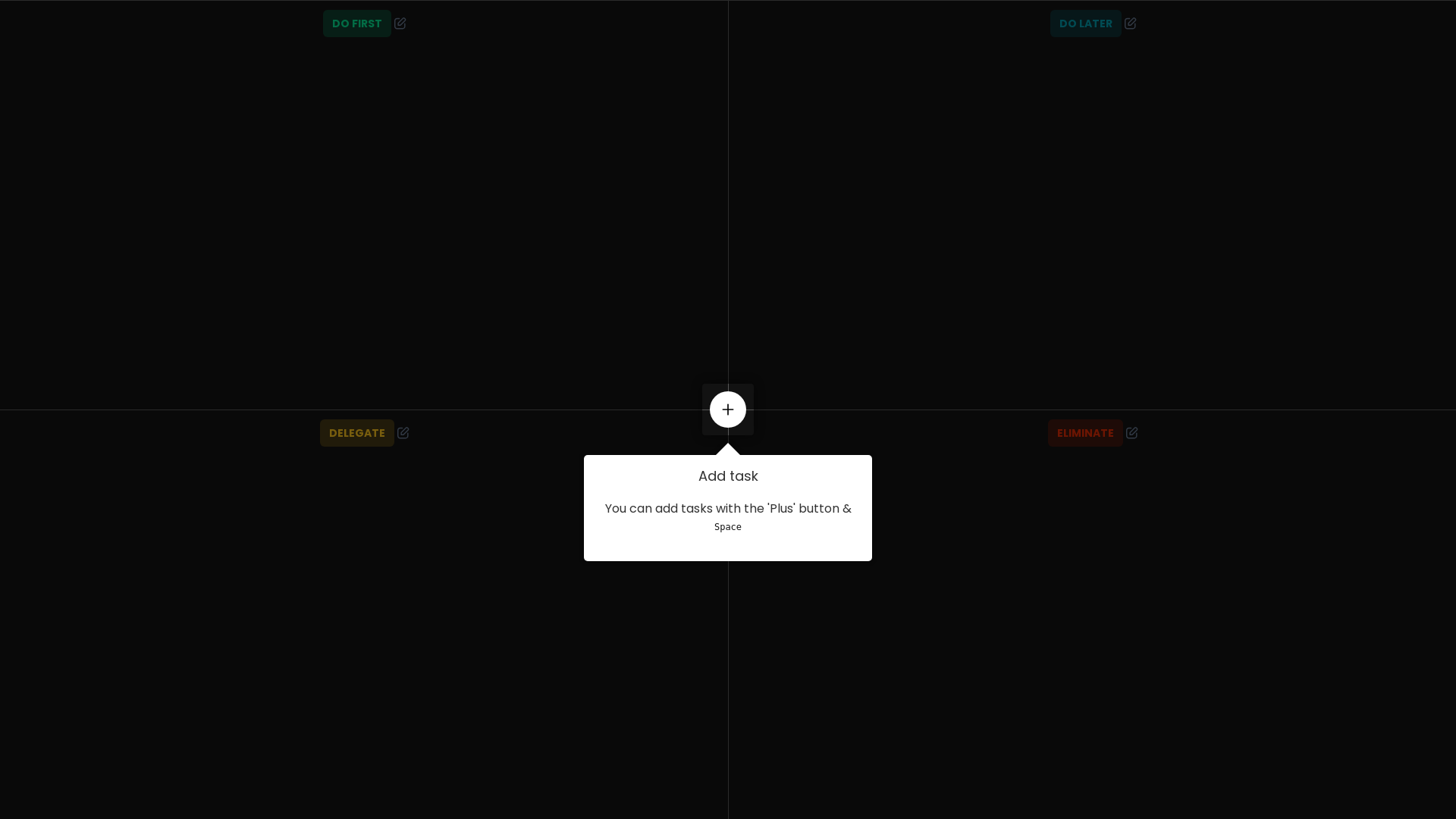
Quick decision making tool. TODOs on steroids. Organise anything using eisenhower matrix. In one glance know what's being worked on and where something is in process. Automate tedious task, and collaborate anywhere. Even on mobile
What is supertasks.io?
supertasks.io is a powerful decision-making tool designed to help users organize tasks effectively and streamline the decision-making process. It offers a user-friendly interface where individuals and teams can prioritize their tasks, delegate responsibilities, and eliminate unnecessary actions to focus on what truly matters.
What are the main features of supertasks.io?
- Task Management
- Users can easily add tasks, categorize them as "Do first," "Do later," or "Delegate," making it simple to prioritize their workload.
- User-Friendly Interface
- The drag-and-drop feature allows for intuitive organization of tasks using keyboard shortcuts for efficient management.
- Collaboration Options
- Users can collaborate by sharing tasks and delegating them to team members, enhancing teamwork and productivity.
- Task Elimination
- Users can eliminate tasks that are no longer necessary, helping to clear clutter and focus on important duties.
- Feedback Mechanism
- The platform encourages user feedback to continually improve functionality and user experience.
How to use supertasks.io?
Using supertasks.io is straightforward. Users can start by signing up for an account. After logging in, you can create new tasks by clicking the 'Plus' button. Prioritize tasks by dragging them into the desired category, whether it's "Do first," "Do later," or "Delegate." The platform also supports keyboard shortcuts, making task management quick and efficient.
What is the pricing for supertasks.io?
supertasks.io offers various pricing tiers to accommodate different user needs. While there is a basic free option available, subscription plans can offer additional features and capabilities to enhance user experience and collaboration. For precise pricing details, visiting the pricing page on their website is recommended.
Helpful Tips for Using supertasks.io
- Regularly Review Your Tasks
- Make it a habit to review your tasks daily to keep priorities clear.
- Delegate Wisely
- Use the delegation feature to ensure the right tasks are assigned to the right team members.
- Use Shortcuts
- Familiarize yourself with keyboard shortcuts to optimize navigation and task management.
- Provide Feedback
- Engage with the feedback mechanism to help improve the platform.
Frequently Asked Questions
Can I delete a task on supertasks.io?
Yes, you can easily delete tasks. When you're sure you want to remove a task, confirm your choice by clicking "Yes, I'm sure."
What should I do if I can't see the tool interfaces?
Ensure that JavaScript is enabled in your browser, as the app requires it to function correctly.
Is there a mobile version of supertasks.io?
Currently, supertasks.io is primarily designed for desktop use; however, check their website for any updates regarding mobile compatibility.
How can I provide feedback on the platform?
Users are encouraged to share their feedback directly through the platform, which contributes to ongoing improvements and enhancements.
What types of tasks can I manage with supertasks.io?
You can manage a wide variety of tasks, including personal to-dos, work projects, and collaborative assignments with team members.
Explore supertasks.io today and take your decision-making and task management to the next level!
supertasks.io
Quick decision making tool. TODOs on steroids. Organise anything using eisenhower matrix. In one glance know what's being worked on and where something is in process. Automate tedious task, and collaborate anywhere. Even on mobile
 Amazon ELB
 Amazon Web Services
Free AI anime and manga generator. Turn text into anime episodes, manga, comics, webtoons and comic shorts in any art style — no drawing or animation skills needed.
Translate image text across 70+ languages with our advanced AI Image Translator to help you better expand your products globally to various countries
Advertised Here
Reach thousands of visitors daily. Get your spot now!
Tools similar to supertasks.io

Give your days a boost. Prioritize tasks, automate your schedule and make every minute matter - with The SkedPal AI
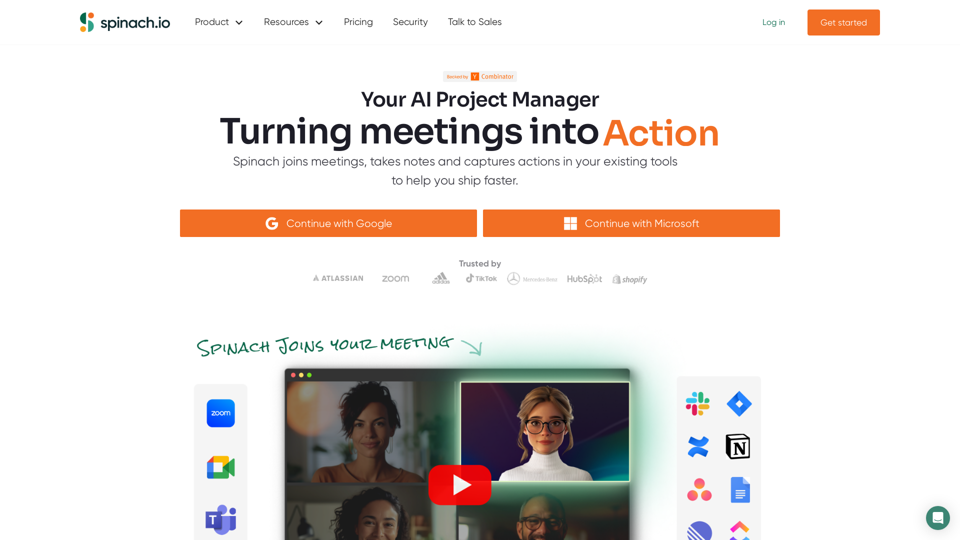
Spinach gives project teams instant meeting notes with key decisions, action items and ticket suggestions based on what you discuss. With dozens of integrations, Spinach keeps track of your projects wherever you work!
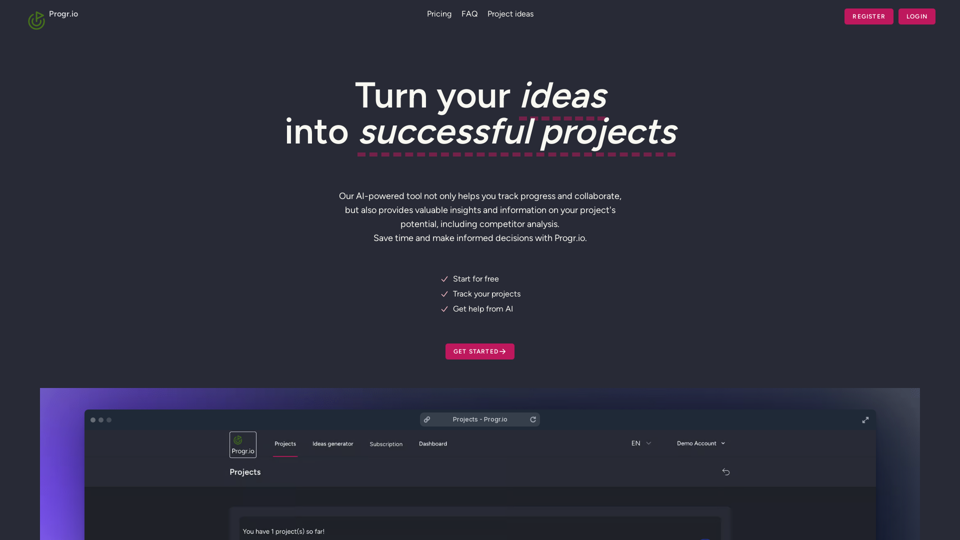
Designed to help SaaS tool builders track, refine, and bring their ideas to life. Add details about features for monetization, targeting, and benefits, as well as intelligent suggestions and insights from AI
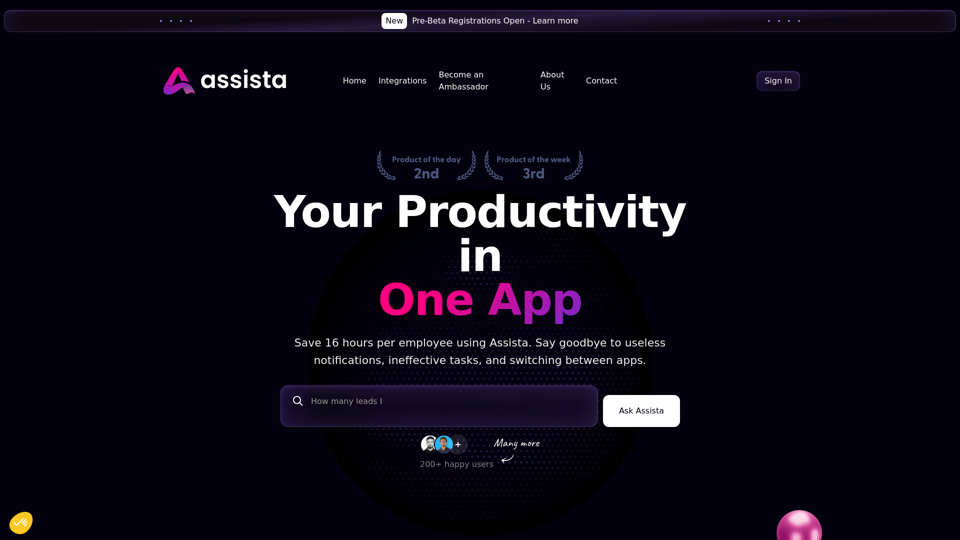
Empower your workflow like never before with AI productivity assistant. Streamline your tasks and boost efficiency. Take control of your workday with our powerful tool. Try it now!
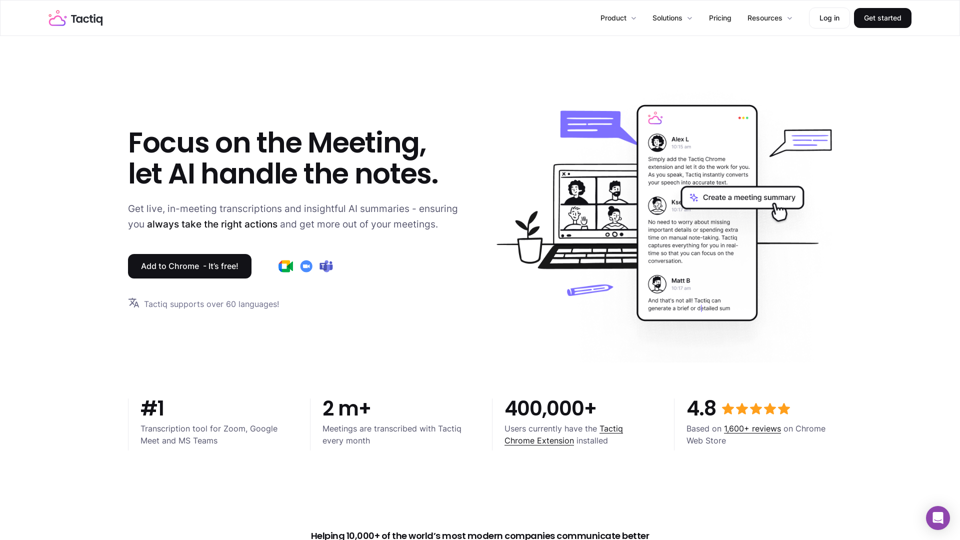
Get more from your meetings with Tactiq.io AI meeting assistant. From live transcription to AI summaries, action items and custom AI prompts just for you.
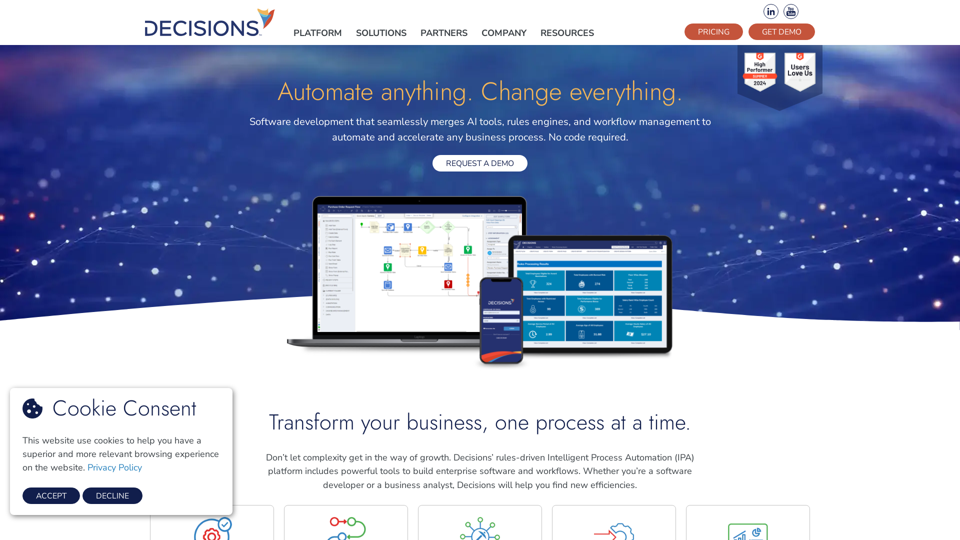
Build software that moves beyond rules engines and workflow management to improve and accelerate any business process. No code required.
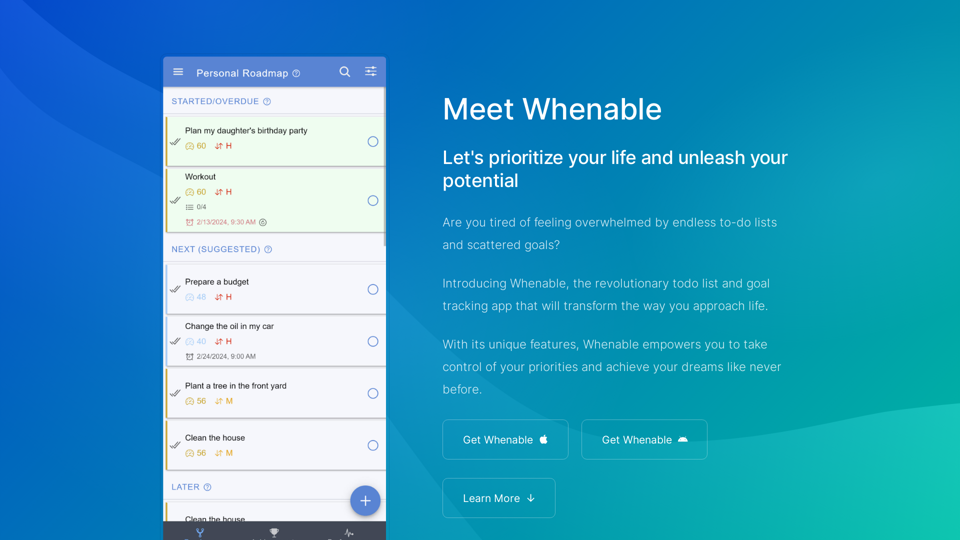
Whenable is an innovative todo list and goal tracker that uses your priorities to automatically turn your tasks and goals into a personal roadmap for your life. Track, celebrate, and share your achievements!
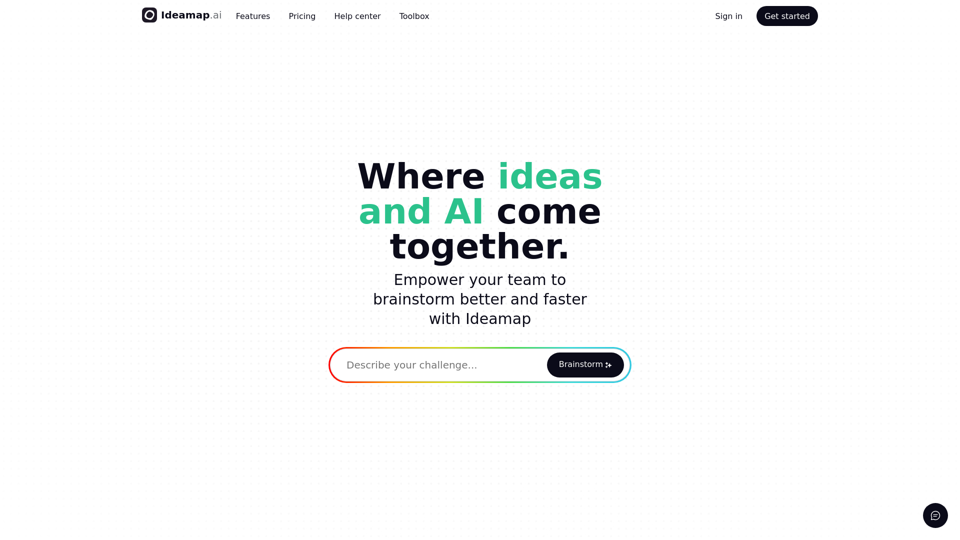
Ideamap is a visual workspace for brainstorming where teams collaborate on ideas and use AI to boost their creativity.