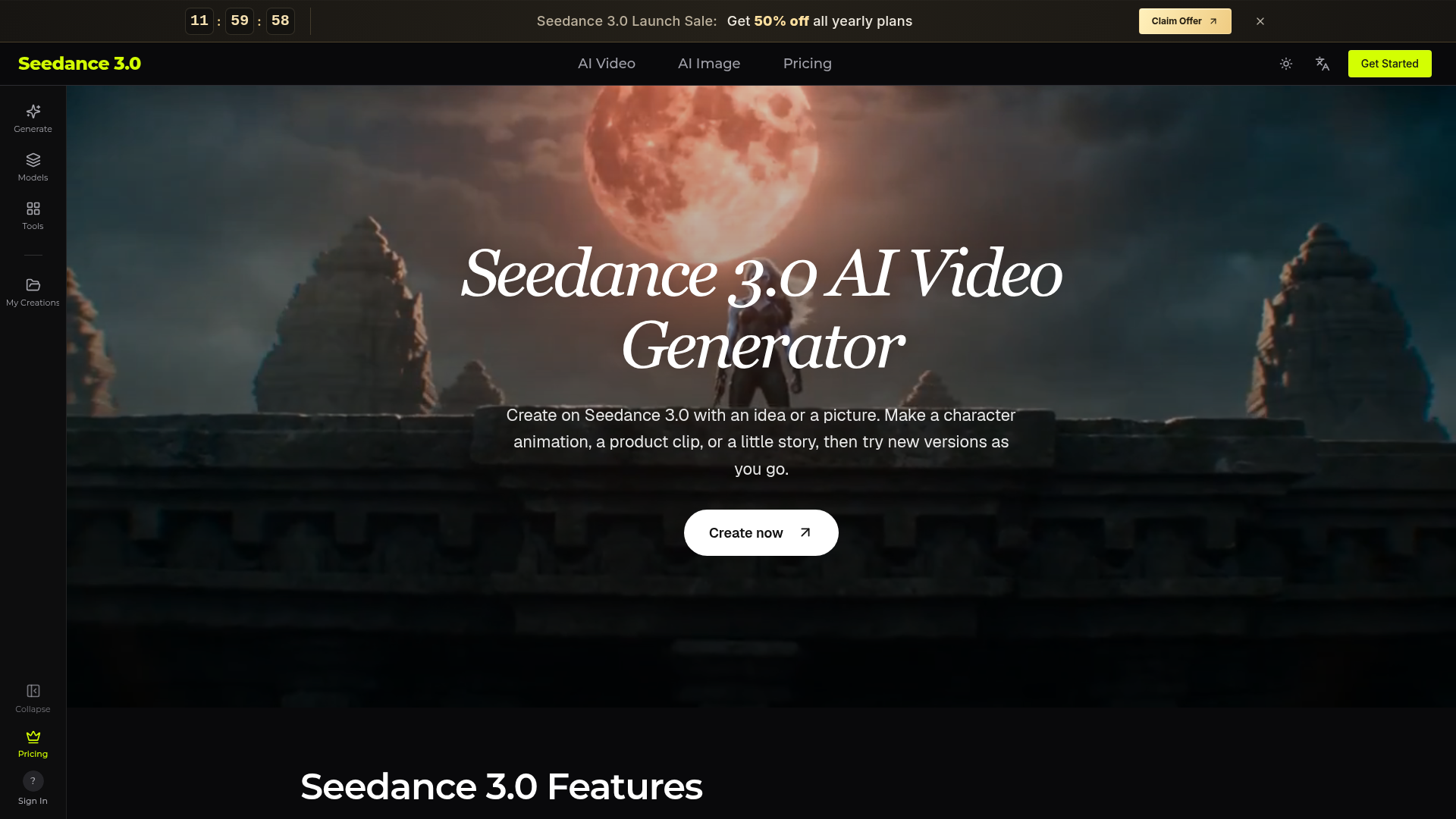
What is Seedance 3.0?
Seedance 3.0 is an AI video generator that turns text, images, video clips and audio into finished videos, including sound on supported models. It is built around two capabilities: multi-material input, where each uploaded file is given a job such as the subject, the camera move or the beat, and precise editing, which changes one element of a clip while keeping the original motion, light and camera work. It is aimed at content creators, marketing teams, shop owners, designers, teachers and anyone who wants to make a video from an idea or a picture.
Key features
- Multi-material input
- Images, video clips and audio can be combined in a single prompt, and Seedance 3.0 assigns each file a role such as subject, camera move or beat.
- Consistent people and products
- Characters and products stay consistent across shots, so faces and details carry through a sequence.
- Audio-driven results
- An uploaded audio track can set the rhythm and the voice-over, and models with sound support can generate speech, effects or music.
- Precise editing
- Point to a product, outfit, person or background and Seedance 3.0 changes only that element while keeping motion, light and the camera path as they were.
- No full regeneration
- Edits to an existing clip do not require regenerating the whole video.
- Text-to-video and image-to-video
- Describe a scene in plain language, or upload a clear picture and describe the movement that should follow.
- Multiple models and output options
- The panel offers a choice of video and image models, plus video length, shape and quality settings, with 1080p on supported models in the Lite plan and 4K on supported models in Standard and Max.
How to use Seedance 3.0
- Describe your idea: state who is there, where they are and what happens, and add a clear reference picture if you want a specific character or product.
- Choose settings: pick a model, video length and shape, and check the credit cost shown in the panel.
- Click Generate and wait for the video to render.
- Review the movement, picture and sound, then download the video or change your description and try another version.
- To edit an existing clip, choose a model with video editing, upload the video and describe the change you want.
Use cases
- Content creators
- making short videos and social posts, such as a travel scene, a pet story or a channel opening clip.
- Marketing teams
- testing several openings and backgrounds for the same product before committing to an ad direction.
- Shop owners
- turning existing product photos into product videos for a shop or social page.
- Designers and studios
- producing moving drafts that show a client the colors, mood and camera direction before a full shoot.
- Teachers and trainers
- illustrating a lesson with a simple scene, such as a seed growing or rain falling.
- Musicians and podcasters
- building visuals for a song preview, lyric video or podcast clip from an audio track and a few pictures.
Pricing
Seedance 3.0 lists three subscription plans, shown with a 50% launch discount on yearly billing:
- Lite
- $14.9 per month, billed yearly at $178.8 (save $180), including 600 credits per month, text-to-video and image-to-video, audio generation on supported models, 1080p video on supported models, customer support and a commercial use license.
- Standard
- $39.9 per month, billed yearly at $478.8 (save $480), including 2,500 credits per month, 30% off Seedance models, audio generation on supported models, 4K video on supported models, customer support and a commercial use license.
- Max
- $99.9 per month, billed yearly at $1,198.8 (save $1,200), including 8,000 credits per month, 30% off Seedance models, audio generation on supported models, 4K video on supported models, customer support and a commercial use license.
The pricing page also has a Credit Packs tab, but the website does not list credit pack prices. Plans are listed as cancel anytime.
FAQ
Is Seedance 3.0 free to try?
The website does not list a free plan or free trial. It shows paid subscription plans with a 50% launch discount on yearly billing, and a credit cost estimate is displayed in the panel before each generation.
What files can I upload to Seedance 3.0?
Depending on the model, you can add images, video clips or audio. Pictures show characters and places, clips show movement, and audio provides a sound reference; the panel lists the file types and limits for each model.
Can Seedance 3.0 keep a character or product looking the same across shots?
Yes, people and products are designed to stay consistent across shots. Using clear, well-lit pictures and describing the details to keep helps, and additional angles can be added if the model supports several images, though AI may still change faces, text or logos, so results should be checked before sharing.
Can Seedance 3.0 videos include sound?
Models with sound support can generate speech, effects or music, and you describe what you want to hear, such as rain or footsteps. Audio uploads and sound controls depend on the model, so the result should be played back to check that the sound fits the action.
How do credits work on Seedance 3.0?
Costs depend on the model, length, quality and reference files, and the panel shows an estimated cost before you submit. Plans include a monthly credit allowance, and usage is recorded in your account.
Can I use Seedance 3.0 videos for shop or client projects?
Commercial use is listed as a plan feature, and the details should be checked in your account. You also need rights to the pictures, music and clips you upload, and the finished video should be reviewed before publishing.
Seedance 3.0 AI Video Generator
Try Seedance 3.0 free online. Turn text, images, video clips, and audio into videos with sound. Keep faces the same and edit any part without starting over.
 Next.js
 Node.js
 React
React Vercel
 Webpack
Free AI anime and manga generator. Turn text into anime episodes, manga, comics, webtoons and comic shorts in any art style — no drawing or animation skills needed.
Translate image text across 70+ languages with our advanced AI Image Translator to help you better expand your products globally to various countries
Advertised Here
Reach thousands of visitors daily. Get your spot now!
Tools similar to Seedance 3.0 AI Video Generator
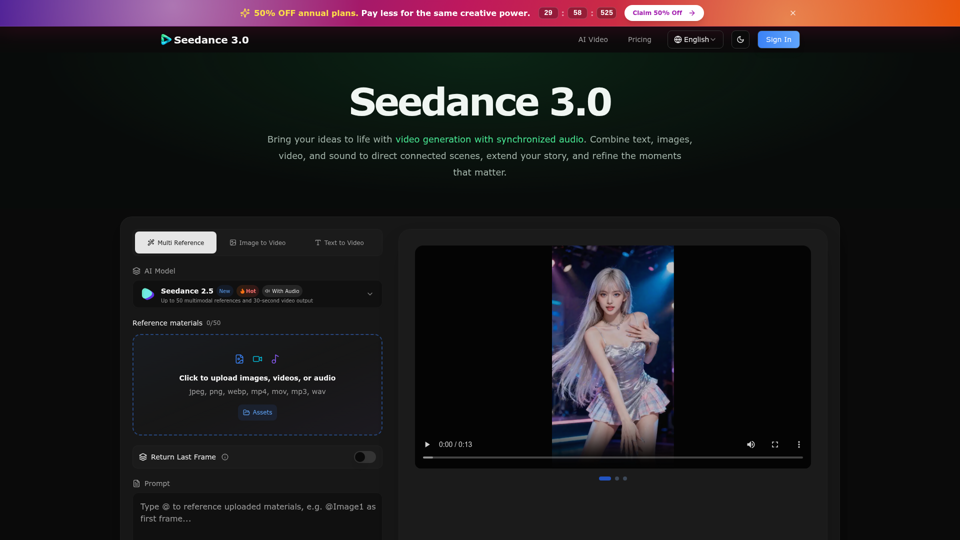
Create cinematic stories with Seedance 3.0. Turn text, images, video, and audio references into videos with synchronized sound and precise creative control.
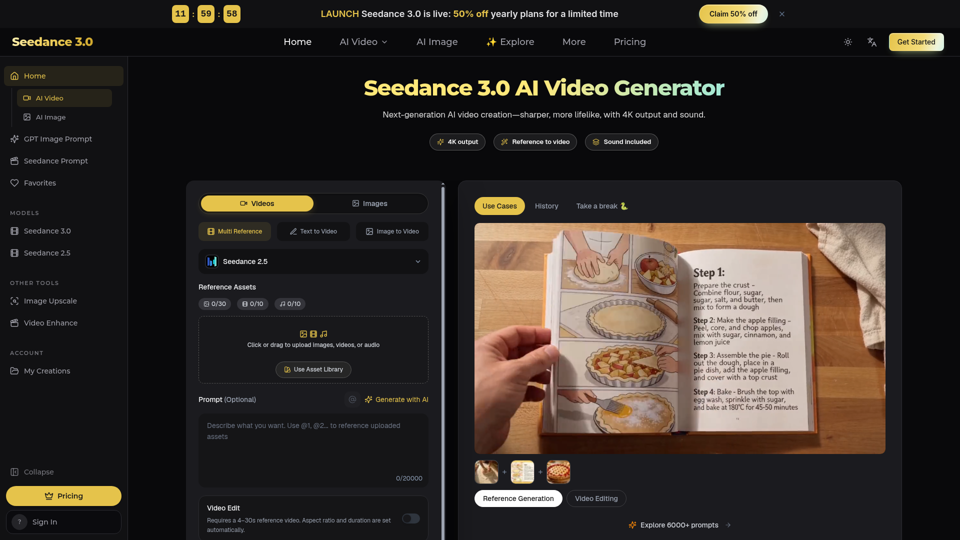
Seedance 3.0 is a free AI video generator. Type an idea or add references, get a 4K video with sound, then change only the part you want.
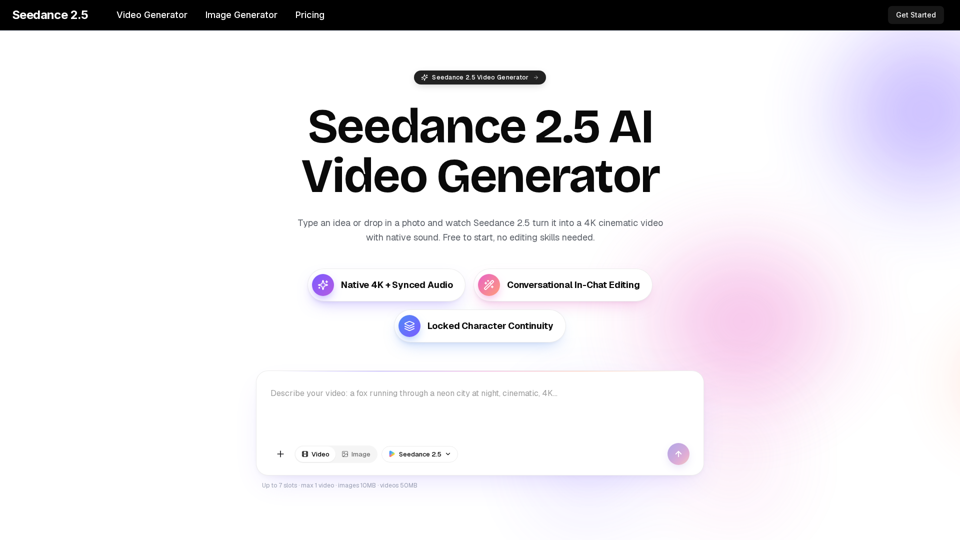
Turn any idea, photo, or clip into a stunning 4K video with Seedance 2.5. The AI video generator with native audio and 30fps motion. Free to try, no skills needed.
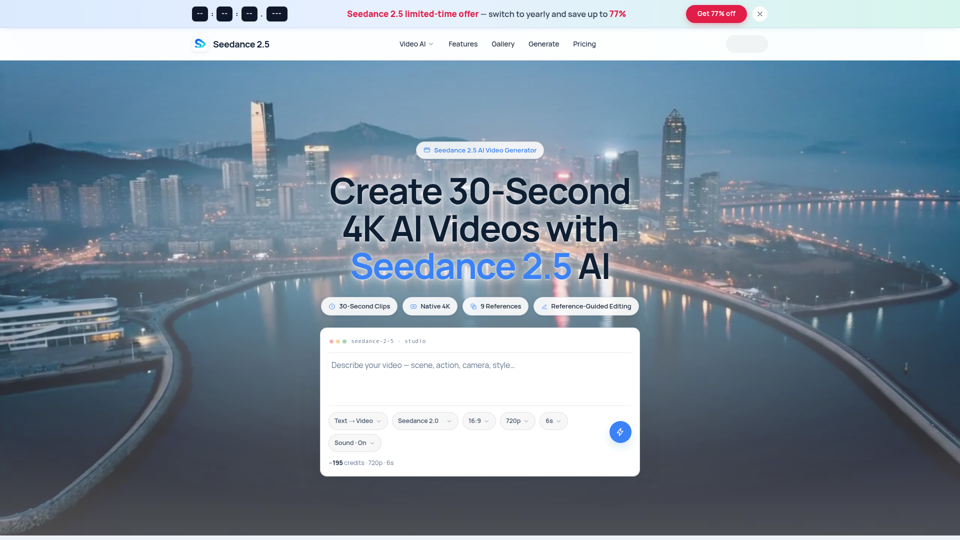
Seedance 2.5 AI turns any text prompt or photo into cinematic, watermark-free 4K video — text-to-video, image-to-video and reference-guided generation.
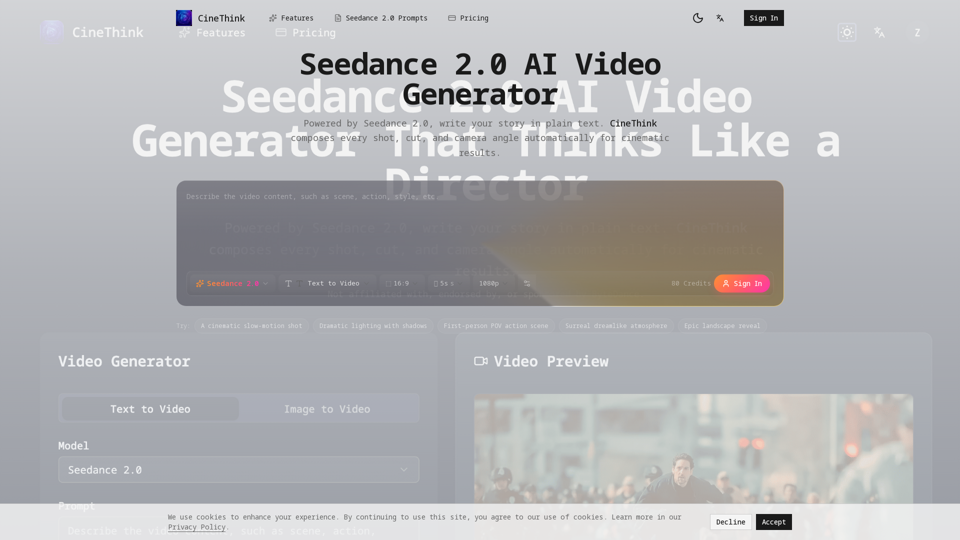
Create director-style multi-shot videos with Seedance 2.0. Turn text, images, audio, and references into 2K videos with synchronized sound in minutes.
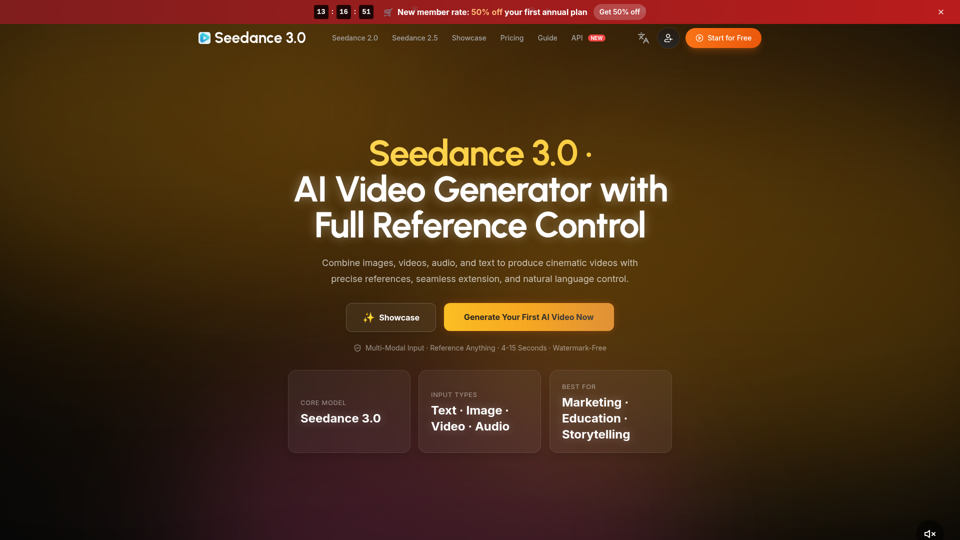
Create cinematic AI videos with Seedance 3.0. Combine image, video, audio, and text references into connected, production-ready scenes.
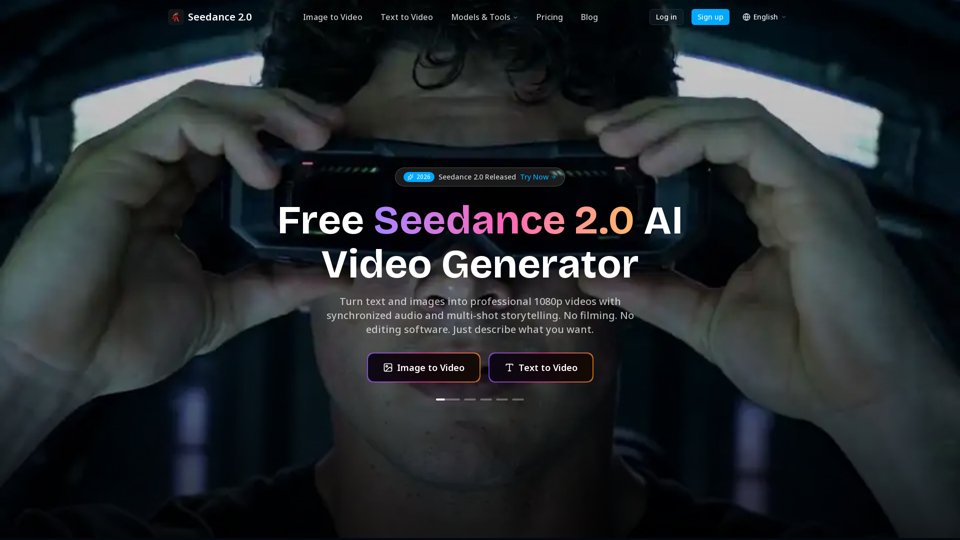
Create cinematic AI videos with Seedance 2.0. Text-to-video, image-to-video, native audio. The Seedance 2.0 AI video generator. Free to start.
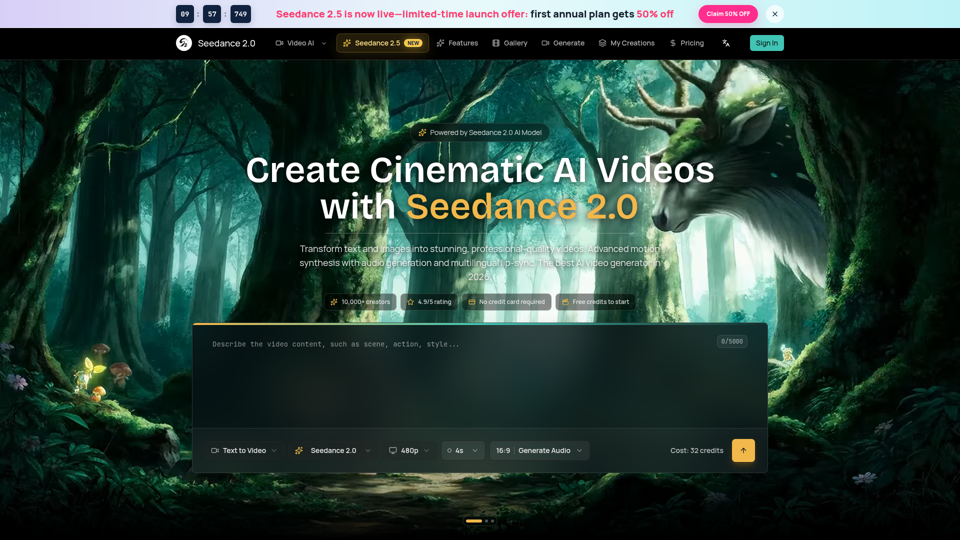
Seedance 2.0 AI video generator. Turn text and images into cinematic videos with motion synthesis, audio generation and lip-sync. Text-to-video & image-to-vi...