What is Gemini Omini Video?
Gemini Omini Video is an advanced, AI-powered video creation suite developed by Google that enables users to transform text descriptions or reference images into high-quality, dynamic short videos. This cutting-edge platform leverages Google's powerful Gemini and Veo models to allow for both text-to-video and image-to-video generation, effectively bridging the gap between creative thought and visual production. Designed for modern creators, it simplifies complex video production workflows into a few simple inputs, making it possible to draft social media clips, concept videos, advertising visuals, and more without the need for traditional filming or extensive editing skills.
The platform, often integrated within wider AI tool ecosystems like magicbox.tools, provides a specialized focus on generating video content, a capability that complements and extends upon the text and image generation features found in platforms offering access to tools like ChatGPT and Dalle3. Gemini Omini Video represents a significant step forward in accessible, prompt-driven creative technology.
Features
Gemini Omini Video distinguishes itself with a suite of powerful features designed to offer both versatility and control to creators.
Prompt-to-Video Creation: At its core, the platform excels at translating natural language descriptions into video clips. Users can describe a scene, script, product concept, or storyboard, and the AI generates a video complete with motion, lighting, and appropriate visual detail. This text-to-video capability drastically reduces the time from ideation to a visual draft.
Reference Image Animation (Image-to-Video): This powerful feature allows users to upload a static image and describe how elements within it should move. The AI then animates the image, creating a short video clip. This is invaluable for bringing illustrations, product photos, or concept art to life.
Advanced Style and Format Controls: Users can tailor the look and feel of their videos. The platform offers various style presets, such as cinematic, anime, realistic, artistic, and minimalist, to match the project's tone. It also supports multiple aspect ratios (16:9, 9:16, 1:1, and an auto mode) and resolutions (from 720p up to 8K on higher plans), ensuring the final output is optimized for any platform, be it YouTube, TikTok, Instagram, or professional presentations.
Flexible Workflow Integration: Gemini Omini Video is built to fit into creator workflows seamlessly. Whether you're a social media manager drafting clips, a marketer creating campaign visuals, an educator making explainer videos, or a small business owner producing product demos, the platform provides a fast and efficient way to create visual content. The simple export functionality allows for easy previewing, generating, and downloading of clips.
How to Use Gemini Omini Video?
Using Gemini Omini Video is a straightforward, intuitive process that puts creative control directly in your hands.
- Choose Your Input Method: Start by selecting whether you want to create from text or from an image.
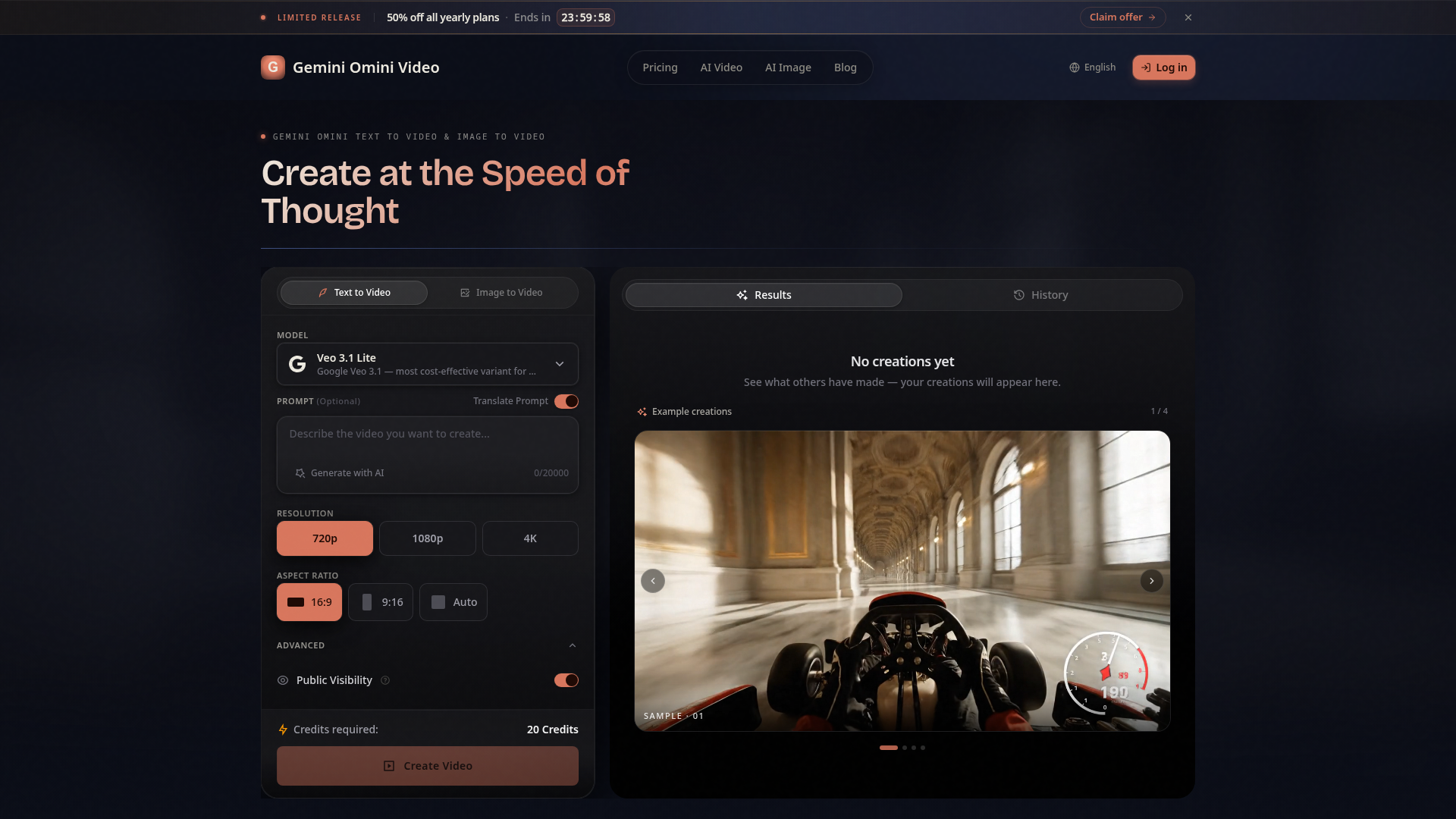
- Text to Video: Navigate to the text-to-video section. In the "Prompt" field, write a detailed description of the video you want to create. You can use the "Translate Prompt" feature to help craft the best description, and the platform shows you the character count for your prompt.
- Image to Video: Navigate to the image-to-video section. Upload a reference image from your device.
- Configure Your Settings: Customize the video output to suit your needs.
- Select a Model: Choose the AI model (e.g., the cost-effective Veo 3.1 Lite for high-volume work).
- Choose Resolution and Aspect Ratio: Select your desired video quality (720p, 1080p, 4K) and format (landscape, portrait, square, or auto-detect).
- Pick a Style: Select a visual style (cinematic, anime, etc.) from the advanced settings to define the aesthetic.
- Public Visibility: Choose whether your creation is public or private.
- Generate and Review: Once your prompt and settings are ready, the interface will indicate the number of credits required (e.g., 20 credits). Click "Create Video." The AI will process your request and generate the video. You can review your creations in the "Results" or "History" section.
- Export and Use: After generation, you can preview the clip. If satisfied, download it directly to your device for use in your projects, presentations, or social media platforms.
Price
Gemini Omini Video offers a flexible, credit-based pricing model with a free tier to get started and scalable plans for serious creators.
- Free Plan
- Users can claim 5 free credits per day by logging in. This plan grants access to basic AI models, HD and 4K resolution, and community support, making it an excellent way to test the platform's core capabilities at no cost.
- Basic Plan
- Priced at approximately ### $19.50/month when billed annually (### $234/year). This plan is for individuals getting started and includes 400 credits per month, standard AI models, HD resolution, email support, and priority queue access.
- Pro Plan (Popular)
- Priced at approximately ### $39.50/month when billed annually (### $474/year). Geared towards creators who need more power, it offers 1,000 credits per month, access to all AI models (including the most advanced ones), support for both HD & 4K resolution, priority queuing, and dedicated support.
- Max Plan
- Priced at approximately ### $74.50/month when billed annually (### $894/year). This plan is for users requiring unlimited creative power, providing 2,300 credits per month, access to all AI models, support for 4K & 8K resolutions, priority queue, and dedicated support.
All yearly plans often feature significant discounts, such as 50% off promotional offers.
Helpful Tips
- Be Descriptive in Your Prompts
- For the best text-to-video results, use detailed, vivid language. Describe not just the subject, but also the action, the lighting (e.g., "sunset glow," "moody lighting"), the camera movement (e.g., "slow zoom," "panning shot"), and the atmosphere.
- Leverage Reference Images Wisely
- When using image-to-video, choose high-quality, clear images with a distinct subject. In your motion description, be specific about which element should move and how (e.g., "the leaves on the tree sway gently," "the car drives from left to right").
- Experiment with Styles
- Don't hesitate to try different style presets. The same prompt can yield dramatically different results in "cinematic" versus "anime" style, allowing you to explore various creative directions quickly.
- Use the Free Credits for Testing
- Utilize your 5 free daily credits to experiment with different prompts, settings, and features. This helps you understand the platform's capabilities and refine your technique without spending any money.
- Check the History Section
- Review your past creations in the History tab. This helps you learn what worked well, refine your prompts, and re-generate variations of successful videos.
Frequently Asked Questions
What is Gemini Omini Video used for?
Gemini Omini Video is used to create short AI-generated video clips for a wide array of purposes. It's perfect for social media content creators, marketing professionals, educators, product managers, indie filmmakers, and businesses of all sizes to create draft videos, campaign concepts, product demonstrations, explainers, game trailers, and creative visual stories quickly and affordably.
How does the Image-to-Video feature work?
You simply upload a static image (your reference image) and then provide a text prompt describing the motion you want to apply. The AI analyzes the image and your description, then generates a short video where elements in the image are animated according to your instructions. This feature is powered by underlying models that understand both image content and motion dynamics.
What video durations and formats can I generate?
The platform is optimized for generating short clips suitable for modern digital platforms. You can generate videos in various formats tailored for different channels, including landscape (16:9 for YouTube), portrait (9:16 for TikTok/Instagram Reels), and square (1:1 for Instagram posts). The exact duration may vary by model and plan.
Where can I see examples of what others have created?
The platform often features an "Example Creations" or "Community" gallery where you can browse videos generated by other users. This is a great source of inspiration and can help you understand the platform's potential and craft better prompts. Your own creations will appear in your personal "Results" or "History" tab.
Are videos created with Gemini Omini Video royalty-free for commercial use?
Typically, content you create with AI generation tools is yours to use. However, it is crucial to review the platform's specific ### Terms of Service for the latest and most accurate information regarding licensing, usage rights, and any restrictions, especially for commercial applications.
Gemini Omini Video AI Video Generator
Create Gemini Omini Video clips from text prompts or reference images. Build Gemini Omni-style text-to-video and image-to-video scenes for social clips, ads, education, product stories, and visual ideas.
 Next.js
 Node.js
 React
React Vercel
 Webpack
Free AI anime and manga generator. Turn text into anime episodes, manga, comics, webtoons and comic shorts in any art style — no drawing or animation skills needed.
Translate image text across 70+ languages with our advanced AI Image Translator to help you better expand your products globally to various countries
Advertised Here
Reach thousands of visitors daily. Get your spot now!
Tools similar to Gemini Omini Video AI Video Generator
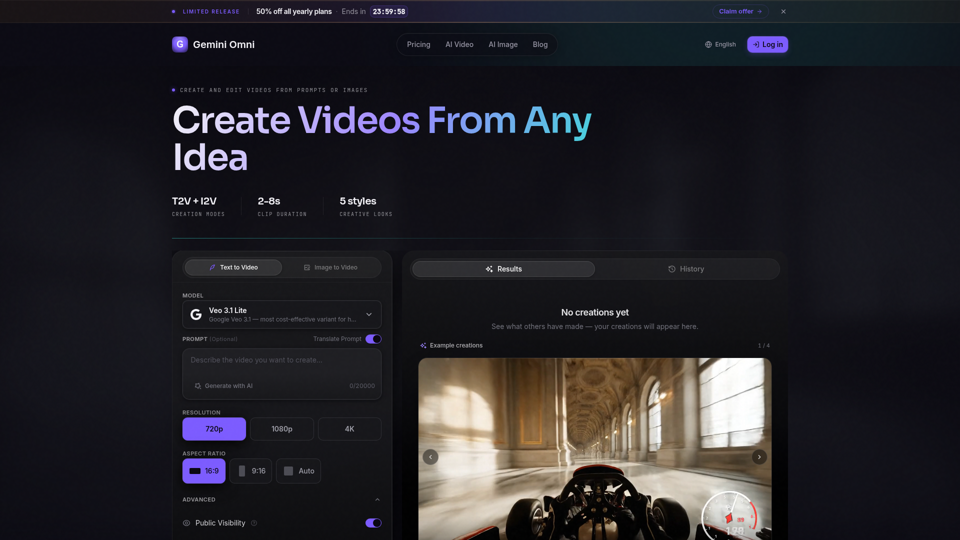
Create AI videos with Gemini Omni from text prompts, images, and reference frames. Generate short clips for social content, ads, product stories, explainers, and visual concepts.
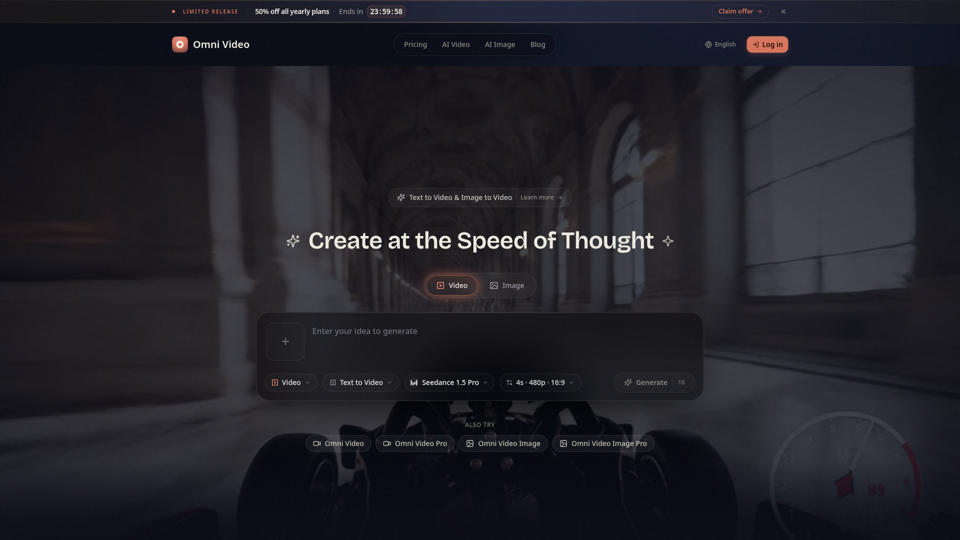
Create cinematic AI videos with Omni Video from text prompts or reference images. Use text-to-video and image-to-video workflows for social clips, ads, education, product stories, and visual ideas.
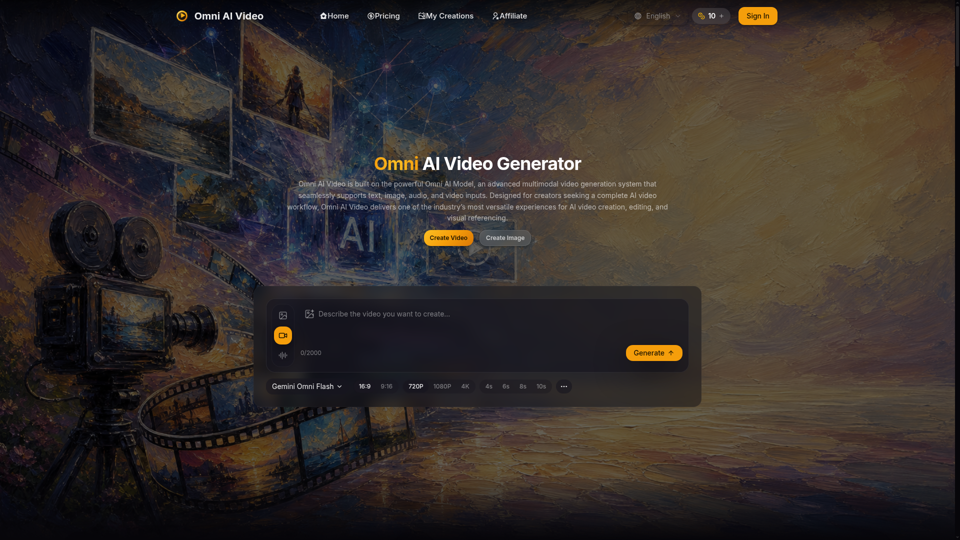
Omni AI Video: multimodal AI video generator powered by Omni AI Model. Supports text, image, audio, and video creation, editing, and reference generation.
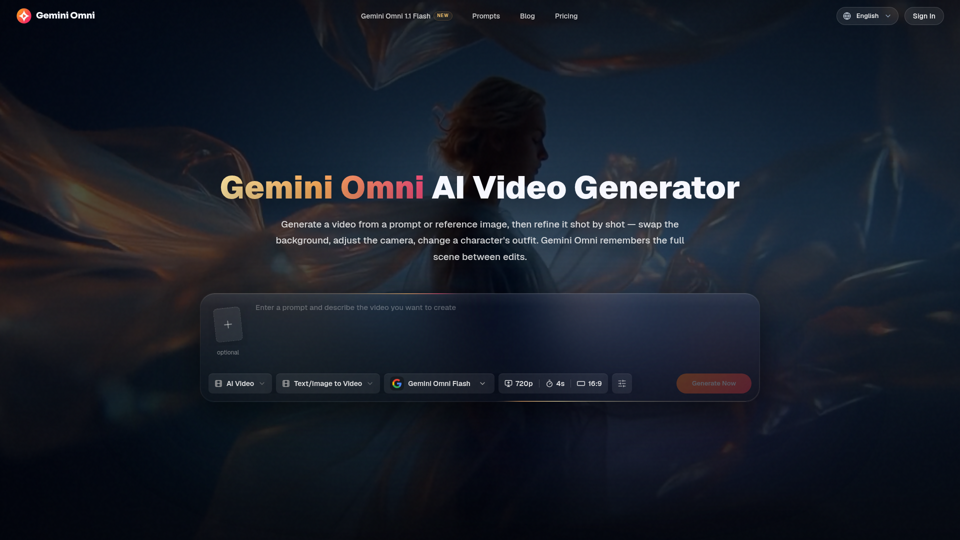
Create and edit AI videos online with Gemini Omni for free. Characters stay consistent, audio stays in sync, and every edit builds on the last. Try it now.
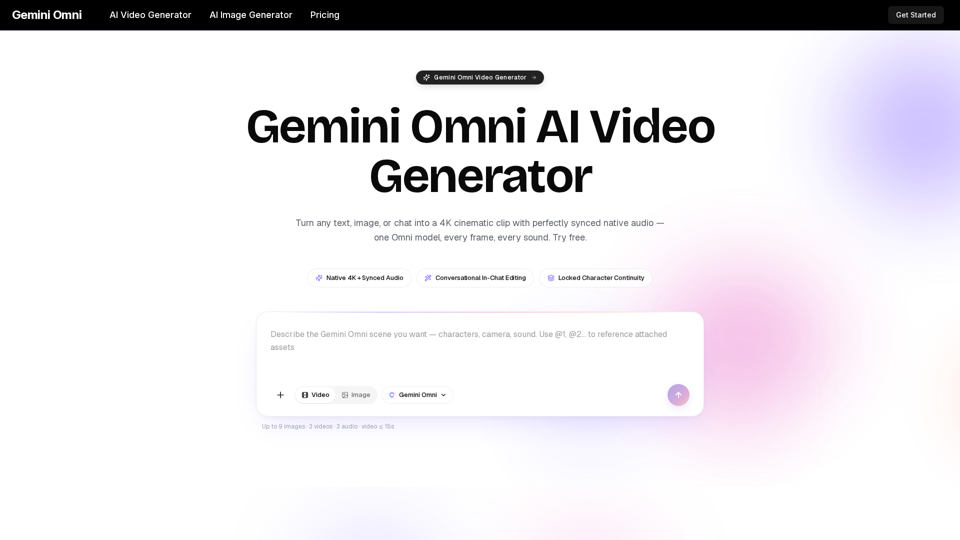
Gemini Omni is a multimodal AI video generator that creates 4K cinematic clips with synchronized native audio from text or chat. Try free!
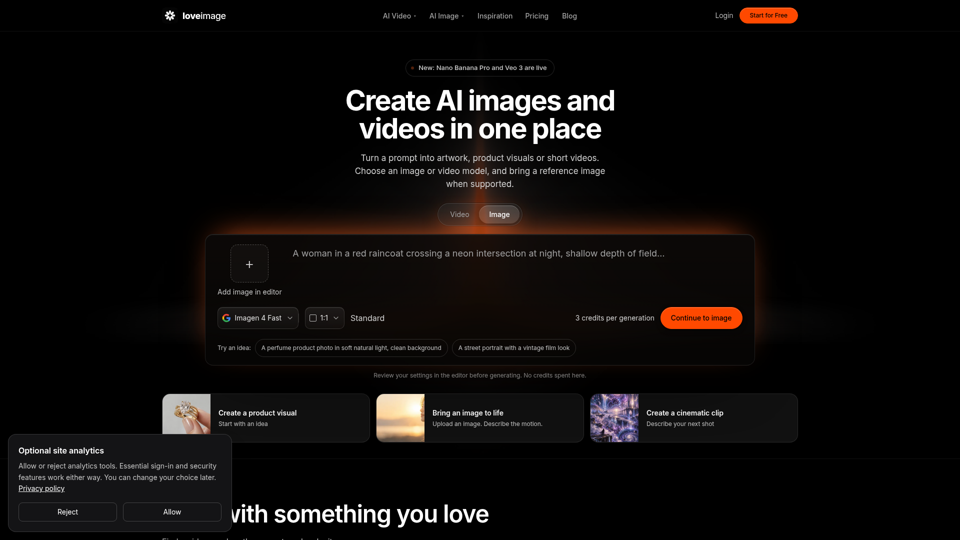
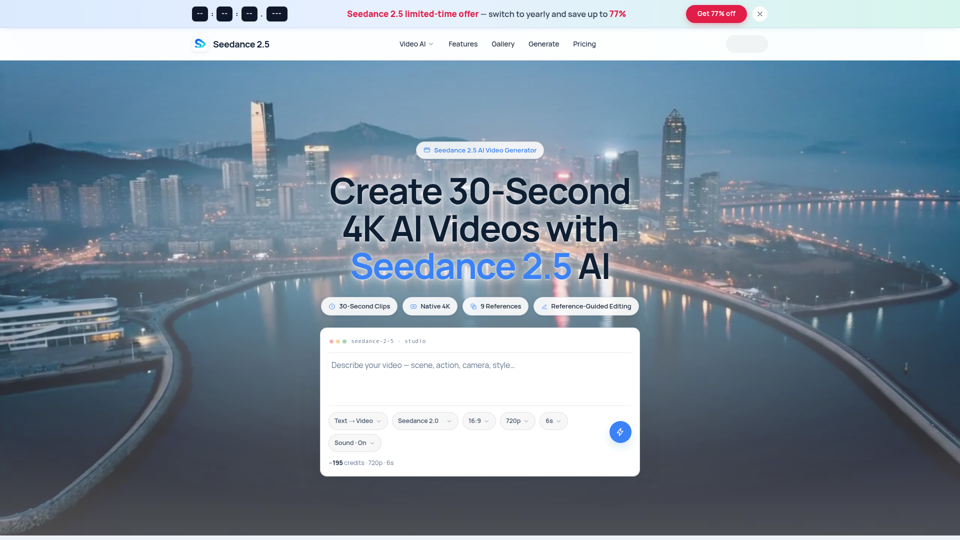
Seedance 2.5 AI turns any text prompt or photo into cinematic, watermark-free 4K video — text-to-video, image-to-video and reference-guided generation.