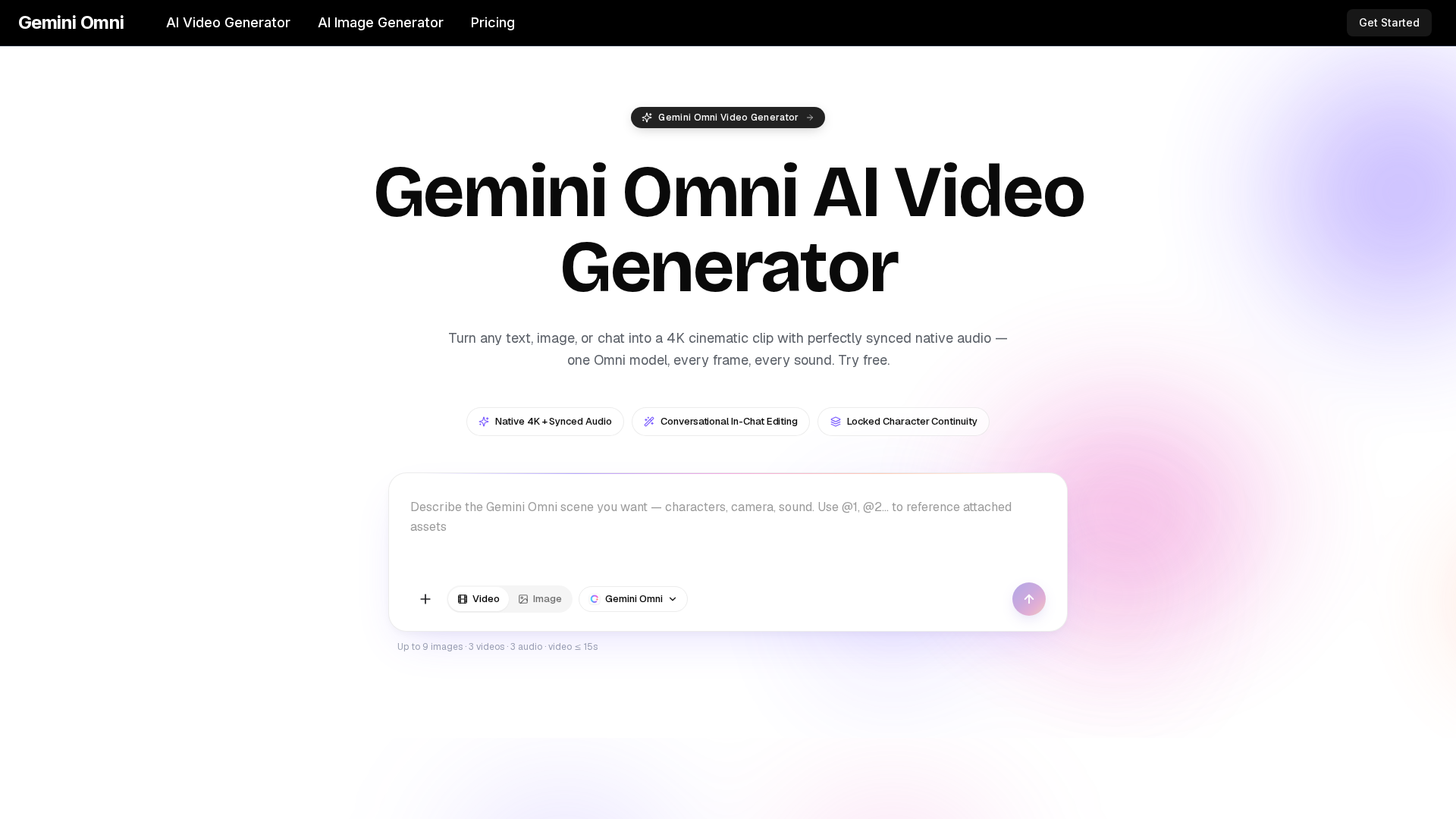
### What is Gemini Omni?
Gemini Omni is a groundbreaking, unified multimodal AI video generator that transforms text descriptions, images, or a simple chat into high-fidelity, cinematic video clips complete with perfectly synchronized audio. It represents a paradigm shift in AI video creation by utilizing a single, all-encompassing AI model to process and generate every element of a scene—from the visuals and camera motion to the sound effects, music, and lip-synced dialogue—in one cohesive pass. It's designed to replace a fragmented stack of separate tools (video generators, text-to-speech engines, audio mixers) with a single, intelligent "director" that can be intuitively guided.
### What are the Core Features of Gemini Omni?
- Unified Omni-Model Architecture
- A single AI model that reasons jointly across text, image, audio, and video inputs. It handles sound, visuals, and continuity in one integrated process, eliminating quality drift between separate systems.
- Native 4K Cinematic Output
- Generates crisp, stable 4K resolution video frames with professional-grade lighting, weight, and motion, avoiding the flickering and morphing artifacts common in earlier AI video generators.
- Synchronized Spatial Audio
- Delivers foley, ambience, musical scores, and dialogue that is rendered natively alongside the video. Audio matches the visuals frame-by-frame, including accurate lip-sync and environmental sound positioning.
- Conversational In-Chat Editing
- Instantly refine clips by chatting with the model. Instruct it to change specific elements like a character's clothing, a line of dialogue, or the background setting. Only the requested region is re-rendered, leaving the rest of the clip frame-identical.
- Locked Character & Scene Continuity
- Maintains consistent character identity, wardrobe, color palettes, and lighting across multiple shots, cuts, and aspect ratios. This is essential for creating coherent ad campaigns, episodic content, or branded avatar videos.
- Multi-Shot Storyboarding
- Define entire sequences (wide, medium, and close-up shots) in a single workflow. Gemini Omni intelligently preserves continuity between each shot, enabling efficient storyboard and scene creation.
- Commercial Rights & Provenance
- All clips generated on paid plans come with full commercial usage rights for advertising, publishing, and client work. Each video includes invisible provenance metadata for authenticity and traceability.
### How Does Gemini Omni Work?
The process of creating with Gemini Omni is streamlined into three intuitive steps:
- Describe Your Scene
- Type a detailed prompt outlining your desired shot—including characters, action, camera moves, mood, and audio elements. Optionally, attach reference images, audio clips, or short video samples to guide character identity, musical style, or composition.
- AI Renders the Full Shot
- Gemini Omni analyzes all inputs simultaneously in a single diffusion pass and generates a complete 4K video clip with synchronized audio. This typically takes just a few minutes.
- Refine Through Conversation
- Use the built-in chat to make precise edits. Ask to swap a prop, change the season, adjust the lighting, or rephrase dialogue. The model intelligently edits only the specified part, allowing for rapid iteration without starting from scratch.
### Gemini Omni Pricing Plans
Gemini Omni offers flexible subscription plans and credit packs, all providing access to the full unified model, 4K video & image generation, in-chat editing, and commercial rights.
- Lite Plan ($7.9/month billed yearly): Perfect for getting started. Includes 400 credits/month for generation, support for up to 1080p resolution, and 1 concurrent generation.
- Pro Plan ($17.9/month billed yearly - Most Popular): Designed for active creators. Offers 1,500 credits/month, priority generation speed, up to 4 concurrent generations, and up to 1080p resolution.
- Ultra Plan ($49.9/month billed yearly): Built for high-volume teams. Provides 4,400 credits/month, the fastest generation speed, up to 10 concurrent generations, up to 1080p resolution, and dedicated support.
- All paid plans represent a 50% discount when billed annually.
### Helpful Tips for Using Gemini Omni
- Leverage References
- For the most consistent results, use reference images for character likeness and video clips for desired camera movements or styles.
- Be Specific in Prompts
- Detailed descriptions of lighting (e.g., "golden hour," "neon-lit"), camera moves (e.g., "slow dolly in," "hero shot"), and audio cues (e.g., "tense synth score," "crowd ambience") yield more cinematic outputs.
- Iterate with Chat
- Don't treat your first generation as final. Use the conversational editor to tweak and perfect specific elements quickly and efficiently.
- Plan for Multi-Shot Sequences
- Utilize the storyboarding feature for longer narratives. Define your shot list in the prompt to maintain seamless continuity.
- Explore the Prompt Library
- Visit the platform's prompt library for inspiration and to understand the range of styles and scenarios Gemini Omni excels at.
### Frequently Asked Questions (FAQ)
What is the main difference between Gemini Omni and other AI video generators?
Unlike earlier tools that often produce short, silent clips with unstable characters, Gemini Omni is a unified multimodal model. It generates professional-grade 4K video with natively synchronized audio, locked character continuity, and offers conversational editing—all within a single, coherent system designed for production.
Does Gemini Omni really include lip-synced audio?
Yes. The synchronized spatial audio, including lip-synced dialogue, is generated in the same AI pass as the video. The sound is not added by a separate, secondary tool, ensuring perfect alignment with character movements and scene physics.
Can I use Gemini Omni clips for commercial projects?
Absolutely. Any video generated under a paid Gemini Omni subscription or credit pack comes with full commercial usage rights. You can use them in advertising, client deliverables, broadcasts, and more. A formal commercial license is available for download from your account.
What kind of inputs can I combine in a single prompt?
You can combine text instructions with reference images, short video clips, and audio files. The model will analyze all these elements together to inform the generation—for example, using a photo for a character's face, a video clip for a specific camera style, and an audio file for a speaking cadence.
How does Gemini Omni ensure ethical use and protect identities?
The platform incorporates safety guardrails, including avatar consent verification for face-locked generations. Every generated clip also contains invisible provenance metadata for AI traceability, promoting responsible and transparent creation.
Gemini Omni
Gemini Omni is a multimodal AI video generator that creates 4K cinematic clips with synchronized native audio from text or chat. Try free!
 Next.js
 Node.js
 React
React Vercel
 Webpack
Free AI anime and manga generator. Turn text into anime episodes, manga, comics, webtoons and comic shorts in any art style — no drawing or animation skills needed.
Translate image text across 70+ languages with our advanced AI Image Translator to help you better expand your products globally to various countries
Advertised Here
Reach thousands of visitors daily. Get your spot now!
Tools similar to Gemini Omni
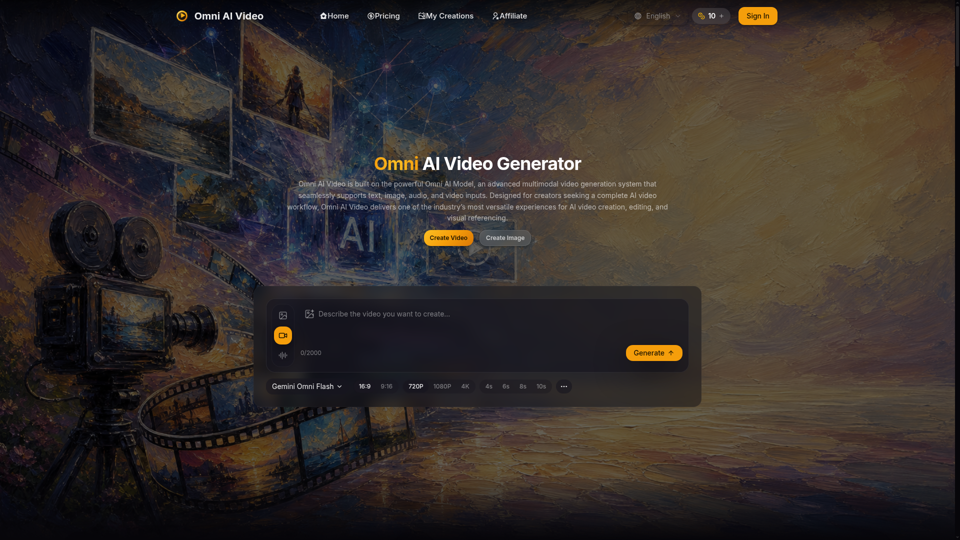
Omni AI Video: multimodal AI video generator powered by Omni AI Model. Supports text, image, audio, and video creation, editing, and reference generation.
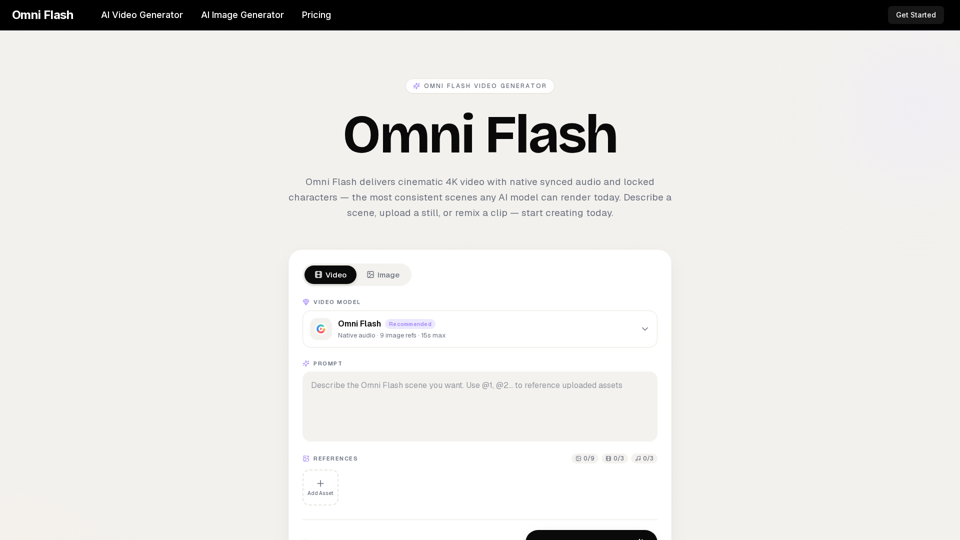
Omni Flash is a free AI video generator that turns text, images, or clips into cinematic 4K video with native synced audio and locked characters. Try free!
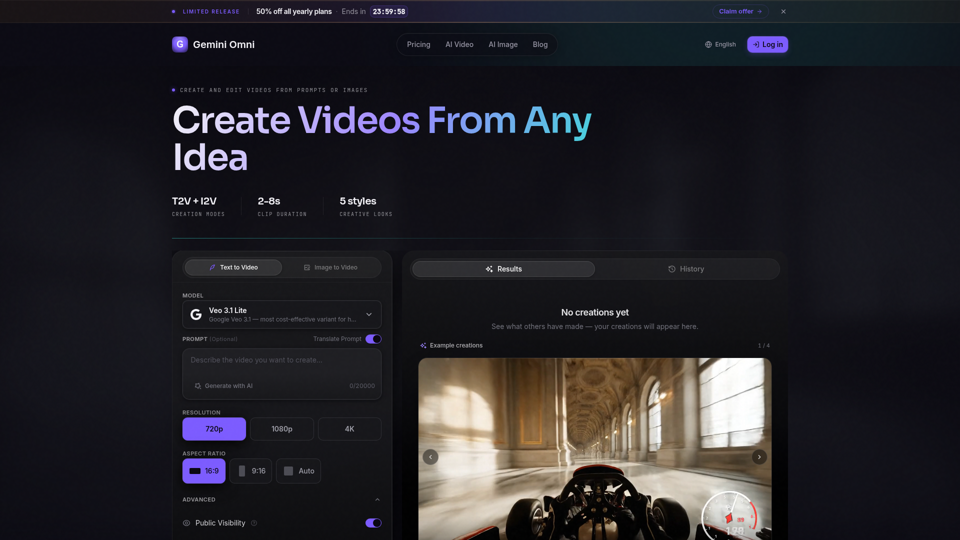
Create AI videos with Gemini Omni from text prompts, images, and reference frames. Generate short clips for social content, ads, product stories, explainers, and visual concepts.
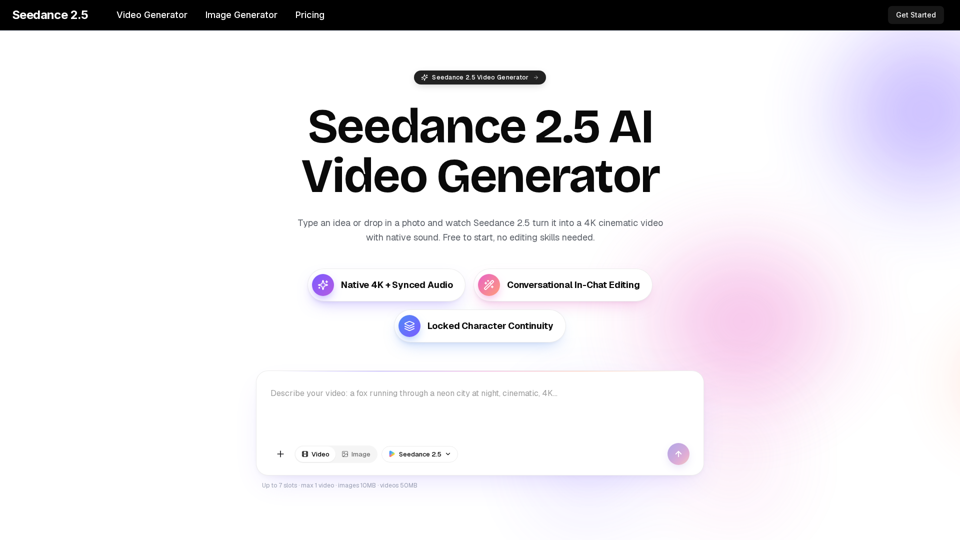
Turn any idea, photo, or clip into a stunning 4K video with Seedance 2.5. The AI video generator with native audio and 30fps motion. Free to try, no skills needed.
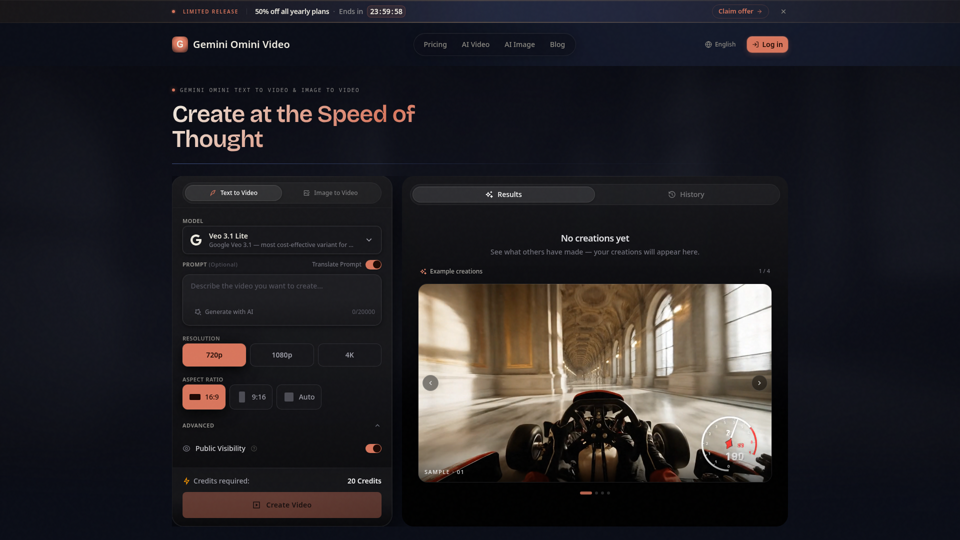
Create Gemini Omini Video clips from text prompts or reference images. Build Gemini Omni-style text-to-video and image-to-video scenes for social clips, ads, education, product stories, and visual ideas.
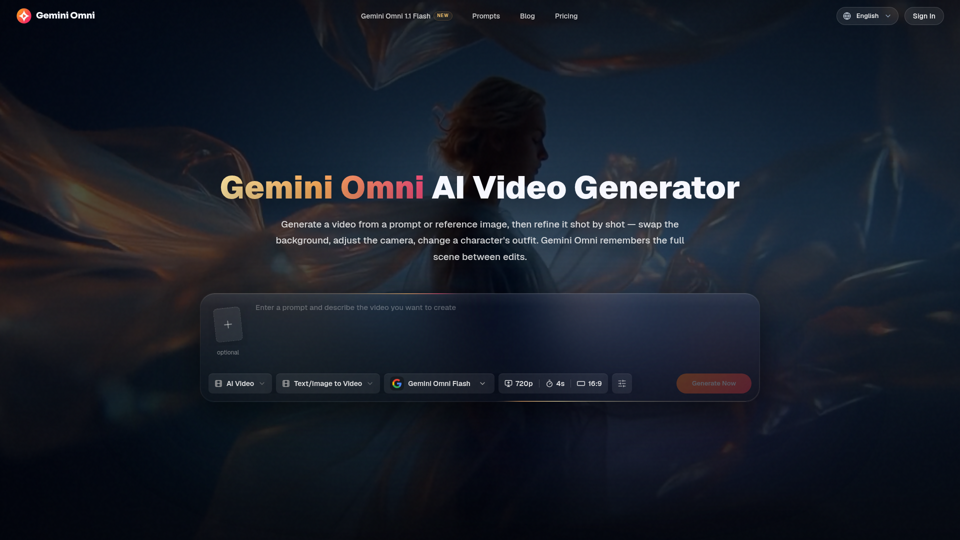
Create and edit AI videos online with Gemini Omni for free. Characters stay consistent, audio stays in sync, and every edit builds on the last. Try it now.
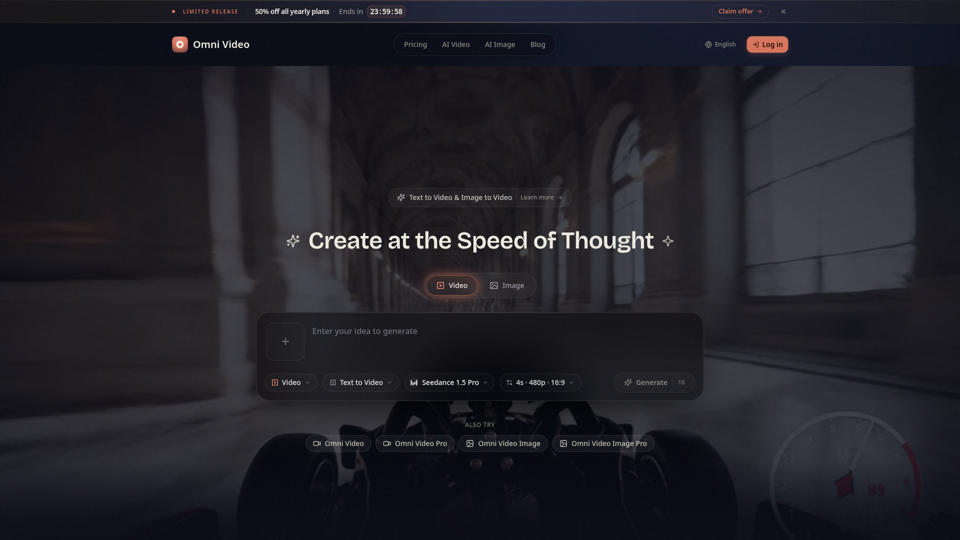
Create cinematic AI videos with Omni Video from text prompts or reference images. Use text-to-video and image-to-video workflows for social clips, ads, education, product stories, and visual ideas.
Create free AI videos with Veo 3, Google's advanced video model from Google DeepMind. Generate cinematic 8-second clips with audio, text to video, and image to video in Veo3 Free AI Video Generator.