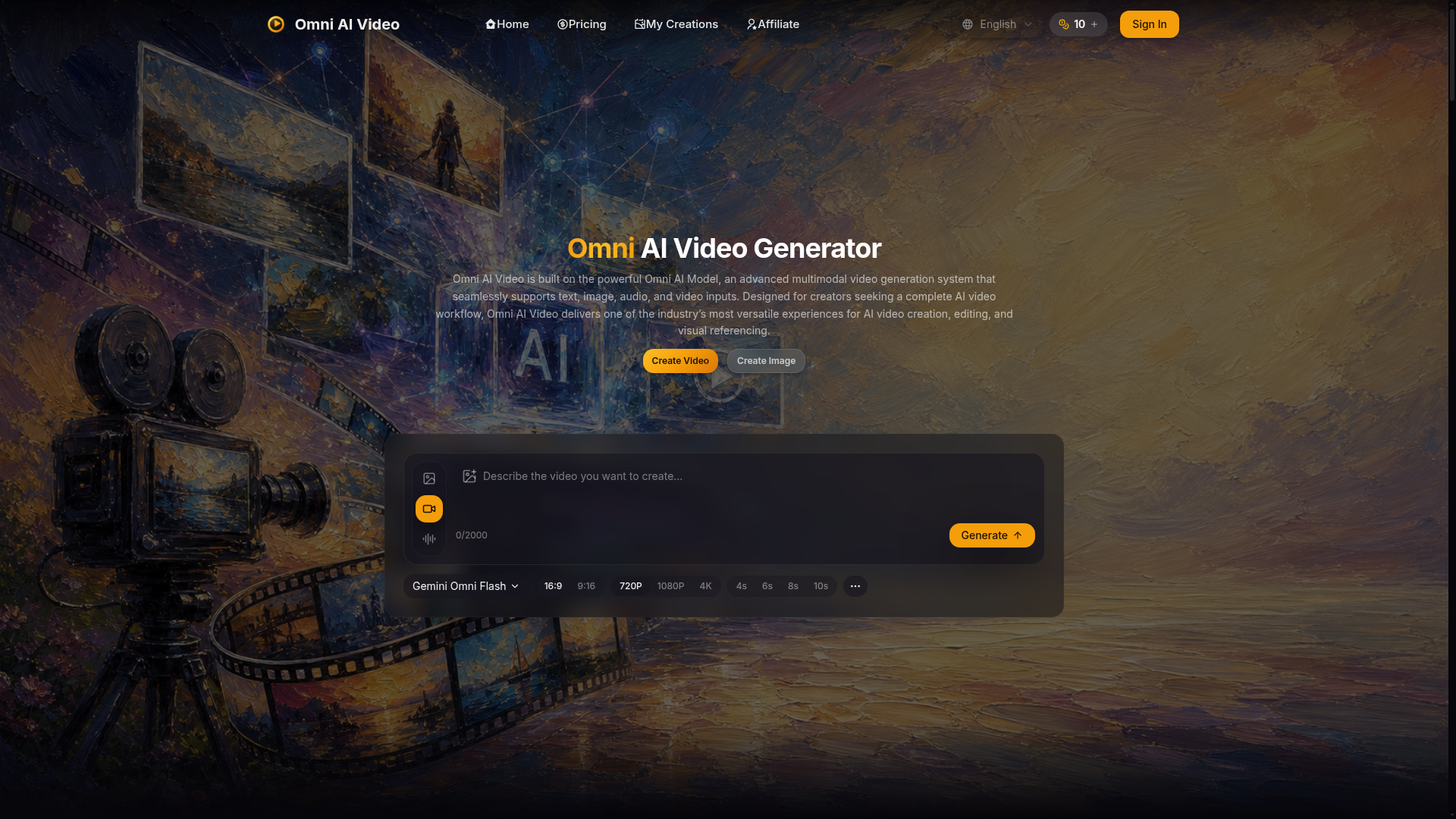
What is Omni AI Video?
Omni AI Video is a cutting-edge, unified AI video generator platform built around its proprietary ### Omni Video Model. This advanced ### multimodal AI system allows creators to generate high-quality videos from diverse inputs including text prompts, reference images, audio cues, and even short video clips—all within a single, streamlined workflow. It eliminates the need to switch between different tools, offering a ### complete AI video creation suite designed for efficiency and professional-grade output.
What are the Main Features of Omni AI Video?
The platform is defined by the power and versatility of its core ### One AI Model. Here are its standout features:
- A Unified, Multimodal Generator
- The ### Omni Video Model is a singular AI engine that processes text, image, audio, and video inputs simultaneously. This means you can describe a scene, show a visual reference, and suggest a soundscape in one prompt for a coherent and controlled final video.
- Multiple Creation Modes
- Seamlessly switch between ### text-to-video, ### image-to-video, and ### reference video-guided generation without leaving the workspace. This flexibility supports a wide range of creative processes.
- Professional-Grade Output Quality
- Generate videos ready for commercial use in resolutions up to 4K. The model is tuned for ### clear motion, consistent composition, and high visual fidelity, making it suitable for ads, social content, and product showcases.
- Simple Credit-Based System
- Access the platform's capabilities through a straightforward subscription or one-time credit purchase. All generation tasks draw from a single credit pool, simplifying usage tracking.
- Fast Iteration Workflow
- The interface and model are designed for speed, allowing creators to quickly refine prompts, adjust references, and regenerate videos to achieve the perfect result.
How to Use Omni AI Video?
Creating AI videos is a simple three-step process on omniaivideo.ai:
- Access the Generator: Navigate to the "AI Video" page. This is your central workspace powered by the ### Omni Video Model.
- Describe Your Vision: Input your creative idea. You can:
- Write a detailed text prompt.
- Upload up to 5 reference images (JPG, PNG, WEBP) or 1 reference video (MP4, MOV, WEBM, up to 30s).
- Select your desired ### Aspect Ratio (16:9 or 9:16), ### Duration (4s to 10s), and ### Resolution (720p, 1080p, 4K).
- Generate and Download: Click "Generate," preview your video, and then download the final output. Your creations are saved in "My Creations" for easy access and management.
How Much Does Omni AI Video Cost?
Omni AI Video operates on a credit-based subscription model. You can start with a ### daily free credit and scale up based on your needs. All paid plans include ### commercial usage rights, ### priority processing, and ### watermark-free outputs.
- Basic Plan
- $9.90/month, providing 150 credits per month (enough for ~15 videos or 150 images).
- Pro Plan
- $19.90/month, providing 350 credits per month (enough for ~35 videos or 350 images). This is the most popular tier.
- Max Plan
- $34.90/month, providing 750 credits per month (enough for ~75 videos or 750 images).
- Pro Max Plan
- $59.90/month, providing 1500 credits per month (enough for ~150 videos or 1500 images).
The platform also offers ### one-time credit packs for users with fluctuating needs. Subscribing annually saves 30% on the monthly rate.
Helpful Tips for Using Omni AI Video
To get the best results from the ### Omni Video Model, consider these tips:
- Combine Inputs for Best Control
- Use a strong text prompt along with a reference image to tightly guide the style and subject matter.
- Understand Credit Costs
- Video generation costs are based on ### duration and ### resolution. Longer clips (8s, 10s) and 4K output require more credits. Using a reference video input has a fixed credit cost per generation.
- Leverage the Prompt Library
- Browse the built-in library for inspiration and examples of effective prompts that yield great results.
- Iterate Quickly
- Use the fast generation cycle to make small adjustments to your prompt or references and regenerate to hone in on your vision.
- Plan for Commercial Use
- If creating content for clients, ensure you are on a paid plan that grants ### commercial usage rights under the platform's terms.
Frequently Asked Questions about Omni AI Video
What exactly is the Omni Video Model?
The ### Omni Video Model is the proprietary, multimodal AI engine at the heart of Omni AI Video. It is "One AI Model" designed to handle all input types—text, image, audio, video—within a single generation pipeline.
How is "One AI Model" different from other platforms?
Many other services use separate, specialized models for text-to-video, image-to-video, etc. The ### Omni Video Model consolidates these capabilities, allowing mixed inputs and a more cohesive creative workflow without switching tools.
Can I animate my own images or artwork?
Absolutely. The ### image-to-video feature is perfect for this. Upload your image (JPG, PNG, WEBP) and the ### Omni Video Model will animate it according to your text prompt, preserving the core subject and style.
Are the videos generated suitable for professional/commercial work?
Yes. Videos generated on a paid subscription plan come with ### commercial usage rights, allowing you to use them in client projects, marketing campaigns, and branded content, in accordance with the platform's terms of service.
How long does it take to generate a video?
Generation time varies based on video length, resolution, and platform queue. The system is optimized for ### fast iteration, but 4K outputs or complex generations may take longer than standard definition clips.
Is Omni AI Video connected to other AI companies like Google or OpenAI?
No. Omni AI Video is an independent platform, and the ### Omni Video Model is its own proprietary AI technology. References to other models (like "Gemini Omni Flash") on the site indicate compatibility or available options within the generator, not ownership or direct affiliation.
Omni AI Video
Omni AI Video: multimodal AI video generator powered by Omni AI Model. Supports text, image, audio, and video creation, editing, and reference generation.
 Google Tag Manager
 Next.js
 Node.js
 React
React Vercel
 Webpack
Free AI anime and manga generator. Turn text into anime episodes, manga, comics, webtoons and comic shorts in any art style — no drawing or animation skills needed.
Translate image text across 70+ languages with our advanced AI Image Translator to help you better expand your products globally to various countries
Advertised Here
Reach thousands of visitors daily. Get your spot now!
Tools similar to Omni AI Video
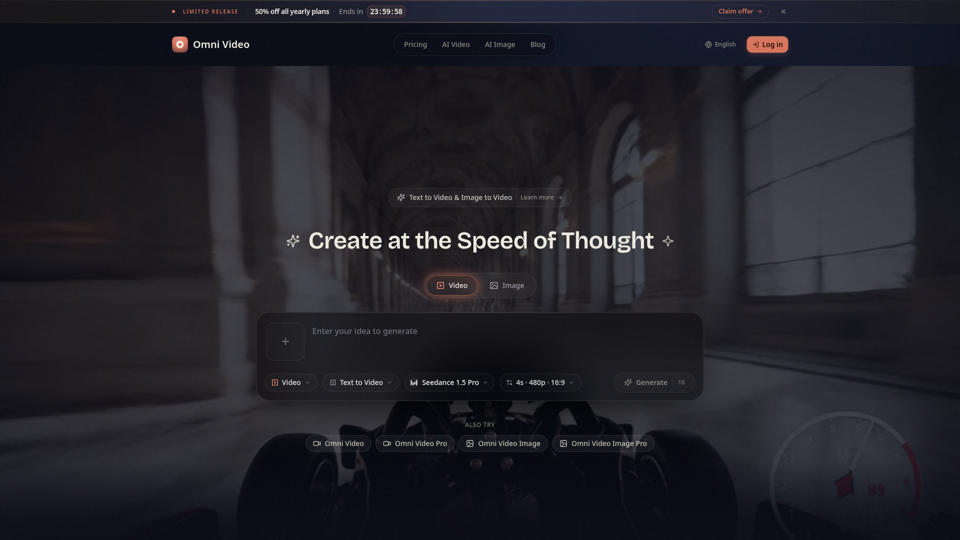
Create cinematic AI videos with Omni Video from text prompts or reference images. Use text-to-video and image-to-video workflows for social clips, ads, education, product stories, and visual ideas.
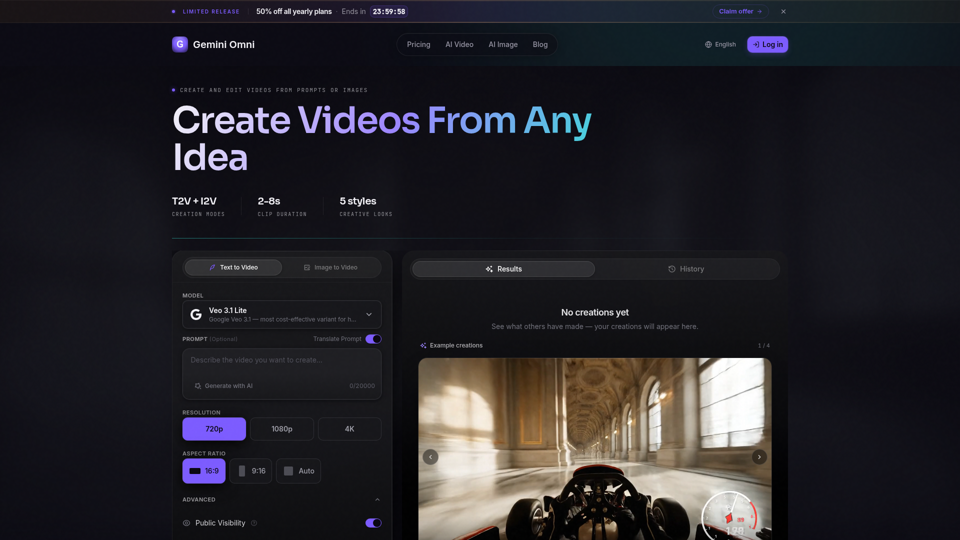
Create AI videos with Gemini Omni from text prompts, images, and reference frames. Generate short clips for social content, ads, product stories, explainers, and visual concepts.
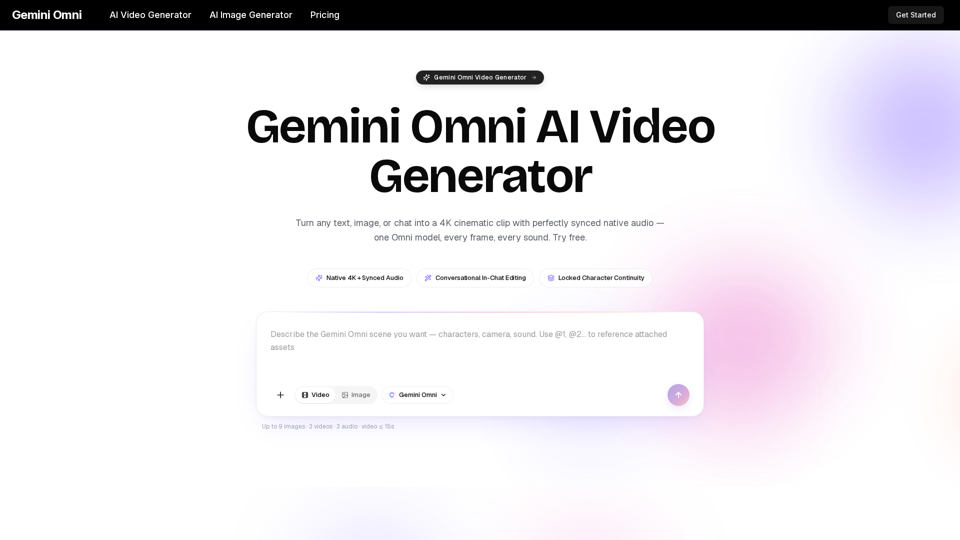
Gemini Omni is a multimodal AI video generator that creates 4K cinematic clips with synchronized native audio from text or chat. Try free!
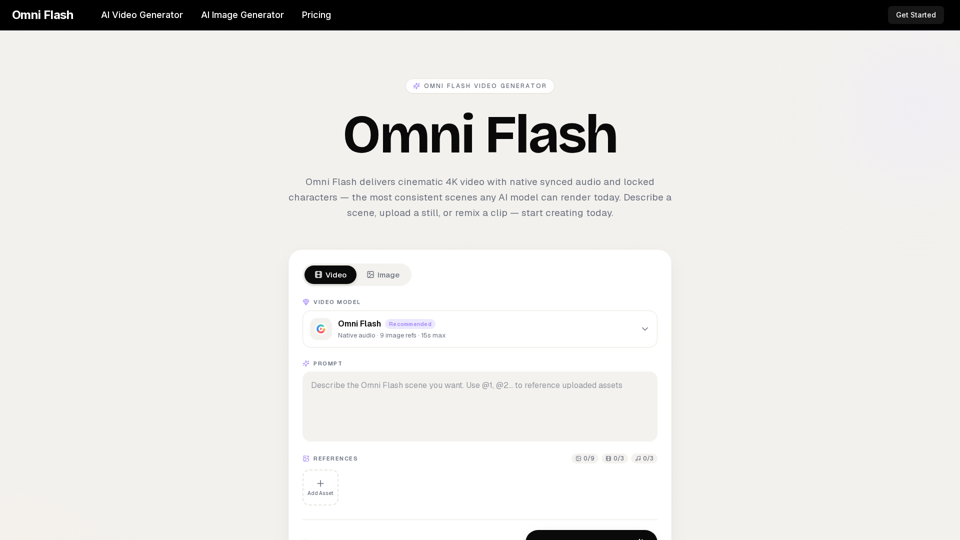
Omni Flash is a free AI video generator that turns text, images, or clips into cinematic 4K video with native synced audio and locked characters. Try free!
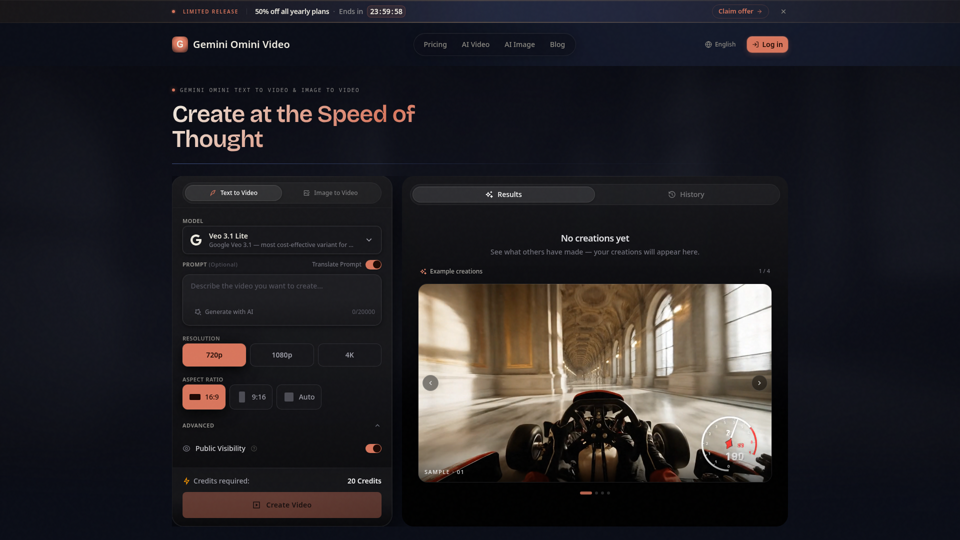
Create Gemini Omini Video clips from text prompts or reference images. Build Gemini Omni-style text-to-video and image-to-video scenes for social clips, ads, education, product stories, and visual ideas.
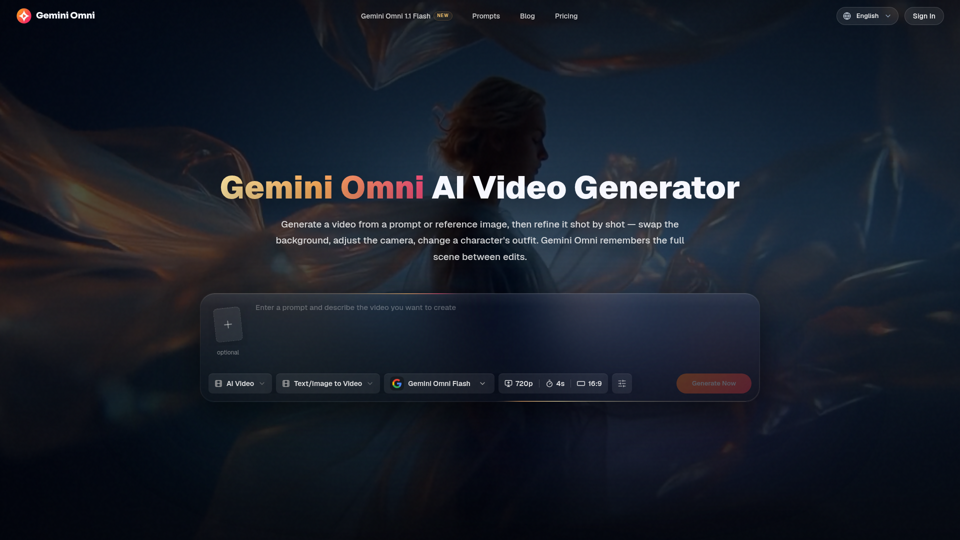
Create and edit AI videos online with Gemini Omni for free. Characters stay consistent, audio stays in sync, and every edit builds on the last. Try it now.
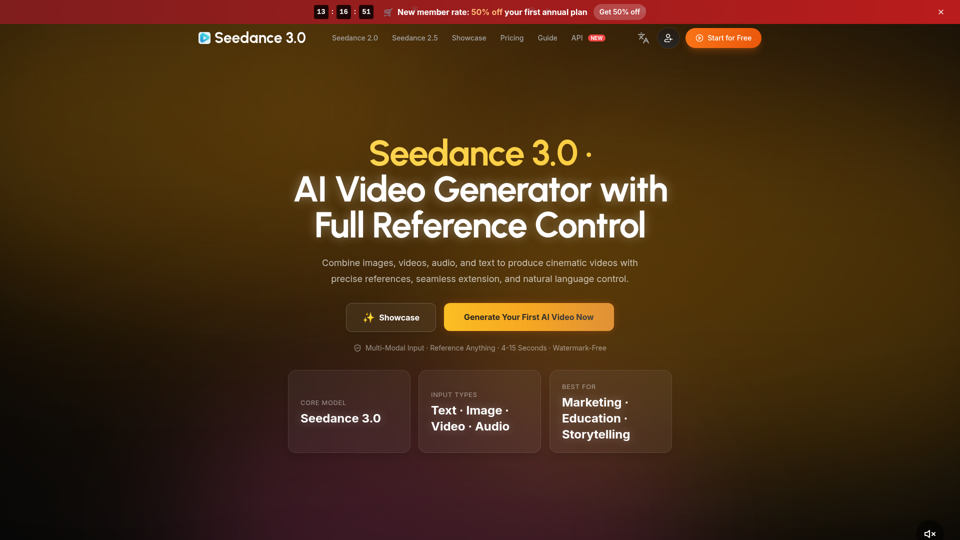
Create cinematic AI videos with Seedance 3.0. Combine image, video, audio, and text references into connected, production-ready scenes.

Create AI videos, product ads, and avatars from text, images and product links. WizStar helps creators, marketers, and business teams produce high-quality localized video content faster with AI.