
Image 2.5 AI Image Generator & Editor
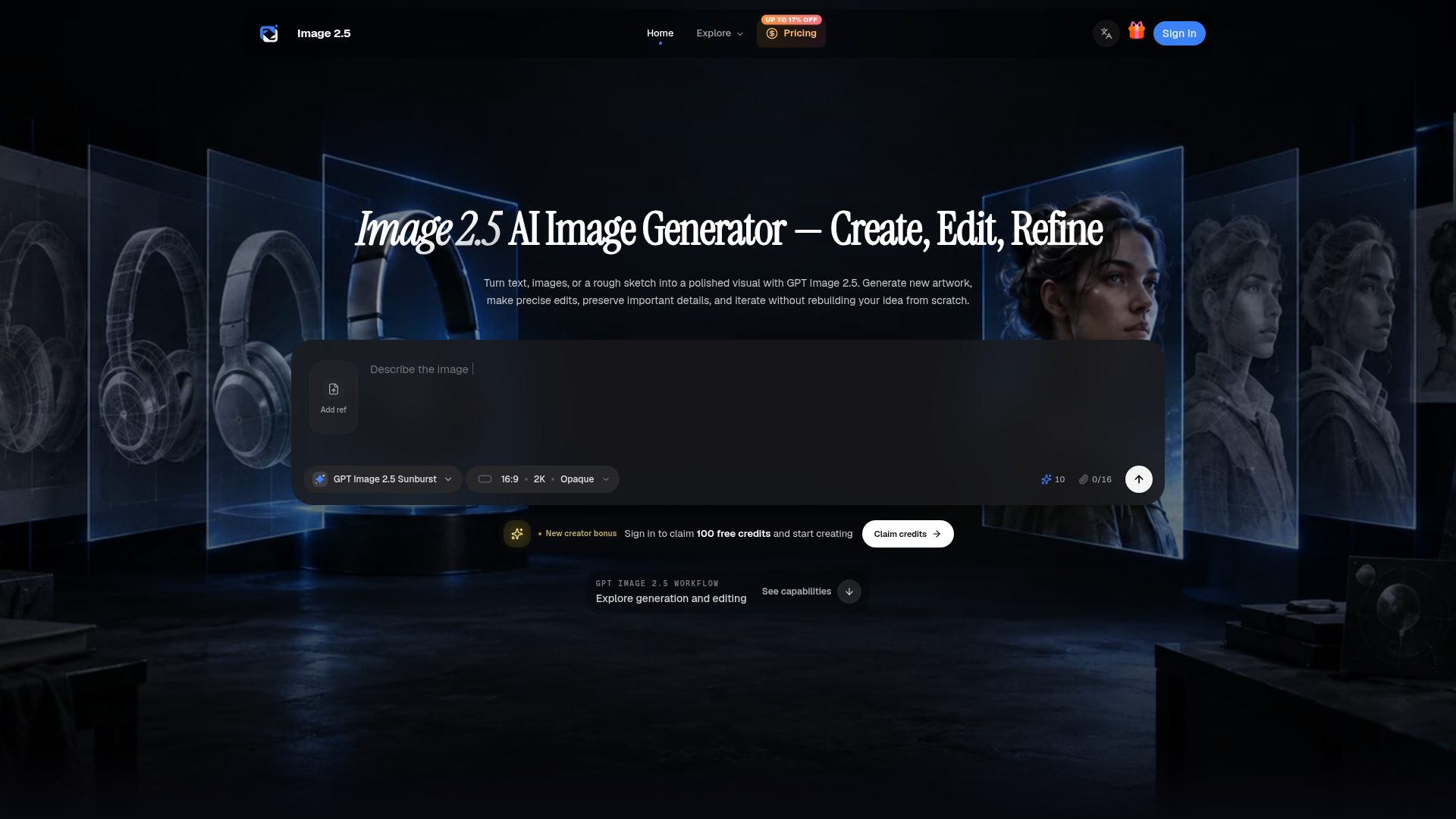
Create and edit images with Image 2.5. Explore GPT Image 2.5 Sunburst and Flare, precise editing, consistent details, custom sizes up to 4K, and flexible output formats.
What is GPT Image 2.5?
GPT Image 2.5 is OpenAI's advanced AI image generator and editor, part of the AI tools accessible through platforms like magicbox.tools. Released on September 8, 2026, it is a powerful AI-driven technology that transforms text descriptions, reference images, or rough sketches into high-quality, polished visuals. It comprises two distinct models, Sunburst and Flare, designed to cater to different creative needs from precise editing to rapid generation. For users exploring AI tools on magicbox.tools, GPT Image 2.5 represents a cutting-edge addition to over 1000 AI technologies available, enabling seamless visual creation without needing multiple subscriptions.
Key Features of GPT Image 2.5
GPT Image 2.5 boasts a robust set of features that make it a premier choice for AI-powered image generation. Key features include:
- Dual Model Architecture
- Choose between ### Sunburst for maximum precision and image quality in edits, or ### Flare for high-speed everyday generation. This flexibility allows users to match the AI tool to their specific workflow needs.
- High-Resolution Output
- Generate images in up to 4K resolution, supporting square, portrait, landscape, and custom dimensions to fit any project requirement.
- Multi-Modal Input
- Start creation from text prompts, uploaded images, or hand-drawn sketches. The AI can understand and blend multiple references, making it incredibly versatile.
- Precision Editing Capabilities
- Make targeted edits to specific objects, colors, or backgrounds within an image while preserving the rest of the scene, eliminating the need to rebuild visuals from scratch.
- Consistency Tools
- Maintain coherent visual identity across a campaign or storyboard by keeping characters, products, and styles consistent through multiple generated images.
- Iterative Workflow
- Engage in a continuous conversation with the AI to refine an image across multiple turns, comparing changes and guiding the evolution of your visual concept.
How to Use GPT Image 2.5
Using GPT Image 2.5 is a streamlined process designed for both beginners and professionals. Here's a step-by-step guide to leveraging this AI tool effectively:
- Access the Tool: Visit magicbox.tools and navigate to the GPT Image 2.5 feature. As a platform aggregating countless AI tools, magicbox.tools provides easy discovery and access.
- Select Your Model: Decide between the ### Sunburst model (for precision-focused work like product edits) or the ### Flare model (for fast, high-quality generation).
- Provide Input: Enter a detailed text prompt describing your desired image. You can also upload one or more reference images or a sketch to guide the AI's understanding.
- Configure Settings: Set your preferred image size, choose a quality mode (from Low to Max, or Auto), and select an output format (PNG, JPEG, or WebP).
- Generate and Review: Click submit to generate your image. Utilize features like partial preview streaming to see progress. Review key details like text rendering, materials, and composition.
- Refine and Iterate: Based on the initial result, provide further instructions for edits. Use the multi-turn conversation feature to refine the image until it meets your vision without starting over.
Pricing for GPT Image 2.5
GPT Image 2.5 operates on a credit-based system. magicbox.tools offers various plans to suit different user needs, from casual creators to professional teams. The pricing is designed to be affordable and scales with usage.
- Starter Plan
- Priced at ### $20/month (billed annually at $199, saving 17%). This includes 12,000 workspace credits per year (approx. 1,000/month), ideal for flexible image creation and creative tests.
- Pro Plan
- Priced at ### $40/month (billed annually at $399, saving 17%). This popular plan offers 30,000 credits per year (approx. 2,500/month), a priority queue, and includes a commercial license for creators and marketers.
- Premium Plan
- Priced at ### $150/month (billed annually at $1,499, saving 17%). This plan provides 132,000 credits per year (approx. 11,000/month), high-priority queue access, and is built for teams, agencies, and high-volume commercial work.
Users can also purchase one-time credit packs for specific projects. All paid plans support commercial use, subject to the terms of service.
Helpful Tips for Maximizing GPT Image 2.5
To get the most out of this AI image generator on magicbox.tools, consider these tips:
- Leverage Free Trials
- Explore platforms like magicbox.tools that may offer free access or trials to AI tools like GPT-4o and Dalle3. Use your daily free queries to experiment with concepts before committing credits to GPT Image 2.5.
- Master the Prompt
- Be specific and descriptive in your text prompts. Separate instructions for what must stay consistent from elements that can change.
- Use Quality References
- For editing or consistency, upload clear, high-quality reference images. Naming key features (e.g., "character's blue raincoat") in your prompt helps the AI.
- Start with Lower Quality
- Use lower quality settings for initial drafts and ideation to conserve credits, then switch to higher quality for final assets.
- Review Thoroughly
- Always inspect generated images for details like text accuracy, hand anatomy, and material rendering before finalizing.
- Combine AI Tools
- Utilize the vast array of AI technologies on magicbox.tools. For instance, use ChatGPT or GPT-4o to brainstorm or refine your image prompts before generating.
Frequently Asked Questions
What is the difference between Sunburst and Flare?
Sunburst is the quality-first model optimized for workflows requiring high precision in editing and maximum image detail. Flare is the fastest model, designed for quick, high-quality everyday image generation.
Can GPT Image 2.5 both generate and edit images?
Yes. It can create entirely new images from prompts, edit existing images, use multiple images as references, and allow targeted changes using masks or direct instructions, supporting multi-turn refinement.
What sizes and formats does it support?
It supports recommended preset sizes (square, landscape, portrait) and custom dimensions up to 4K. Output formats include PNG, JPEG, and WebP, with transparent backgrounds available for PNG and WebP.
How do I keep a character or product consistent across images?
Use clear reference images and explicitly name the features that must remain recognizable (e.g., "product logo," "character's face shape"). GPT Image 2.5 improves detail retention, but each result should be reviewed.
Is there a free way to use GPT Image 2.5?
While GPT Image 2.5 itself is a premium tool, platforms like magicbox.tools offer free daily uses of other AI models like GPT-4o. You can use these to develop your concepts. For direct access to GPT Image 2.5, a subscription or credit purchase is required.
Will my uploaded images be used for AI training?
Respecting user privacy is paramount. On platforms like magicbox.tools, your data, including uploaded images, is not used for training AI models. You can typically delete your account and associated data at any time.
When should I consider a subscription?
If you find yourself regularly needing more than the limited free uses of other AI tools and rely heavily on high-quality image generation and editing, subscribing to a GPT Image 2.5 plan via magicbox.tools offers a cost-effective solution with greater capacity and features.
Image 2.5 AI Image Generator & Editor
Create and edit images with Image 2.5. Explore GPT Image 2.5 Sunburst and Flare, precise editing, consistent details, custom sizes up to 4K, and flexible output formats.
 Cloudflare
 HTTP/3
 Next.js
 Node.js
 React
React Vercel
 Webpack
Free AI anime and manga generator. Turn text into anime episodes, manga, comics, webtoons and comic shorts in any art style — no drawing or animation skills needed.
Translate image text across 70+ languages with our advanced AI Image Translator to help you better expand your products globally to various countries
Advertised Here
Reach thousands of visitors daily. Get your spot now!
Tools similar to Image 2.5 AI Image Generator & Editor
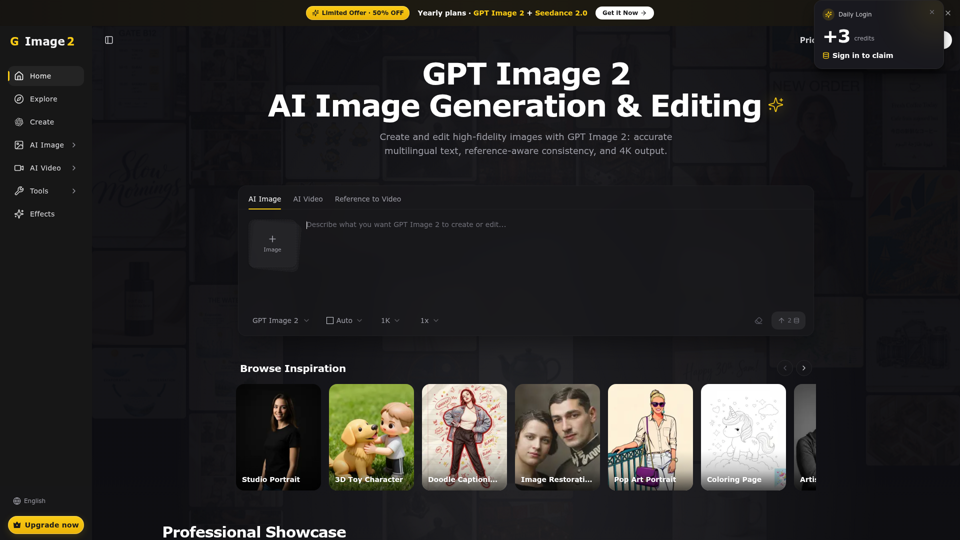

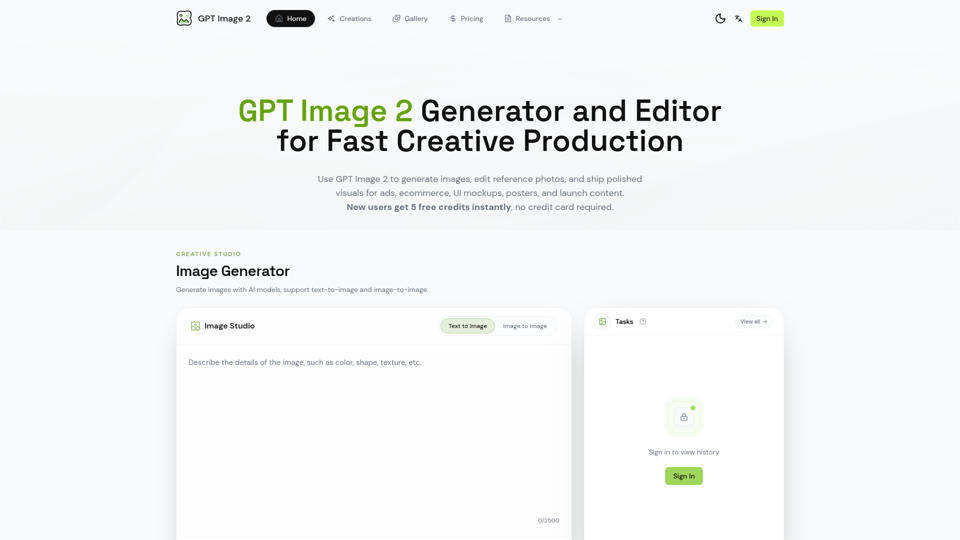

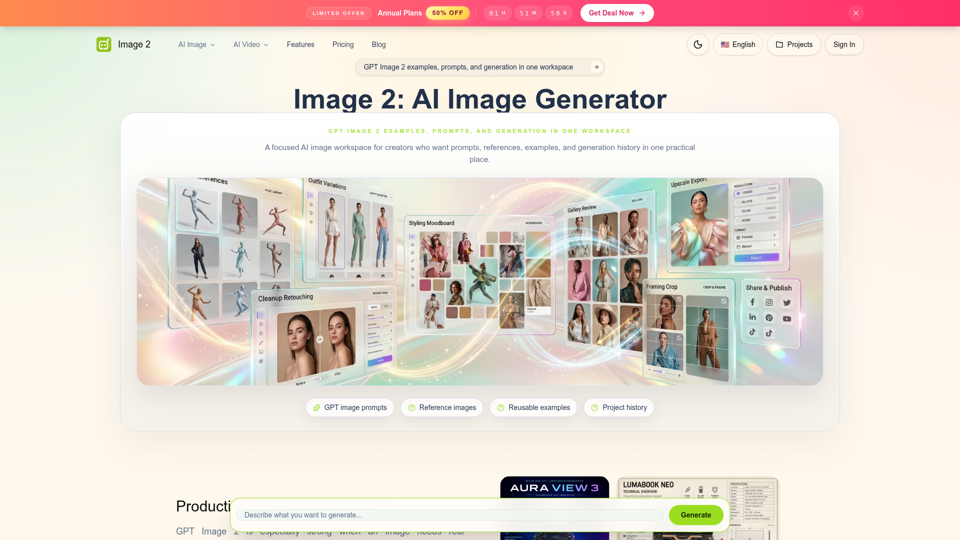
Generate and edit images with GPT Image 2 — AI image generation, reference-image editing, and asset creation for ads, ecommerce, UI mockups, posters, and production-ready visuals. Try free.
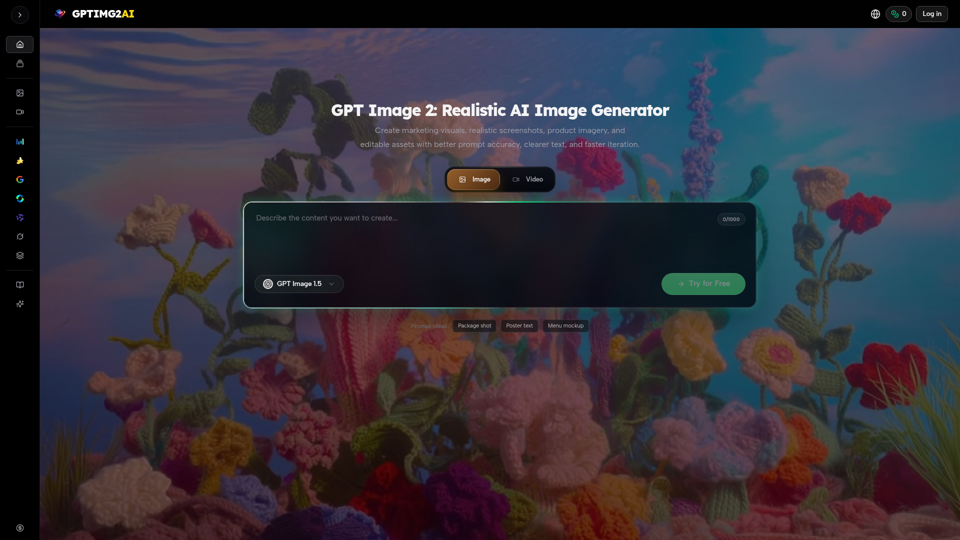
Create product shots, posters, brand assets, and prompt-led image edits with clearer text and reference-aware refinement.
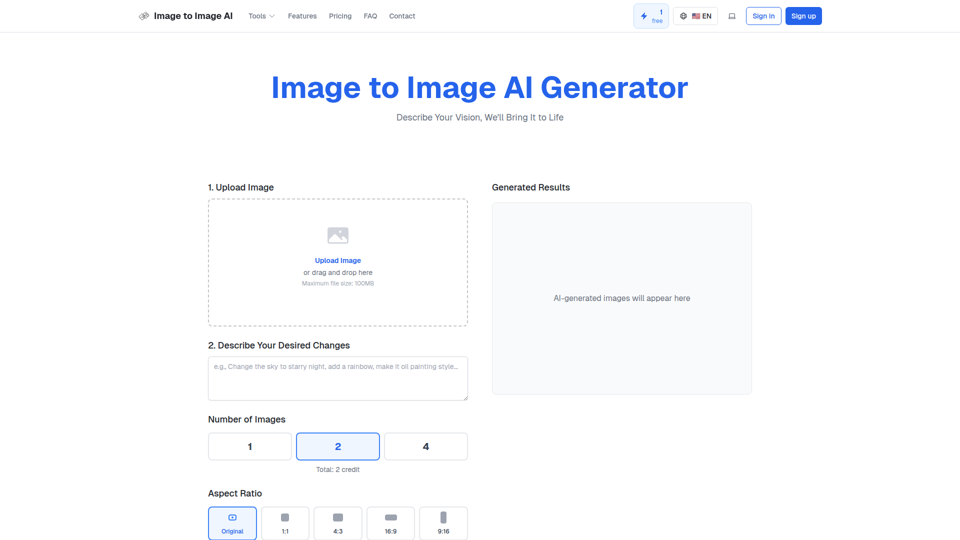
Convert image to image with AI. Transform, edit and generate images using our free image to image AI converter. Best AI image to image generator.
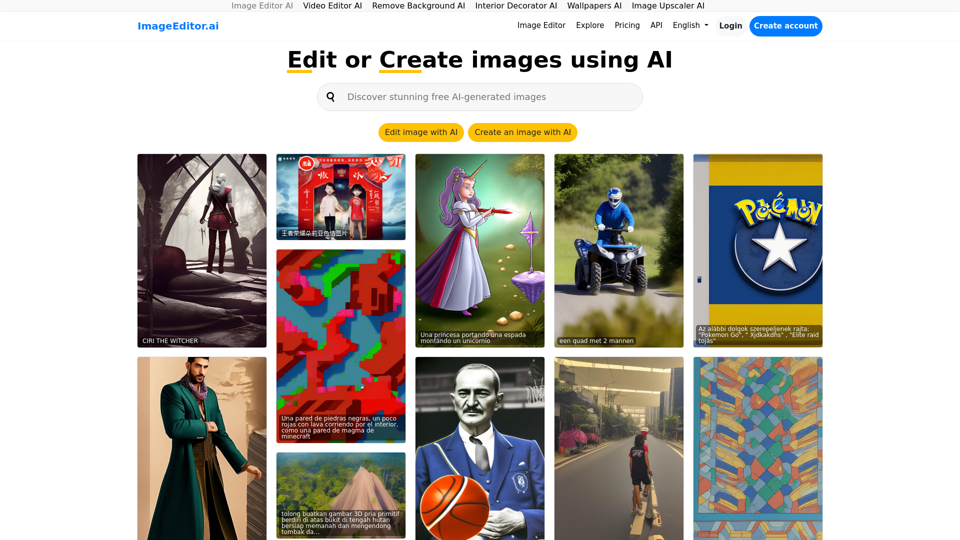
Image Editor AI: Edit image using AI or make images using AI, just tell the AI what to do.
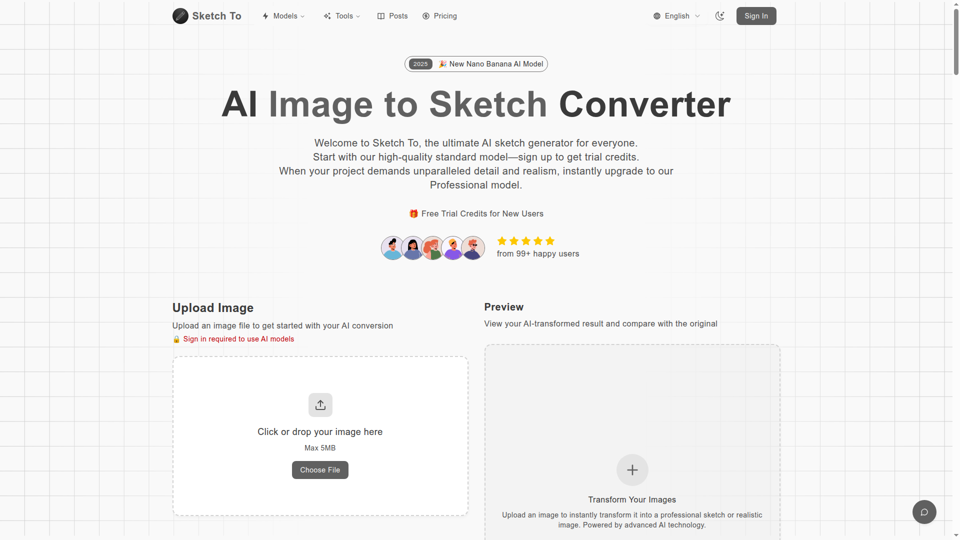

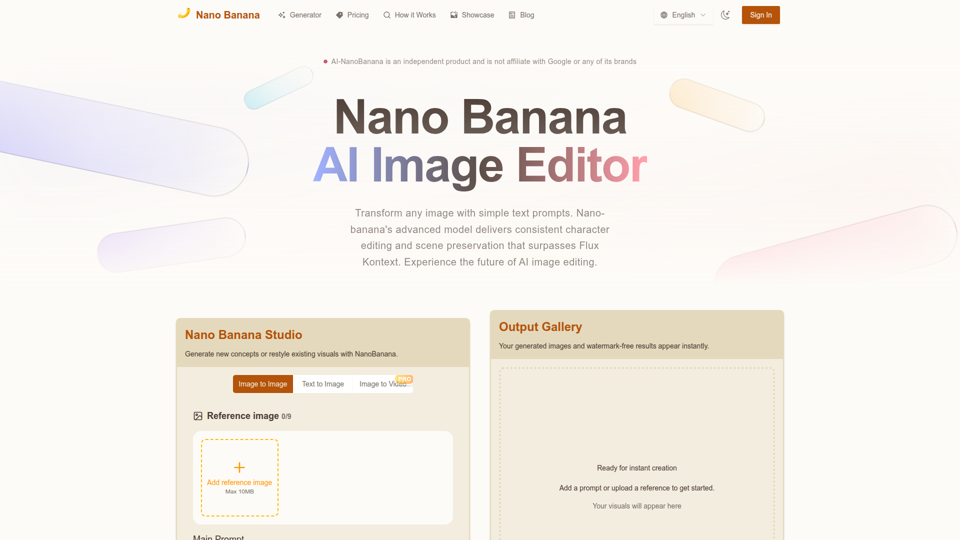
Nano Banana combines image-to-image and text-to-image so teams can ship polished visuals in seconds. Generate, edit, and clean assets in one intuitive workspace.