What is Medeo?
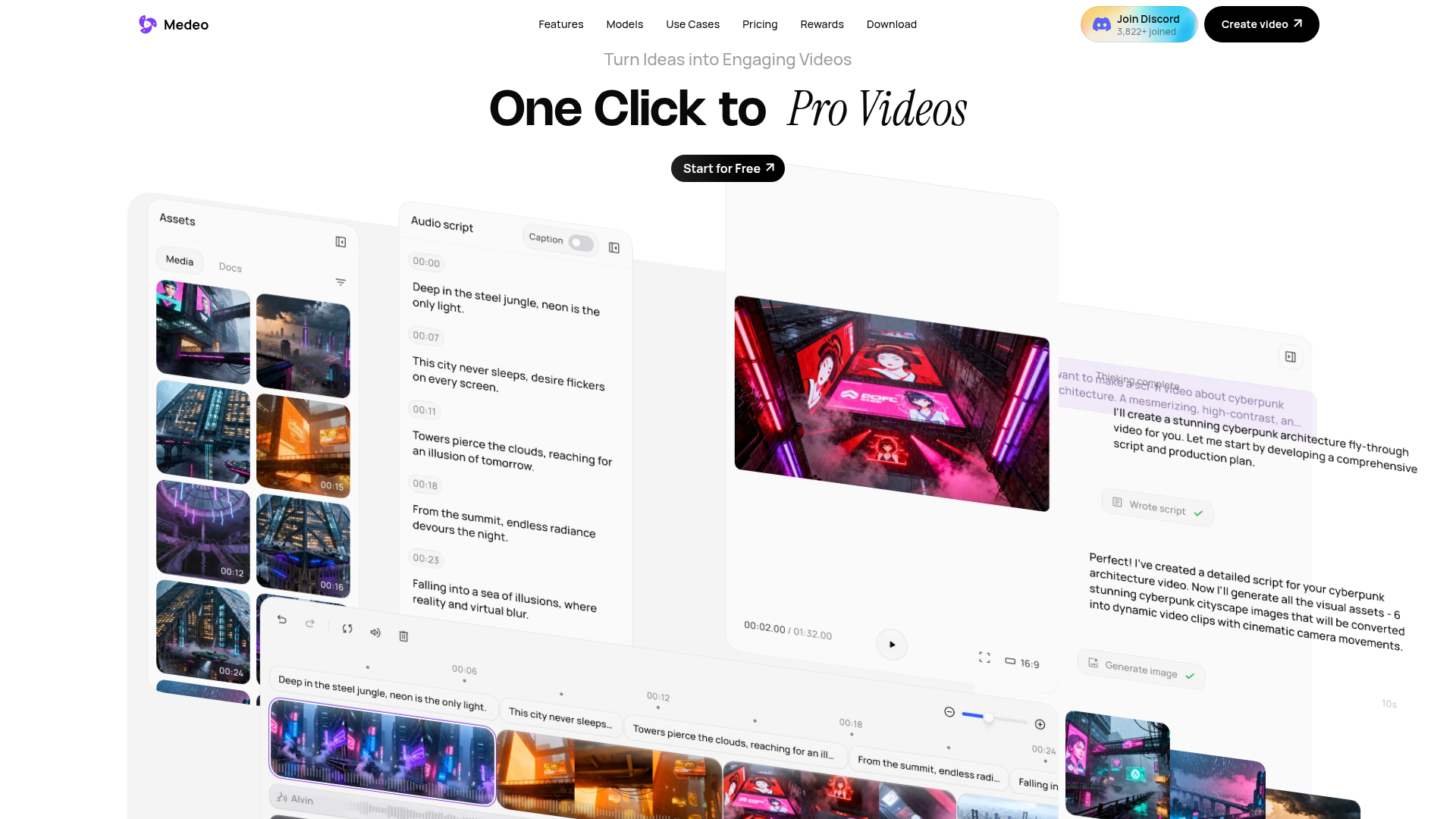
Medeo is an AI-powered video creation platform designed to democratize professional-grade video production. It transforms text-based ideas into fully realized videos through a conversational interface, eliminating the need for complex editing software or technical skills. Whether you're crafting marketing ads, educational explainers, travel vlogs, or animated shorts, Medeo provides an all-in-one suite of tools to bring your vision to life with unprecedented ease and speed.
Key Features of Medeo
Chat-based Creation & Editing
The core of Medeo is its intuitive chat interface. You can literally "chat" your video into existence by typing descriptions of scenes, actions, or edits. Commands like "make the protagonist run faster" or "change the background music" are instantly executed, making the editing process as simple as having a conversation.
Massive Library of AI Recipes & Assets
Jumpstart your creativity with a vast collection of pre-built video "recipes" for popular formats like ASMR POV Makeups, Travel Vlogs, Anime Soccer Glory, and Clay Health Explainers. The platform also grants access to millions of royalty-free stock images, videos, and hundreds of realistic AI voices, all within the same workspace.
Unparalleled Character Consistency
Maintain perfect visual continuity for your custom characters. Once you create or upload a character, Medeo's AI can consistently regenerate them in new locations, performing different actions, and expressing various emotions, ensuring your character looks the same in every scene.
All-in-One Visual Production Track
Medeo features a synchronized visual track that keeps your script, audio, subtitles, and assets perfectly aligned. You have full, intuitive drag-and-drop control over every element, allowing for precise edits without ever losing your place in the project.
Flexible, Multi-Format Export
Create once and publish everywhere. Medeo allows you to effortlessly export your final video in both standard (16:9) and vertical (9:16) aspect ratios, optimizing your content for platforms like YouTube, TikTok, and Instagram without any extra work.
How to Use Medeo
Getting started with Medeo is straightforward. Simply sign up for a free account to begin exploring. You can start a new project by selecting a pre-made recipe or by initiating a chat to describe your video idea from scratch. Use the chat commands to direct the AI in generating scenes, adding assets, and making edits. Utilize the visual track to fine-tune timings and arrange elements. Finally, export your completed video in your desired format for download or direct sharing.
Pricing and Subscription
Medeo operates on a freemium model. Users can start creating videos for free with access to core features and a set amount of credits or generations. For users who require higher volume, more advanced assets, or commercial licensing, Medeo offers affordable subscription tiers. These paid plans provide extended access to premium stock media, faster generation times, higher export quality, and increased usage limits beyond the free tier.
Helpful Tips for Maximizing Medeo
- Leverage Recipes
- Begin with the pre-built "recipes" (like "Travel Vlog" or "Clay Health Explainer") to understand video structure and quickly produce polished content.
- Be Specific in Chat
- The more detailed your instructions are in the chat, the better the AI can match your vision. Describe actions, emotions, camera angles, and lighting.
- Utilize the Asset Library
- Don't spend time searching externally. First, explore the integrated library of millions of stock images, videos, and AI voices to speed up your workflow.
- Master the Visual Track
- Use the synchronized track for precision. Drag audio clips to adjust timing, tweak subtitle placement, and ensure everything is perfectly in sync.
- Plan for Aspect Ratios
- Consider your target platform (e.g., YouTube vs. TikTok) from the start, as Medeo allows easy switching between horizontal and vertical formats during export.
Frequently Asked Questions (FAQ)
Do I need video editing experience to use Medeo?
No prior experience is necessary. Medeo is built for everyone. If you can chat or send a text message, you can create and edit videos using simple conversational commands.
Can I create a consistent character across multiple videos?
Yes. Medeo's Character Consistency feature is designed for this. Once you establish a character's identity, you can reuse and regenerate them in countless different scenarios while maintaining their visual appearance.
What kind of videos can I make with Medeo?
Medeo is an all-purpose platform. You can create virtually any type of video, including marketing advertisements, social media clips, educational tutorials, animated stories, personal vlogs, product demos, and creative short films.
Are the assets in the library free to use commercially?
Assets available within the Medeo platform, including those in the free tier, are typically licensed for use within your created videos. For full commercial rights and access to the entire premium asset catalog, a subscription plan is recommended. Always check the specific licensing terms provided within the platform.
How does the free tier work?
The free tier allows you to explore Medeo's core features, use a selection of recipes and assets, and generate a limited number of videos. It's perfect for trying out the platform and creating initial projects. For unlimited creations and premium features, you can upgrade to a subscription plan.
Medeo
Turn your ideas into AI videos instantly with Medeo. Chat with AI to create professional videos from text, audio, images, videos, or links. No editing skills needed.
 C3.js
C3.js Envoy
Envoy Next.js
 Node.js
 React
React Webpack
Free AI anime and manga generator. Turn text into anime episodes, manga, comics, webtoons and comic shorts in any art style — no drawing or animation skills needed.
Translate image text across 70+ languages with our advanced AI Image Translator to help you better expand your products globally to various countries
Advertised Here
Reach thousands of visitors daily. Get your spot now!
Tools similar to Medeo
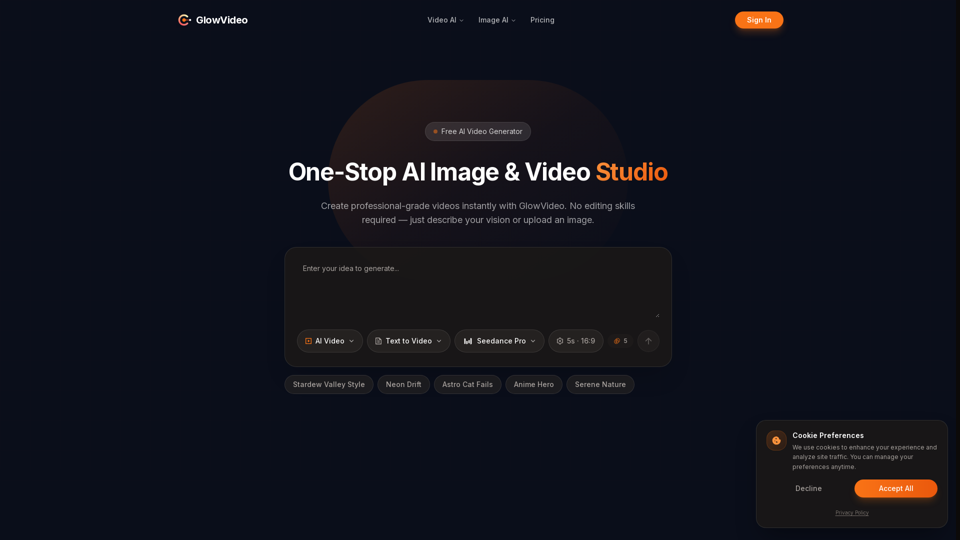
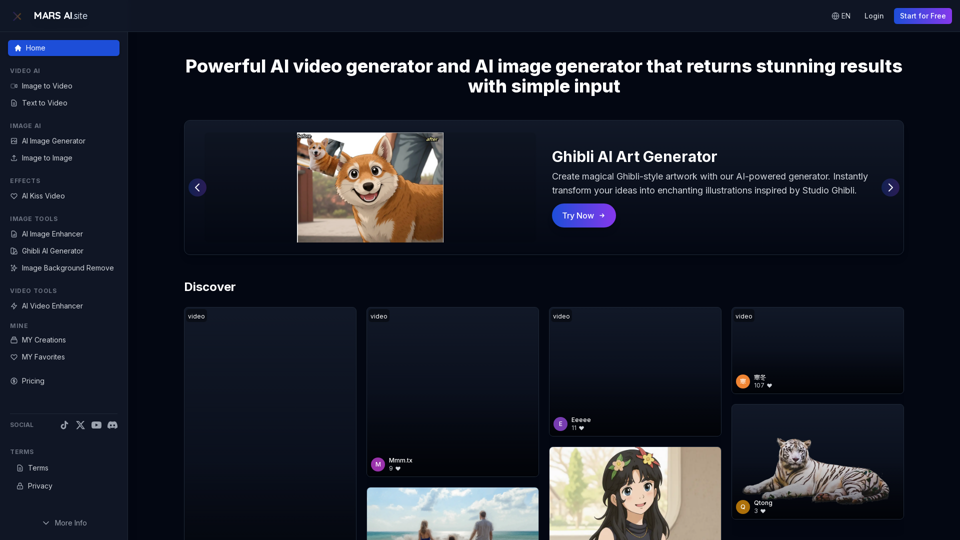
Free AI video generator and image generator tools by MARS AI. Create professional videos and images from text or images. Transform your ideas into stunning visual content. No technical skills required
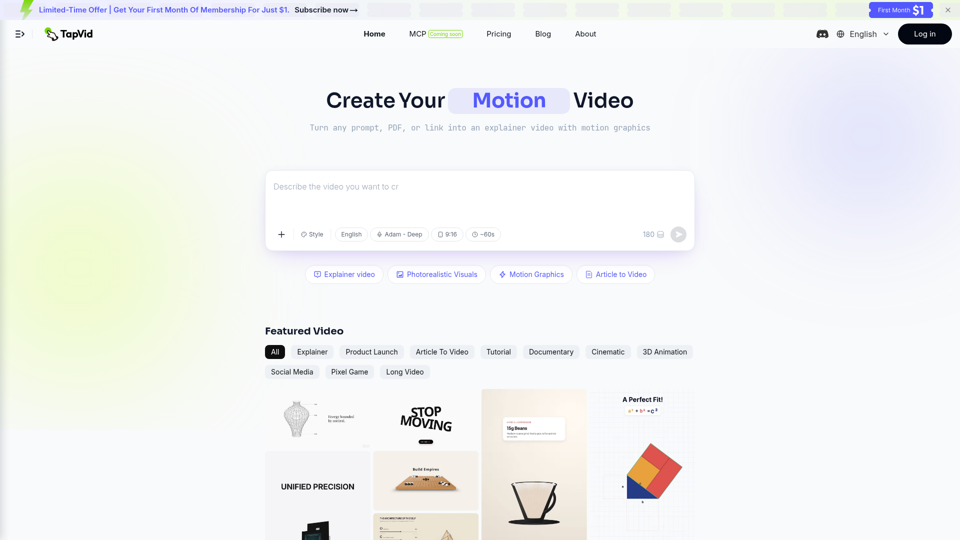
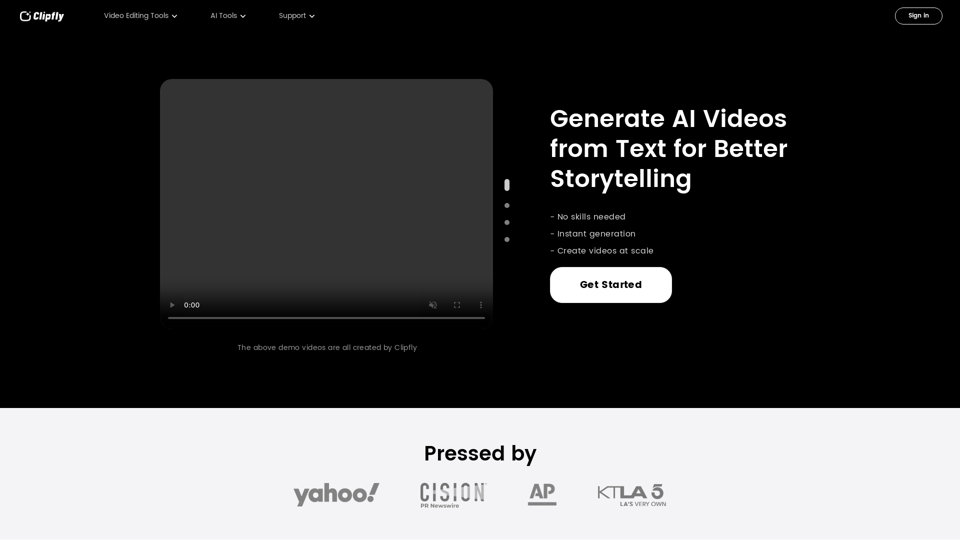
Create amazing AI videos from text prompts using the Clipfly's all-in-one AI video generator. Transform ideas into professional-grade visuals without any skills.

The #1 AI real estate video software. Turn listing photos into cinematic property videos in minutes — no editing skills needed. Try for free!
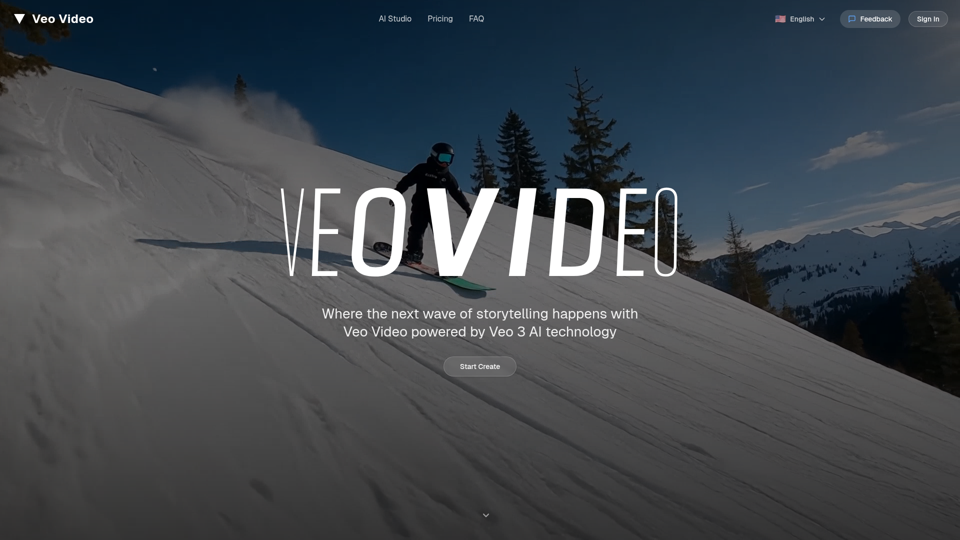
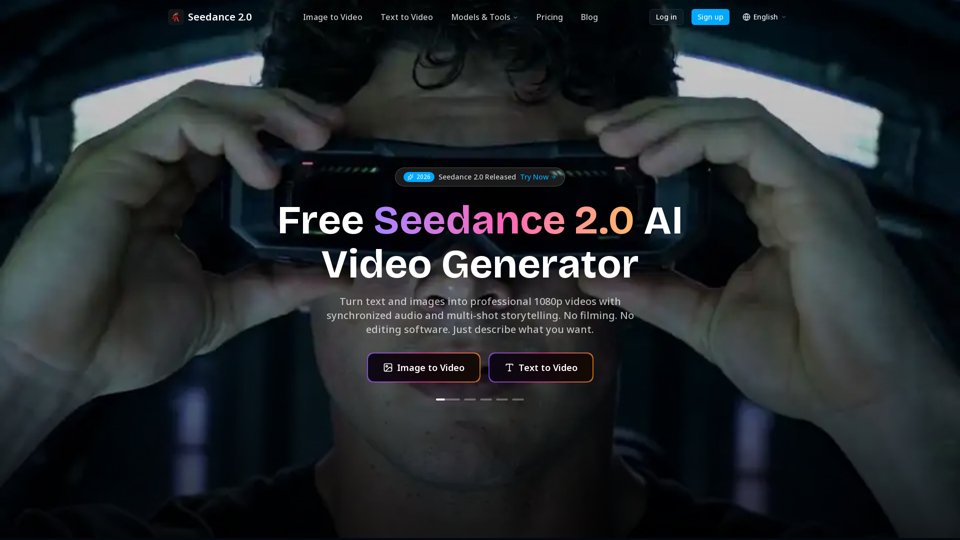
Create cinematic AI videos with Seedance 2.0. Text-to-video, image-to-video, native audio. The Seedance 2.0 AI video generator. Free to start.
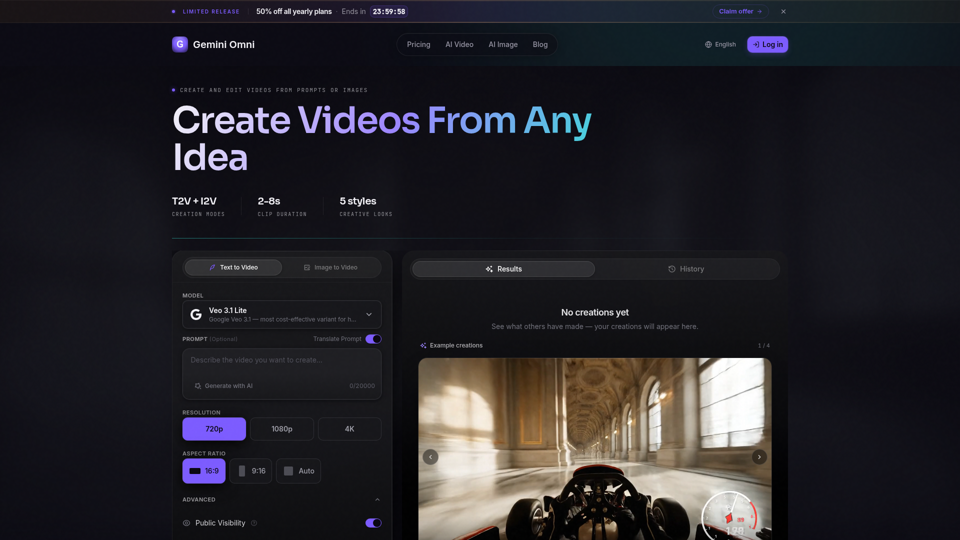
Create AI videos with Gemini Omni from text prompts, images, and reference frames. Generate short clips for social content, ads, product stories, explainers, and visual concepts.