AI Video to Video Generator for Remixing Clips
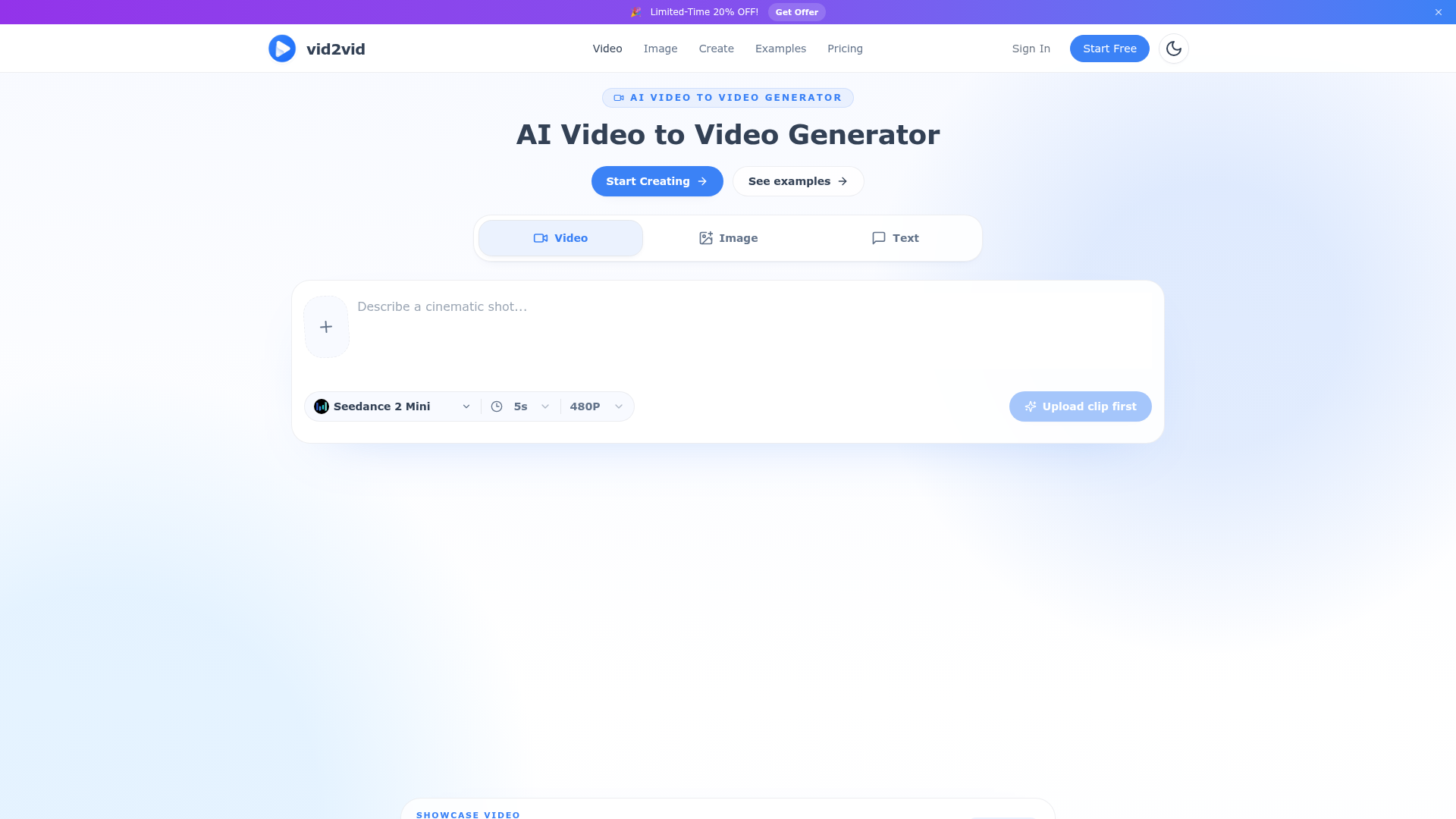
Upload a short clip or image, choose a style, and create remixable AI videos with preserved motion, framing, and timing. Try product ads, anime restyles, movie looks, and more.
What is an AI Video to Video Generator?
An AI Video to Video Generator is a transformative creative tool that allows you to upload an existing video clip and describe a new visual style or concept, and the AI will regenerate the video to match your description. Crucially, it preserves the original video's core structure—including motion, camera framing, timing, and composition—while completely transforming its visual appearance. This technology is powered by advanced generative AI models that understand both the content of your source video and the stylistic intent of your text prompt. It's ideal for creators, marketers, and artists who want to rapidly iterate on visual ideas, repurpose existing footage into new styles (like cinematic, anime, or origami), or animate still images into dynamic video sequences without needing complex animation or VFX skills.
Key Features of the AI Video to Video Generator
- Core Motion Preservation
- The fundamental power lies in its ability to retain the original timing, framing, and movement of your source clip. An actor's performance, a product's rotation, or a camera pan will be faithfully maintained, only the visual "skin" is changed.
- Multiple Input Modalities
- It's not limited to video inputs. You can also generate videos from still images (Image-to-Video) or from a text description alone (Text-to-Video), offering flexible starting points for any project.
- Rapid Visual Iteration
- Test multiple artistic directions for a single clip in minutes. See your footage as a noir film, a vibrant anime, or a paper-craft world instantly, allowing for fast creative decision-making.
- Creative Control via Prompts
- You direct the transformation using plain-language prompts. Describe the desired atmosphere ("cinematic rainy night"), art style ("origami paper world"), or specific details ("studio lighting with soft reflections").
- Maintains Visual Continuity
- Essential for branding and series, the generator can apply a consistent style across multiple different clips or images, ensuring characters and worlds look coherent from scene to scene.
- Professional-Grade Outputs
- Capable of producing polished assets suitable for product advertisements, music videos, social media campaigns, and cinematic projects.
How to Use the AI Video to Video Generator
Using the AI Video to Video Generator, such as the one offered by vid2vid.io, is a straightforward three-step creative process designed for speed and simplicity:
- Upload Your Source Material: Start by uploading a short video clip (typically up to a few seconds for optimal results) or a still image that you want to transform. The platform provides sample assets if you want to experiment first.
- Describe Your Vision: In the prompt box, clearly describe the new look you want. Be as descriptive as possible. For example: "Transform this into a scene from a cyberpunk anime with neon lights and rain," or "Make this product shot look like a luxury commercial with cinematic camera motion and soft studio lighting."
- Generate and Remix: Click the generate button. The AI will process your input and create a new video that matches your description while keeping the original motion. You can then download the result or use the "Remix" function to adjust the prompt and generate further variations until you achieve the perfect look.
Pricing for AI Video to Video Tools
Pricing models for AI Video to Video Generators like vid2vid.io typically follow a freemium structure:
- Free Tier
- Often includes a limited number of free generations per day or week with basic features and possibly standard definition output (e.g., 480P). This allows users to test the core functionality.
- Subscription Plans
- Paid subscriptions (monthly or yearly) unlock higher limits, faster processing, priority access, higher resolution outputs (e.g., HD), and sometimes advanced features like commercial usage rights or more powerful AI models. Specific pricing tiers vary by platform.
- Credit Packs
- Some services may offer pay-as-you-go credit packs for users with sporadic needs, where you purchase a bundle of generation credits.
Helpful Tips for Best Results
- Start with Clear Source Footage
- Use well-lit, stable clips with clear subjects. The AI has an easier time understanding and preserving motion from high-quality inputs.
- Use Specific, Evocative Prompts
- Instead of "make it look cool," try "give it the glossy, high-contrast look of a 1980s retro-futuristic movie poster." The more detail you provide about style, mood, lighting, and texture, the better the output.
- Leverage Reference Images
- If the platform allows it, upload a reference image alongside your prompt to give the AI a concrete visual target for the style you want.
- Iterate with "Remix"
- Your first result might be 80% there. Use the "Remix this" function to tweak your prompt slightly ("more cinematic," "less saturation," "add lens flare") for rapid refinement.
- Understand the Limits
- These tools excel at stylistic transformation and controlled animation. They are less effective at fundamentally altering the narrative action or adding/removing large objects from a scene.
Frequently Asked Questions
What can I create with this AI video to video generator?
You can create a wide variety of content, including stylized music videos, cinematic social media clips, animated product advertisements, concept visualizations, brand campaign assets, and artistic visual experiments. It's perfect for transforming vlogs, short films, or stock footage into entirely new visual styles.
Is the AI video to video generator free to use?
Many platforms, like vid2vid.io, offer a free tier with limited generations per day. This allows you to test the core features. For extended use, higher quality outputs, and commercial projects, a paid subscription is typically required.
Which AI models does the generator support?
Different platforms use different underlying models. Commonly, they are built on or provide access to state-of-the-art generative video models such as Stable Video Diffusion (SVD) or proprietary equivalents. The specific model information is usually listed on the platform's technical documentation or blog.
Can I use my own images as references?
Yes, most advanced AI video generators support using your own uploaded images as style references. This is a powerful way to match a specific brand color palette, art style, or pre-existing visual asset.
How fast is the generation process?
Generation time depends on the length of the clip, the output resolution, and server load. For short clips (3-5 seconds), it typically ranges from 30 seconds to a few minutes. Subscription plans often include priority processing for faster results.
Can I use the generated videos for commercial projects?
This depends entirely on the platform's Terms of Service. Most paid subscription plans grant you a license for commercial use of the generated content. Always check the specific licensing agreement of the tool you are using, especially if you are on a free plan.
AI Video to Video Generator for Remixing Clips
Upload a short clip or image, choose a style, and create remixable AI videos with preserved motion, framing, and timing. Try product ads, anime restyles, movie looks, and more.
 Cloudflare
 Google Analytics
 HTTP/3
Free AI anime and manga generator. Turn text into anime episodes, manga, comics, webtoons and comic shorts in any art style — no drawing or animation skills needed.
Translate image text across 70+ languages with our advanced AI Image Translator to help you better expand your products globally to various countries
Advertised Here
Reach thousands of visitors daily. Get your spot now!
Tools similar to AI Video to Video Generator for Remixing Clips
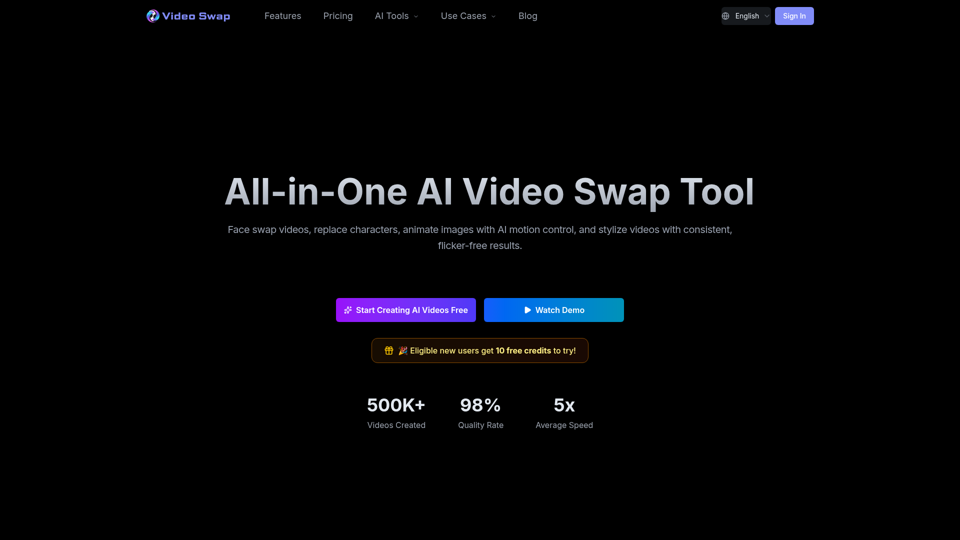
Create AI face swap videos, replace characters, transfer motion, and stylize clips in one workflow. Video Swap helps creators and teams generate consistent video edits faster online.
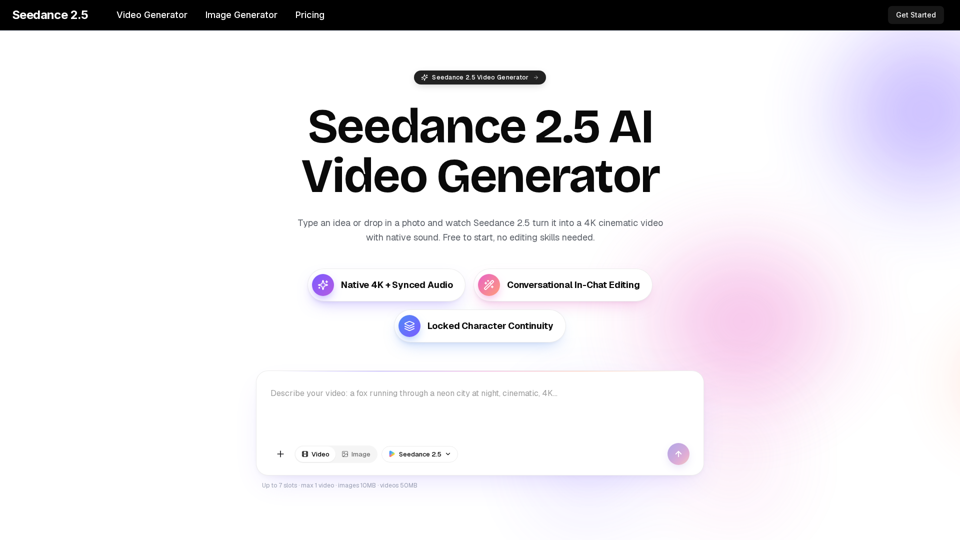
Turn any idea, photo, or clip into a stunning 4K video with Seedance 2.5. The AI video generator with native audio and 30fps motion. Free to try, no skills needed.
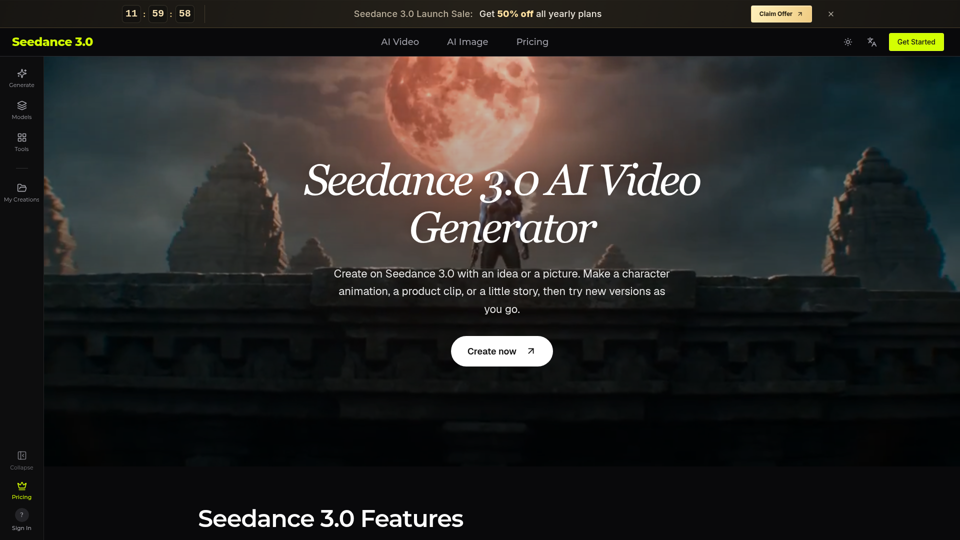
Try Seedance 3.0 free online. Turn text, images, video clips, and audio into videos with sound. Keep faces the same and edit any part without starting over.
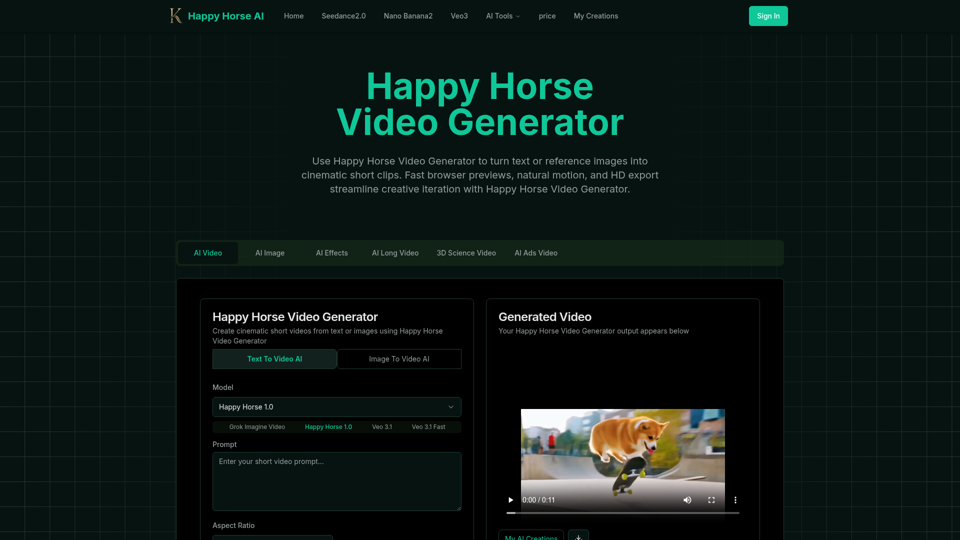
Happy Horse Video Generator transforms short prompts and reference images into cinematic short videos with reliable subject follow, natural camera motion, fast browser previews, and HD export options. Quickly produce marketing clips, social shorts, and product animations with in‑browser iteration and flexible download settings.
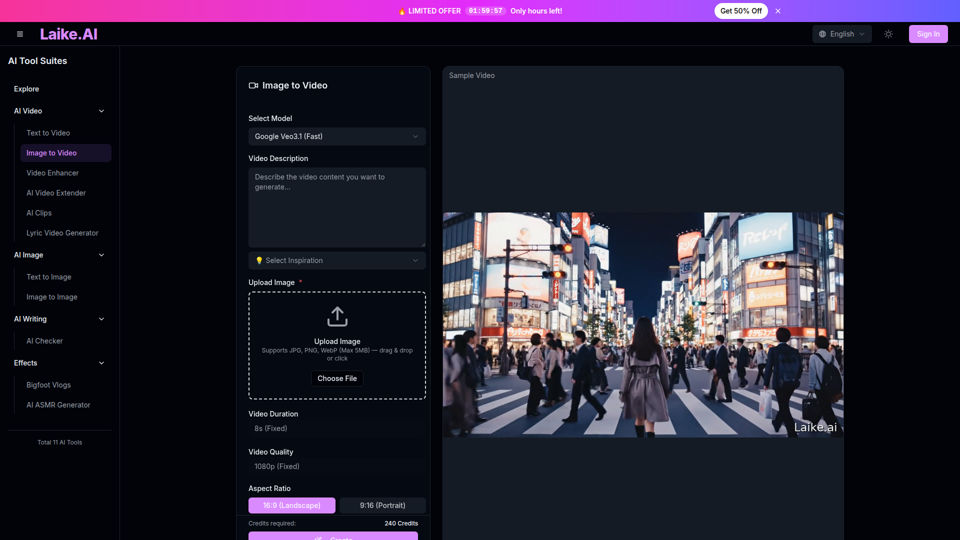
Transform static images into captivating videos. Add motion, camera effects and cinematic flair—perfect for social media and ads.
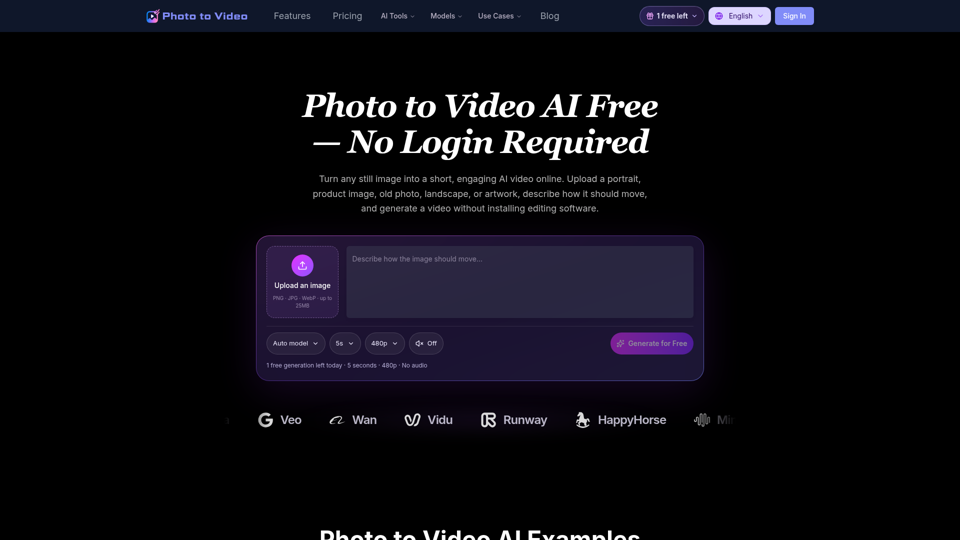
Use Photo to Video AI Free to animate images online. Upload a picture, describe the motion, and create an AI video for social media, ads, and more.
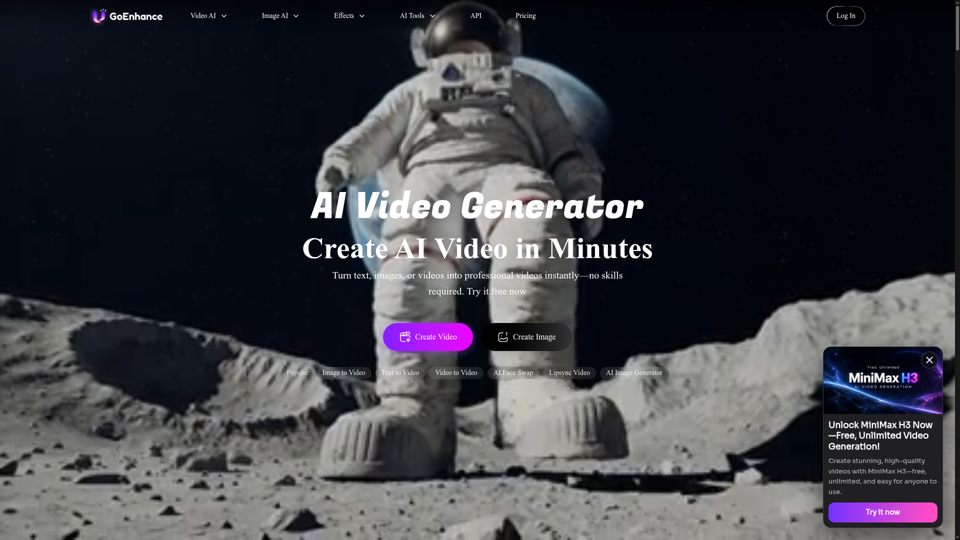
GoEnhance AI – All-in-One AI Video Generator. Create videos from text, images, or existing clips with advanced models like Runway, Kling, and Veo 3.
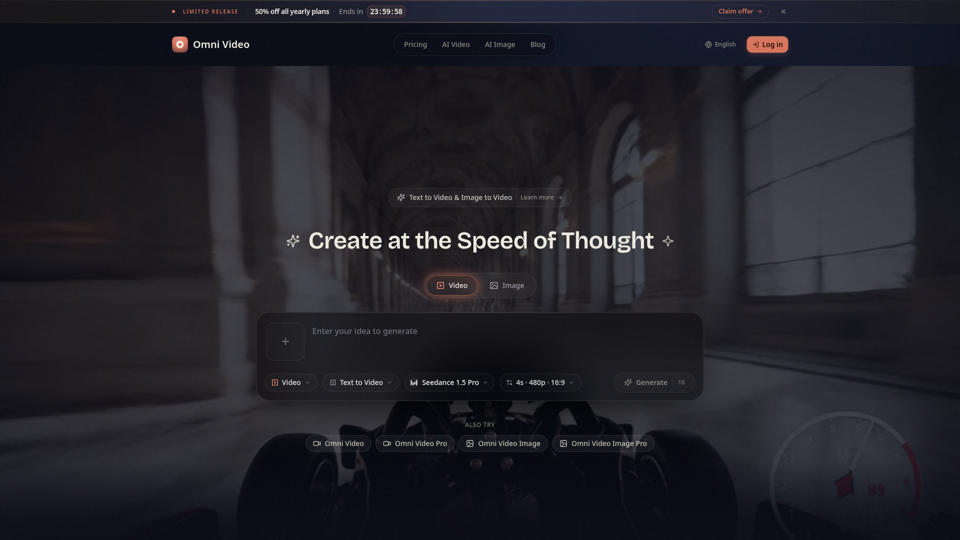
Create cinematic AI videos with Omni Video from text prompts or reference images. Use text-to-video and image-to-video workflows for social clips, ads, education, product stories, and visual ideas.