
What is Pexo?
Pexo is an AI video agent that transforms your spoken ideas and descriptive text into finished, publish-ready videos. It functions as an intelligent partner, understanding your creative intent and handling the entire video production process—from planning and storyboarding to generating visuals, audio, and final editing. Unlike simple prompt-based generators, Pexo manages the workflow by selecting the most suitable AI models for each task, delivering a complete video tailored for platforms like TikTok, YouTube, Instagram, and X.
Main Features of Pexo
Core AI Video Agent Capabilities:
- Intent-Aware Understanding
- Pexo comprehends context, creative direction, and references beyond simple text prompts. You can talk to it naturally, provide links, images, or notes, and it will build a video plan from that context.
- End-to-End Video Creation
- It acts as a full creative partner, handling storyboarding, model selection, asset generation (images, music), adding narration and subtitles, and final assembly.
- Iterative Feedback & Revisions
- Pexo can incorporate your feedback naturally without requiring you to start the entire process from scratch.
Versatile Input-to-Video Methods:
- Text to Video
- Describe your idea in plain language.
- Image to Video
- Upload an image to animate it into a moving scene.
- URL to Video
- Paste a product or webpage link to generate a promotional video.
- Audio to Video
- Transform a song, podcast, or voice note into a visual video.
- Script to Video
- Input a written script for Pexo to produce.
- AI Avatar
- Utilize a lifelike digital presenter to speak your script in multiple languages.
- Integrated AI Tools
- Includes built-in image generation and original music composition based on your descriptions.
Access to Leading AI Models: Pexo intelligently routes tasks to top-tier models like Kling AI, Veo, Luma AI, Pika, Midjourney, Runway, and GPT-Image, ensuring high-quality results for different aspects of video creation.
Publish-Ready Output: Videos are created with platform-specific formatting (e.g., aspect ratios, styles) for TikTok, YouTube, Instagram, X, and more, complete with captions, music, and transitions, ready for immediate sharing.
How to Use Pexo
- Start a Conversation: Access Pexo and begin by describing your video idea in a chat interface. You can be as detailed or concise as you like.
- Provide Context (Optional): Enhance your request by uploading reference images, sharing links, adding audio clips, or giving specific style notes.
- Collaborate on the Plan: Pexo will present a creative plan or storyboard based on your input. You can review and provide feedback at this stage.
- Let Pexo Work: The AI agent will execute the plan: generating or animating visuals, creating or sourcing music, synthesizing voiceovers, and editing everything together.
- Review and Revise: Receive the finished video. You can request specific changes, and Pexo will apply revisions intelligently.
- Export and Share: Download your publish-ready video in the desired format and upload it directly to your social media channels.
Pricing
(Note: Specific pricing details such as subscription tiers, credit costs, or free trial offers were not provided in the source content. Typically, platforms like Pexo may operate on a freemium model with limited free generations or offer various paid plans for higher usage. It is recommended to visit the official Pexo website for the most current and detailed pricing information.)
Helpful Tips for Using Pexo
- Be Descriptive
- The more context you give about the mood, setting, and purpose of your video, the better Pexo can match your vision.
- Use Reference Materials
- Leverage the ability to upload images, website links, or audio files to give Pexo a concrete style or content reference.
- Specify the Platform
- Mention if the video is for TikTok, YouTube Reels, Instagram Stories, etc., so Pexo can optimize the aspect ratio and style.
- Iterate with Feedback
- Don't hesitate to ask for revisions. Use clear instructions like "make the pacing faster," "use a warmer color tone," or "change the background music."
- Explore Different Input Methods
- Experiment with creating videos from scripts, URLs, or audio clips to discover efficient workflows for different projects.
- Join the Community
- Consider joining Pexo's Discord server or following their social media for updates, invitation codes (if in beta), and creative inspiration from other users.
Frequently Asked Questions (FAQs)
What can I use Pexo for?
You can use Pexo to create a wide variety of videos, including product advertisements, social media posts, explainer videos, launch videos, short stories, animations, cinematic clips, and personal memory videos.
How does Pexo understand my ideas?
You can talk to Pexo naturally and supplement your description with links, images, music, notes, or other references. Pexo analyzes this full context to understand your intent and build a corresponding video plan.
What types of videos can Pexo create?
Pexo specializes in creating short-form social videos, product demos, brand advertisements, story-driven videos, and other publish-ready video content.
How is Pexo different from other AI video generators?
Traditional AI video generators are tools you must manually operate—writing detailed prompts, selecting models, and editing raw outputs yourself. Pexo is an AI agent. You describe your goal in plain language, and it manages the entire creative process: planning, model selection, and delivery of a finished, edited video. You collaborate on the plan and provide feedback, but Pexo handles the execution.
How do I get a Pexo invitation code?
If Pexo is in a beta phase, you can obtain an invitation code by:
- Joining the official Pexo Discord server and checking the
#join-the-betachannel. - Contacting the Pexo team via direct message on their official social media accounts on TikTok, Instagram, X (Twitter), or YouTube.
Pexo
Pexo is an AI Video Agent that turns ideas into videos through natural conversation. No advanced AI video generator skills required. Just tell Pexo your ideas.
 Google Cloud
 Google Cloud CDN
 HTTP/3
 Nginx:1.31.1
Free AI anime and manga generator. Turn text into anime episodes, manga, comics, webtoons and comic shorts in any art style — no drawing or animation skills needed.
Translate image text across 70+ languages with our advanced AI Image Translator to help you better expand your products globally to various countries
Advertised Here
Reach thousands of visitors daily. Get your spot now!
Tools similar to Pexo
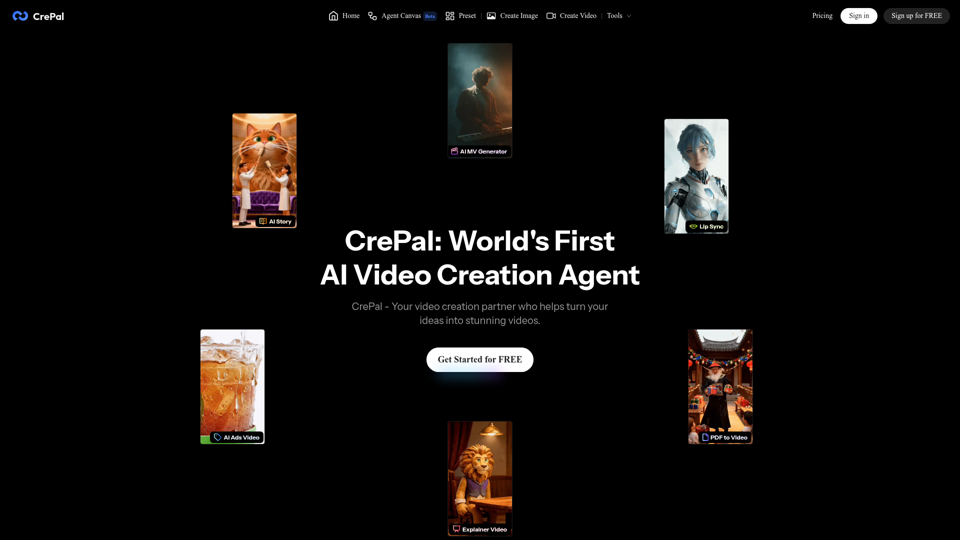
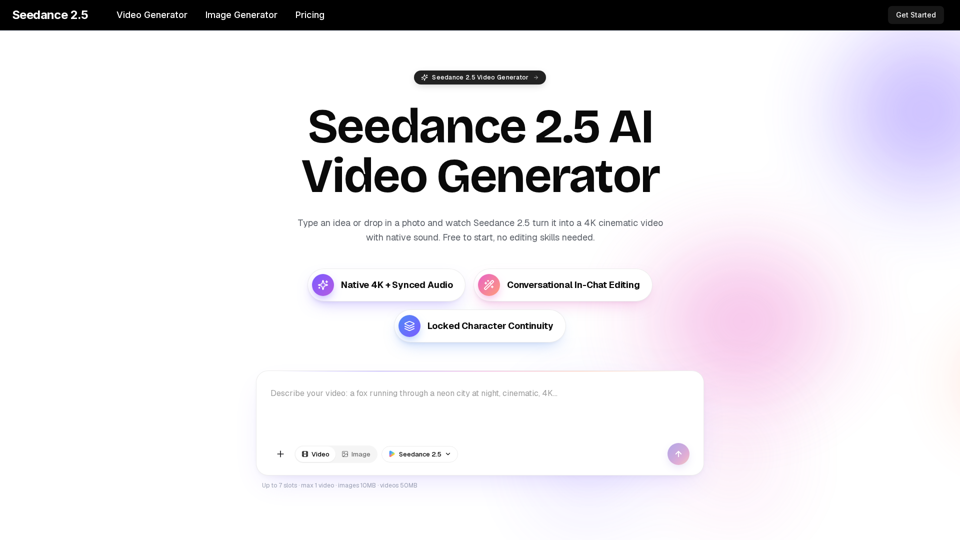
Turn any idea, photo, or clip into a stunning 4K video with Seedance 2.5. The AI video generator with native audio and 30fps motion. Free to try, no skills needed.
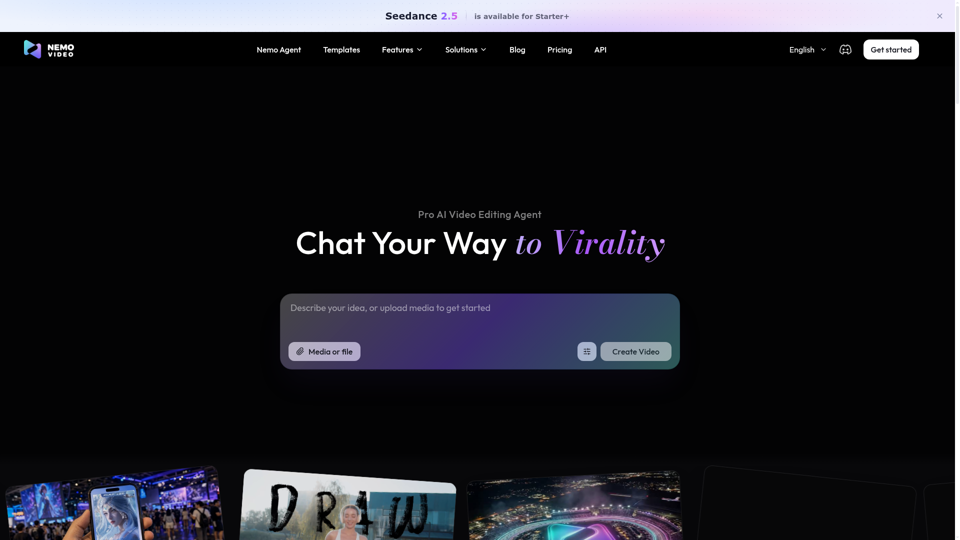
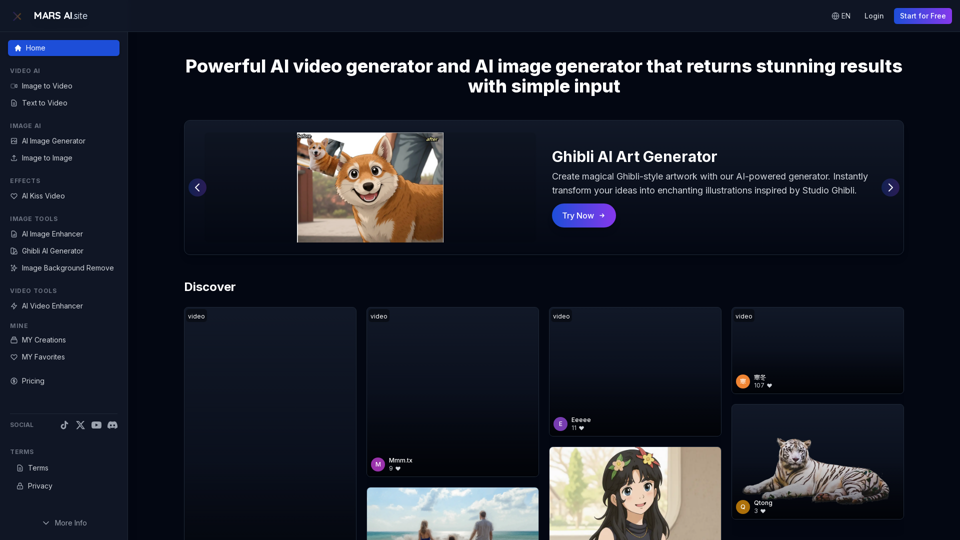
Free AI video generator and image generator tools by MARS AI. Create professional videos and images from text or images. Transform your ideas into stunning visual content. No technical skills required
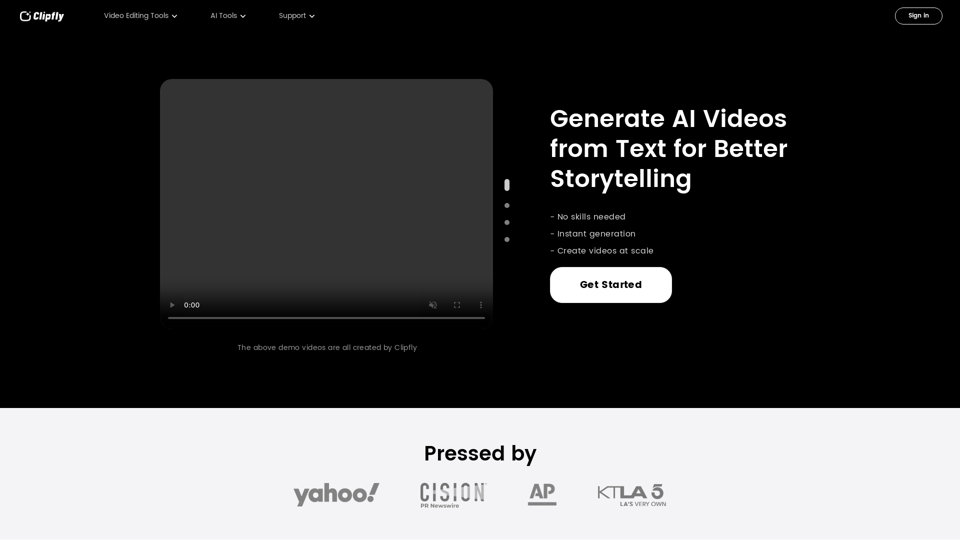
Create amazing AI videos from text prompts using the Clipfly's all-in-one AI video generator. Transform ideas into professional-grade visuals without any skills.
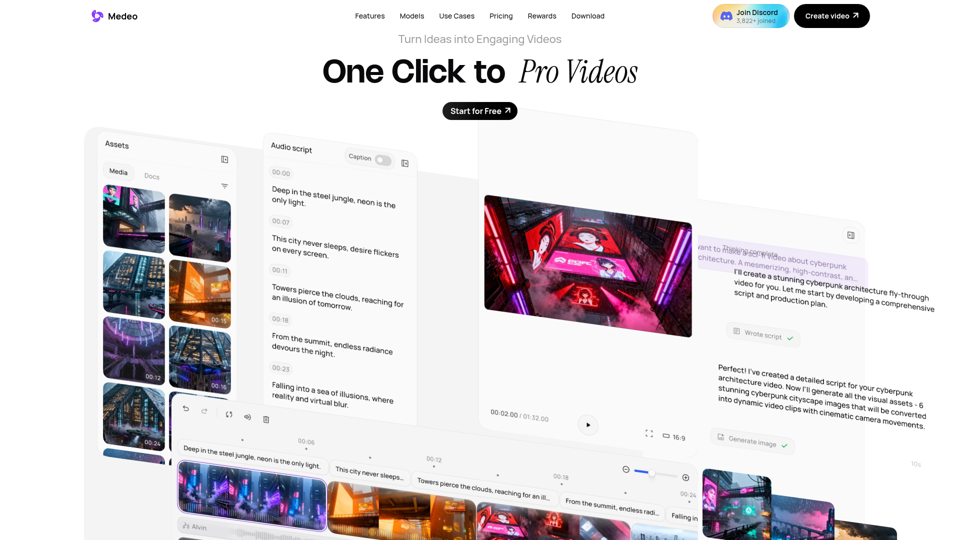
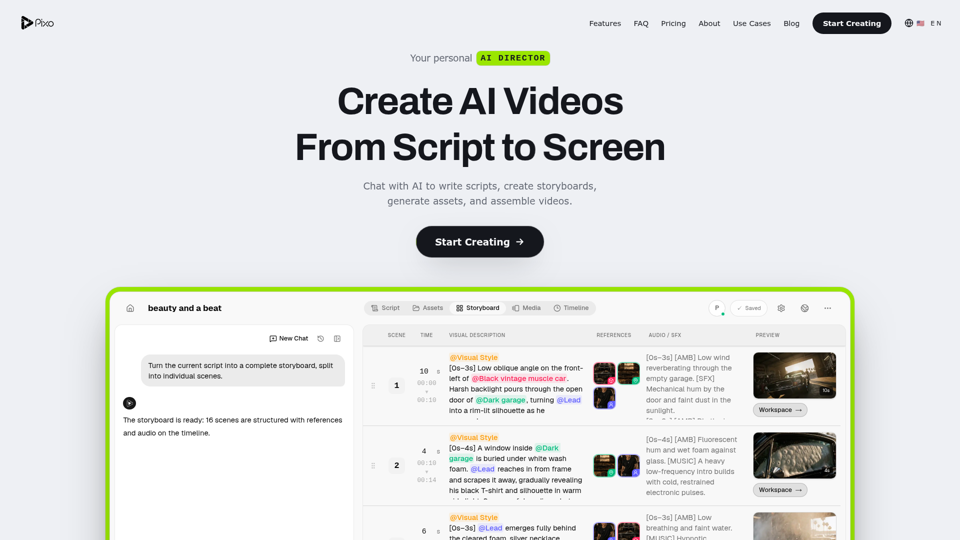
AI agents that research, script, and edit your videos. You direct — they deliver.

Vidon.ai is a video marketing platform that helps you create, schedule, and share videos on social media.