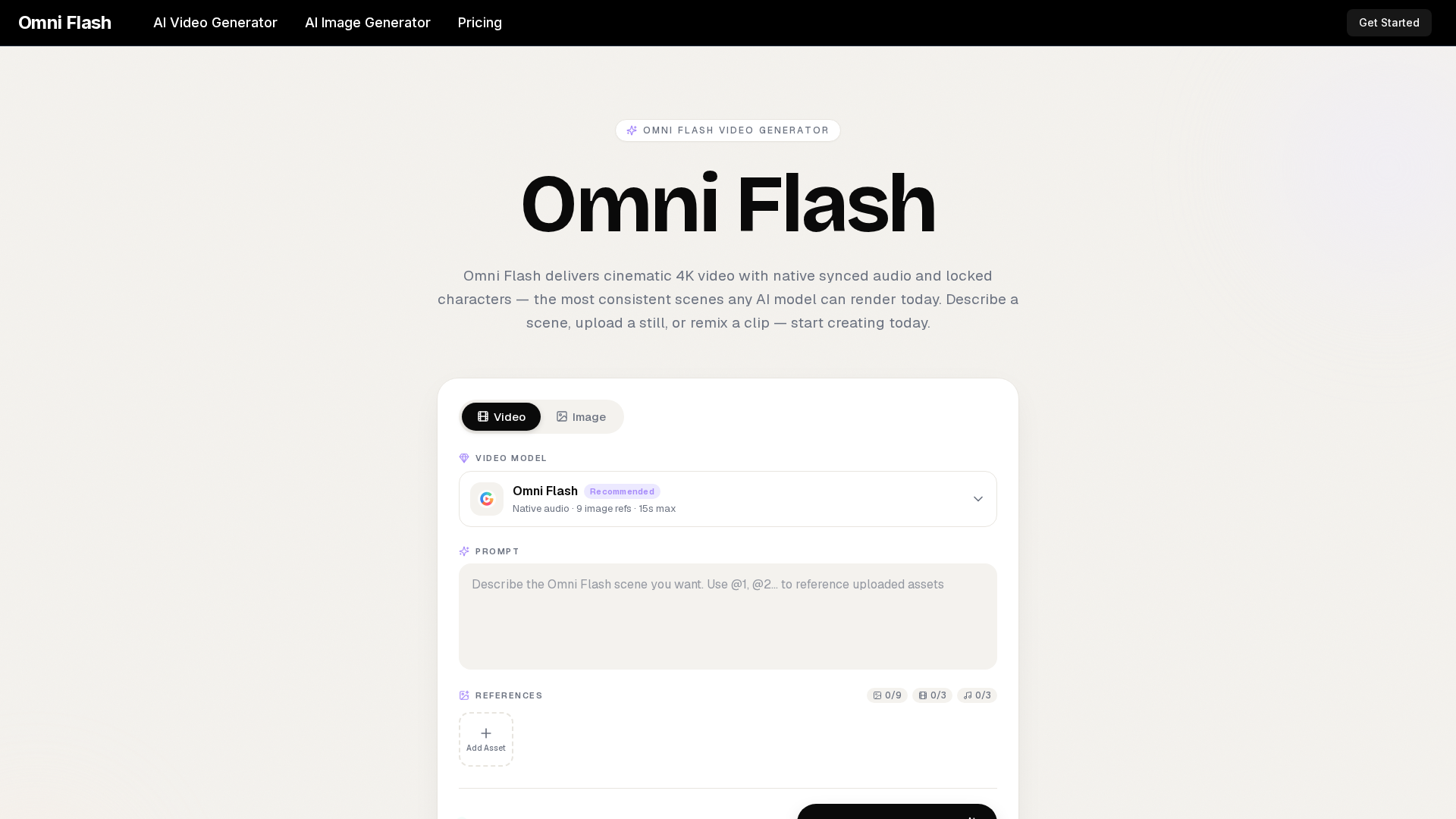
What is Omni Flash?
Omni Flash is a cutting-edge AI-powered video generator that produces cinematic 4K videos with natively synced audio and locked character consistency. By combining a unified multimodal engine, Omni Flash enables creators to generate professional-grade video scenes from text prompts, images, or audio inputs in a single, seamless workflow. It streamlines the entire video creation process—from ideation to final cut—making high-quality video production accessible to everyone, from indie filmmakers to marketing teams.
What are the Features of Omni Flash?
Omni Flash stands out with a comprehensive suite of advanced features designed for efficient, professional video generation:
- Unified Multimodal Engine
- Processes text, images, and audio simultaneously to output synchronized videos, eliminating the need for separate rendering tools.
- Cinematic Frame Composition
- Understands and applies cinematic grammar like focal length, depth of field, and lighting to create director-grade visuals.
- Locked Character Consistency
- Maintains the appearance of characters, wardrobes, or brand assets consistently across all generated scenes and shots.
- Native Synced Audio & Lip-Sync
- Generates high-quality audio that is perfectly synchronized with the video, including accurate lip movements.
- Fast Iteration & Conversational Editing
- Delivers previews in under a minute and allows for refinement through simple chat-based instructions (e.g., "hold the close-up longer").
- Style Memory
- Allows users to save visual styles as presets for consistent application across future projects.
- Studio-Safe Outputs
- Provides commercial-use licenses, watermark-free 4K masters, and full provenance metadata for all generated content.
How to Use Omni Flash?
Using Omni Flash is a straightforward three-step process that requires no video editing timeline or complex software:
- Input Your Idea: Start by typing a scene description, uploading a reference image, or pasting a script directly into the Omni Flash platform.
- Let Omni Flash Generate: The AI model plans the framing, motion, dialogue, and audio, then renders a cinematic preview within seconds.
- Refine and Export: Review the generated clip. Use conversational editing to make adjustments, then download the final 4K master video or hand off the file for further editing.
What is the Pricing for Omni Flash?
Omni Flash offers scalable plans to suit different creator needs, all providing access to the full AI video generator. Yearly subscriptions offer significant savings.
- Lite Plan ($7.9/month billed yearly)
- Ideal for beginners. Includes 400 credits/month, generation in 1080p, commercial license, and standard support.
- Pro Plan ($17.9/month billed yearly - Most Popular)
- Best for active creators. Includes 1,500 credits/month, priority generation speed, 4 concurrent generations, and 1080p output.
- Ultra Plan ($49.9/month billed yearly)
- Designed for teams and professionals. Includes 4,400 credits/month, the fastest generation speed, 10 concurrent generations, 1080p output, and dedicated support.
All plans include AI image generation, no-watermark outputs, and private generations.
Helpful Tips for Using Omni Flash
Maximize the potential of your Omni Flash video generator with these practical tips:
- Use Cinematic Language
- Direct the AI like a director. Use terms like "dolly shot," "rack focus," or "motivated lighting" for more precise and professional results.
- Leverage Reference Images
- Upload up to 9 reference images to lock in specific styles, characters, or color palettes for unparalleled consistency.
- Iterate Quickly
- Take advantage of the sub-minute previews. Generate multiple versions of a scene rapidly to explore different creative directions before finalizing.
- Save Successful Styles
- When you achieve a particular "look," save it as a preset. This allows Omni Flash to replicate that visual style in all future projects automatically.
- Utilize Conversational Editing
- Don't regenerate the entire clip for minor changes. Use chat commands to instruct specific edits, saving time and credits.
Frequently Asked Questions about Omni Flash
What is Omni Flash?
Omni Flash is an advanced AI video generator that creates cinematic 4K videos with synchronized audio from text, images, or audio inputs, all within a single, unified model.
How does Omni Flash handle audio?
Omni Flash generates high-fidelity audio natively alongside the video, ensuring perfect lip-sync and sound synchronization without requiring external tools.
Can Omni Flash keep a character looking the same across shots?
Yes. Once you lock a character's face or appearance using a reference image, Omni Flash will maintain that identity consistently across all generated scenes and separate video clips.
How long can an Omni Flash clip be?
Currently, Omni Flash can generate video clips up to 15 seconds in length per generation, which is ideal for scenes, social media clips, and advertising segments.
What resolution does Omni Flash output?
Omni Flash outputs videos in stunning 4K cinematic quality, with previews and masters available in up to 1080p resolution.
Can I use Omni Flash output commercially?
Absolutely. Every video generated with Omni Flash comes with a full commercial-use license, allowing you to use the content in client work, advertisements, and public broadcasts.
Do I need editing skills to use Omni Flash?
No. Omni Flash is designed to produce finished, broadcast-ready scenes from a simple prompt. Its conversational editing also allows for intuitive refinements without traditional editing software.
How does Omni Flash compare to single-purpose video tools?
Unlike tools that only handle one aspect (e.g., only animation or only lip-sync), Omni Flash's unified engine handles the entire pipeline—planning, rendering, and scoring—in one step, offering greater coherence and efficiency.
How do I get support for Omni Flash?
You can reach the Omni Flash support team at any time by emailing ### [email protected]. Dedicated support is available for Ultra plan subscribers.
Omni Flash
Omni Flash is a free AI video generator that turns text, images, or clips into cinematic 4K video with native synced audio and locked characters. Try free!
Free AI anime and manga generator. Turn text into anime episodes, manga, comics, webtoons and comic shorts in any art style — no drawing or animation skills needed.
Translate image text across 70+ languages with our advanced AI Image Translator to help you better expand your products globally to various countries
Advertised Here
Reach thousands of visitors daily. Get your spot now!
Tools similar to Omni Flash
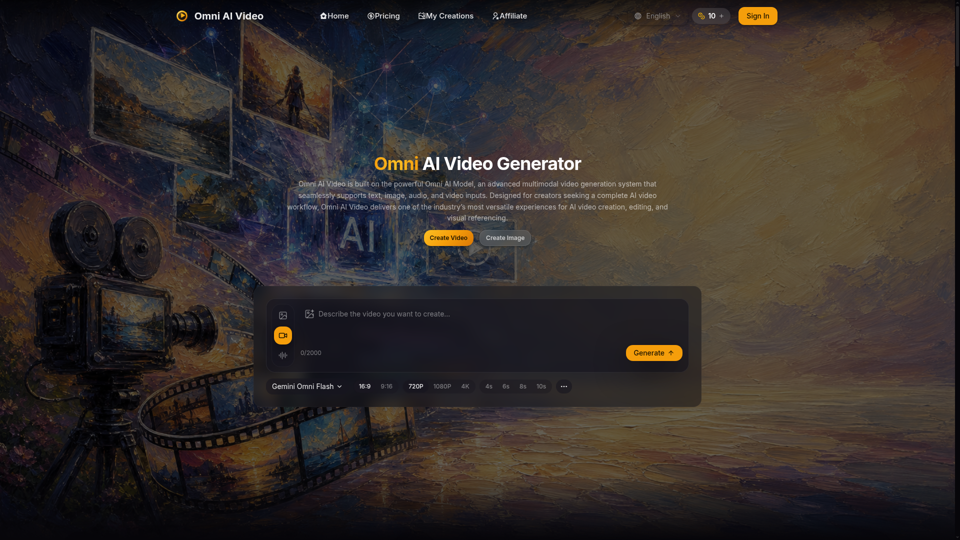
Omni AI Video: multimodal AI video generator powered by Omni AI Model. Supports text, image, audio, and video creation, editing, and reference generation.
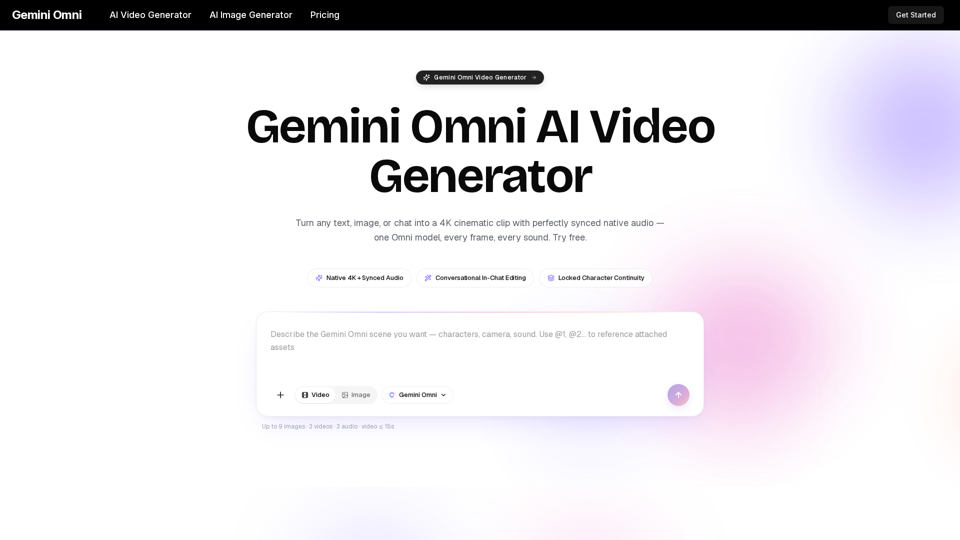
Gemini Omni is a multimodal AI video generator that creates 4K cinematic clips with synchronized native audio from text or chat. Try free!
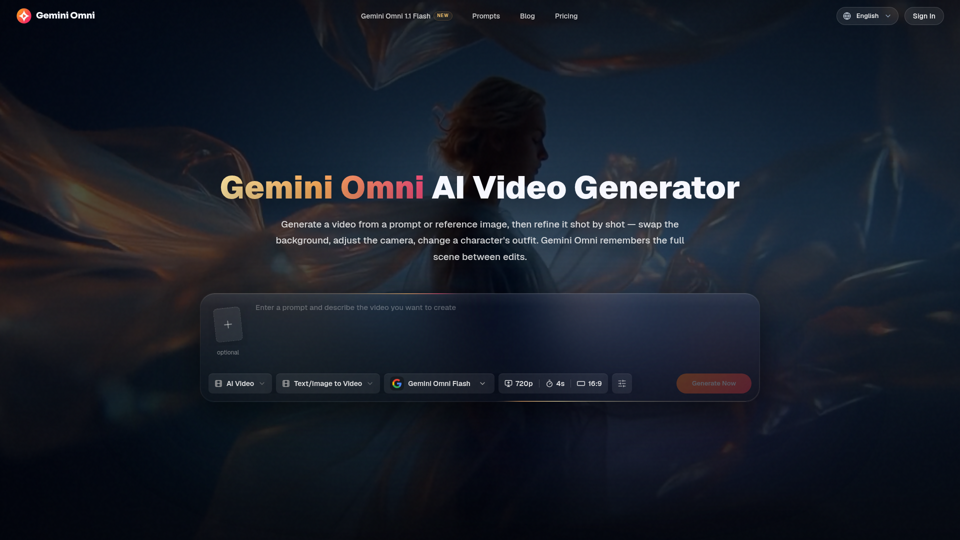
Create and edit AI videos online with Gemini Omni for free. Characters stay consistent, audio stays in sync, and every edit builds on the last. Try it now.
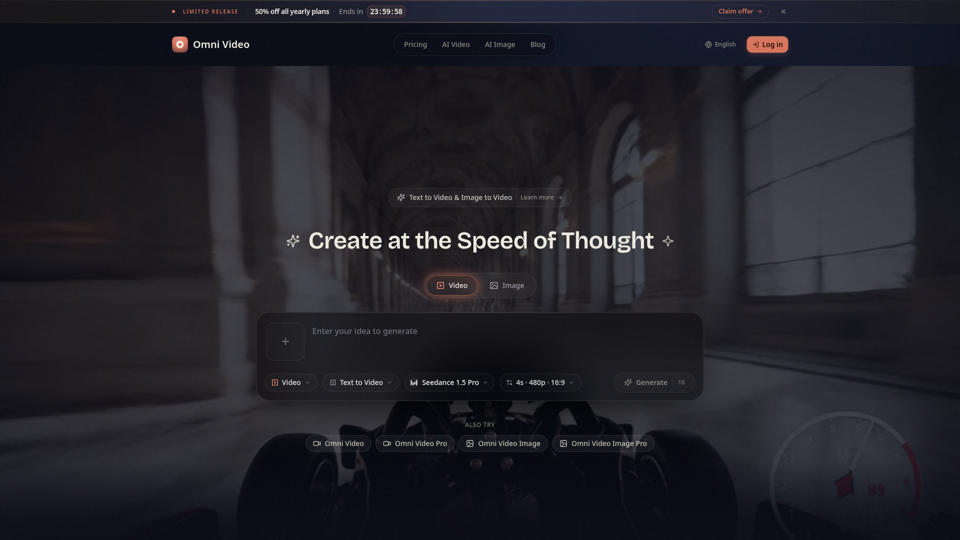
Create cinematic AI videos with Omni Video from text prompts or reference images. Use text-to-video and image-to-video workflows for social clips, ads, education, product stories, and visual ideas.
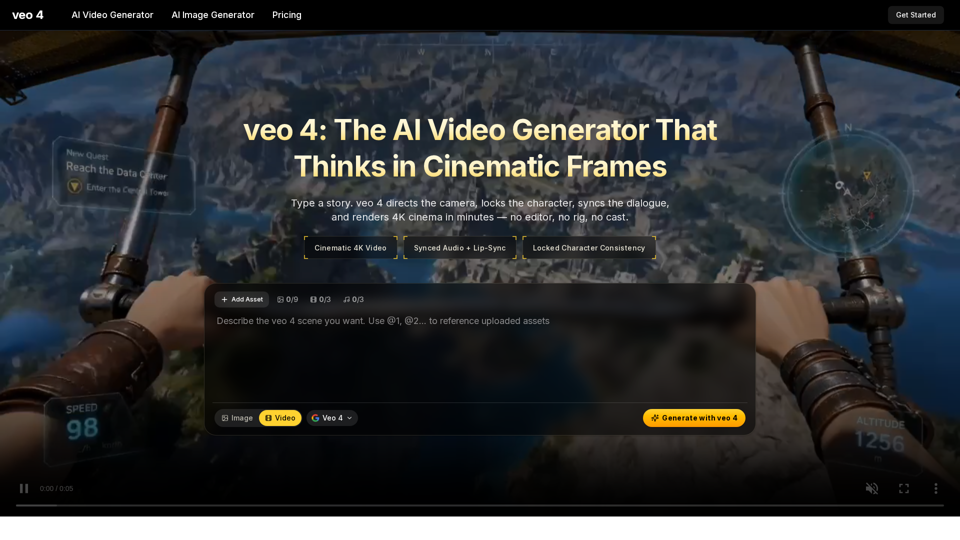
Create 4K cinematic videos with veo 4 for free. Turn text or a single image into synced-audio clips in seconds — no editing skills needed.
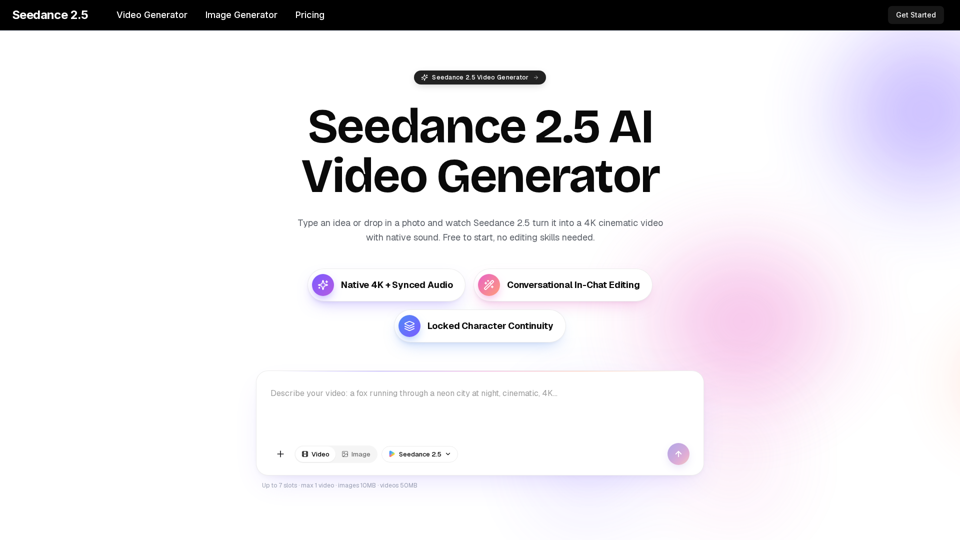
Turn any idea, photo, or clip into a stunning 4K video with Seedance 2.5. The AI video generator with native audio and 30fps motion. Free to try, no skills needed.
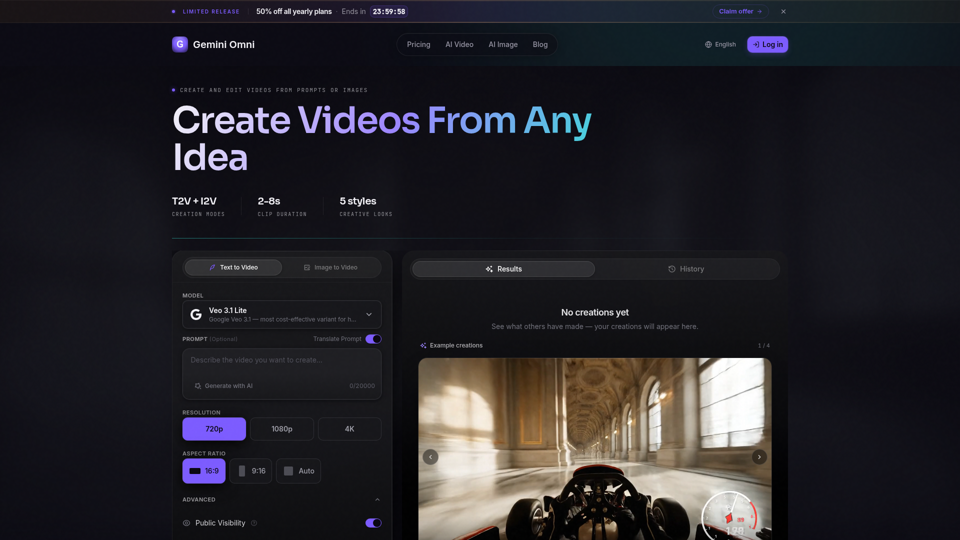
Create AI videos with Gemini Omni from text prompts, images, and reference frames. Generate short clips for social content, ads, product stories, explainers, and visual concepts.
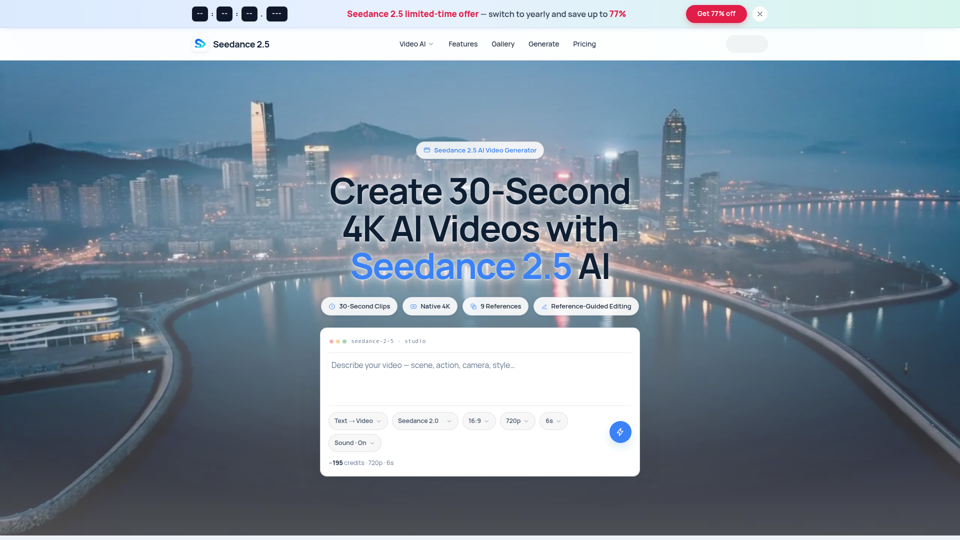
Seedance 2.5 AI turns any text prompt or photo into cinematic, watermark-free 4K video — text-to-video, image-to-video and reference-guided generation.