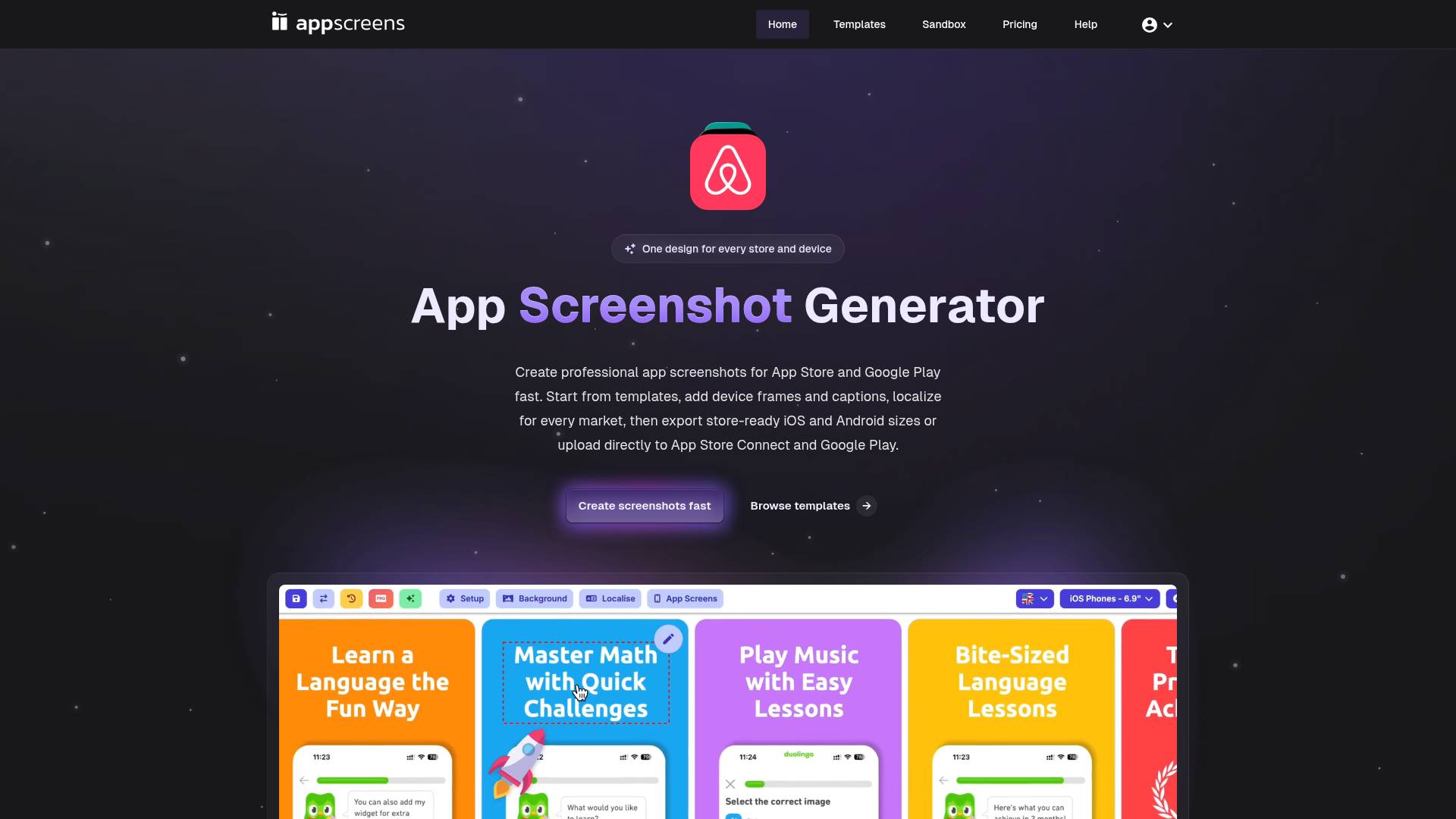
What is AppScreens?
AppScreens is a professional screenshot generator platform designed to help app developers, marketers, and product teams create high-quality, store-ready app screenshots for the Apple App Store, Google Play Store, and other major app platforms like Huawei App Gallery, Google Chrome Store, Amazon App Store, and Microsoft Store. It streamlines the entire process from template selection to final export, eliminating the need for manual design work across multiple devices and locales.
Feature of AppScreens
- Extensive Template Library
- Access over 150 template sets and 500+ editable screenshot layouts to kickstart your design.
- Multi-Platform & Multi-Device Support
- Generate screenshots for iOS (iPhone, iPad), Android (phones, tablets), Wearables (Apple Watch), and more, all from a single design.
- Responsive Design Engine
- One layout automatically adapts to different screen sizes and orientations, ensuring consistency.
- Localization Tools
- Easily localize screenshots for every market by adding translated captions and text without redesigning.
- Direct Publishing
- Export store-ready image files or upload screenshots directly to App Store Connect and Google Play Console.
- Time-Saving Automation
- The platform has saved approximately 70,610 developer days by automating repetitive screenshot creation tasks.
How to Use AppScreens
Using AppScreens is a straightforward, three-step process. First, browse and select a template from the extensive library that fits your app’s style and purpose. Next, customize the template by dragging and dropping your app screenshots, adding device frames, editing captions, and localizing text for different languages. Finally, export your completed set in the precise dimensions required by the App Store or Google Play, or use the integrated feature to publish them directly to the app store consoles. You can start creating a set for free in the sandbox environment to explore the platform's capabilities.
Price of AppScreens
AppScreens offers a freemium model. Users can access the platform and start creating screenshots with basic features for free. For advanced functionalities, such as high-volume exports, priority support, direct publishing to app stores, and access to premium templates, subscription plans are available. Detailed pricing tiers are available on the AppScreens website, with options tailored for individual developers, small teams, and large enterprises.
Helpful Tips for Using AppScreens
- Leverage Templates
- Don't start from scratch. Use the professionally designed templates as a foundation to ensure your screenshots look polished and meet store guidelines.
- Utilize the Localization Feature
- If you're launching your app in multiple countries, use the platform's localization tools to efficiently create screenshot sets for each language, which can significantly boost conversion rates in local markets.
- Preview on Multiple Devices
- Always use the preview function to see how your screenshots will look on different device types (phone, tablet, watch) before exporting to ensure a perfect presentation everywhere.
- Batch Process Updates
- When you update your app's UI, you can quickly regenerate an entire new set of screenshots by replacing the source images in your existing AppScreens project, saving countless hours of manual work.
Frequently Asked Questions (FAQ) about AppScreens
How many app screenshots can I create with AppScreens?
There is no hard limit. The platform is built to handle projects of any scale. To date, users have exported over 11 million screenshots.
What image formats does AppScreens support for export?
AppScreens exports screenshots in the standard formats required by app stores, primarily PNG and JPEG, at the exact resolutions specified by Apple and Google.
Can I use AppScreens for apps that are not on the App Store or Google Play?
Absolutely. While it's optimized for major app stores, you can use AppScreens to create beautiful, framed screenshots for presentation decks, marketing websites, social media, or other distribution platforms like the Microsoft Store.
Do I need design skills to use AppScreens?
No. AppScreens is built for everyone. Its intuitive, drag-and-drop interface and pre-built templates mean you can create professional-quality screenshots without any graphic design experience.
Is there a limit to the number of languages I can localize my screenshots for?
No, you can localize your screenshot captions and text for an unlimited number of languages within a single project, making global app launches much simpler.
How does the direct upload to App Store Connect work?
AppScreens integrates with the official App Store Connect API. Once you connect your account (with the appropriate permissions), you can select a screenshot set and publish it directly to a specific app version, streamlining your store listing update process.
AppScreens
Create app screenshots for App Store and Google Play from templates, localize every market, export store-ready iOS and Android sizes, or upload directly to Apple and Google.
 Clickbank
 Firebase
 Google Cloud
 Google Cloud Trace
 HTTP/3
 Rewardful
Free AI anime and manga generator. Turn text into anime episodes, manga, comics, webtoons and comic shorts in any art style — no drawing or animation skills needed.
Translate image text across 70+ languages with our advanced AI Image Translator to help you better expand your products globally to various countries
Advertised Here
Reach thousands of visitors daily. Get your spot now!
Tools similar to AppScreens
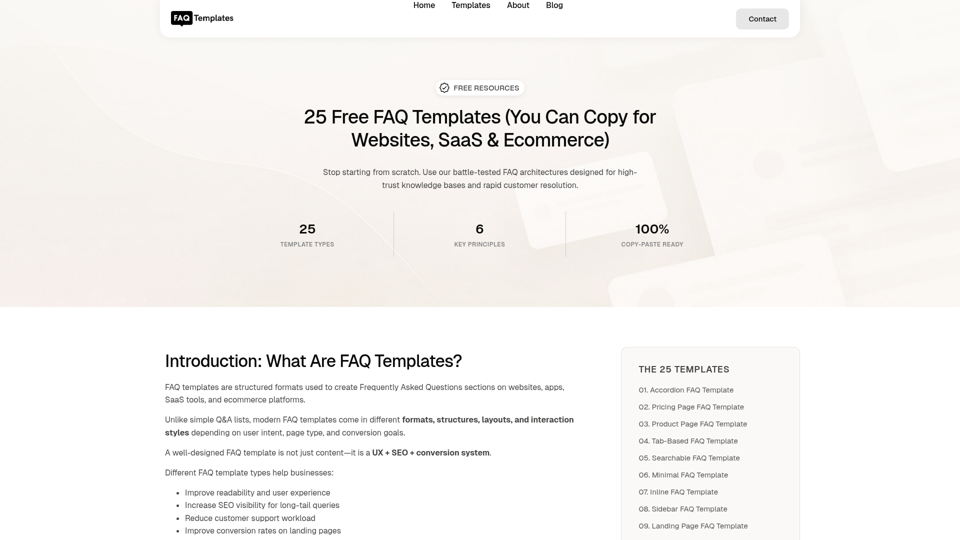
Get 25 free FAQ templates for websites, SaaS, ecommerce, and support pages. Copy ready-made FAQ sections designed for SEO, UX, and conversions.
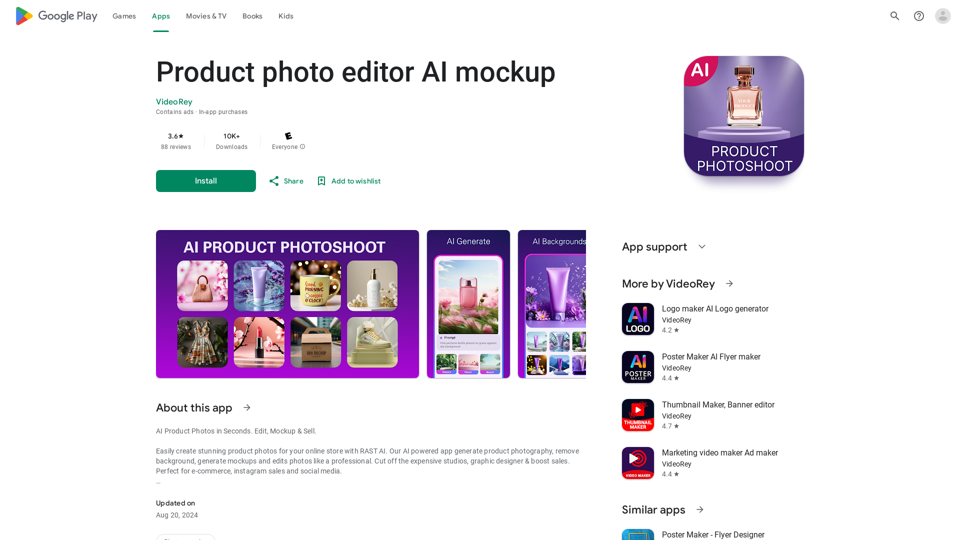
AI Product Photoshoot, ecommerce photo editor, background remover, mockup maker
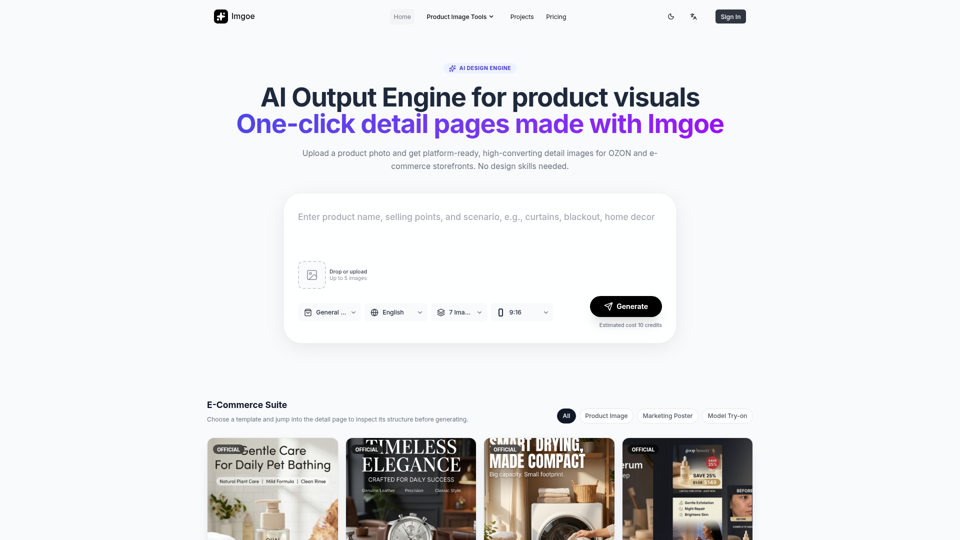
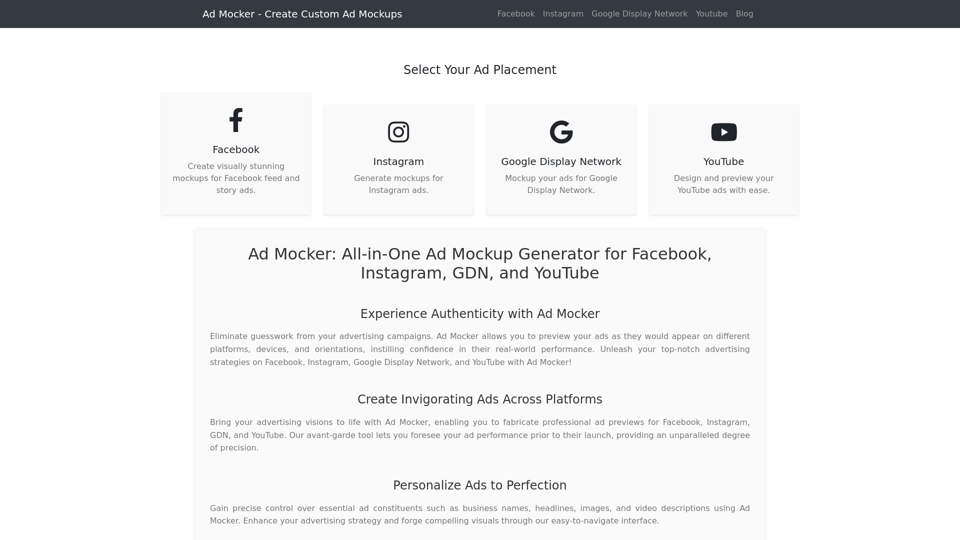
Ad Mocker is a powerful ad mockup generator that allows you to create stunning previews for Facebook, Instagram, Google Display Network, and YouTube ads. Generate custom mockups with dynamic business names, headlines, and descriptions. Take your advertising campaigns to the next level with Ad Mocker. Try it now!
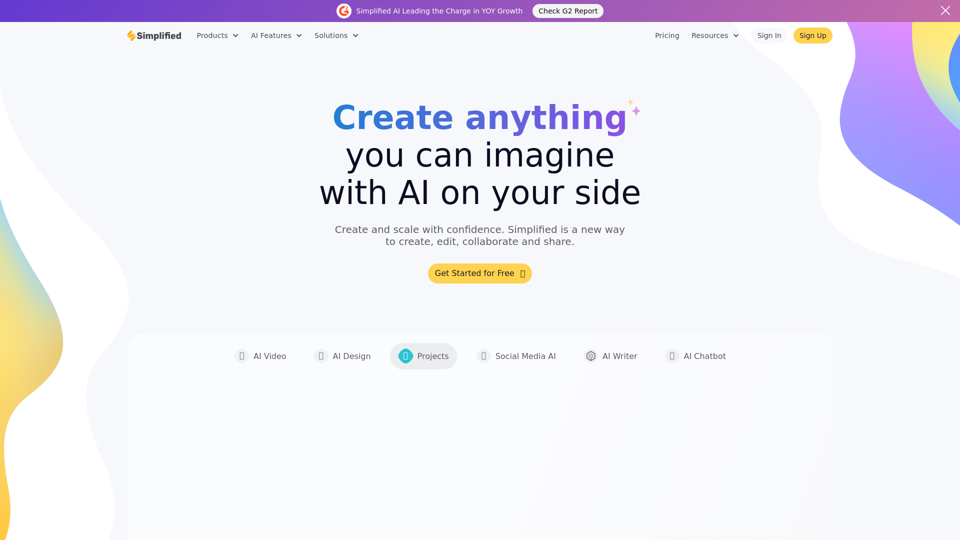
Simplified is the time saving, all in one app that your modern marketing team can use for collaboration. Millions of free images, videos, and audio clips. Thousands of designer templates. Long and short-form content writing in 30+ languages. Content Calendar to schedule and publish posts to social media. Free Forever!
Create, annotate and share screenshots instantly. No design skills necessary. Supademo is an all-in-one tool for interactive demos and screenshots.