What is Pixo.ai?
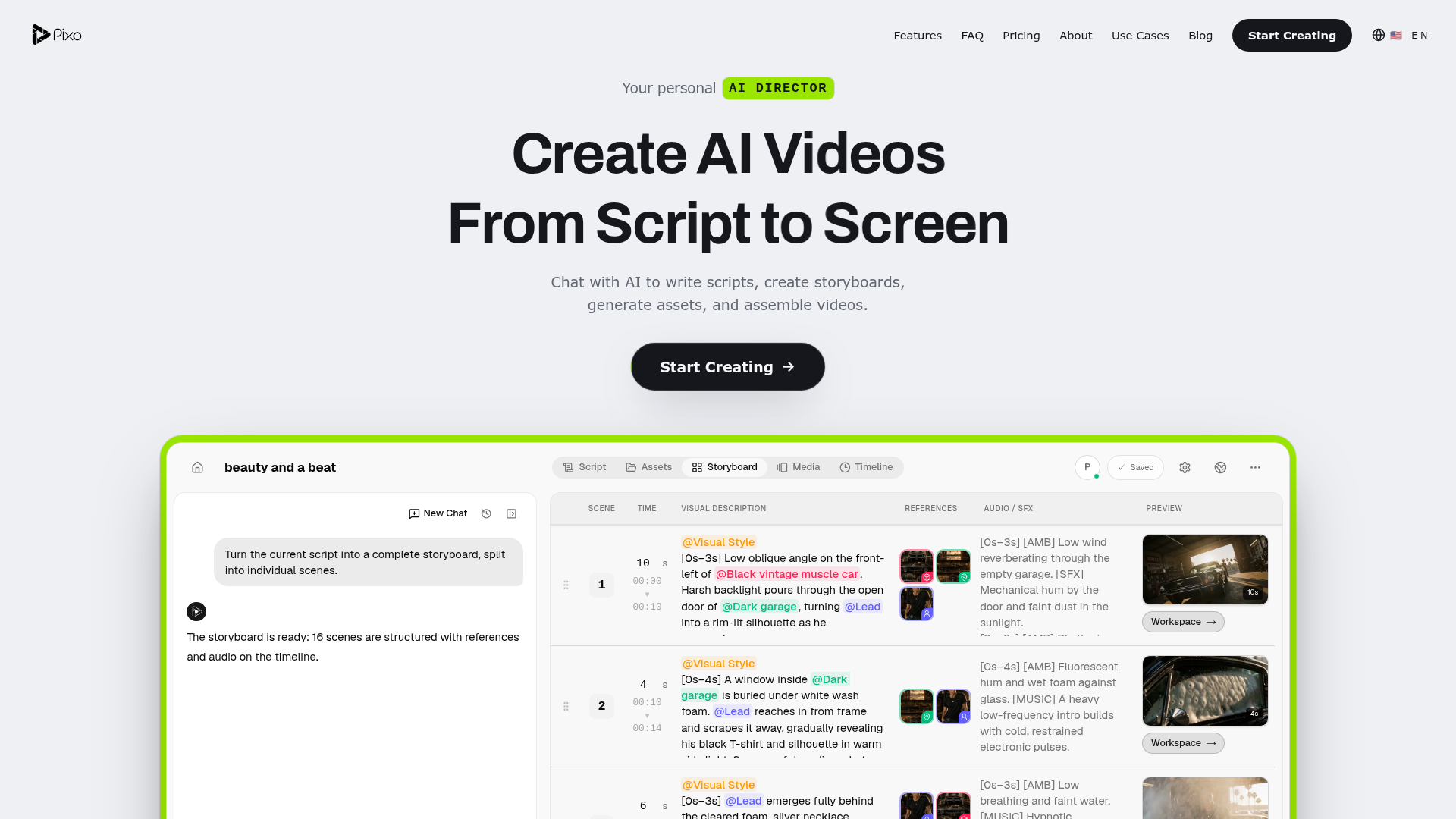
Pixo.ai is a comprehensive AI video creation platform designed to transform creative ideas into fully produced visual content. It functions as a personal AI director, guiding users from initial concept to final cut. By integrating conversational AI, Pixo.ai helps users write scripts, create detailed storyboards, generate all necessary visual assets, and seamlessly assemble professional-grade videos. It aims to democratize high-quality video production, making it accessible to creators, marketers, educators, and businesses without requiring extensive technical expertise or production resources.
What are the key features of Pixo.ai?
Pixo.ai boasts a suite of powerful features that streamline the entire video creation workflow:
- AI-Driven Creative Direction
- Chat with the AI agent to refine your idea. Describe your concept, target audience, desired style, and video length. The AI then turns this brief into a structured script and a detailed production plan.
- Interactive Shot-by-Shot Storyboarding
- Gain precise creative control. Pixo.ai provides a detailed storyboard for each scene, outlining camera angles, timing, visual descriptions, audio cues, and previews. You can review and edit every single shot before any generation begins, allowing for adjustments without redoing the entire project.
- Consistent Asset Library
- Ensure visual coherence throughout your video. The platform intelligently manages and reuses characters, products, locations, voices, and visual styles across all scenes, maintaining a consistent world and brand identity.
- AI-Powered Video Assembly
- The AI handles the complex editing process. It automatically arranges generated clips, synchronizes voiceovers, music, and sound effects on a multi-track timeline. You can regenerate specific elements while preserving what already works, leading to a polished final export.
- Versatile Use-Case Templates
- The platform is built to adapt to diverse creative needs, offering optimized workflows for YouTube content, marketing ads, music videos, product showcases, and educational materials.
How to use Pixo.ai?
Using Pixo.ai involves a simple, intuitive four-step process:
- Start with a Conversation: Begin by chatting with the Pixo AI agent. Describe your video idea, specifying your audience, visual style, and desired length. The AI will translate this conversation into a coherent script and production roadmap.
- Direct the Storyboard: Review the AI-generated storyboard scene by scene. You can modify camera moves, swap visual references, adjust timing, or change audio cues. This step allows you to direct every aspect of the video before any rendering occurs.
- Generate and Manage Assets: Based on the approved storyboard, Pixo.ai generates all required visual assets (characters, scenes, objects). Its asset library ensures consistency, reusing established elements like characters and locations across your project.
- Assemble and Export: The AI edits the final video, aligning clips, audio, and effects on a timeline. Make any final tweaks, then export your completed, professional video ready for publishing.
What is the price of Pixo.ai?
Specific pricing details for Pixo.ai are not provided in the available context. Typically, such platforms offer tiered subscription plans (e.g., Free, Pro, Team, Enterprise) based on features, video length limits, generation credits, export quality, and commercial usage rights. It is recommended to visit the official Pixo.ai website or contact their sales team for the most current and detailed pricing information.
Helpful Tips for Using Pixo.ai
To maximize your results with Pixo.ai, consider the following tips:
- Be Detailed in Your Brief
- The quality of the AI's output heavily relies on your initial input. Provide clear descriptions of mood, character traits, key actions, and visual references for the best starting point.
- Leverage the Storyboard Precision
- Don't skip the storyboard review. This is where you have granular control. Experiment with different camera angles and timing to perfect the pacing and visual impact before generation.
- Utilize the Asset Library
- Establish your main characters, logos, and key locations early. Once saved in the asset library, the AI will consistently use them, saving time and ensuring brand continuity.
- Iterate on Specifics
- If a particular scene or asset isn't perfect, you can regenerate just that element without restarting the entire project, allowing for efficient refinement.
- Explore Use-Case Templates
- Start with the template closest to your project type (e.g., "Music Video" or "Product Showcase"). These are pre-optimized to follow proven structures for those genres.
Frequently Asked Questions (FAQs)
Can I create a music video with Pixo.ai?
Absolutely. Pixo.ai is exceptionally well-suited for creating music videos. You can input your audio track, and the AI will help you build a storyboard with visuals synchronized to the beat, generate thematic scenes and characters, and assemble a dynamic final video that matches the energy and mood of your music.
Do I need any video editing experience to use Pixo.ai?
No, prior editing experience is not required. Pixo.ai is designed to guide users through the entire process using conversational AI and automated workflows. The platform handles the complex tasks of scripting, asset generation, and timeline assembly, making professional video creation accessible to everyone.
Can I use my own images or logos in Pixo.ai videos?
Yes, based on its asset library feature, Pixo.ai allows you to upload and manage your own assets. You can upload product images, company logos, or specific character photos, and the AI will incorporate them consistently into your video scenes.
How long does it take to generate a video?
Generation time depends on the video's complexity, length, and the detail level of assets required. Simple videos might be assembled in minutes, while longer, high-fidelity projects with complex scenes may take longer. The platform provides previews and allows for iterative generation of specific parts.
What video formats can I export?
While specific formats aren't listed here, professional AI video platforms like Pixo.ai typically support standard HD formats (like MP4) suitable for web publishing, social media, and presentations. Higher-tier plans may offer 4K export options.
Is the content created with Pixo.ai royalty-free for commercial use?
This depends on the specific terms of service and your subscription plan. Most platforms grant commercial usage rights to paid subscribers. It is crucial to review Pixo.ai's licensing agreement or contact their support to confirm the rights for your intended use, especially for monetized content.
From idea to final cut, in one chat.
AI agents that research, script, and edit your videos. You direct — they deliver.
 Vercel
Free AI anime and manga generator. Turn text into anime episodes, manga, comics, webtoons and comic shorts in any art style — no drawing or animation skills needed.
Translate image text across 70+ languages with our advanced AI Image Translator to help you better expand your products globally to various countries
Advertised Here
Reach thousands of visitors daily. Get your spot now!
Tools similar to From idea to final cut, in one chat.
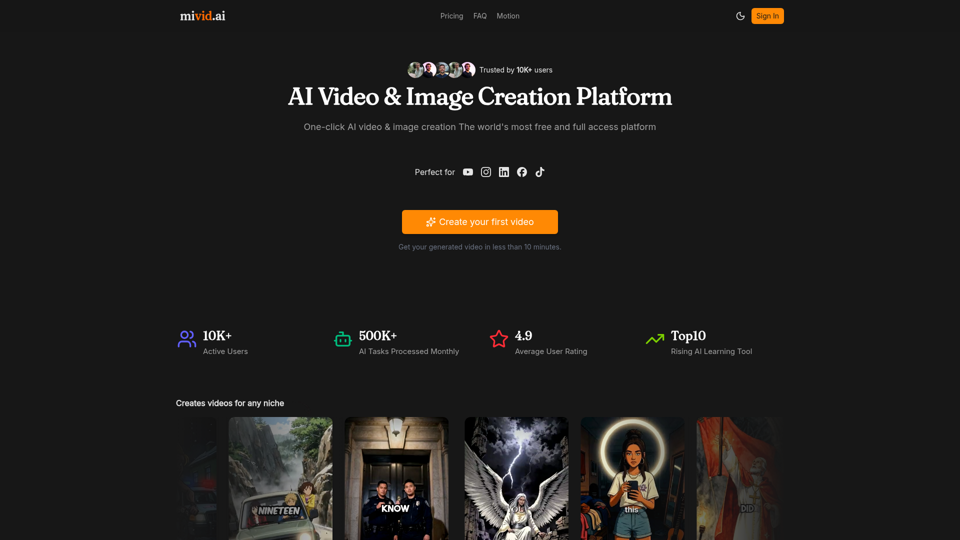
Convert scripts, blog posts, prompts, and ideas into professional AI videos. Generate videos with AI avatars, voiceovers, subtitles, and music in minutes.
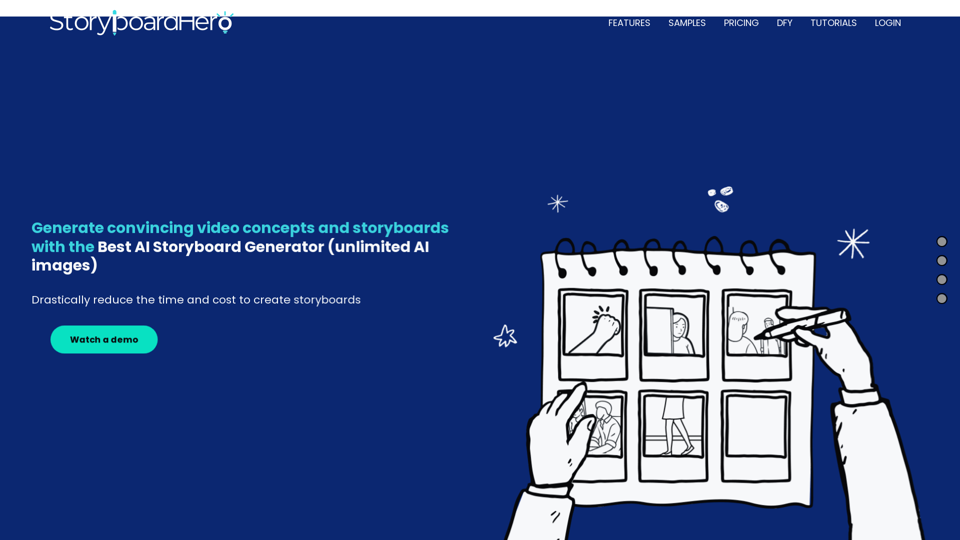
10x Your Video Pre-Production Process with AI Storyboard Generator. Easy to Use, Money Back Guarantee, Cancel Anytime. Try Now!
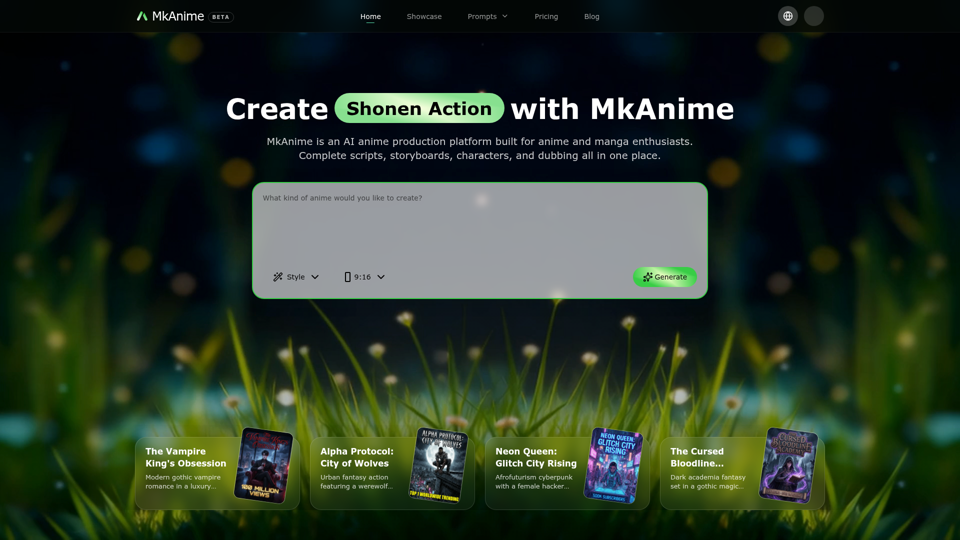
MkAnime is an AI anime studio to turn a prompt into outlines, scripts, storyboards, and short videos with consistent characters, dubbing, and exports.
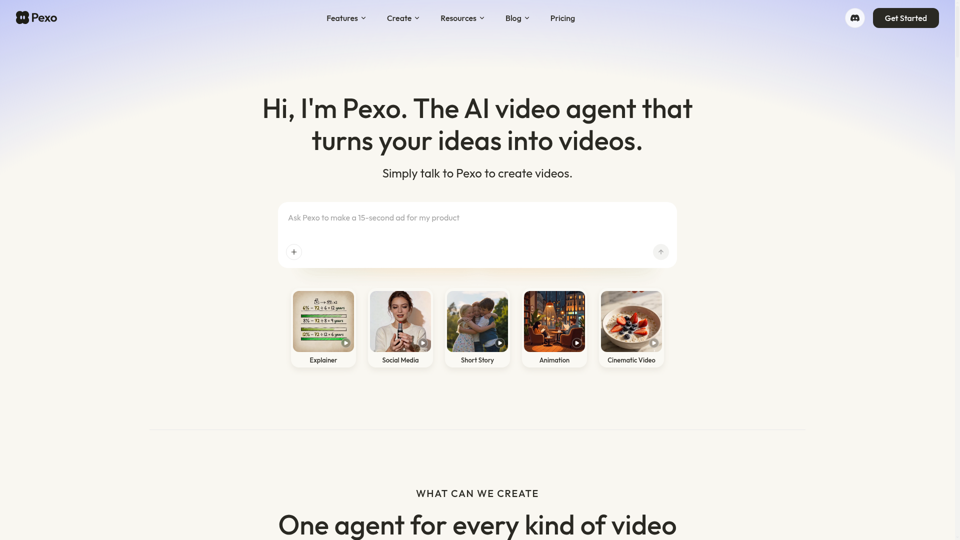
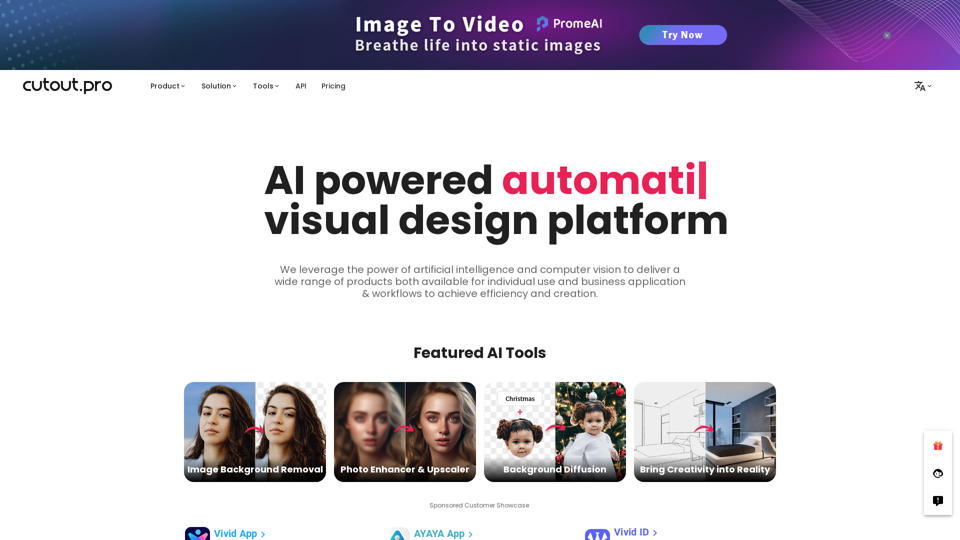
All-in-one visual design platform containing AI photo and video editing tools. Automatic process for background remove, image restoration, graphic design, and content generation. With Cutout.Pro, it is one click away to optimize your content and transform your design ideas into special asset effectively.
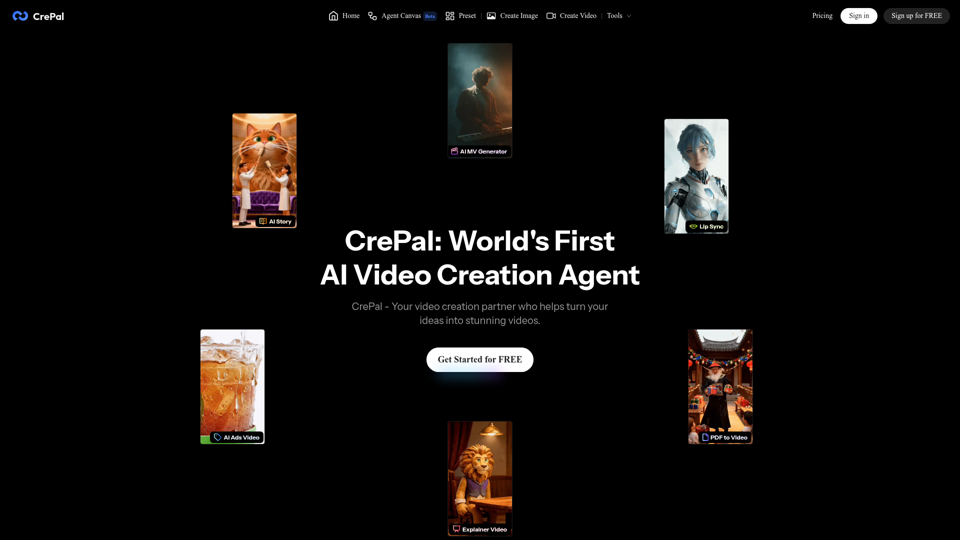
Edit and subtitle videos using AI for free. Our online video processing SaaS tool makes video editing easy and efficient. Join over 10,000 happy users.