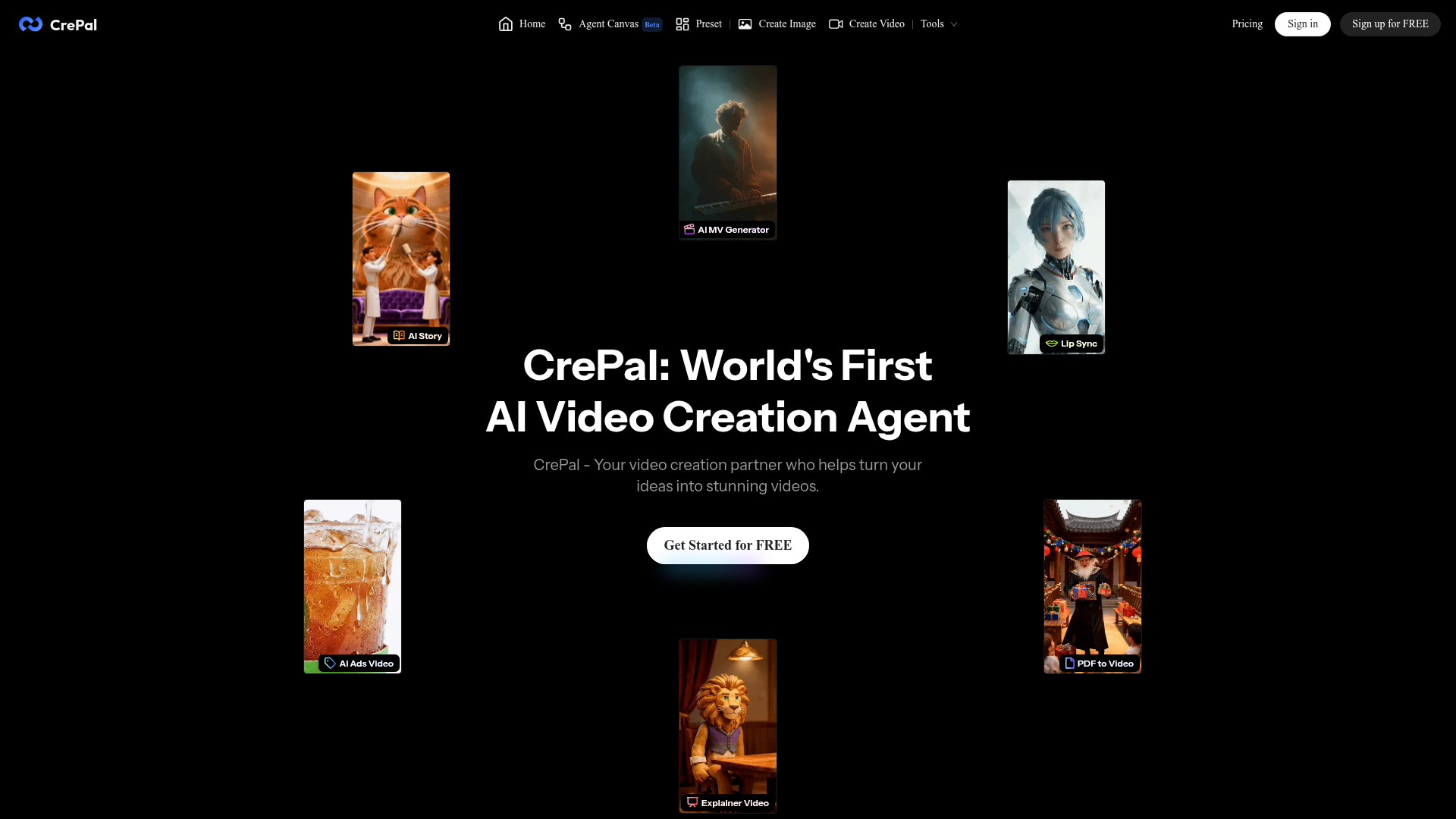
What is CrePal?
CrePal is the world's first AI Video Creation Agent, a groundbreaking platform designed to transform your ideas into stunning, professional-quality videos using advanced artificial intelligence. It serves as your intelligent video creation partner, automating the entire video production process from conception to final export.
What are the main features of CrePal?
CrePal offers a comprehensive suite of AI-powered features for effortless video creation:
- AI Director Agent
- An intelligent agent that automatically writes scripts, plans scenes, selects the best AI models, and generates complete multi-scene videos.
- Multi-Model Integration
- Unifies cutting-edge AI models for planning, imaging, and video generation from top providers like Google Veo, Pika Labs, Runway, OpenAI, and Suno for music.
- Wide Range of Mini Apps
- Includes specialized tools for specific tasks like AI Story creation, AI Music Video generation, Lip Sync, AI Ads Videos, Explainer Videos, and PDF-to-Video conversion.
- Viral AI Video Templates
- Offers a library of templates for popular video styles on TikTok and YouTube, allowing for quick customization.
- Chat-Based Editing
- Enables users to make changes to their videos using simple, natural language commands.
- Professional Export
- Allows the export of high-definition video files complete with subtitles, voiceover, and background music.
How to use CrePal?
- Get Started: Sign up for a free account on CrePal.ai.
- Choose Your Path:
- AI Story Mode (Beginner): Simply describe your idea in a chat. The AI Director will handle the entire process—scriptwriting, scene generation, and final video assembly.
- Director Mode (Professional): Switch to this mode for granular control. You can guide the agent through each step, from storyboard planning to model selection, using natural language.
- Utilize Mini Apps: For specific needs like creating a talking avatar, remixing an ad style, or turning a PDF into a video, use the dedicated Mini Apps for a streamlined experience.
- Select Templates: Browse the template library, pick a viral style you like, and let the AI Agent customize it with your content.
- Review and Export: Watch a real-time preview of the AI Director's work, provide feedback via chat, and finally export your watermark-free HD video.
What is the price of CrePal?
CrePal offers flexible subscription plans to suit different needs, with discounts for annual billing:
- Plus Plan
- Priced at $29 per month (or $26/month annually). It includes 3,000 credits per month, priority task queue, access to all image & video models, 3 concurrent tasks, and watermark-free export.
- Pro Plan
- Priced at $80 per month (or $72/month annually). It includes 8,000 credits per month, 10 concurrent tasks, and all Plus features.
- Max Plan
- Priced at $200 per month (or $180/month annually). It includes 20,000 credits per month, unlimited concurrent tasks, one-on-one customer support, and all Pro features.
A free tier is also available to get started. Users can also purchase additional credits as needed.
Helpful Tips for Using CrePal
- Start Simple
- Begin with the AI Story Mode to understand the platform's capabilities.
- Be Descriptive
- When giving prompts, be as descriptive as possible about the mood, style, colors, and pacing you want for better results.
- Leverage Templates
- Use templates as a starting point for trending content to save time and effort.
- Iterate with Chat
- Don't hesitate to use the chat feature to ask for specific edits like "shorter intro," "warmer color palette," or "punchier cuts."
- Explore Mini Apps
- For repetitive tasks like creating product videos or explainers, the specialized Mini Apps can significantly speed up your workflow.
- Monitor Credits
- Different AI models consume different amounts of credits. Plan your usage according to your subscription tier.
Frequently Asked Questions about CrePal
How is CrePal different from regular AI video tools?
Most AI tools generate short, isolated clips. CrePal coordinates multiple AI models to manage narratives, maintain character and style consistency, and produce complete, multi-scene videos with a coherent story.
Can CrePal generate a full video from just a short prompt?
Yes. A single sentence can be expanded by the AI Director into a full script, storyboard, scenes, transitions, music, and a final polished video.
Does CrePal support character and style consistency across a video?
Yes. One of CrePal's core strengths is maintaining consistency for characters, faces, outfits, visual style, and color tone throughout the entire video production.
Which AI video models does CrePal support?
CrePal supports a wide array of industry-leading models including Google Veo, Pika Labs, Seedance, Suno (for music), Runway, GPT for images, Kling, Hailuo, and many others.
Who is CrePal designed for?
CrePal is designed for a wide range of users including content creators, social media influencers, marketers, advertising agencies, small business owners, educators, and anyone who needs to produce high-quality video content quickly without extensive editing skills.
CrePal
CrePal integrates the most advanced AI models for image and video generation on the market.It intelligently selects the best model combination based on your creative needs to help you get the job done.
 Cloudflare
 Google Sign-in
 Node.js
 Nuxt.js
 Vue.js
Free AI anime and manga generator. Turn text into anime episodes, manga, comics, webtoons and comic shorts in any art style — no drawing or animation skills needed.
Translate image text across 70+ languages with our advanced AI Image Translator to help you better expand your products globally to various countries
Advertised Here
Reach thousands of visitors daily. Get your spot now!
Tools similar to CrePal
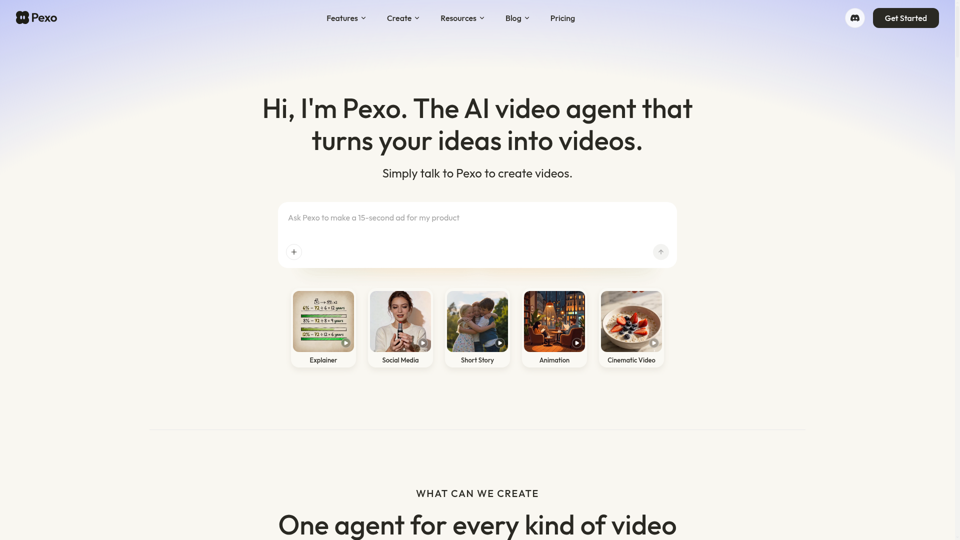
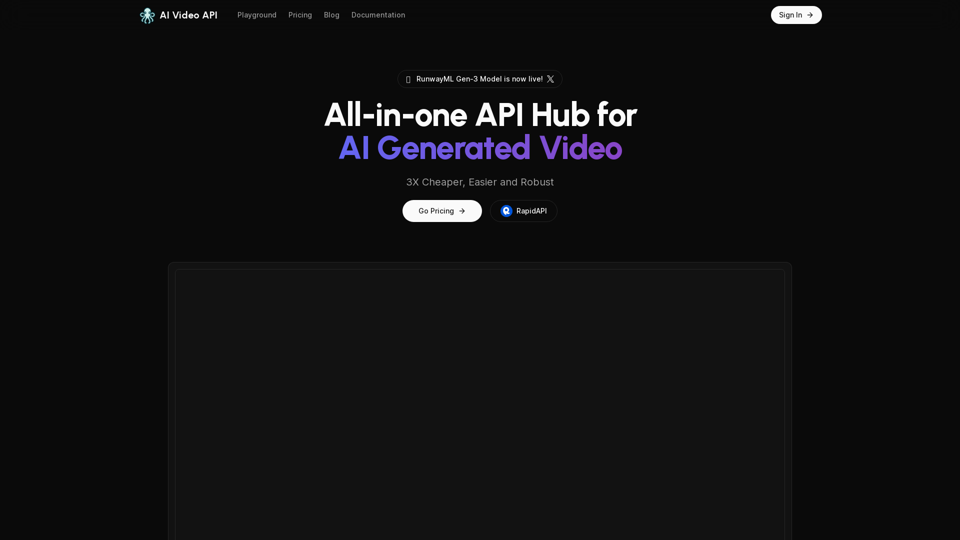
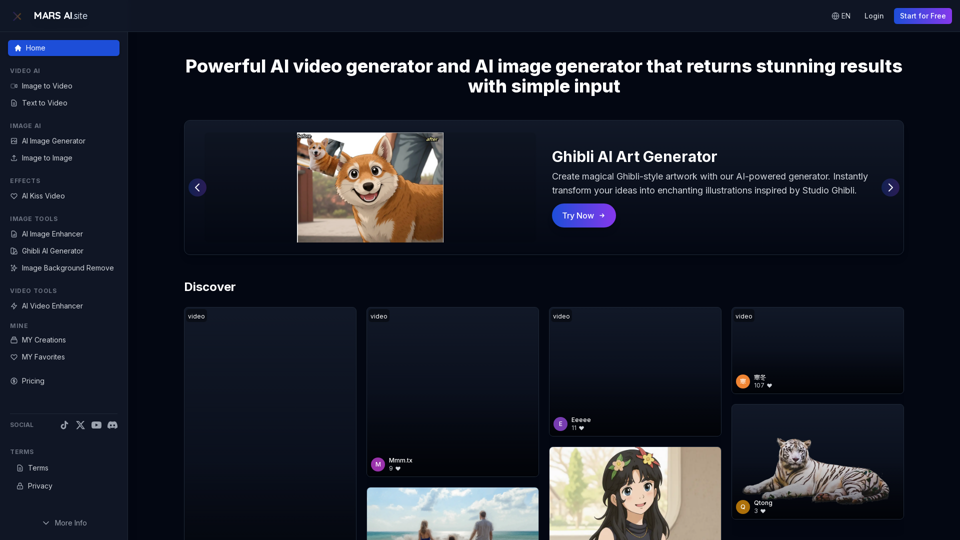
Free AI video generator and image generator tools by MARS AI. Create professional videos and images from text or images. Transform your ideas into stunning visual content. No technical skills required
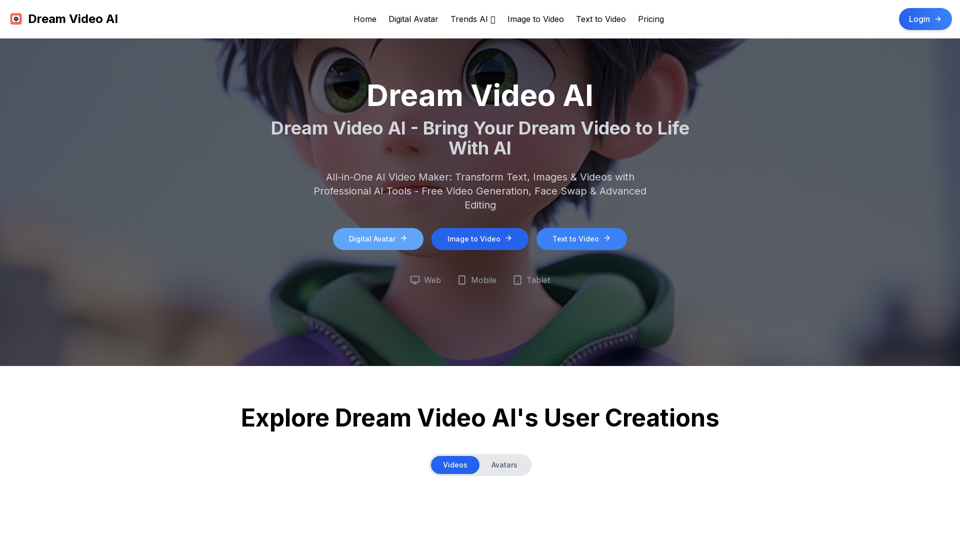
All-in-One AI Video Maker: Transform Text, Images & Videos with Professional AI Tools - Free Video Generation, Face Swap & Advanced Editing
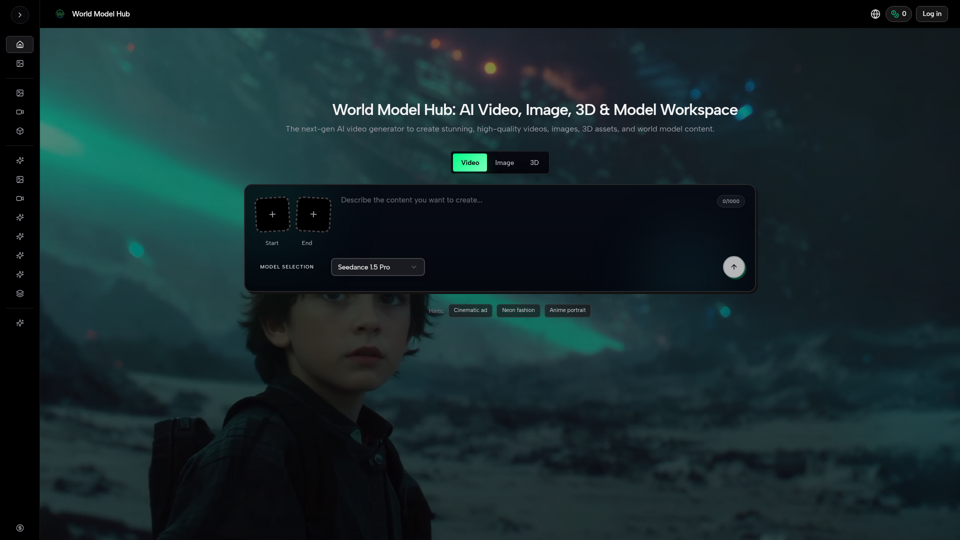
Create AI videos, AI images, and 3D assets in one platform. Compare models, control outputs, and move from prompt to production faster with WMHub.
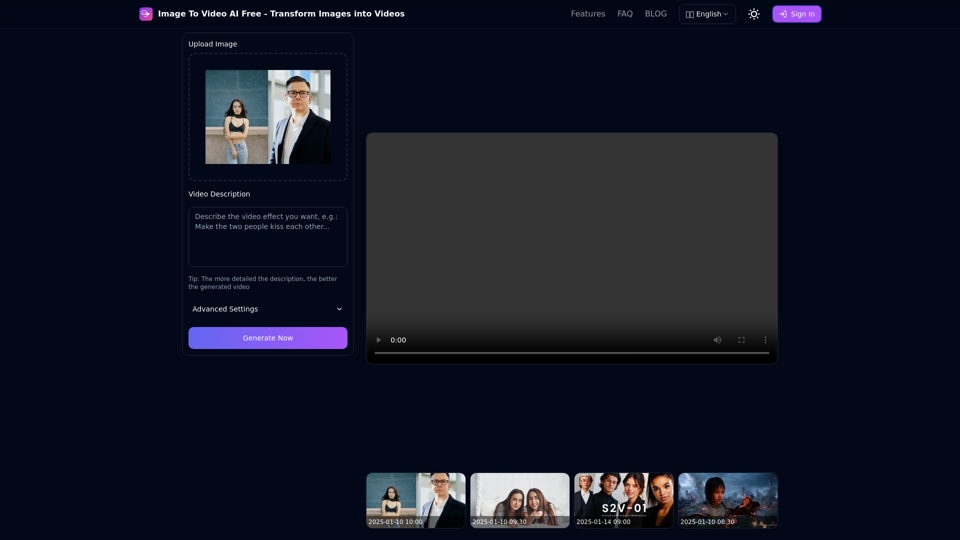
Free online tool to convert images into stunning videos using AI technology. Transform static images into dynamic videos with our advanced AI video generation.
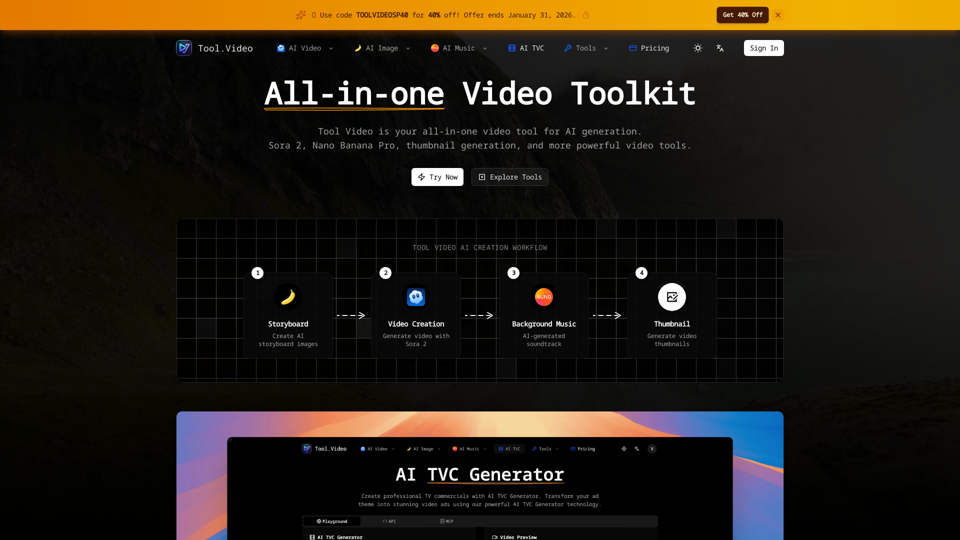
Tool Video is an all-in-one AI video generation toolkit with API support. Create stunning videos using Sora 2, Nano Banana Pro, and more AI video tools.